


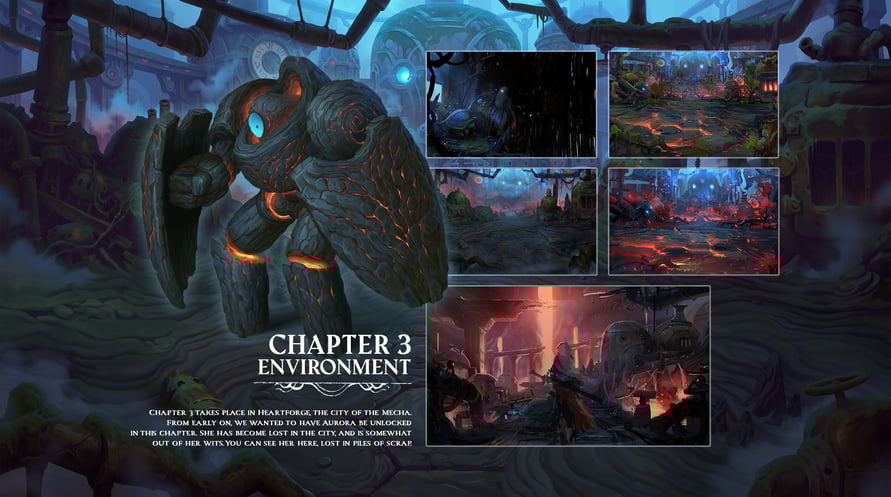
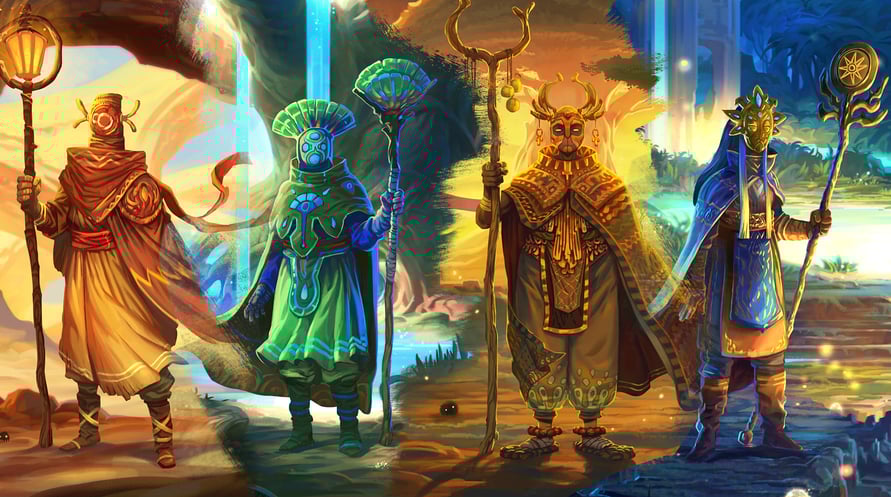
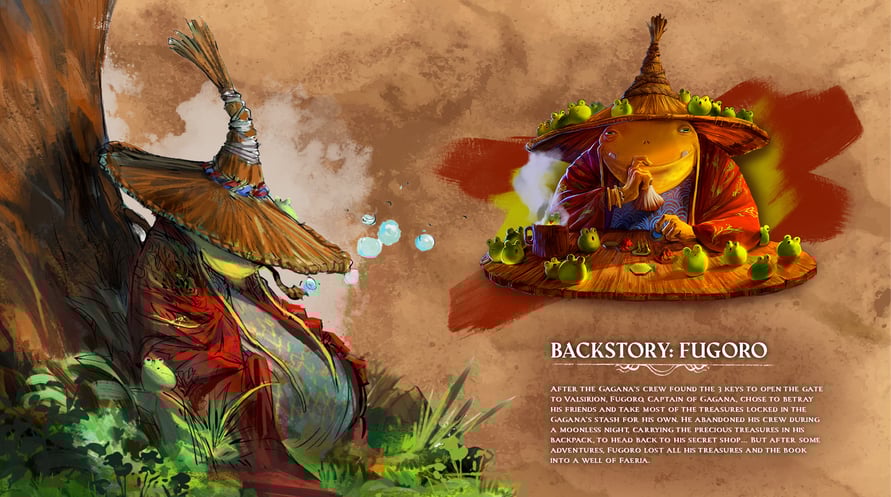
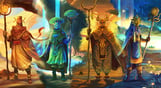
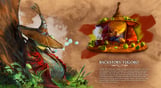
Explore the enchanting world of Roguebook over 50 pages of sketches and original illustrations that reveal the unique vision of the artists behind the game.
Explore the enchanting world of Roguebook over 50 pages of sketches and original illustrations that reveal the unique vision of the artists behind the game.
This digital artbook transports you to the magical lands of Roguebook, a game set in the extended universe of Faeria. From initial sketch to final illustration, explore the characters, environments and bestiary of the game.
To view the digital artbook:
1. Right click on Roguebook in your Steam library
2. Select Properties > Local files > Browse
3. Open the folder ''Artbook''
Roguebook - The Art of Roguebook

Informations d'activation
United States
Disponible dans votre région
Activé dans United States
Jeux similaires

HELLDIVERS Support Pack

Post Mortem


Going Under Soundtrack

Unusual Findings


