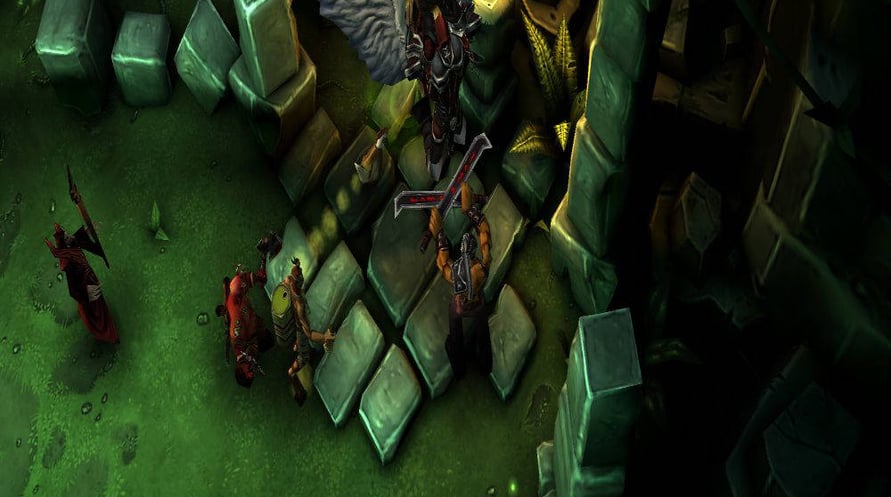
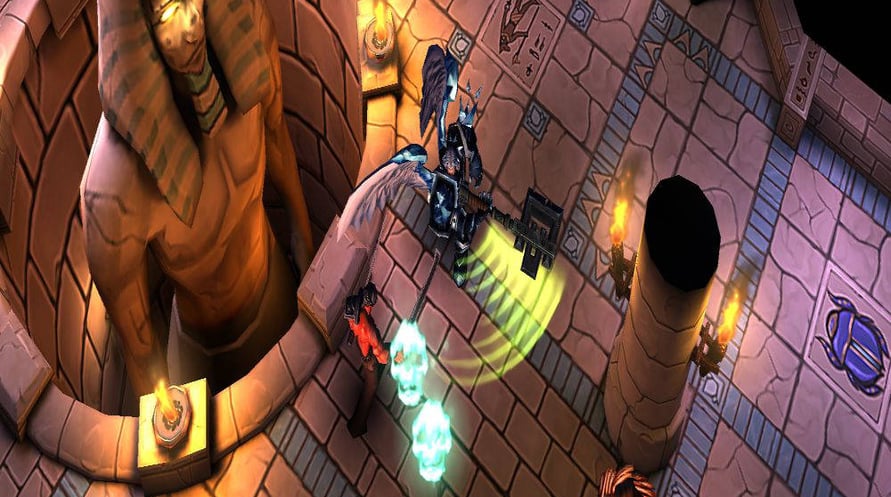
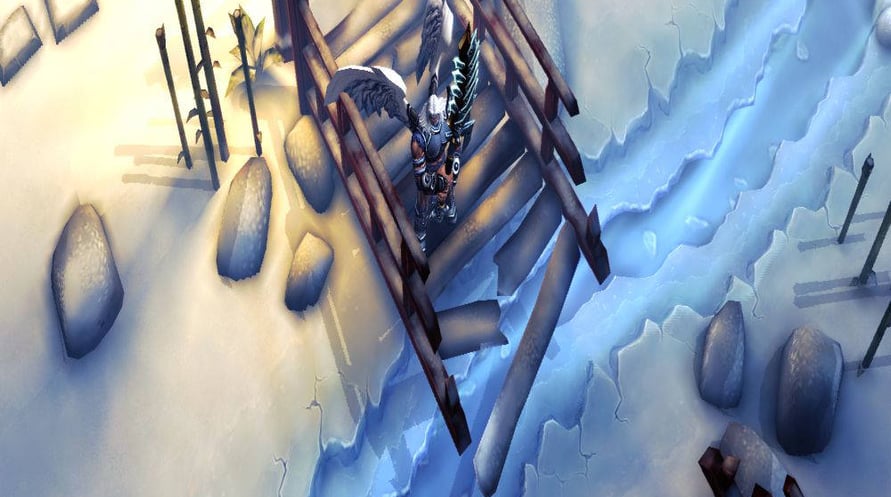
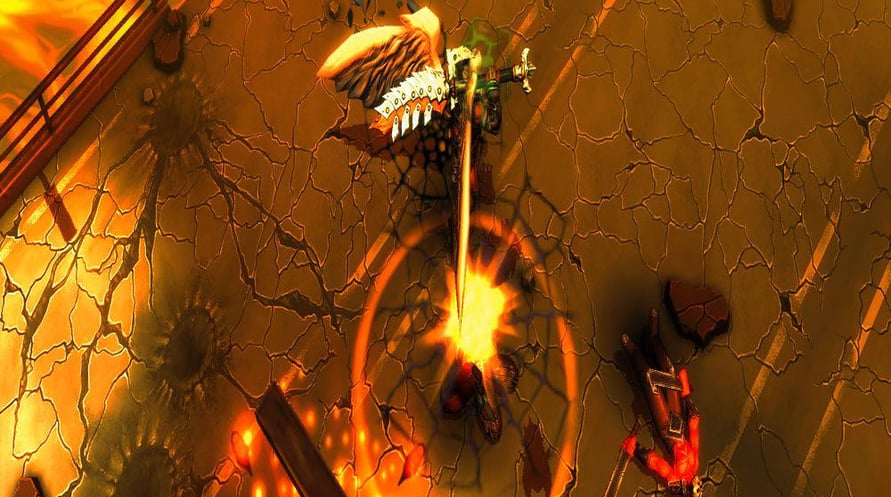
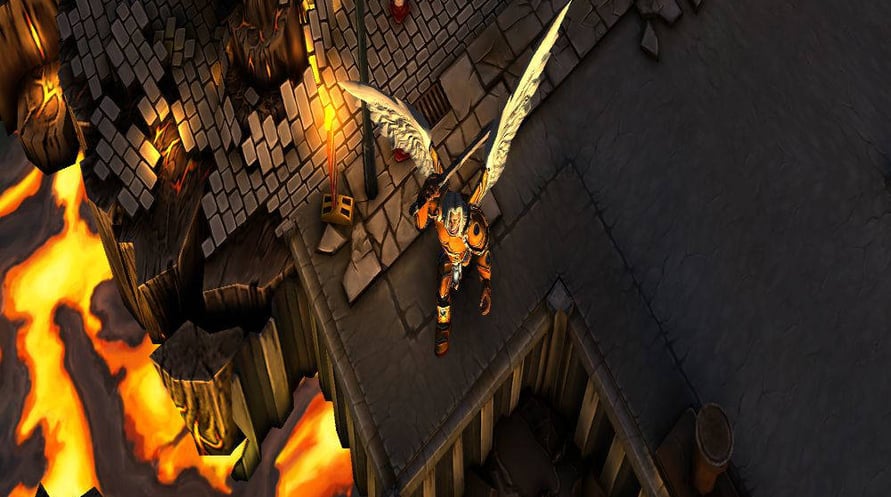
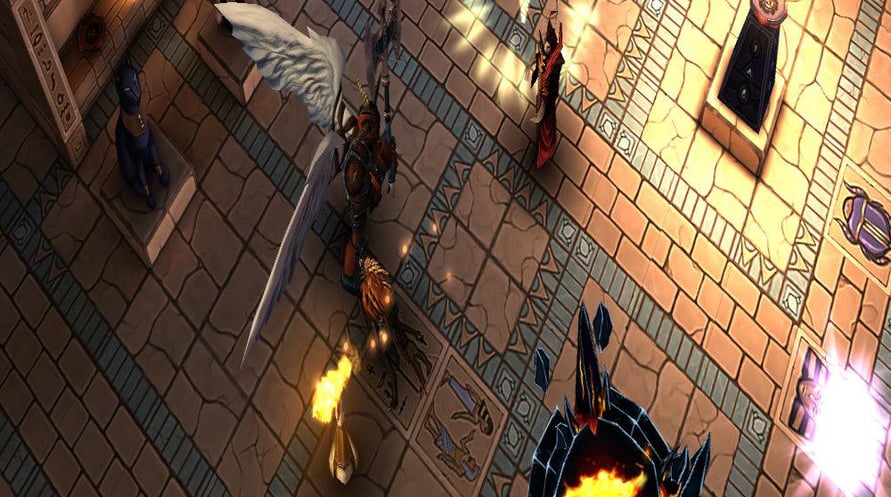


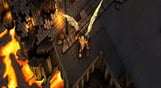
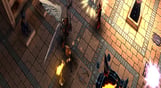
Humankind is on the brink to discover the secret of eternal life. Fearful of their existence, angels and demons make a pact to proclaim the apocalypse enabling them to materialize on earth and fight the humans. SoulCraft lets you play as an angel and it’s up to you to decide who will win the war – the Evil itself from hell, God in heaven or the humans.
With over six million users SoulCraft is one of the best Action RPG games for Android, iOS and Windows Phone - now it is also available on PC!
Have you ever levelled up a ranged hunter or a wild melee fighter in good old Hack ‘n Slash fashion? Collected loot en masse and upgraded countless equipment to epic proportions?! Felt good, didn’t it? Then now it's time to fulfil your destiny: Do your duty, be a legendary hero and fight for the balance of life itself and be a beacon in this darkest of times in the action RPG SoulCraft. Become an arcane legend and bring back order into a world of chaos. Unleash your wild blood!
Minimum Requirements:
Recommended Requirements:
Pour activer la clé Steam que vous avez reçue, suivez les instructions ci-dessous :
- Tout d'abord, ouvrez le client Steam. (Si vous ne l'avez pas, cliquez simplement sur le bouton "Installer Steam" ici => Boutique Steam )
- Connectez-vous à votre compte Steam. (Si vous n'en avez pas, cliquez ici pour en créer un nouveau => Compte Steam )
- Cliquez sur le bouton "AJOUTER UN JEU" dans le coin inférieur du client.
- Ensuite, sélectionnez "Activer un produit sur Steam..."
- Écrivez ou copiez-collez la clé d'activation que vous avez reçue de Voidu dans la fenêtre.
- Votre jeu est maintenant visible dans votre bibliothèque ! Cliquez sur votre "Bibliothèque".
- Enfin, cliquez sur le jeu et sélectionnez "Installer" pour commencer votre téléchargement.