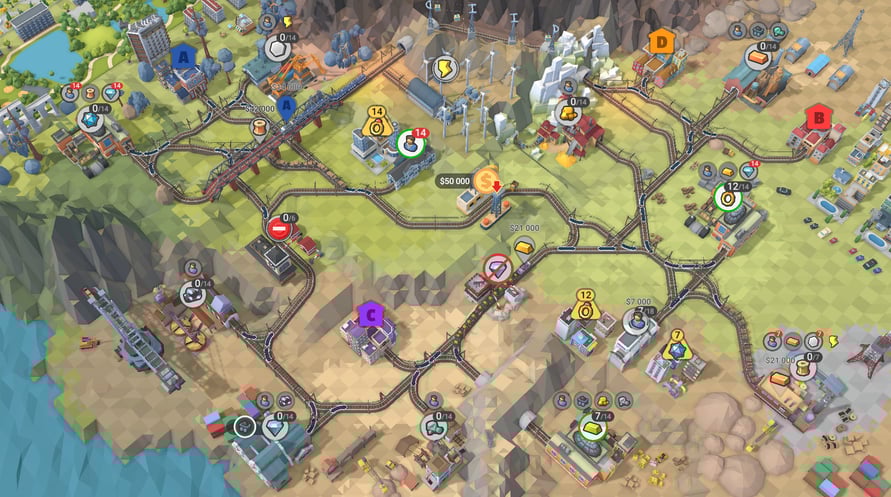
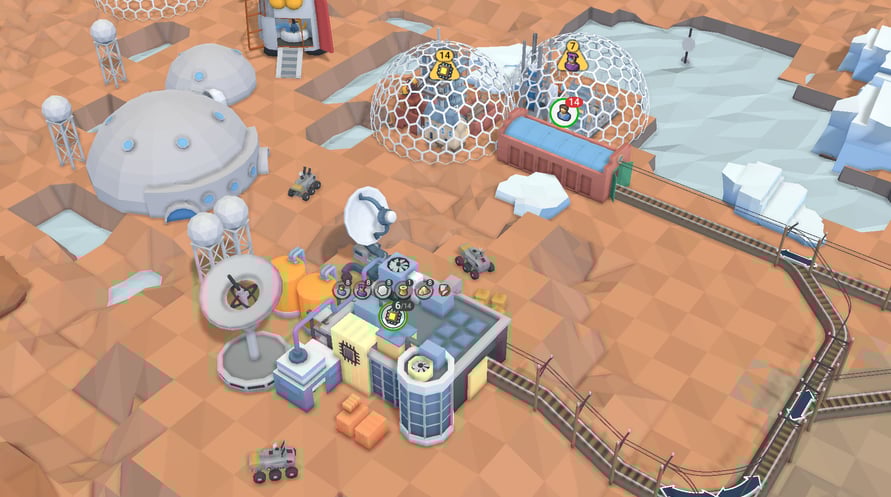
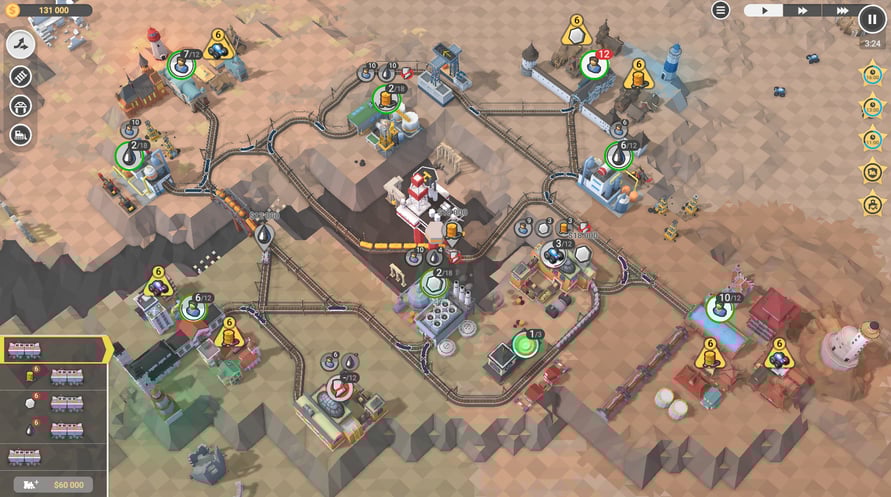
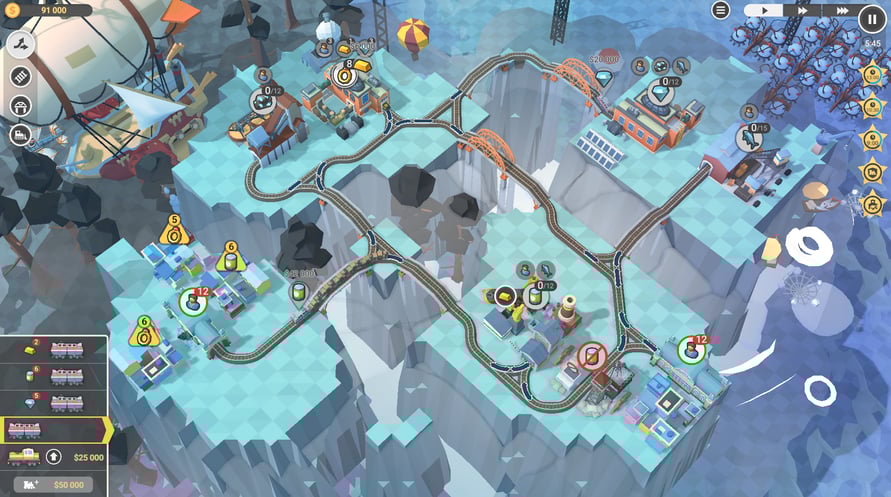
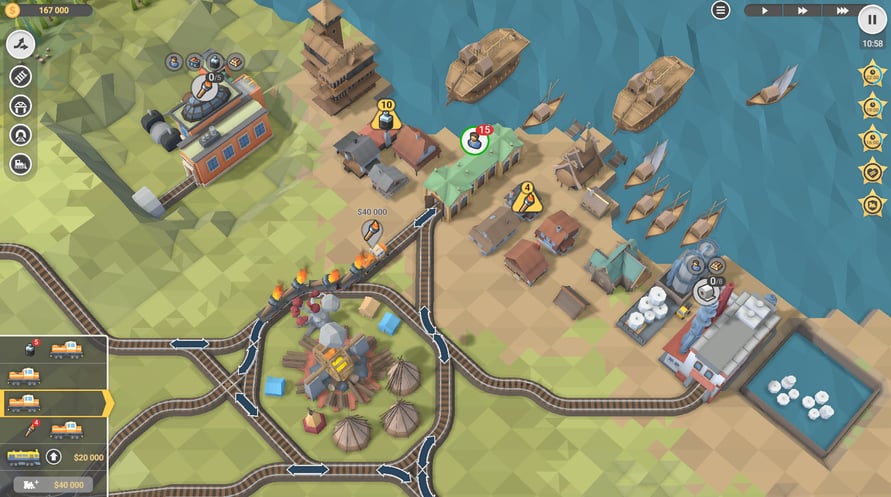
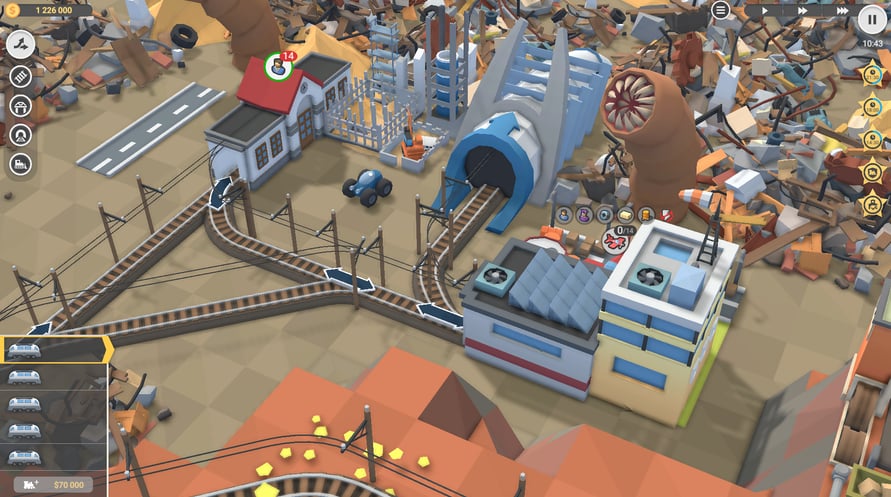
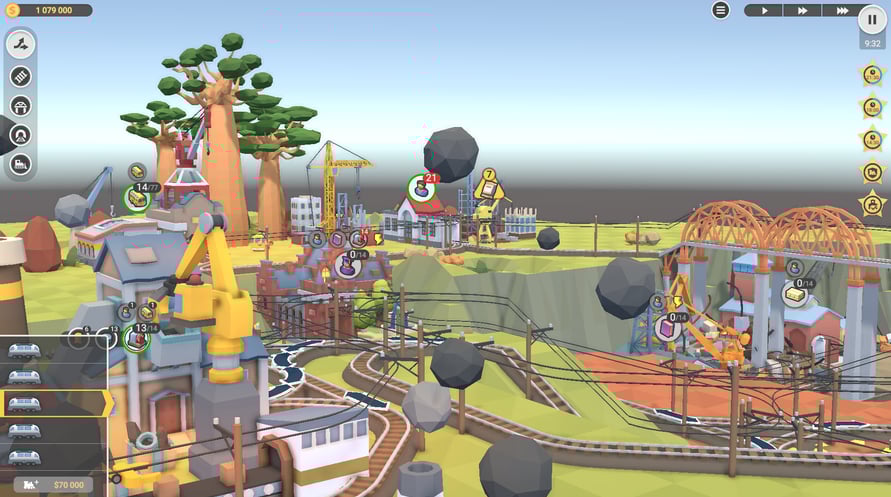
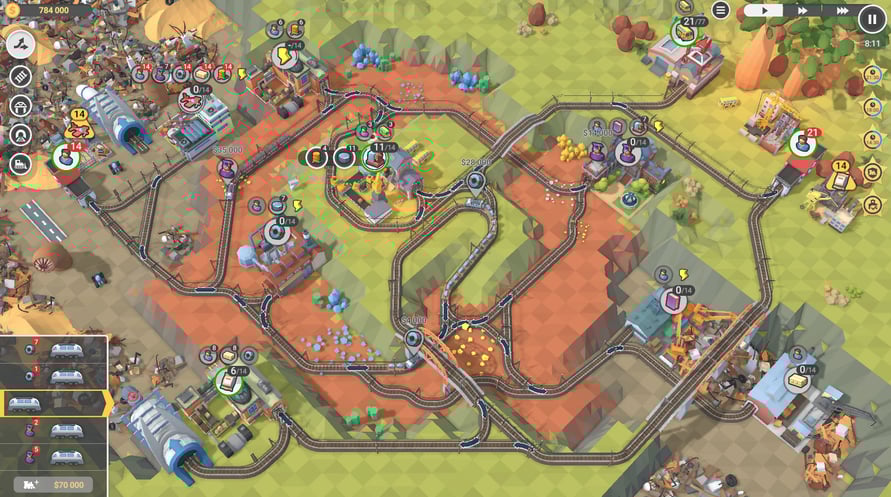
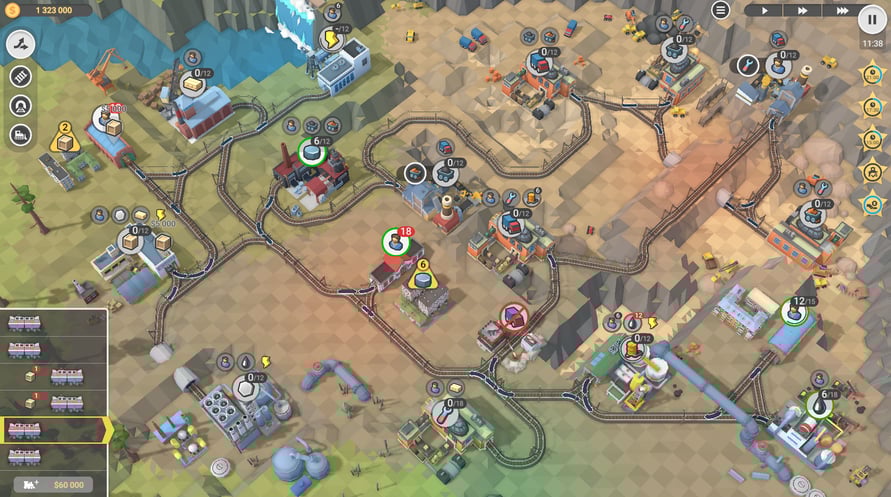
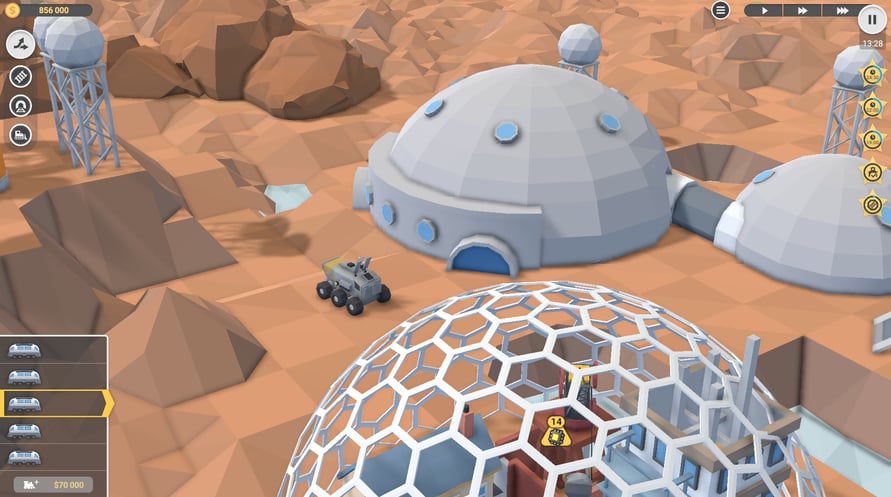
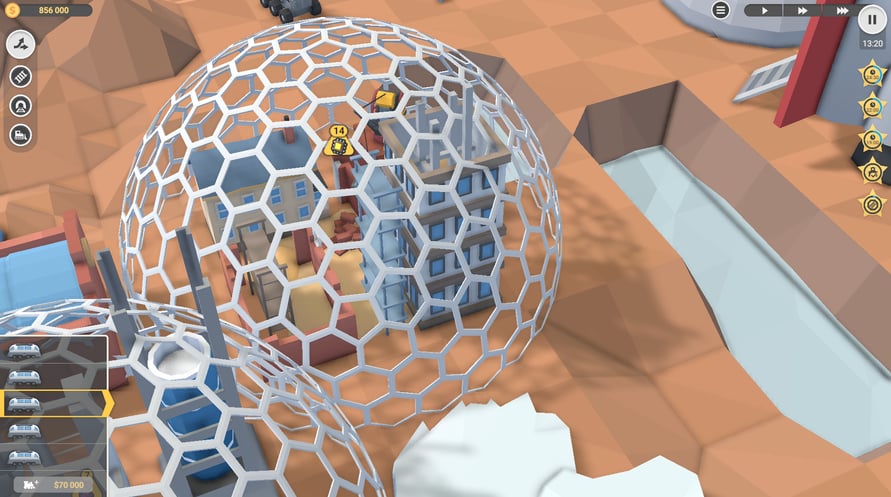
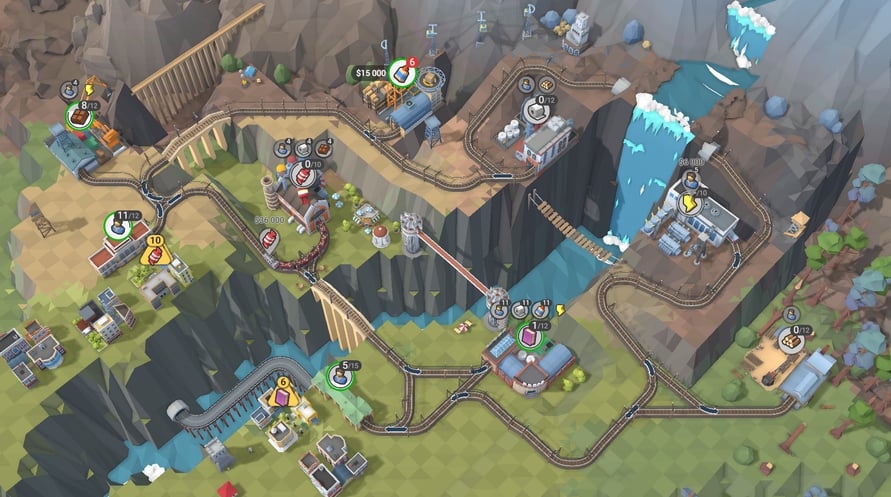
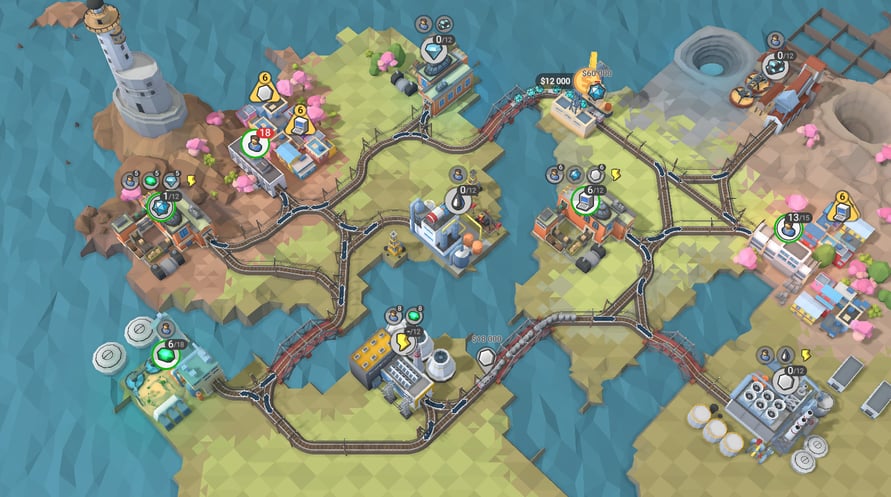
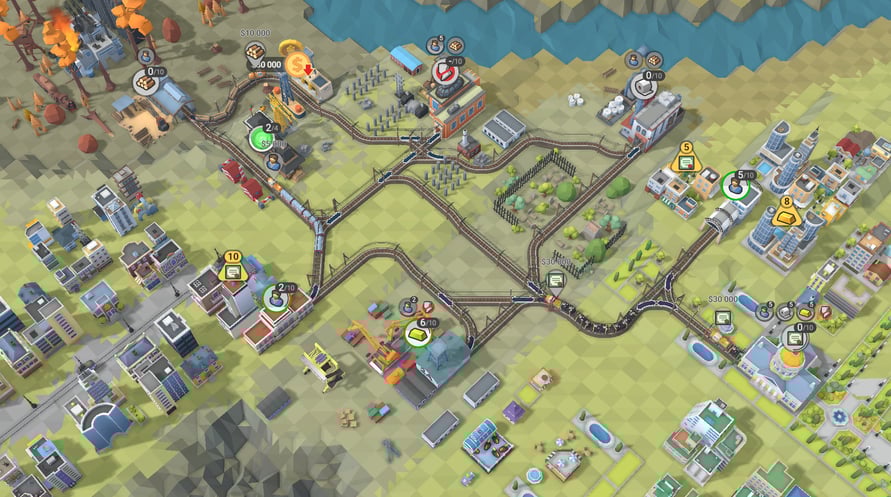
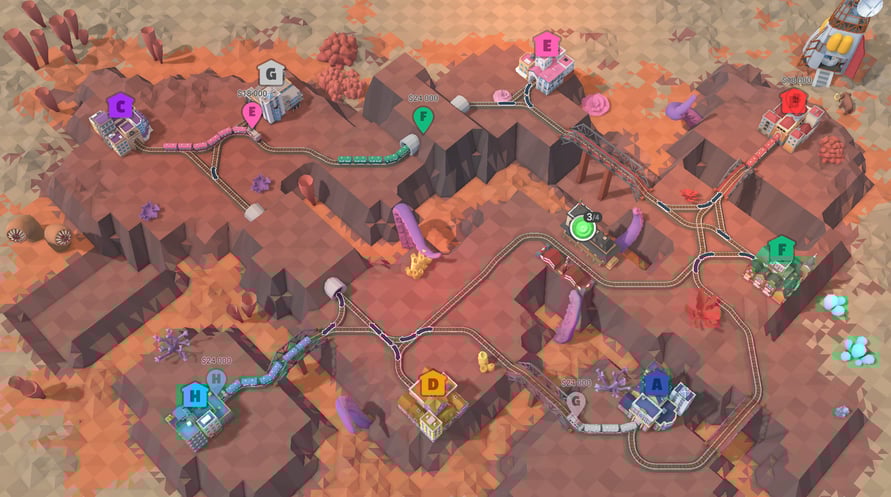
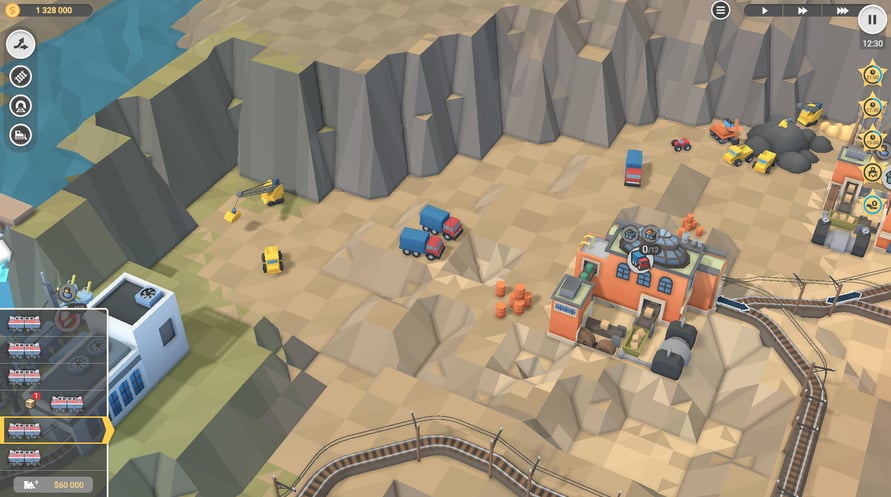
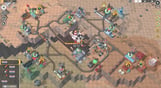

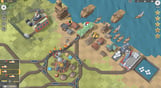


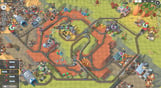
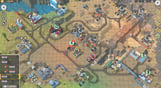


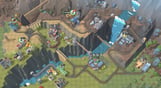
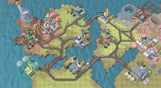
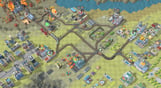
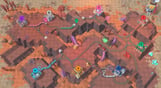
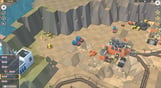
Editor's Bulletin is here to bring you up to speed with the latest developments in the competitive business of driving fast trains with expensive cargo across unpredictable, treacherous and somehow familiar landscapes. Make your way through 30 valleys, conquer terrain and solve construction puzzles, add new locomotives to your fleet and keep in mind that the clock is ticking on those 5-star objectives.
NOTICE: This content requires the base game Train Valley 2 on Steam in order to play.
Windows Minimum Requirements:
- OS: Windows Vista SP1+
- Processor: Intel Core 2 Duo E4500 @ 2.2GHz or AMD Athlon 64 X2 5600+
- Memory: 2 GB RAM
- Graphics: ATi Radeon HD 2400 or NVIDIA GeForce 7600
- DirectX: Version 9.0
- Storage: 1 GB available space
Windows Recommended Requirements:
- OS: Windows 10
- Processor: Core i5 or better
- Memory: 8 GB RAM
- Graphics: NVIDIA GeForce GTX1050 Ti or higher
- Storage: 1 GB available space
Mac Minimum Requirements:
- OS: Mac OS X 10.12+
- Processor: 1.7 GHz Intel Core i5
- Memory: 2 GB RAM
- Storage: 1 GB available space
Mac Recommended Requirements:
- OS: OS X El Capitan
- Processor: 1.7 GHz Intel Core i5
- Memory: 8 GB RAM
- Storage: 1 GB available space
Linux Minimum Requirements:
- OS: Ubuntu 12.04+ or SteamOS+
- Processor: 2.2 GHz CPU
- Memory: 2 GB RAM
- Graphics: ATI Radeon HD 2400 or NVIDIA GeForce 7600
- Storage: 1 GB available space
Linux Recommended Requirements:
- OS: Ubuntu 12.04+ or SteamOS+
- Processor: 2.2 GHz CPU
- Memory: 8 GB RAM
- Graphics: ATI Radeon HD 2400 or NVIDIA GeForce 7600
- Storage: 1 GB available space
Pour activer la clé Steam que vous avez reçue, suivez les instructions ci-dessous :
- Tout d'abord, ouvrez le client Steam. (Si vous ne l'avez pas, cliquez simplement sur le bouton "Installer Steam" ici => Boutique Steam )
- Connectez-vous à votre compte Steam. (Si vous n'en avez pas, cliquez ici pour en créer un nouveau => Compte Steam )
- Cliquez sur le bouton "AJOUTER UN JEU" dans le coin inférieur du client.
- Ensuite, sélectionnez "Activer un produit sur Steam..."
- Écrivez ou copiez-collez la clé d'activation que vous avez reçue de Voidu dans la fenêtre.
- Votre jeu est maintenant visible dans votre bibliothèque ! Cliquez sur votre "Bibliothèque".
- Enfin, cliquez sur le jeu et sélectionnez "Installer" pour commencer votre téléchargement.