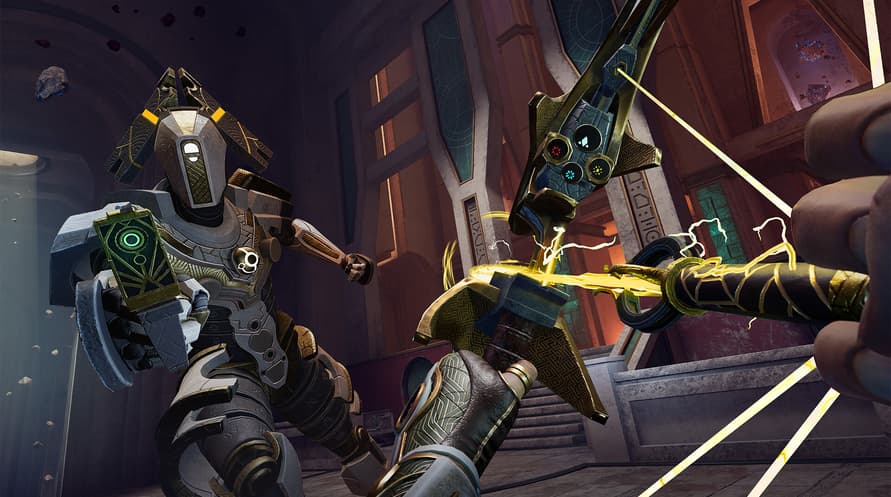




The ground-breaking new title from nDreams Elevation – the VR-immersion expert’s pioneering new studio.
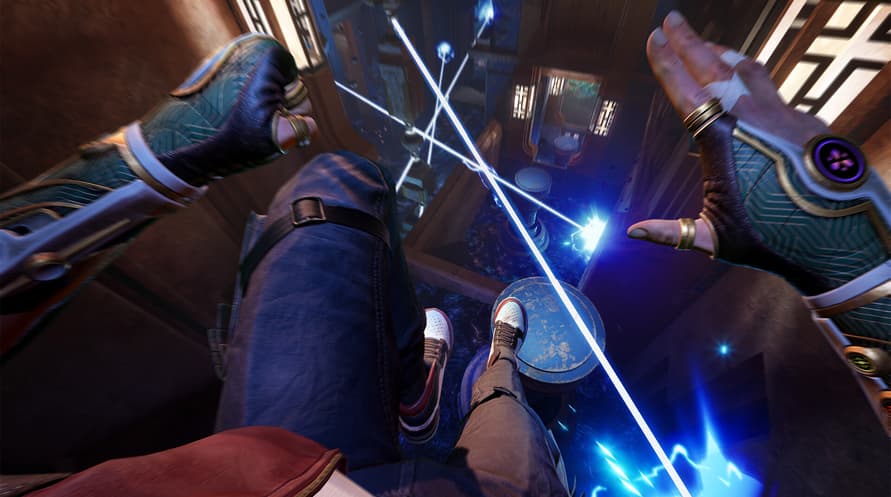
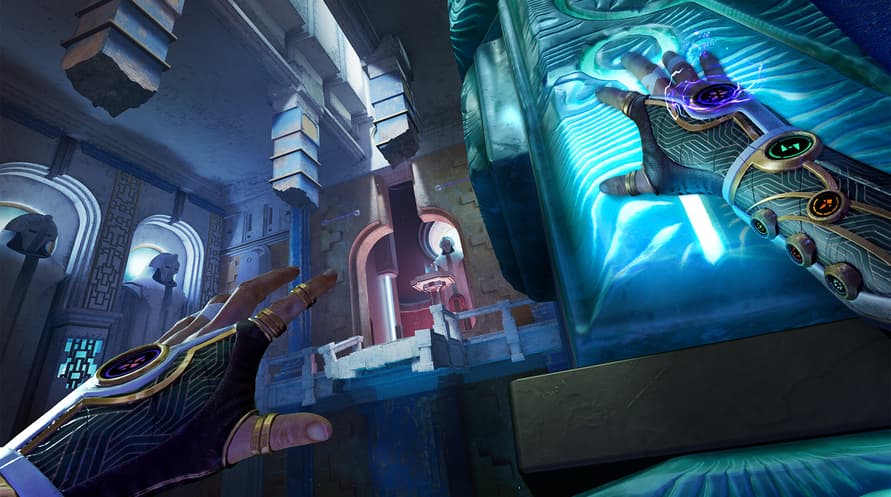
Embody a reluctant hero, wield extraordinary abilities, and journey into a perilous world of crossed realities. Are you ready to make the leap?
Live the adventure
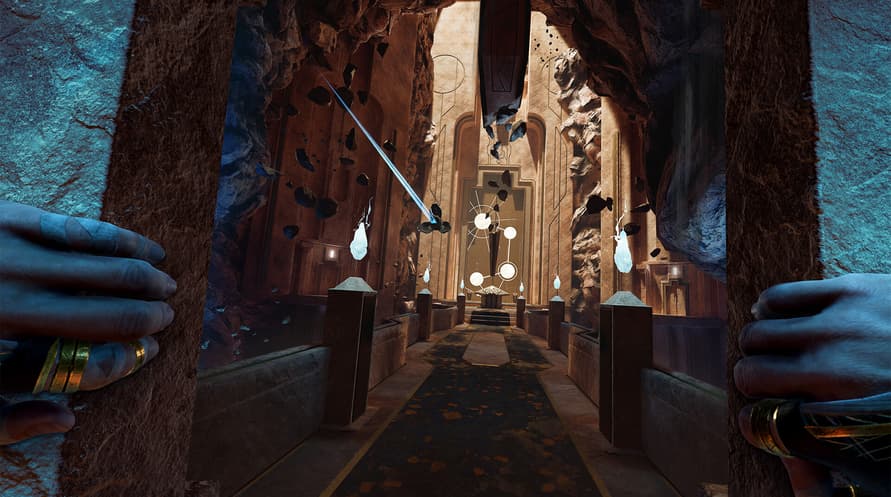
Delve deep into a spectacular world packed with mythical threats, and secrets to uncover.
Own the action
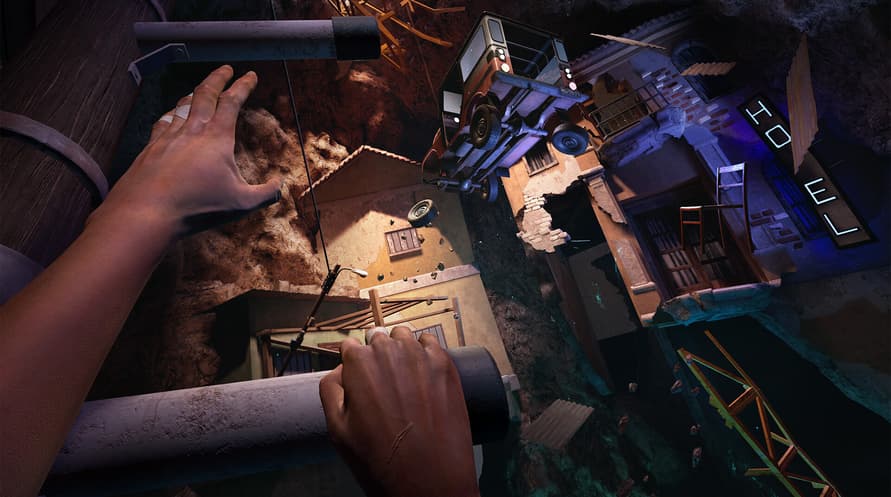
Freely jump, climb, and zip-line across breathtaking environments with smooth, intuitive traversal designed for VR.
Unrivalled immersion
Full-body awareness and true-to-life interactions deliver unmatched presence in every moment.
REACH © 2025 nDreams Limited. All rights reserved. Developed and published by nDreams. NDREAMS, the nDreams logo, and REACH are trade marks of nDreams Limited.
Minimum System Requirements:
- Requires a 64-bit processor and operating system
- OS: Windows 10 (64-bit)
- Processor: AMD Ryzen 5 3600 / Intel i7-11700F
- Memory: 16 GB RAM
- Graphics: RTX 2080 SUPER
- DirectX: Version 11
- Network: Broadband Internet connection
- Storage: 50 GB available space
- VR Support: Quest 2, Quest 3, Quest 3S, Valve Index, HTC Vive, HTC Vive Pro, PSVR2, Rift S, Rift
- Additional Notes: Desktop Only, SSD Required
Recommended System Requirements:
- Requires a 64-bit processor and operating system
- OS: Windows 11 (64-bit)
- Processor: AMD Ryzen 5 5600X / Intel i7-11700F or better
- Memory: 16 GB RAM
- Graphics: NVIDIA RTX 4060 Ti (8 GB) or AMD Radeon RX 7800 XT - 16 GB VRAM
- DirectX: Version 11
- Network: Broadband Internet connection
- Storage: 50 GB available space
- VR Support: Quest 2, Quest 3, Quest 3S, Valve Index, HTC Vive, HTC Vive Pro, PSVR2, Rift S, Rift
- Additional Notes: Desktop Only, SSD Required
Az átvett Steam kulcs aktiválásához kövesse az alábbi utasításokat;
- Először nyissa meg a Steam klienst. (Ha nincs meg, kattintson ide az "Install Steam" gombra => Steam Store )
- Jelentkezzen be Steam-fiókjába. (Ha nincs, kattintson ide egy új fiók létrehozásához => Steam Account )
- Kattintson a "JÁTÉK HOZZÁADÁSA" gombra a kliens alsó sarkában.
- Ezután válassza az "Egy termék aktiválása a Steamen..." lehetőséget.
- Írja be vagy másolja be a Voidu -tól kapott aktivációs kulcsot az ablakba.
- A játék mostantól látható a könyvtárában! Kattintson a "Könyvtár" menüpontra.
- Végül kattintson a játékra, és válassza az "Install" lehetőséget a letöltés megkezdéséhez.