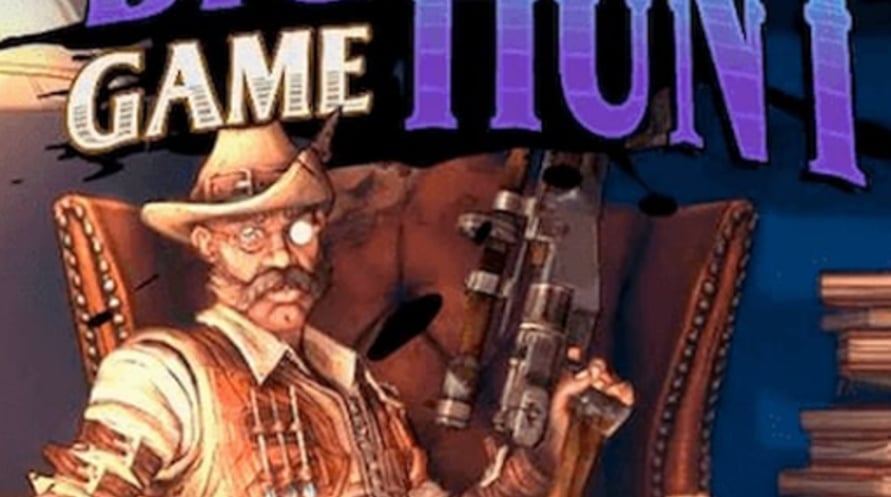
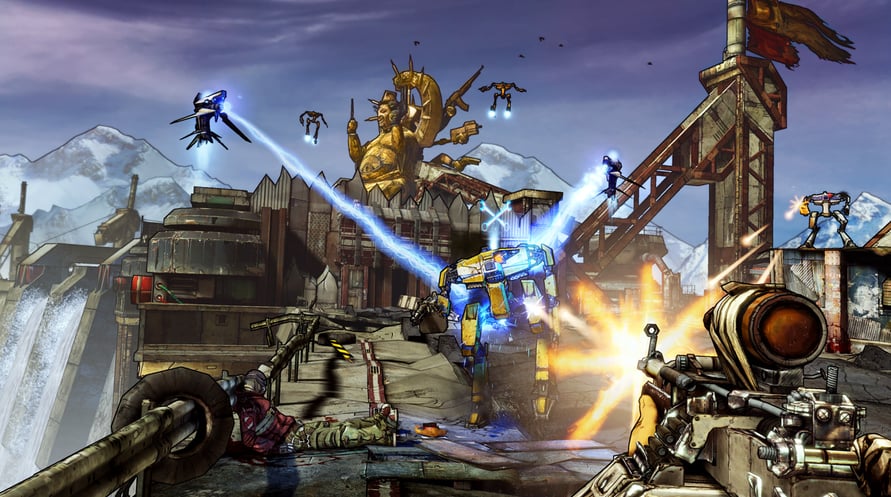
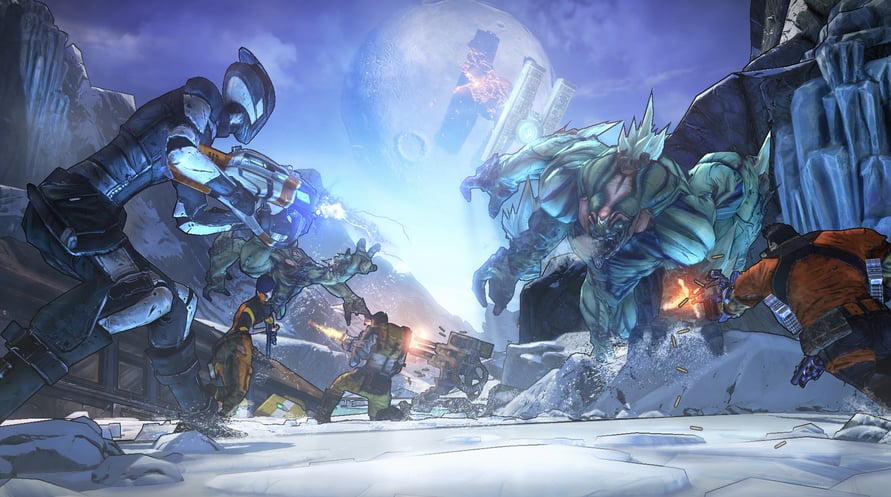
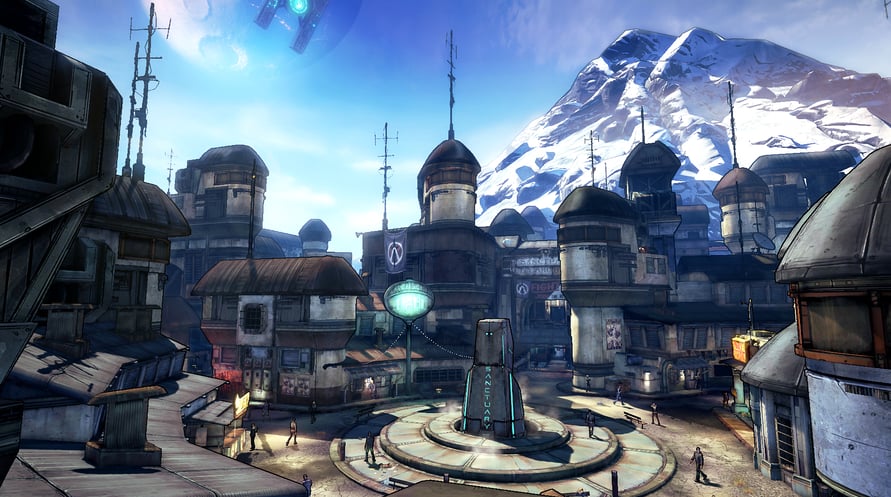
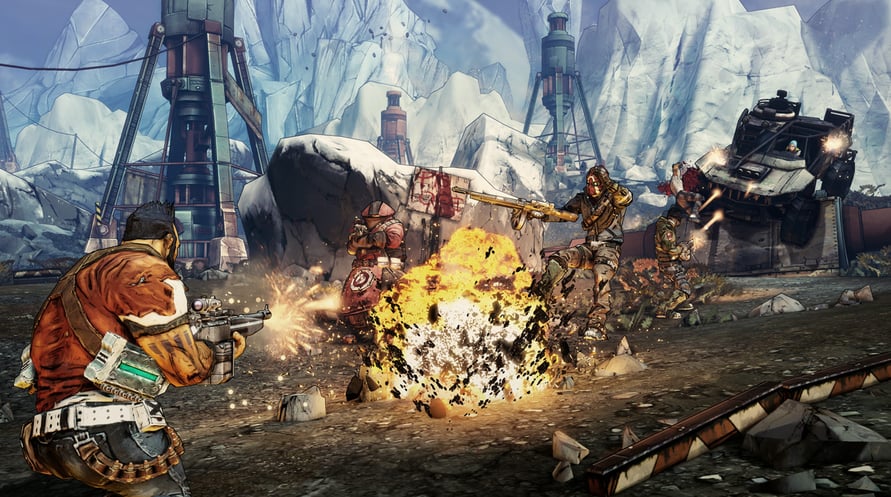
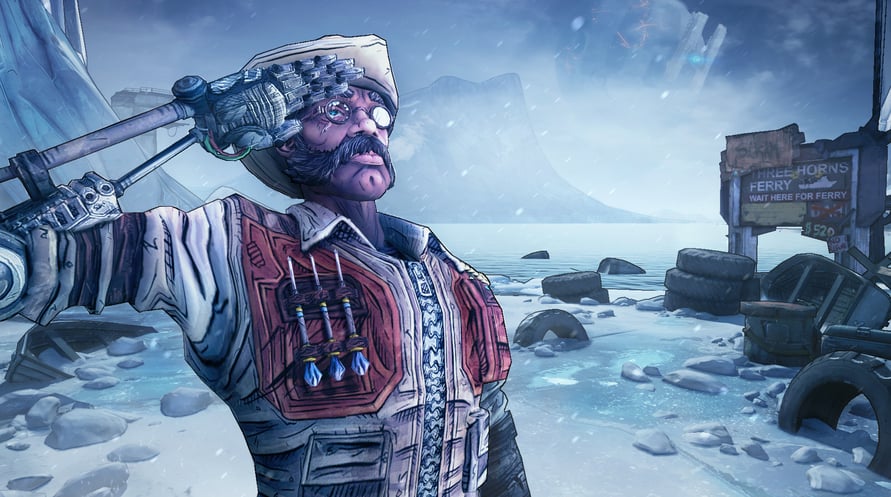
In Sir Hammerlock’s Big Game Hunt, players will enter an uncharted territory deep in the swamps of Pandora where a massive Hyperion ship has crashed. The wreckage is rumored to have stockpiles of loot. But watch out, mutated creatures, and armies of savages also have an interest in the ship.
Please note: Add-on Content, Borderlands®2 required to play. This content is part of the Season Pass and will be available to Borderlands 2 Season Pass purchasers in-game upon release.
rved.
Minimum Requirements:
- OS *: Windows XP SP3
- Processor: 2.4 GHz Dual Core Processor
- Memory: 2 GB(XP)/ 2 GB(Vista)
- Hard Disk Space: 13 GB free
- Video Memory: 256 MB
- Video Card: NVIDIA GeForce 8500 /ATI Radeon HD 2600
- Sound: DirectX 9.0c Compatible
- Other Requirements:Initial installation requires one-time internet connection for Steam authentication; software installations required (included with the game) include Steam Client, DirectX 9, Microsoft .NET 4 Framework, Visual C++ Redistributable 2005, Visual C++ Redistributable 2008, Visual C++ Redistributable 2010, and AMD CPU Drivers (XP Only/AMD Only)
Recommended Requirements:
- OS *: Windows XP SP3/Vista/Win 7
- Processor: 2.3 GHz Quad Core processor
- Memory: 2 GB
- Hard Disk Space: 20 GB free
- Video Memory: 512MB
- Video Card: NVIDIA GeForce GTX 560 / ATI Radeon HD 5850
- Sound: DirectX 9.0c Compatible
- Other Requirements:Initial installation requires one-time internet connection for Steam authentication; software installations required (included with the game) include Steam Client, DirectX 9, Microsoft .NET 4 Framework, Visual C++ Redistributable 2005, Visual C++ Redistributable 2008, Visual C++ Redistributable 2010, and AMD CPU Drivers (XP Only/AMD Only)
Untuk mengaktifkan kunci Steam yang Anda terima, ikuti petunjuk di bawah ini;
- Pertama, buka klien Steam. (Jika Anda belum memilikinya, cukup klik tombol "Instal Steam" di sini => Steam Store )
- Masuk ke akun Steam Anda. (Jika Anda belum memilikinya, klik di sini untuk membuat akun baru => Steam Account )
- Klik tombol "TAMBAH GAME" di pojok bawah klien.
- Kemudian, pilih "Aktifkan produk di Steam..."
- Tulis atau salin-tempel kunci aktivasi yang Anda terima dari Voidu di jendela.
- Game Anda sekarang terlihat di perpustakaan Anda! Klik "Perpustakaan" Anda.
- Dan akhirnya, klik game tersebut dan pilih "Instal" untuk memulai unduhan Anda.