Cities in Motion: London
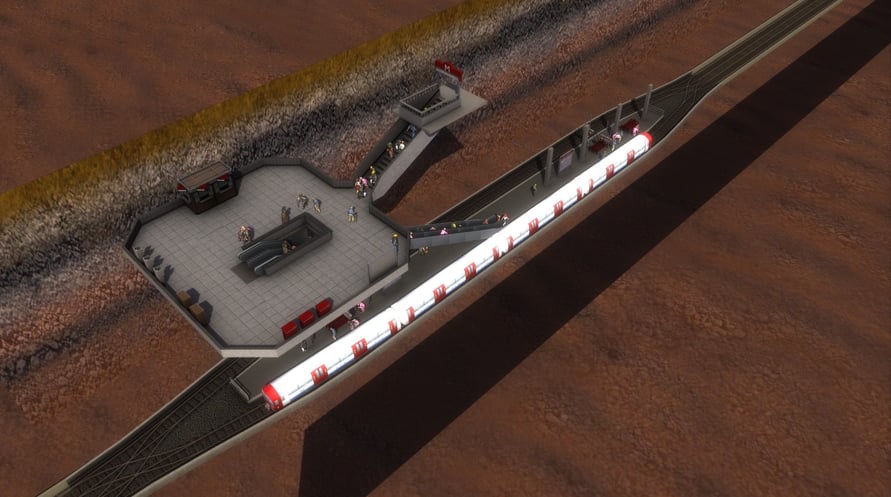
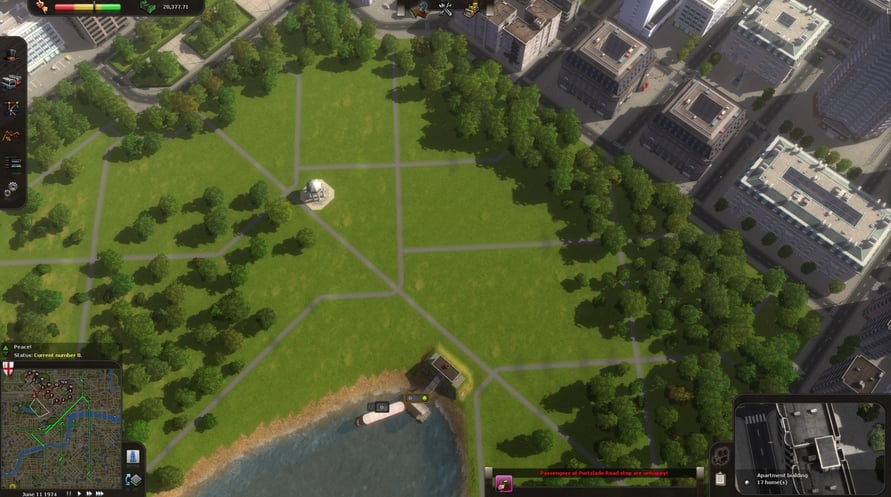
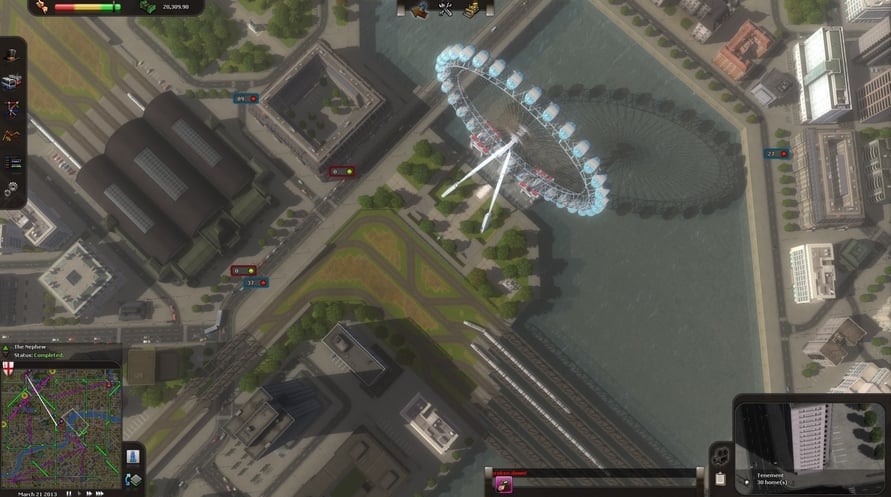
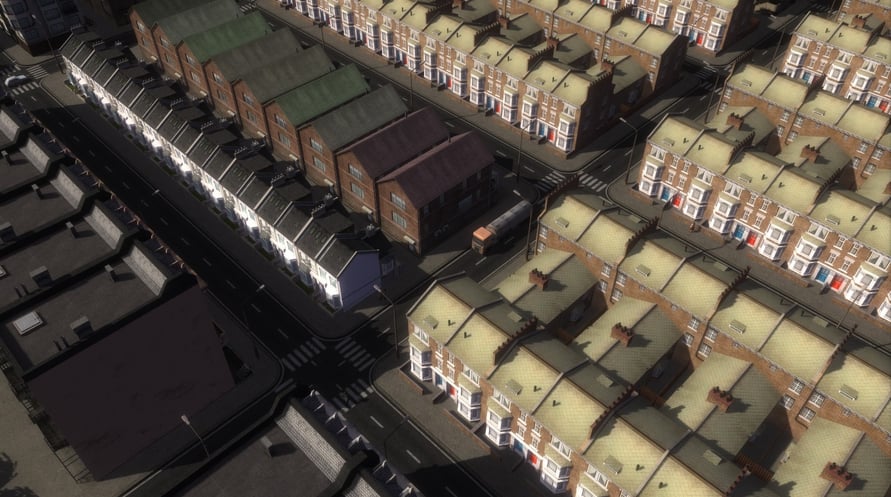
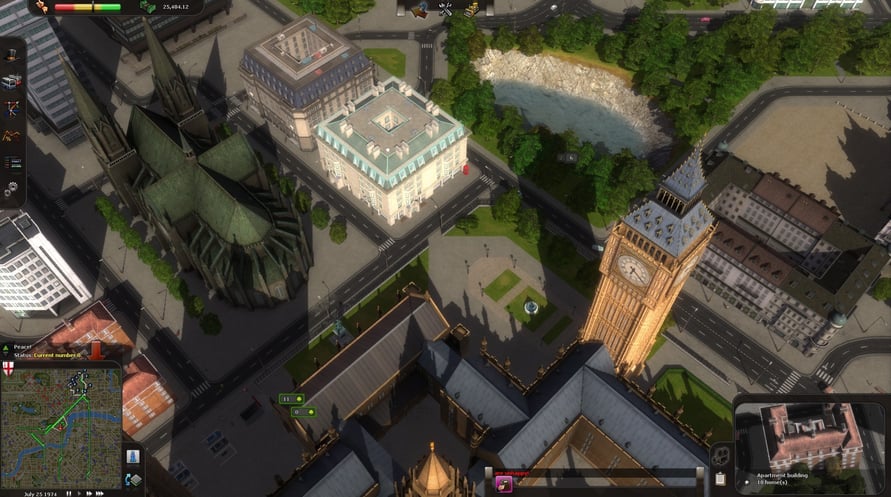
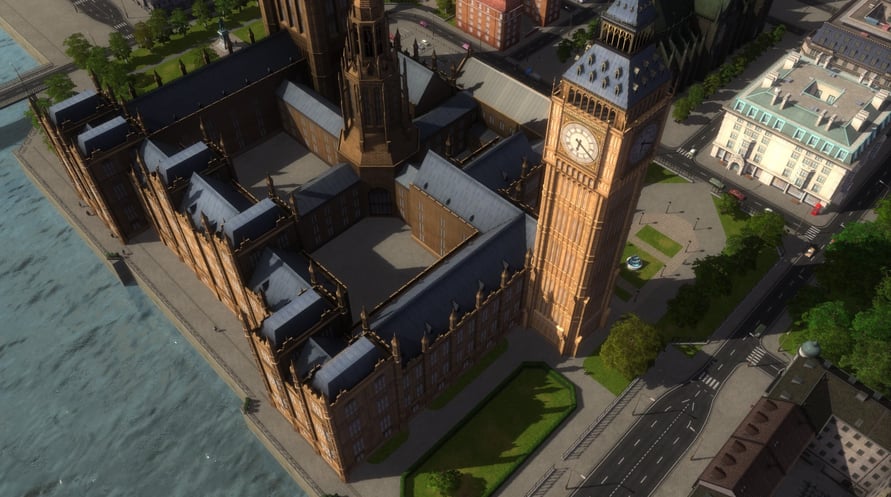
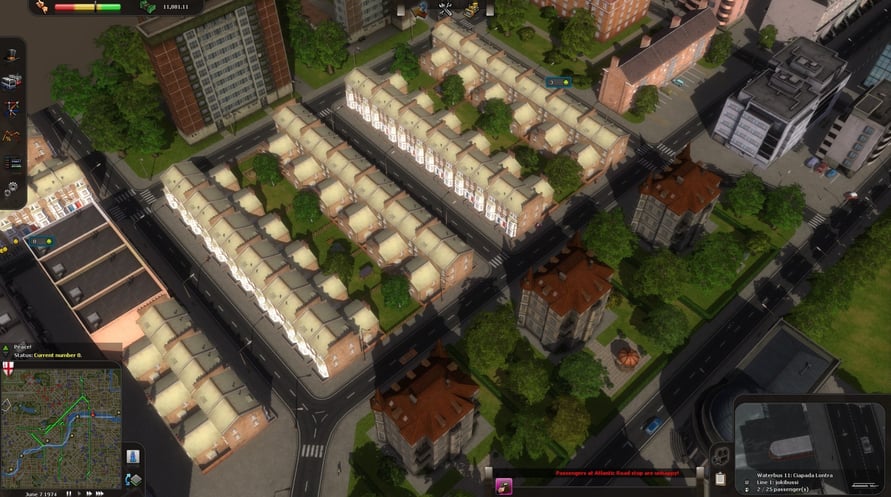
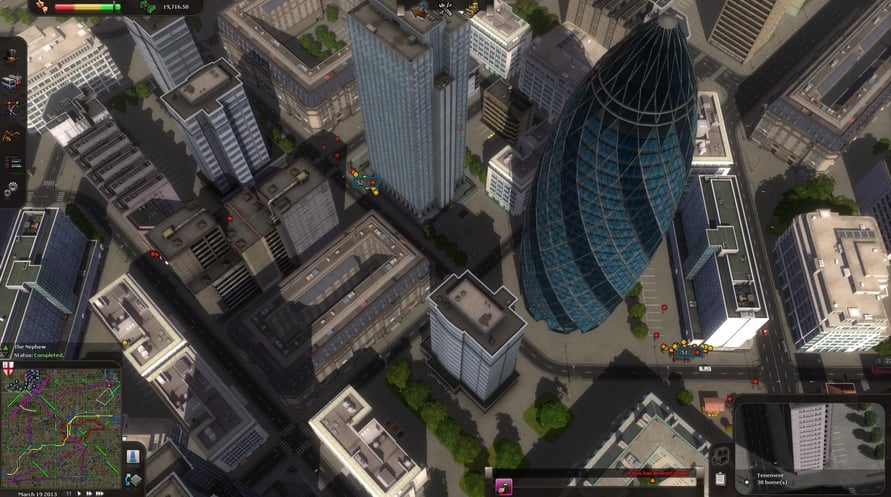
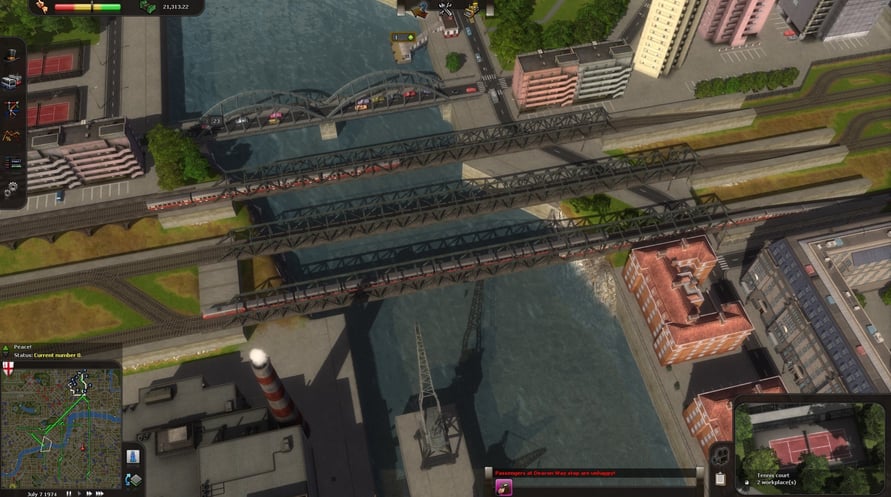
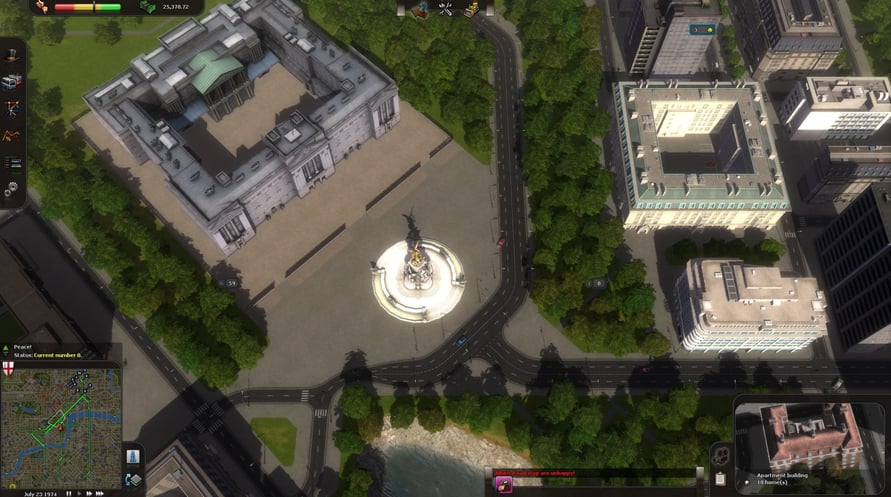
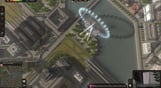

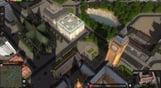
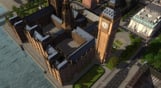
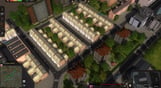
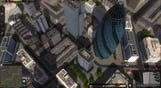
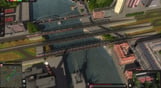

London; the smoky, foggy city on the river Thames. It’s narrow streets and bridges pose a series of new challenges for public transportation. Citizens travel to the city center for work every day and return home in the evening. This creates a high demand for working lines and many different types of vehicles. Are you up for the challenge?
London; the smoky, foggy city on the river Thames. It’s narrow streets and bridges pose a series of new challenges for public transportation. Citizens travel to the city center for work every day and return home in the evening. This creates a high demand for working lines and many different types of vehicles. Are you up for the challenge?
Key Features:
- Three unique scenarios
- 5 new vehicles
- Realistic London landmarks
© 2012 Paradox Interactive™. Trademarks belong to their respective owners. All rights reserved.
Cities in Motion: London

Kami telah mendeteksi bahwa Anda berada di:
United States
Available in your region
Tidak aktif United States
Informasi Aktivasi

Sherman Commander Supporter Pack

Strange Seed





Good Luck

Mask of Soul