Destiny 2: Bungie 30th Anniversary Pack
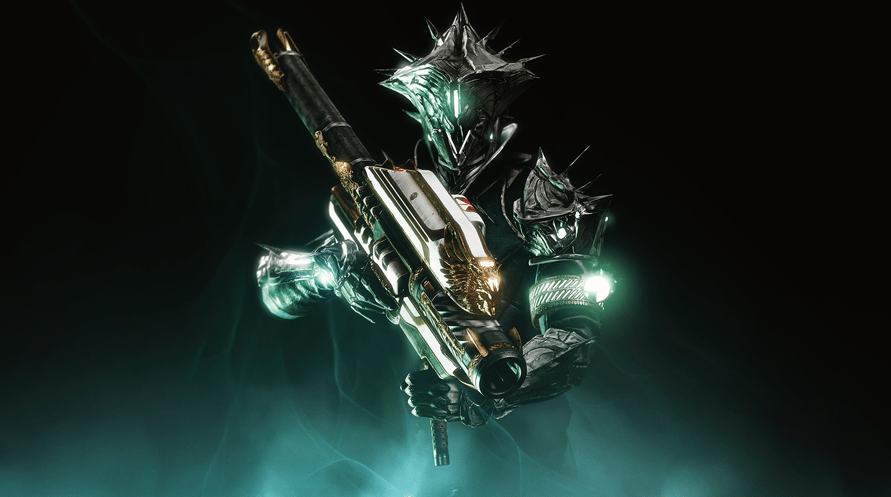
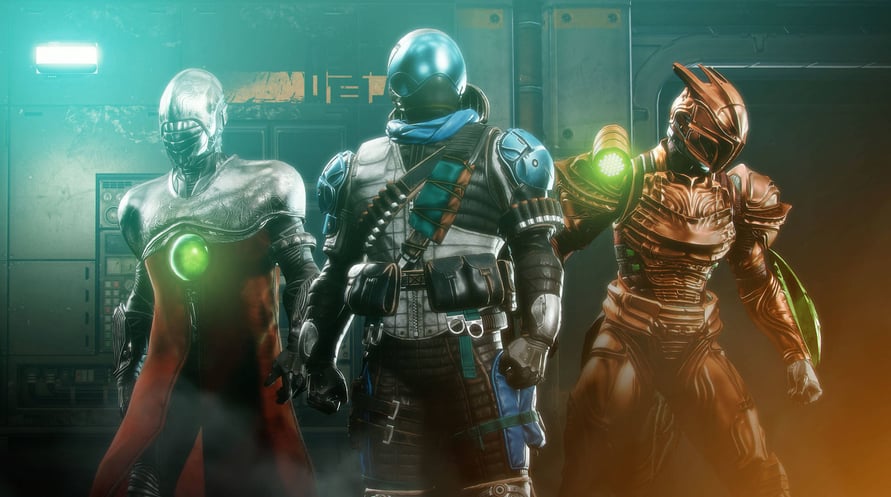
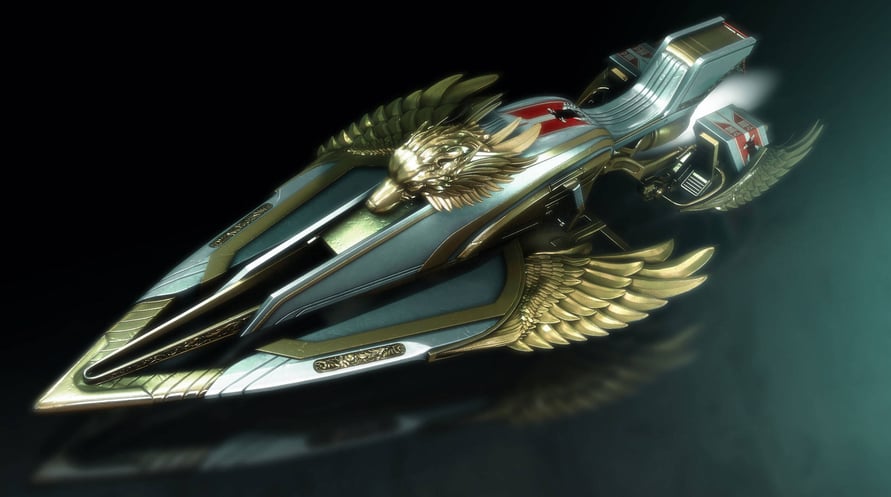


The 30th Anniversary Pack includes a new Dungeon, Gjallarhorn Exotic Rocket Launcher, new weapons, armor, and much more.
The 30th Anniversary Pack includes a new Dungeon, Gjallarhorn Exotic Rocket Launcher, new weapons, armor, and much more.
Destiny 2 may contain flashing patterns and images that may produce adverse effects for a small percentage of people sensitive to them.
Using the software constitutes acceptance of the Destiny Software License Agreement at www.bungie.net/sla. Bungie may modify or discontinue online services without notice at any time.
© 2021 Bungie, Inc. All rights reserved. Destiny, the Destiny Logo, Bungie and the Bungie Logo are among the trademarks of Bungie, Inc.
Destiny 2: Bungie 30th Anniversary Pack

Kami telah mendeteksi bahwa Anda berada di:
United States
Available in your region
Tidak aktif United States
Age Restriction
Content rated 16+

Age restricted content
Suitable for ages 16 and above
Informasi Aktivasi

Mama's Sleeping Angels


Hozy


Tales of Berseria Remastered
The Bionic Commando Pack

RICO: London
Gothic 1 Remake