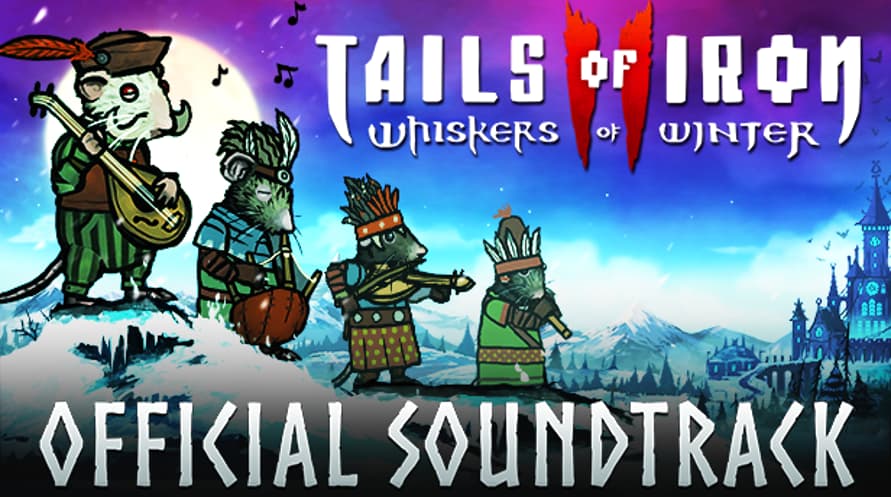
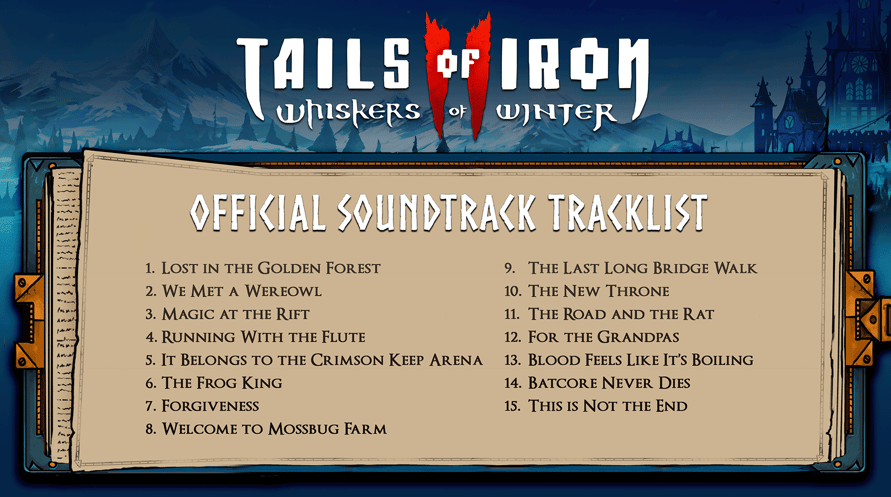
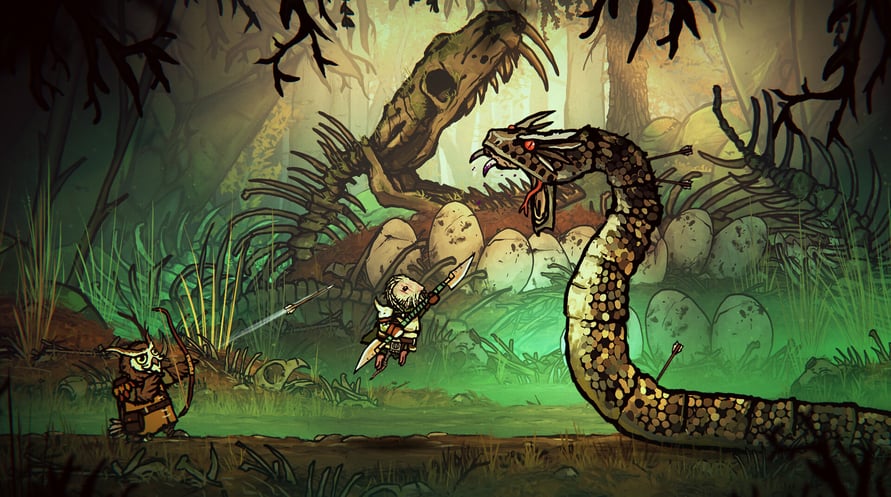
Enjoy the music of Tails of Iron 2: Whiskers of Winter whenever and wherever you choose, and strike fear into the hearts of the Dark Wings - at home, or on the move.
Tails of Iron 2 © United Label SA. Game content © Odd Bug Studio Ltd. United Label is exclusive worldwide licensee. “Tails of Iron” and “United Label” are registered trademarks. All rights reserved.
Minimum Requirements for Windows:
- Requires a 64-bit processor and operating system
- OS: Windows 10 64-bit
- Processor: 2.8 GHz Dual Core CPU
- Memory: 4 GB RAM
- Graphics: GeForce GTX 660 or equivalent with 2 GB of video RAM
- DirectX: Version 11
- Storage: 2 GB available space
Recommended Requirements for Windows:
- Requires a 64-bit processor and operating system
- OS: Windows 10 64-bit
- Processor: 3.2 GHz Quad Core Processor
- Memory: 8 GB RAM
- Graphics: GeForce 960 or equivalent with 4GB of video RAM
- DirectX: Version 11
- Storage: 2 GB available space
Minimum Requirements for MacOS:
- OS: macOS 12 Monterey
- Processor: 1.3GHz dual-core Intel Core i5 or Apple M1 chip
- Memory: 4 GB RAM
- Graphics: Intel HD Graphics 615
- Storage: 2 GB available space
Recommended Requirements for MacOS:
- OS: macOS 12 Monterey
- Processor: 3.0GHz 6-core Intel Core i5 or Apple M1 chip
- Memory: 8 GB RAM
- Graphics: Radeon Pro 560X with 4GB of GDDR5 memory
- Storage: 2 GB available space
Minimum Requirements for Linux:
- Processor: 2.8 GHz Dual Core CPU
- Memory: 4 GB RAM
- Graphics: GeForce GTX 660 or equivalent with 2 GB of video RAM
- Storage: 2 GB available space
Recommended Requirements for Linux:
- Processor: 3.2 GHz Quad Core Processor
- Memory: 8 GB RAM
- Graphics: GeForce 960 or equivalent with 4GB of video RAM
- Storage: 2 GB available space
Untuk mengaktifkan kunci Steam yang Anda terima, ikuti petunjuk di bawah ini;
- Pertama, buka klien Steam. (Jika Anda belum memilikinya, cukup klik tombol "Instal Steam" di sini => Steam Store )
- Masuk ke akun Steam Anda. (Jika Anda belum memilikinya, klik di sini untuk membuat akun baru => Steam Account )
- Klik tombol "TAMBAH GAME" di pojok bawah klien.
- Kemudian, pilih "Aktifkan produk di Steam..."
- Tulis atau salin-tempel kunci aktivasi yang Anda terima dari Voidu di jendela.
- Game Anda sekarang terlihat di perpustakaan Anda! Klik "Perpustakaan" Anda.
- Dan akhirnya, klik game tersebut dan pilih "Instal" untuk memulai unduhan Anda.