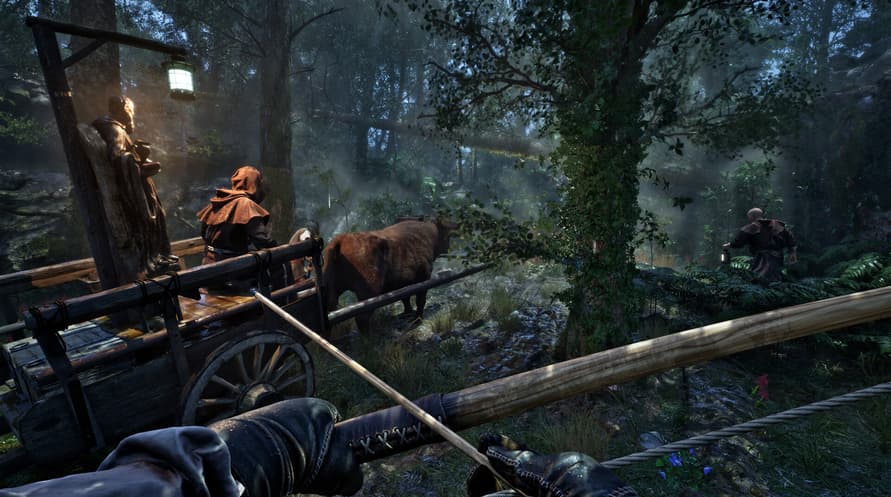
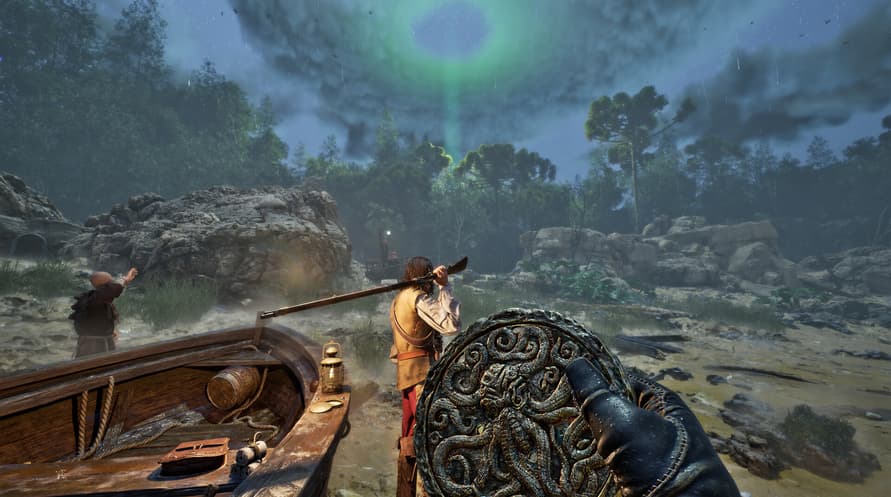
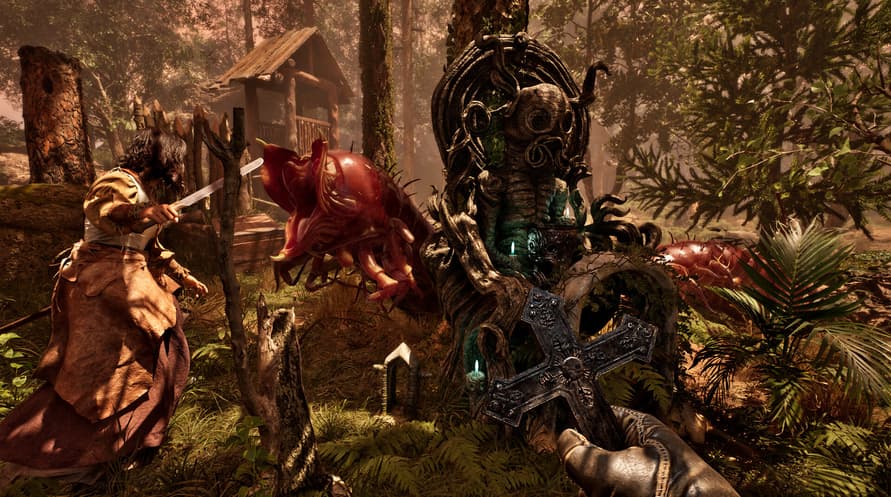
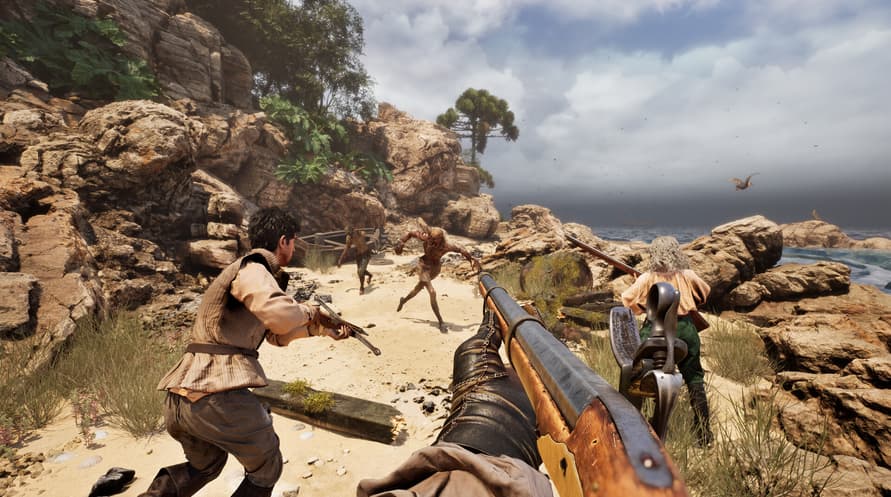
Tenggelamkan diri Anda dalam atmosfer mencekam The Mound: Omen of Cthulhu dengan Original Soundtrack resmi yang menampilkan semua musik dari game.
©2026 Nacon. ©2026 Published by Nacon and developed by ACE Team Software. All rights reserved.
Minimum System Requirements:
- Requires a 64-bit processor and operating system
- OS: Windows 10/11 64-bit
- Processor: Intel Core i7-8700k or AMD Ryzen 5 1600x
- Memory: 16 GB RAM
- Graphics: Nvidia GTX 1660 SUPER 6GB or AMD Radeon RX 5600 XT 6GB or Intel Arc A770 16GB
- DirectX: Version 12
- Storage: 23 GB available space
- Additional Notes: Please note that these informations aren't final and may be subject to change until the launch of the game.
Recommended System Requirements:
- Requires a 64-bit processor and operating system
- OS: Windows 10/11 64-bit
- Processor: Intel Core i7-11700k or AMD Ryzen 5 5500
- Memory: 16 GB RAM
- Graphics: Nvidia RTX 3070 8GB or AMD Radeon RX 6750 XT 12GB
- DirectX: Version 12
- Storage: 23 GB available space
- Additional Notes: Please note that these informations aren't final and may be subject to change until the launch of the game.
Untuk mengaktifkan kunci Steam yang Anda terima, ikuti petunjuk di bawah ini;
- Pertama, buka klien Steam. (Jika Anda belum memilikinya, cukup klik tombol "Instal Steam" di sini => Steam Store )
- Masuk ke akun Steam Anda. (Jika Anda belum memilikinya, klik di sini untuk membuat akun baru => Steam Account )
- Klik tombol "TAMBAH GAME" di pojok bawah klien.
- Kemudian, pilih "Aktifkan produk di Steam..."
- Tulis atau salin-tempel kunci aktivasi yang Anda terima dari Voidu di jendela.
- Game Anda sekarang terlihat di perpustakaan Anda! Klik "Perpustakaan" Anda.
- Dan akhirnya, klik game tersebut dan pilih "Instal" untuk memulai unduhan Anda.