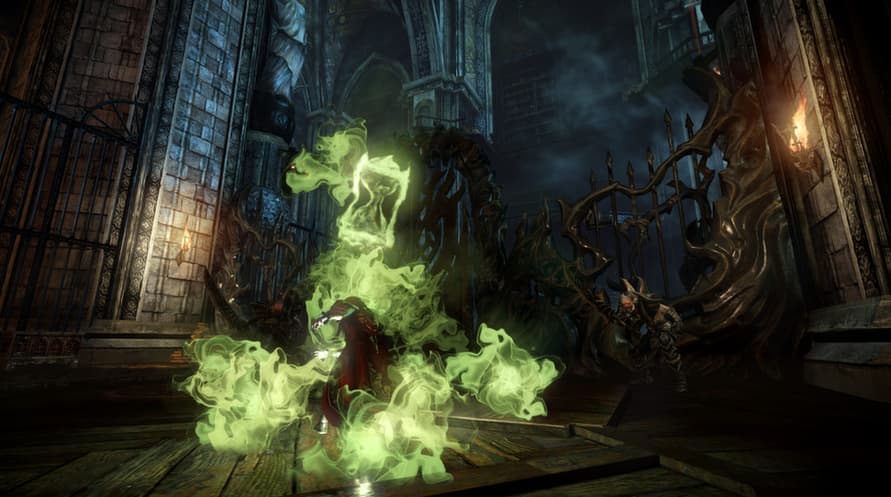
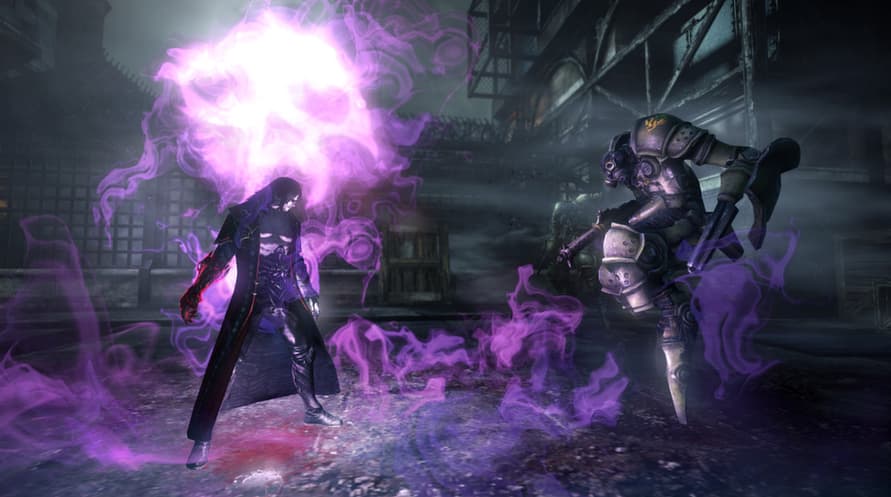
Gives you the exclusive Transmutation Rune which allows you to absorb any of the game's relics and transform them into one of your choice.
The Transmutation Rune allows you to always have the best one at your disposal for any given situation! Note: This ability only becomes available once you have picked up your first relic and you can only transform a relic into one you have already discovered.
Minimum System Requirements:
- OS *: Windows XP Service Pack 3
- Processor: 2.4Ghz Intel Core 2 Duo or AMD equivalent
- Memory: 2 GB RAM
- Graphics: Direct X9 compatible video card 512Mb RAM
- DirectX: Version 9.0c
- Network: Broadband Internet connection
- Storage: 10 GB available space
- Sound Card: DirectSound supported with Direct X9.0c or better
- Additional Notes: Keyboard & Mouse
Recommended System Requirements:
- OS *: Windows 7 or higher
- Processor: Quad Core CPU
- Memory: 2 GB RAM
- Graphics: Direct X11 compatible video card with 1024Mb RAM
- DirectX: Version 9.0c
- Network: Broadband Internet connection
- Storage: 10 GB available space
- Sound Card: DirectSound supported with Direct X9.0c or better
- Additional Notes: For the best experience we highly recommend using a XInput compatible Gamepad.
Per attivare la chiave di Steam che hai ricevuto, segui le istruzioni qui sotto:
- Prima di tutto, apri il client Steam. (Se non lo hai, clicca semplicemente sul pulsante "Installa Steam" qui => Negozio di Steam )
- Accedi al tuo account Steam. (Se non ne hai uno, clicca qui per crearne uno nuovo => Account Steam )
- Clicca sul pulsante "AGGIUNGI UN GIOCO" nell'angolo in basso del client.
- Quindi, seleziona "Attiva un prodotto su Steam..."
- Scrivi o copia-incolla la chiave di attivazione che hai ricevuto da Voidu nella finestra.
- Il tuo gioco è ora visibile nella tua libreria! Clicca sulla tua "Biblioteca".
- E infine, clicca sul gioco e seleziona "Installa" per avviare il download.