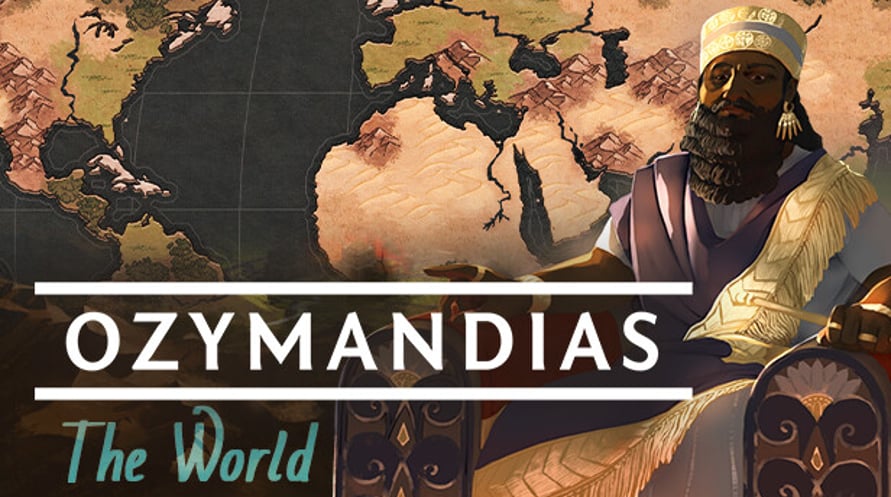
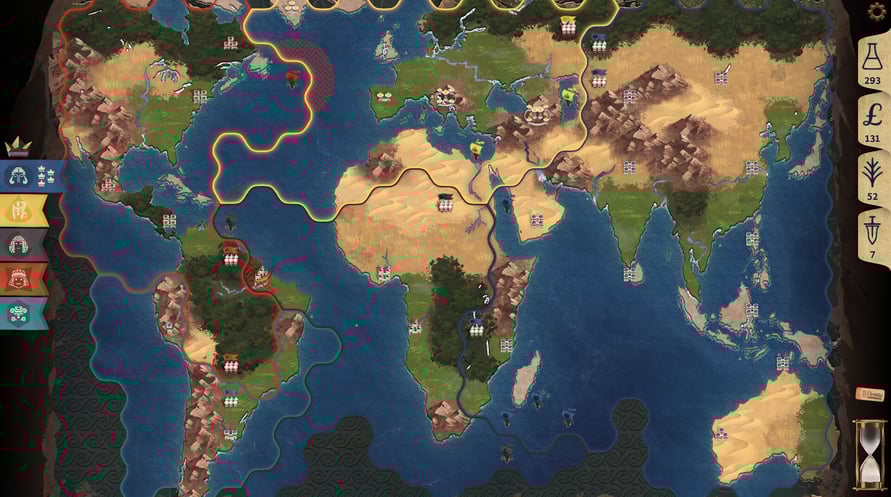
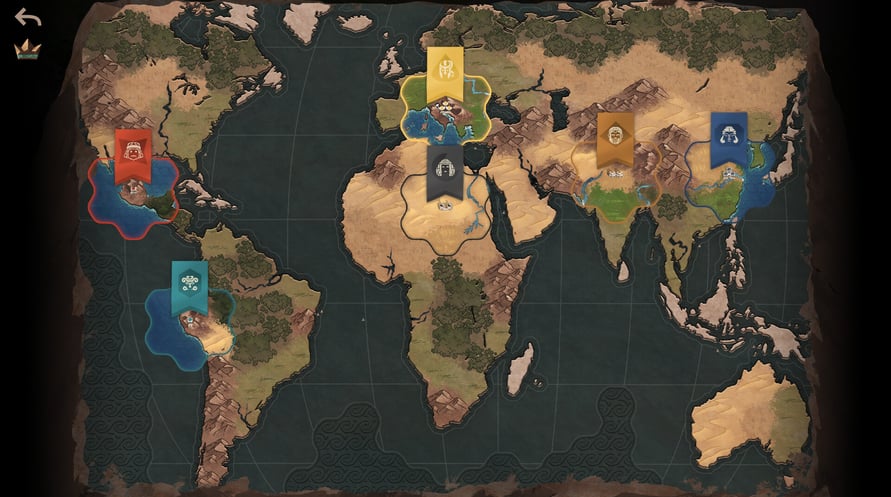
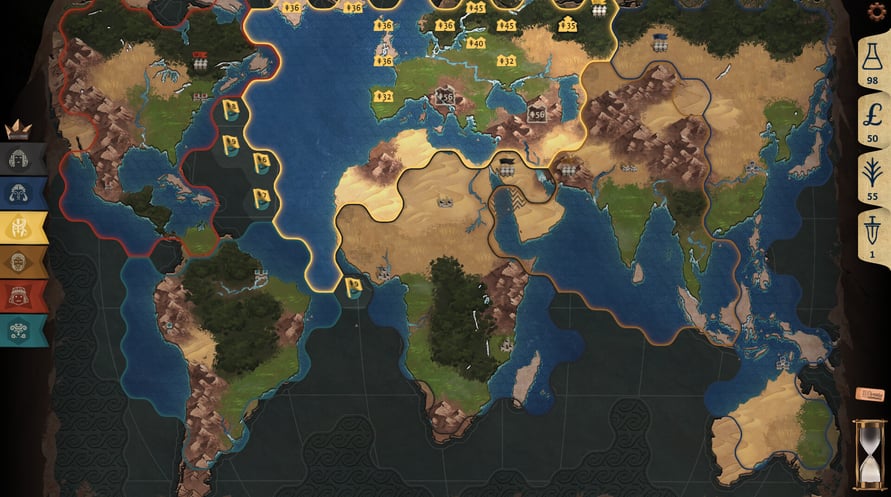
This DLC includes a new map: The World.
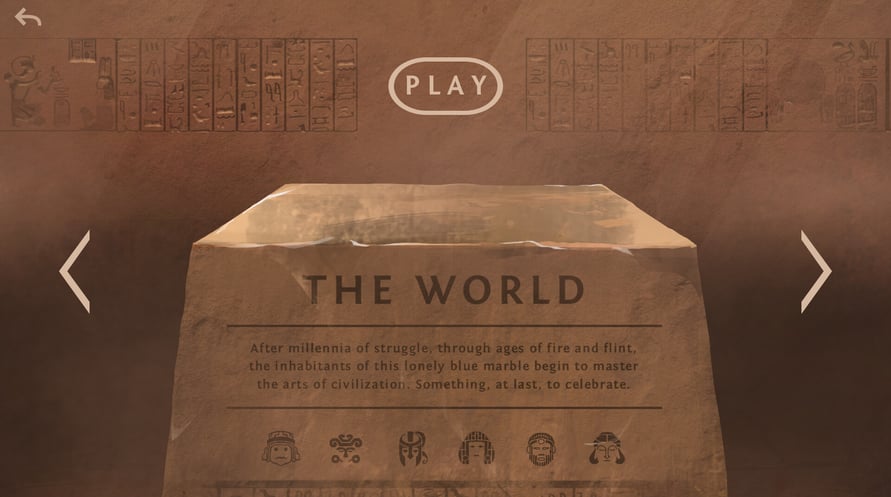
After millennia of struggle, through ages of fire and flint, the inhabitants of this lonely blue marble begin to master the arts of civilization. Something, at last, to celebrate.
NOTICE: This content requires the base game Ozymandias: Bronze Age Empire Sim on Steam in order to play.
Windows Minimum Requirements:
- Requires a 64-bit processor and operating system
- OS *: Windows 7+
- Processor: Dual Core
- Memory: 4 GB RAM
- Graphics: Intel HD 4600 or equivalent
- Storage: 1 GB available space
Windows Recommended Requirements:
- Requires a 64-bit processor and operating system
- OS: Windows 10+
- Processor: Intel i5 or equivalent
- Memory: 4 GB RAM
- Graphics: 1 GB VRAM
- Storage: 2 GB available space
Mac Minimum Requirements:
- OS: MacOS 10.14+
- Processor: Dual Core
- Memory: 4 GB RAM
- Graphics: Intel HD 4600 or equivalent
- Storage: 1 GB available space
Mac Recommended Requirements:
- OS: MacOS 12+
- Processor: Intel i5 or equivalent
- Memory: 4 GB RAM
- Graphics: 1 GB VRAM
- Storage: 2 GB available space
Per attivare la chiave di Steam che hai ricevuto, segui le istruzioni qui sotto:
1. Prima di tutto, apri il client Steam. (Se non lo hai, clicca semplicemente sul pulsante "Installa Steam" qui =>
Negozio di Steam)
2. Accedi al tuo account Steam. (Se non ne hai uno, clicca qui per crearne uno nuovo =>
Account Steam)
3. Clicca sul pulsante "AGGIUNGI UN GIOCO" nell'angolo in basso del client.
4. Quindi, seleziona "Attiva un prodotto su Steam..."
5. Scrivi o copia-incolla la chiave di attivazione che hai ricevuto da Voidu nella finestra.
6. Il tuo gioco è ora visibile nella tua libreria! Clicca sulla tua "Biblioteca".
7. E infine, clicca sul gioco e seleziona "Installa" per avviare il download.