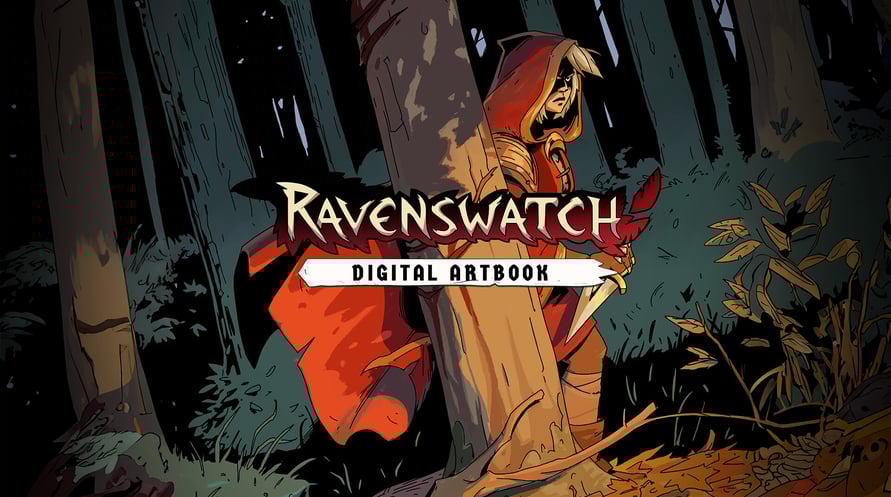
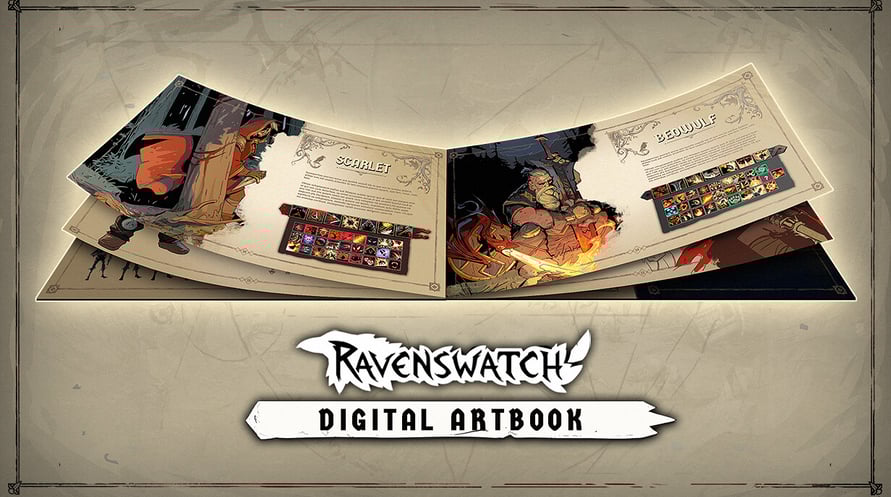

The Ravenswatch Digital Artbook includes 150 pages of sketches and illustrations that recount the graphical design of the game, from pencil to 3D. In this jam-packed and lovingly crafted book, Passtech Games also reveals more of the game's lore.
To access the Digital Artbook:
1. Right-click on Ravenswatch in your Steam library
2. Select Manage > Browse local files
3. Open the folder "Artbook"
Minimum Requirements:
- Requires a 64-bit processor and operating system
- OS: Windows 10 x64 (Version 1909 or newer)
- Processor: Intel Core i5-4670K (4 * 3400) / AMD FX-8350 (4 * 4000)
- Memory: 8 GB RAM
- Graphics: GeForce GTX 960 (2048 MB) / AMD Radeon RX 470 (2048 MB)
- DirectX: Version 12
- Storage: 3 GB available space
Recommended Requirements:
- Requires a 64-bit processor and operating system
- OS: Windows 10 x64 (Version 1909 or newer)
- Processor: Intel Core i7-6700K (4 * 4000) / AMD Ryzen 5 1500X (4 * 3500)
- Memory: 8 GB RAM
- Graphics: GeForce GTX 970 (2048 MB) / Radeon R9 Fury (4096 MB)
- DirectX: Version 12
- Storage: 3 GB available space
Per attivare la chiave di Steam che hai ricevuto, segui le istruzioni qui sotto:
- Prima di tutto, apri il client Steam. (Se non lo hai, clicca semplicemente sul pulsante "Installa Steam" qui => Negozio di Steam )
- Accedi al tuo account Steam. (Se non ne hai uno, clicca qui per crearne uno nuovo => Account Steam )
- Clicca sul pulsante "AGGIUNGI UN GIOCO" nell'angolo in basso del client.
- Quindi, seleziona "Attiva un prodotto su Steam..."
- Scrivi o copia-incolla la chiave di attivazione che hai ricevuto da Voidu nella finestra.
- Il tuo gioco è ora visibile nella tua libreria! Clicca sulla tua "Biblioteca".
- E infine, clicca sul gioco e seleziona "Installa" per avviare il download.