SCUM Charms Pack
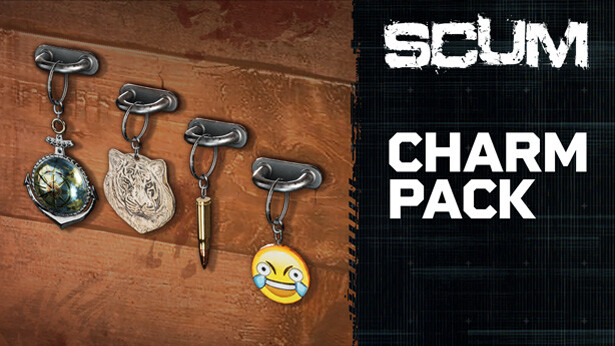
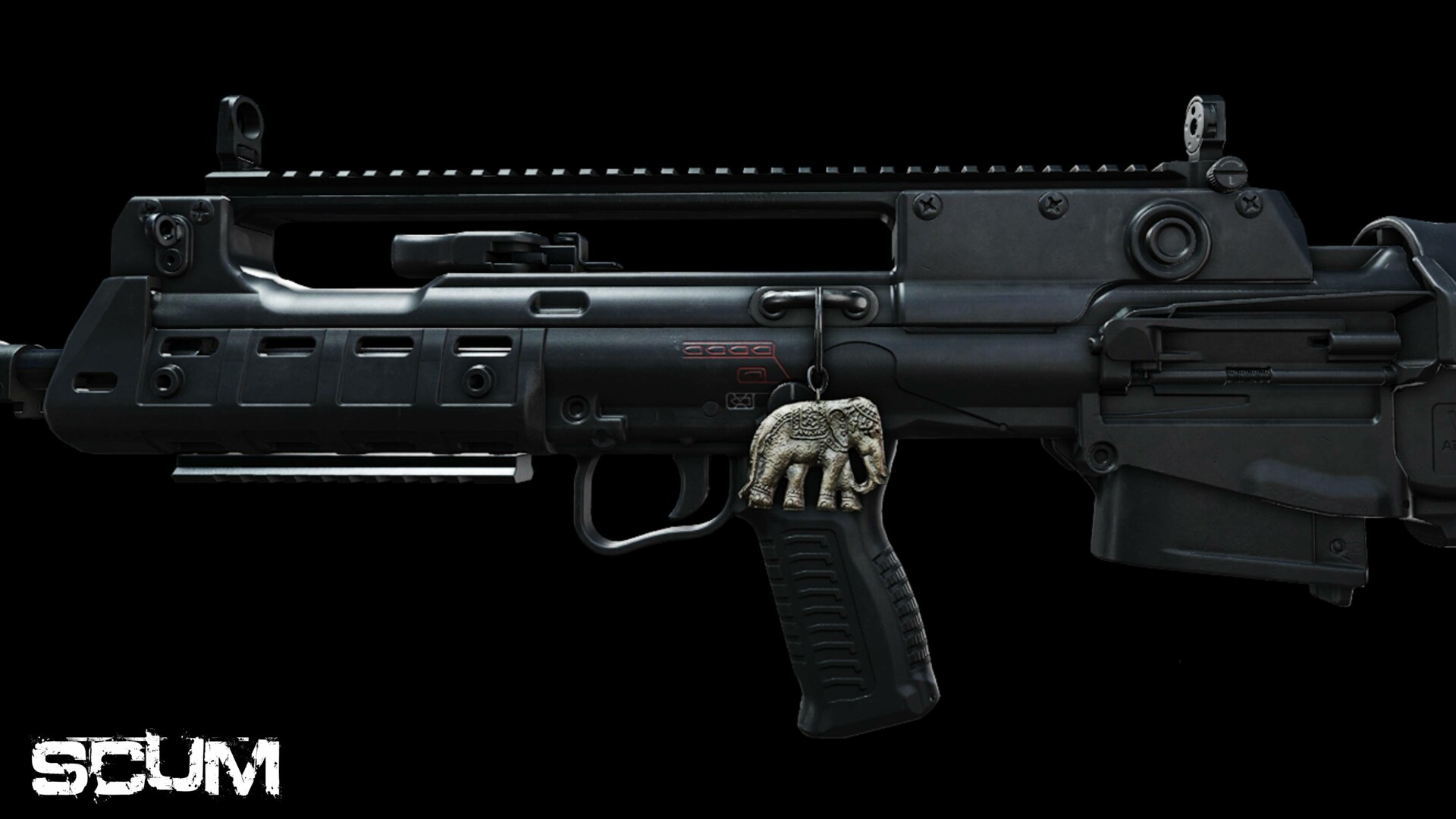
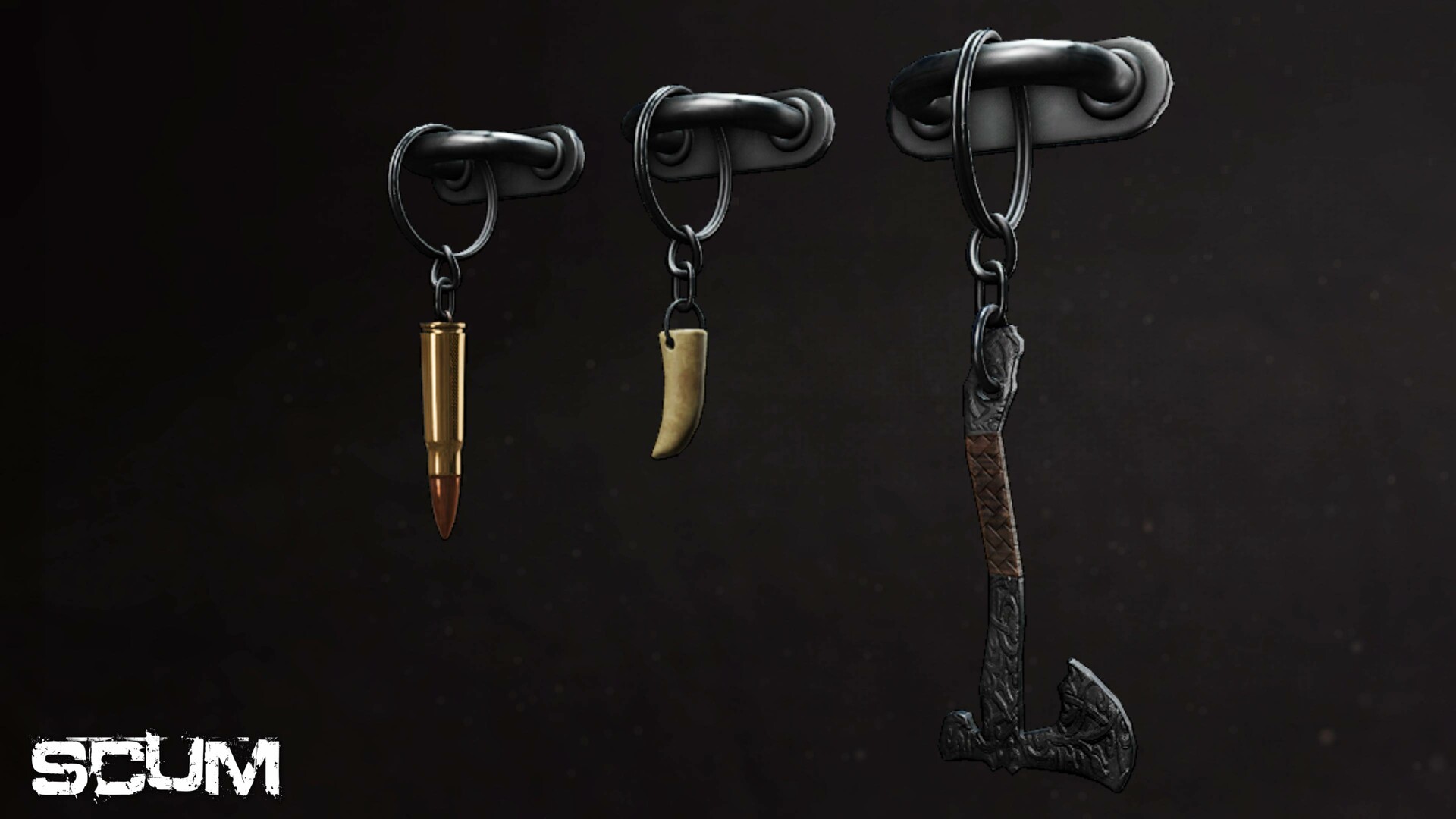
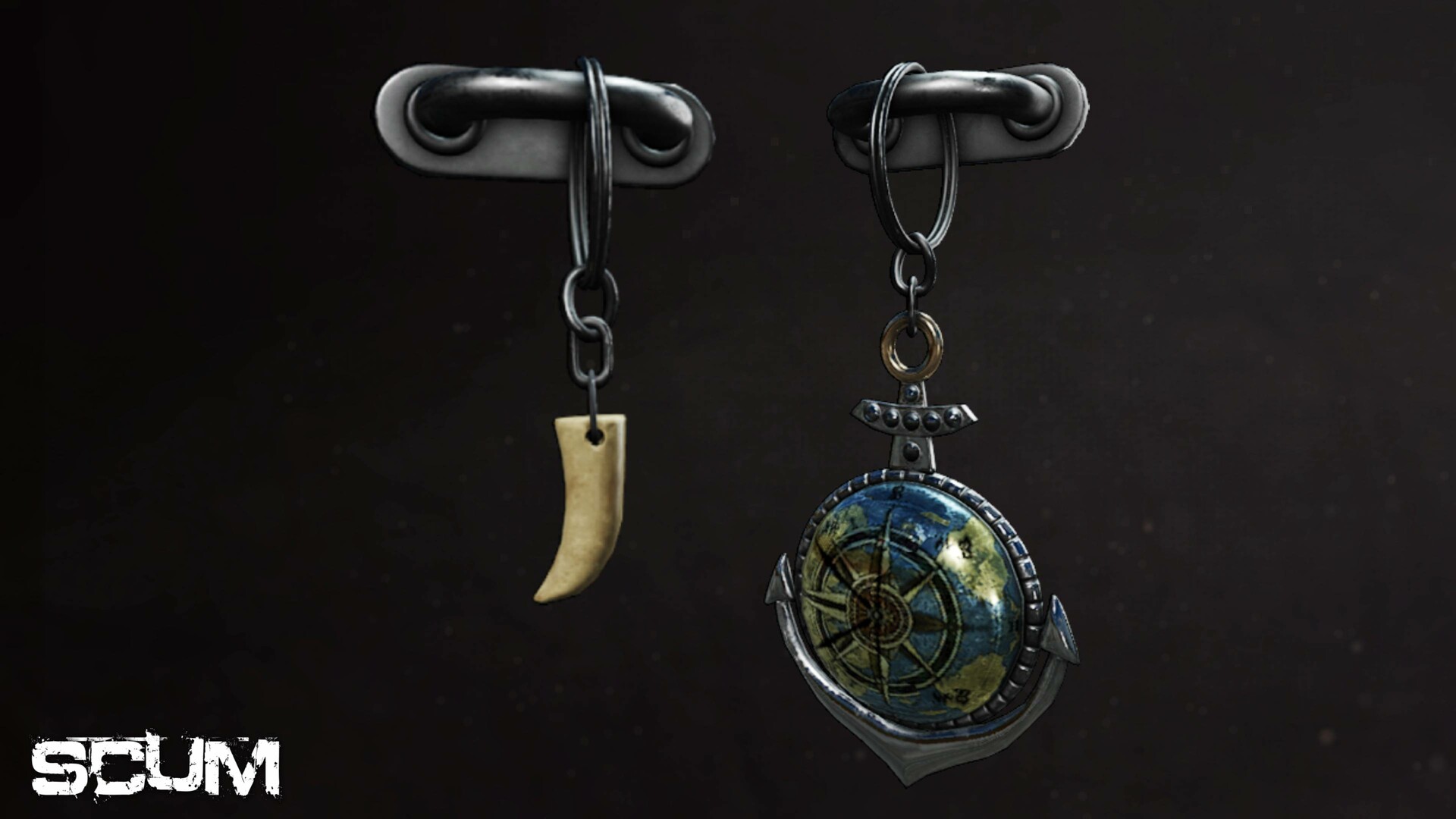
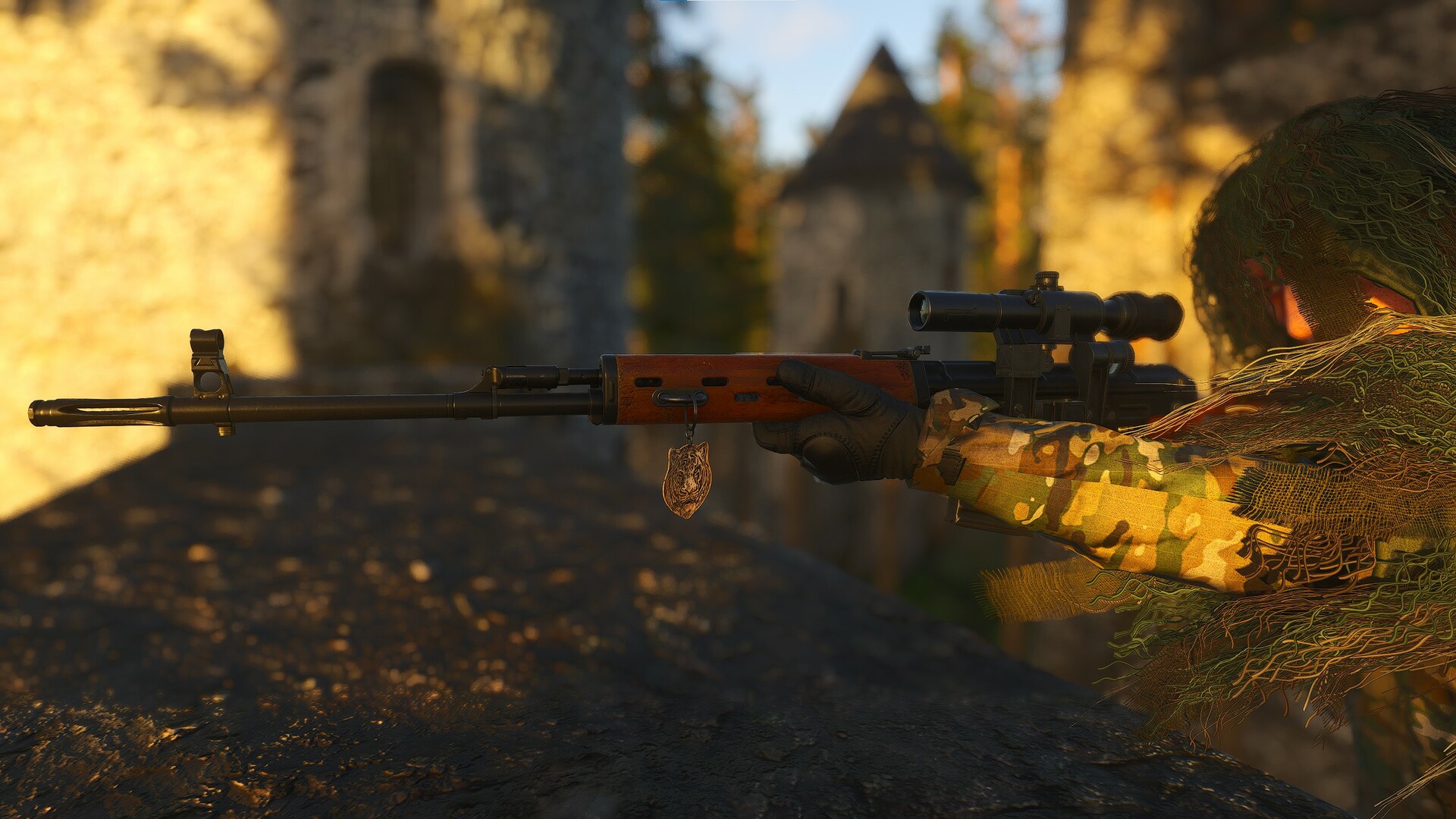
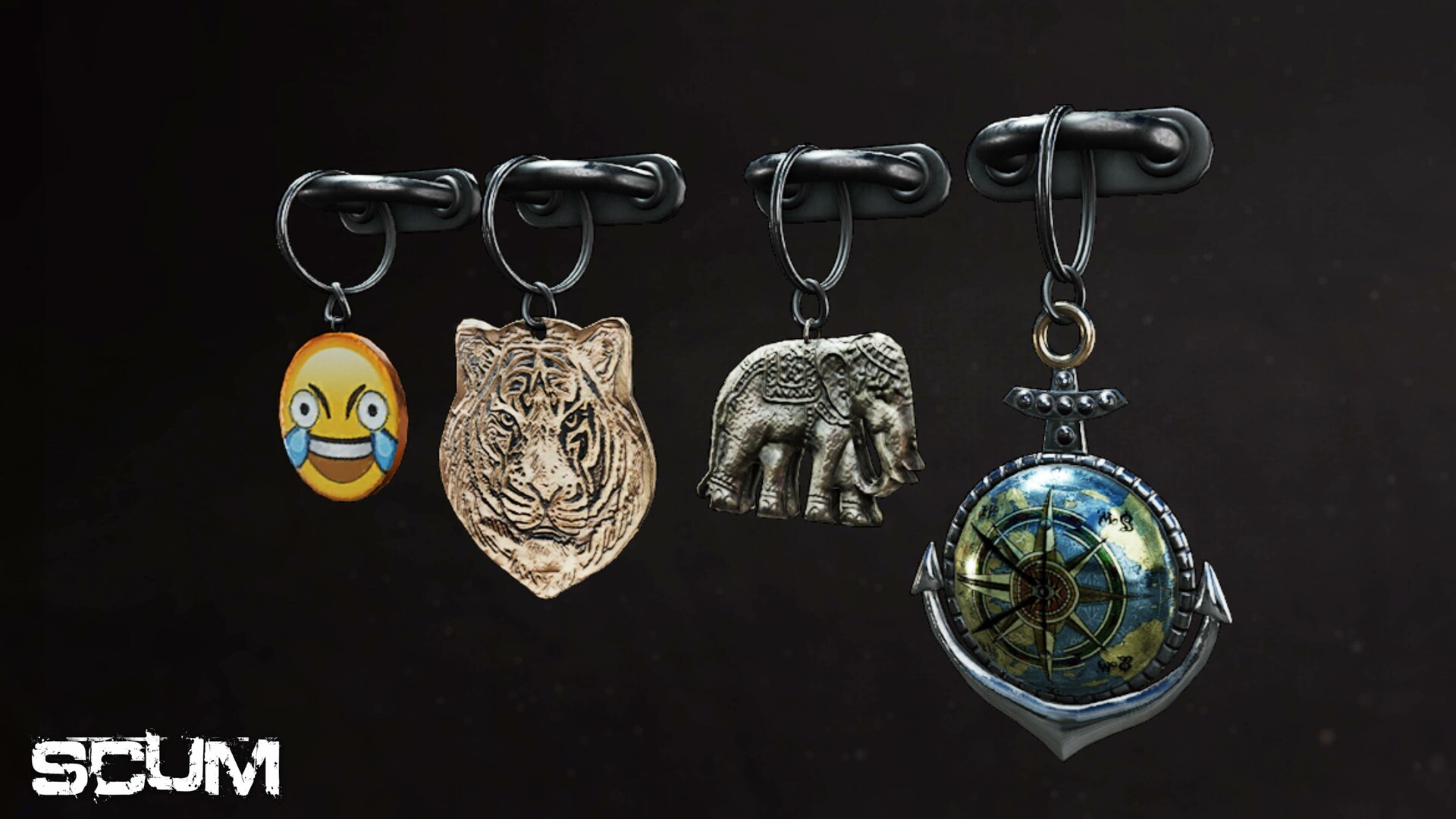
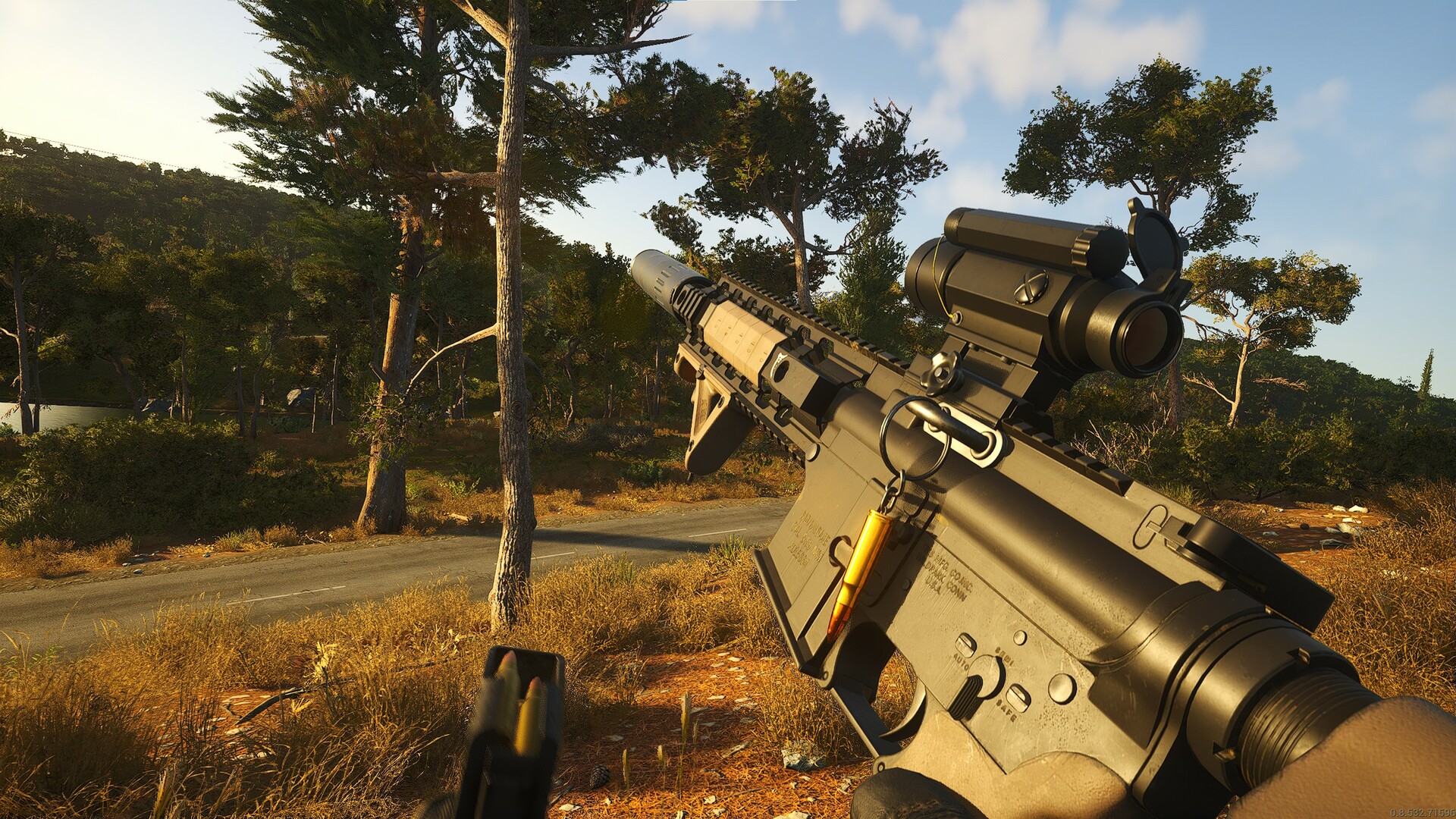
Introducing the SCUM Charms pack! This cosmetic DLC will let you make your weapon your own.
Introducing the SCUM Charms pack! This cosmetic DLC will let you make your weapon your own. Slap a charm on for good luck, or as a stress reliever during those short breaks in the middle of the firefight. Whatever your style, there will be a charm for you.
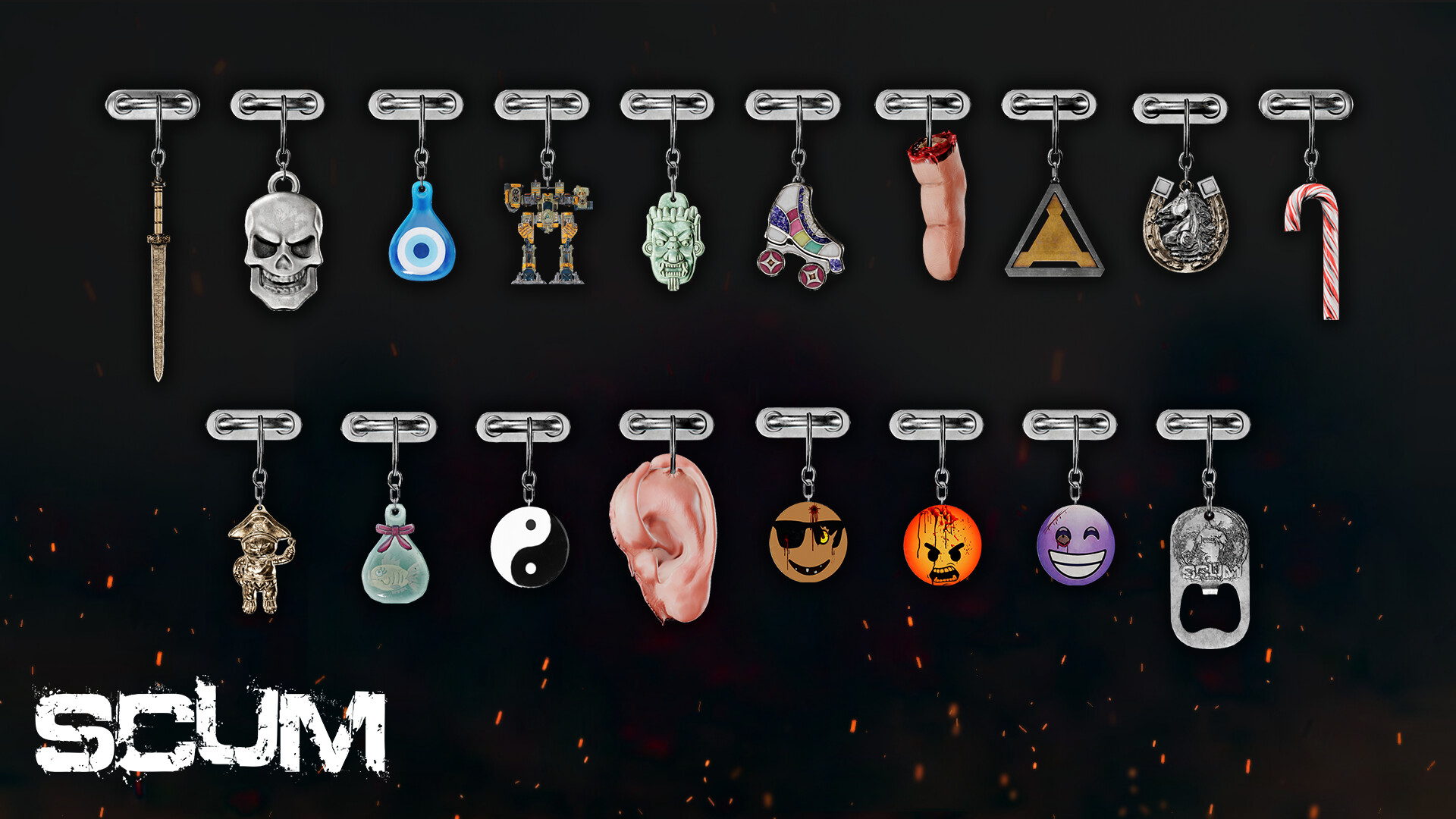
Charms available:
- Anchor.
- Axe.
- Bullet.
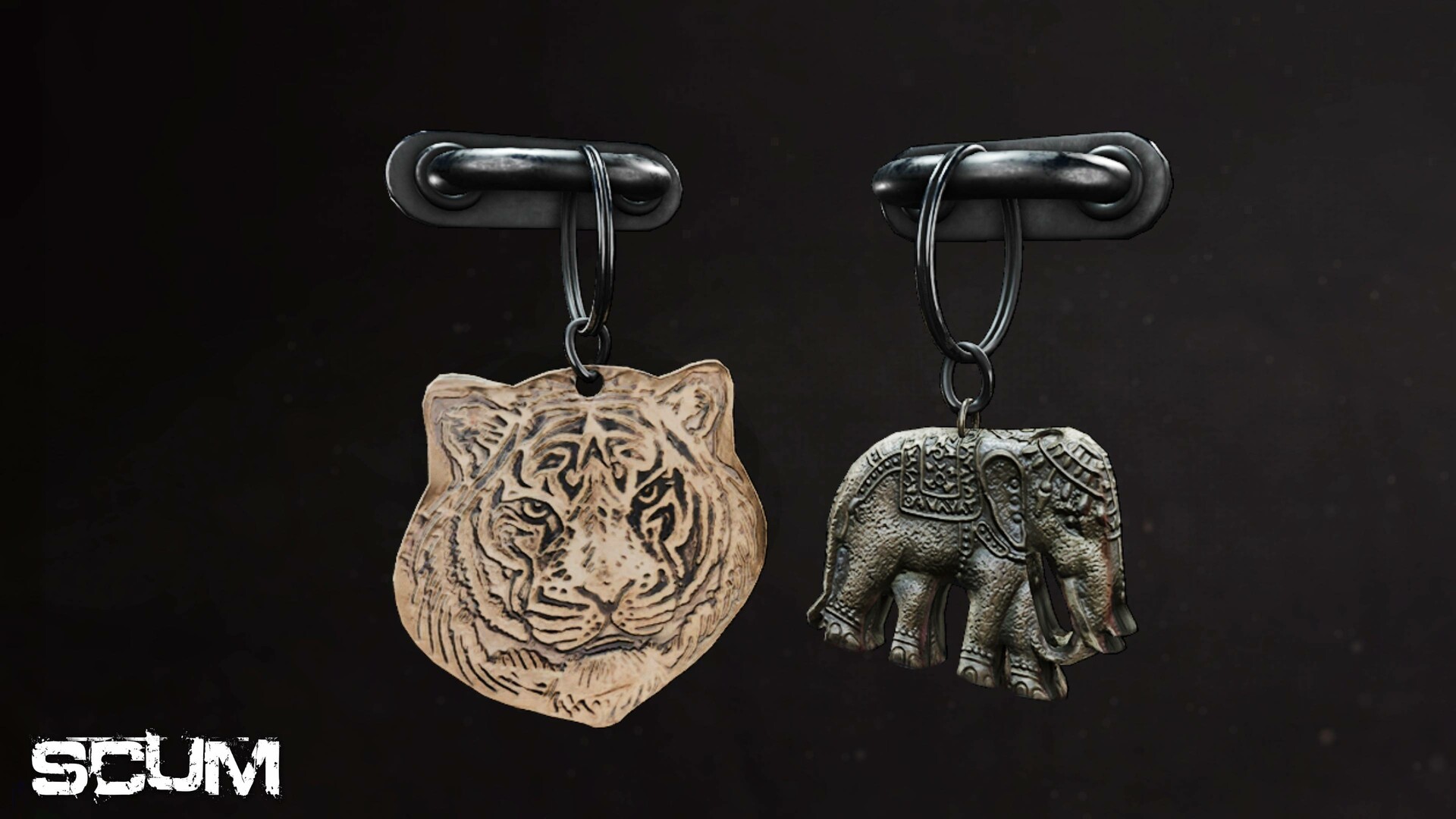
- Elephant.
- Emoji.
- Tiger.
- Tooth.
- Cut-off finger charm.
- Skull charm.
- Cut-off ear charm.
- Bottle opener charm.
- Angry face charm.
- Sunglasses face charm.
- Happy face charm.
- Fish bowl charm.
- Horseshoe charm.
- Roller skate charm.
- Sword charm.
- Pirate Cat charm.
- Yin Yang charm.
- TEC1 charm.
- Candy Cane charm.
- Evil Eye charm.
- Ogre charm.
- Sentry charm.
© 2025 GAMEPIRES D.O.O. SCUM and the Gamepires logo are registered and/or unregistered trademarks of GAMEPIRES D.O.O. in the European Union, United States, United Kingdom and other territories. All rights reserved
SCUM Charms Pack

Informazioni di attivazione
United States
Available in your region
Attivato in United States
Giochi simili

Deliver At All Costs (US)

SpellForce 3 Fallen God

Fallback

Hogwarts Legacy Deluxe Edition