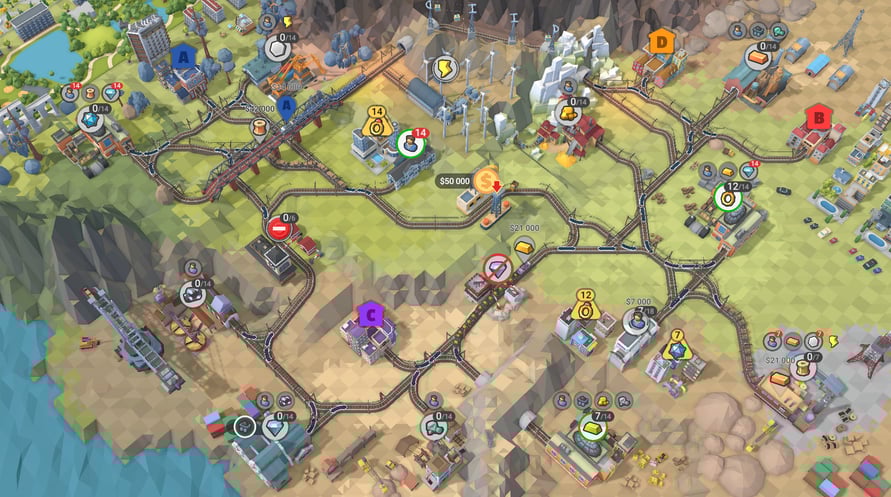
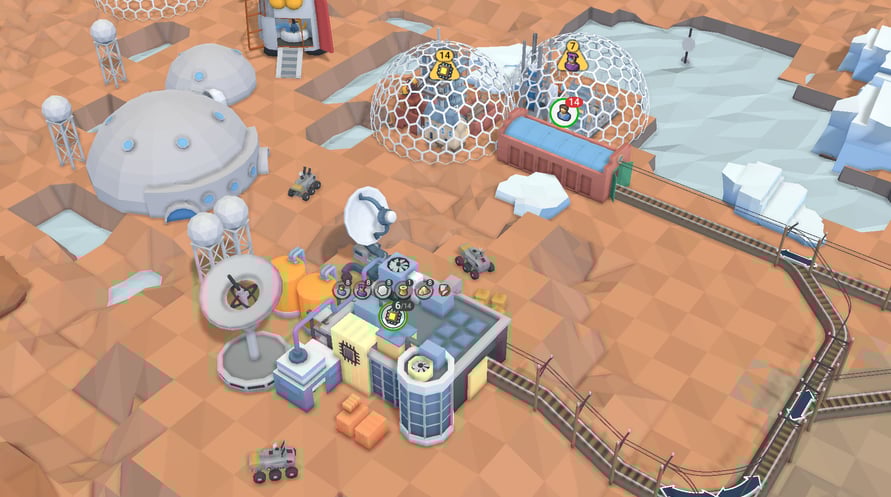
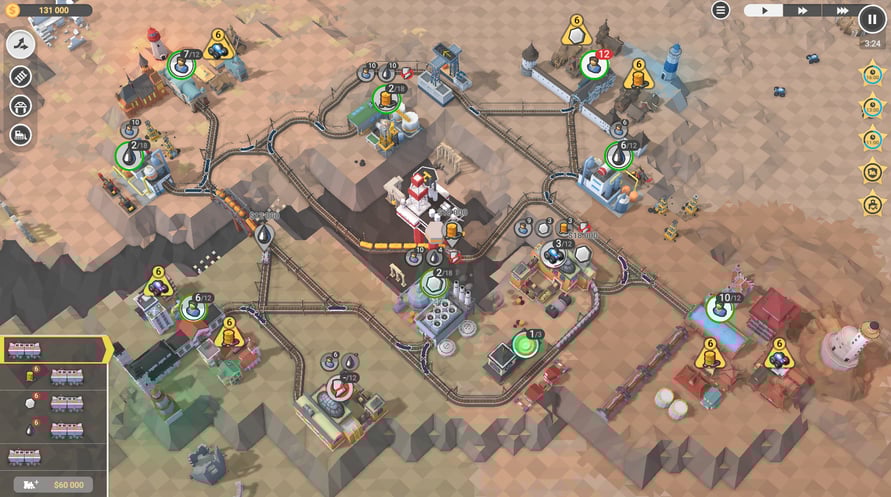
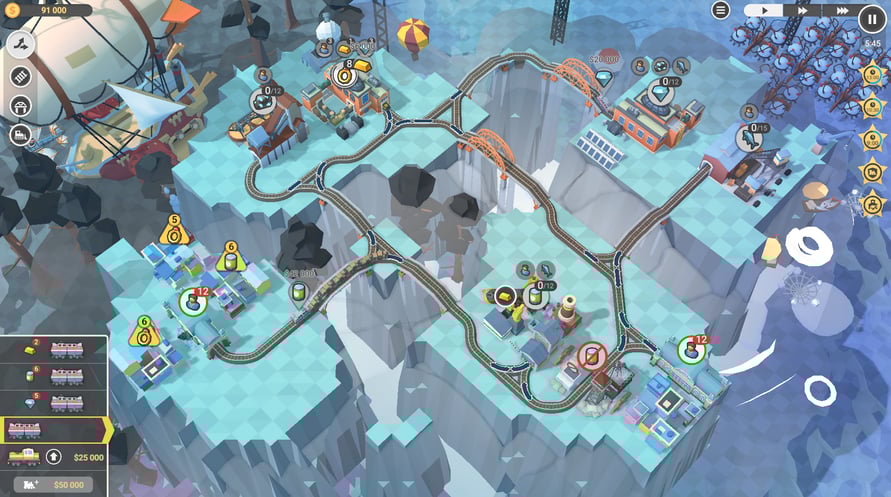
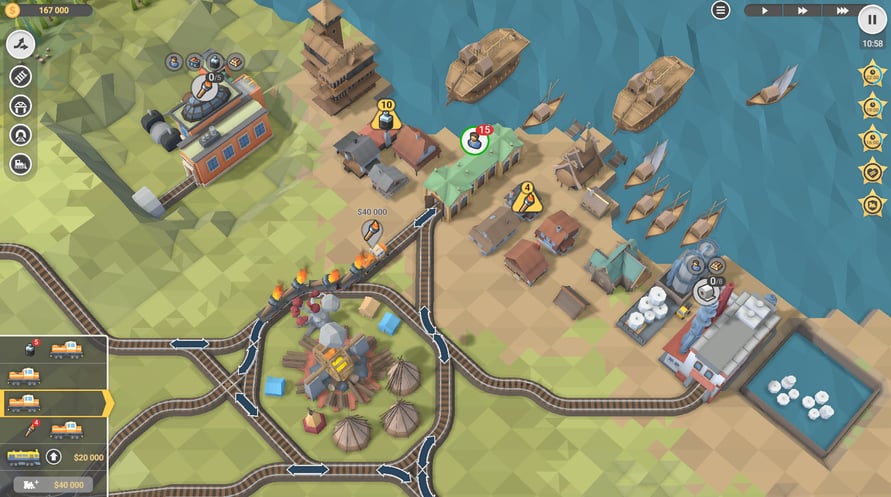
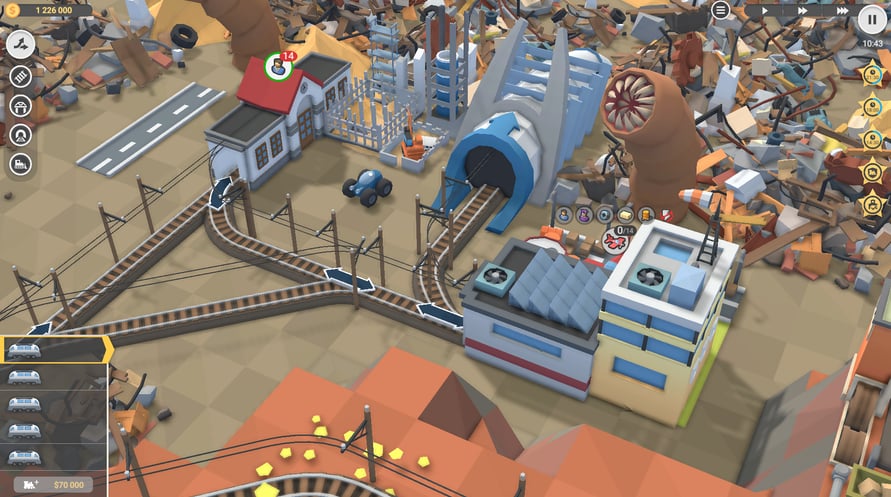
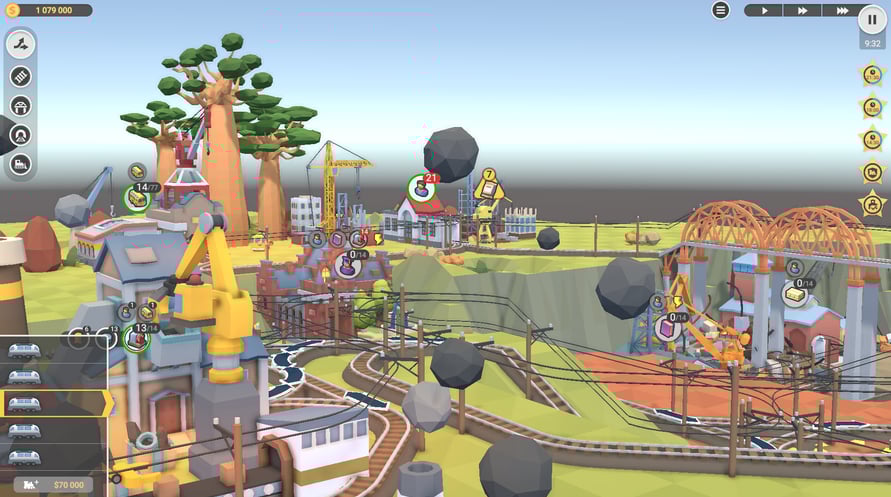
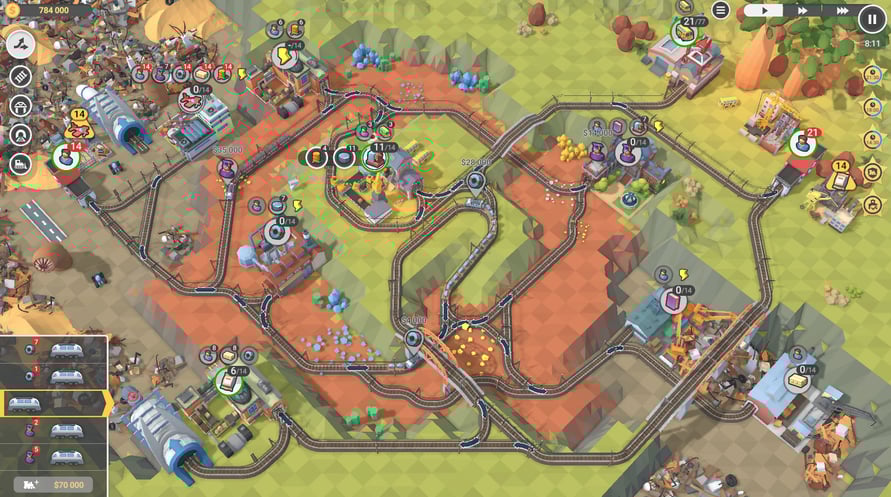
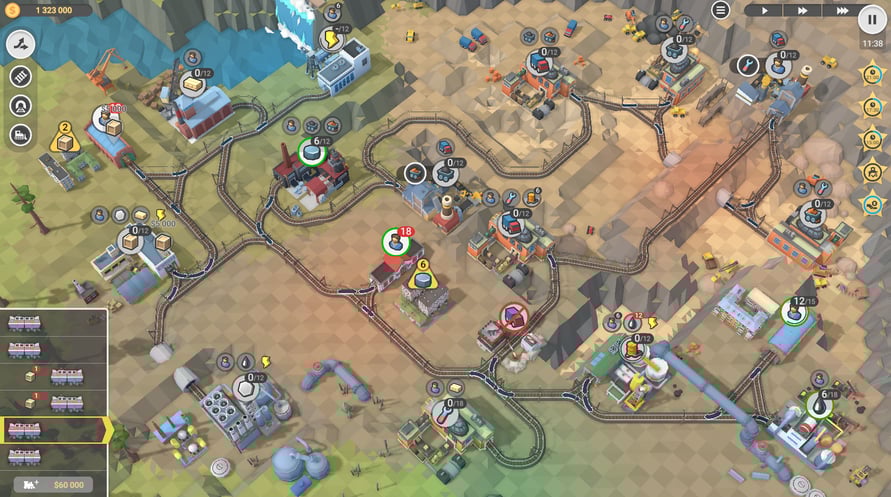
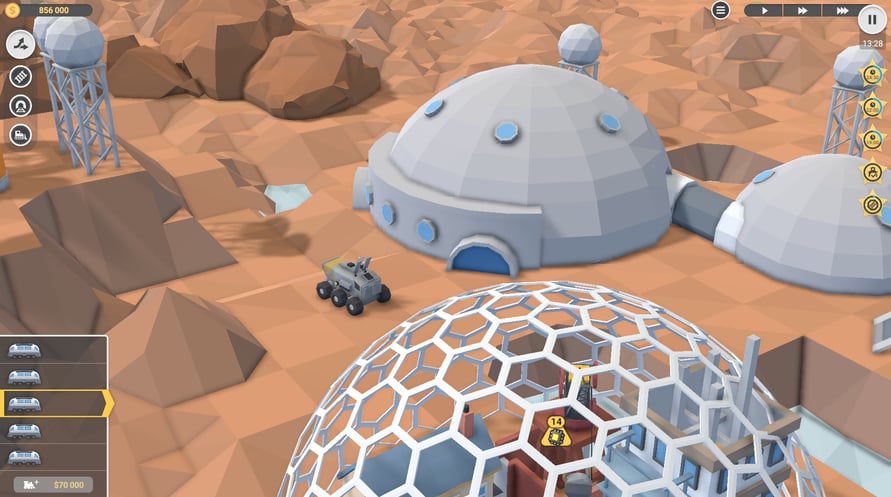
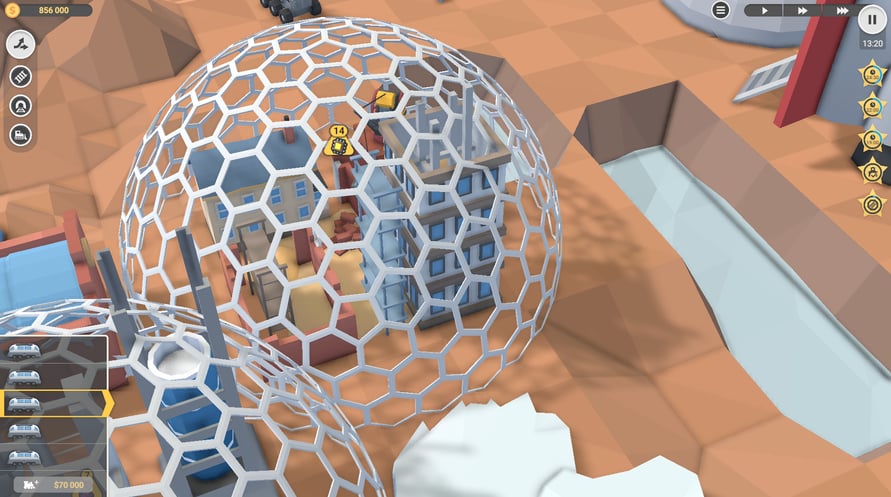
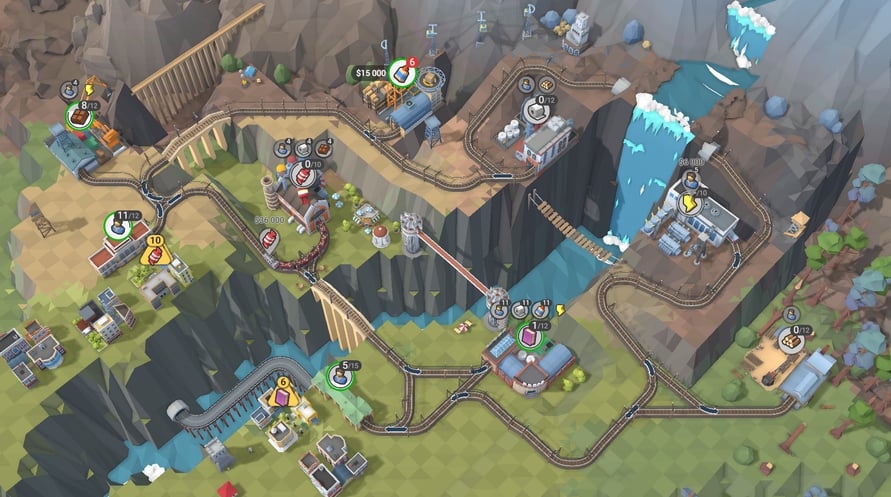
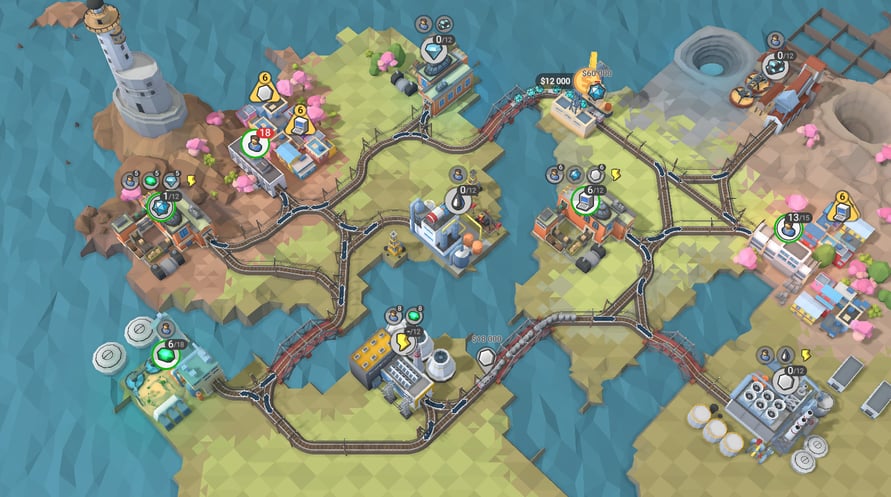
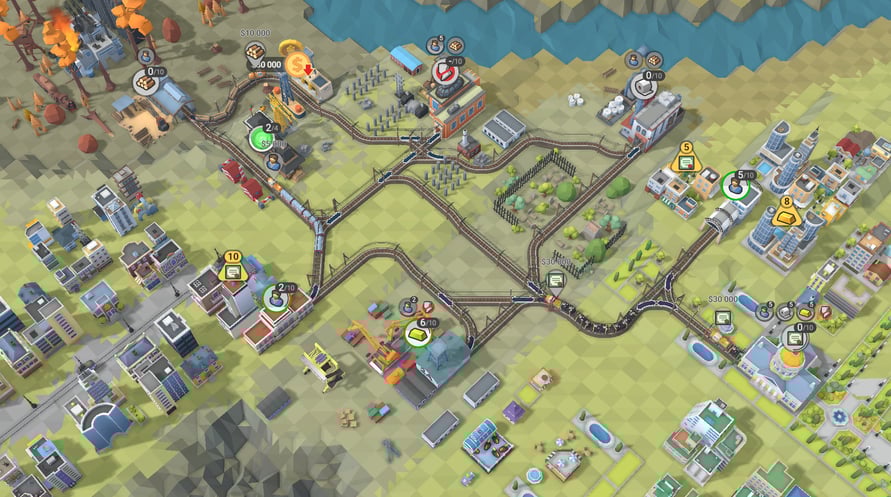
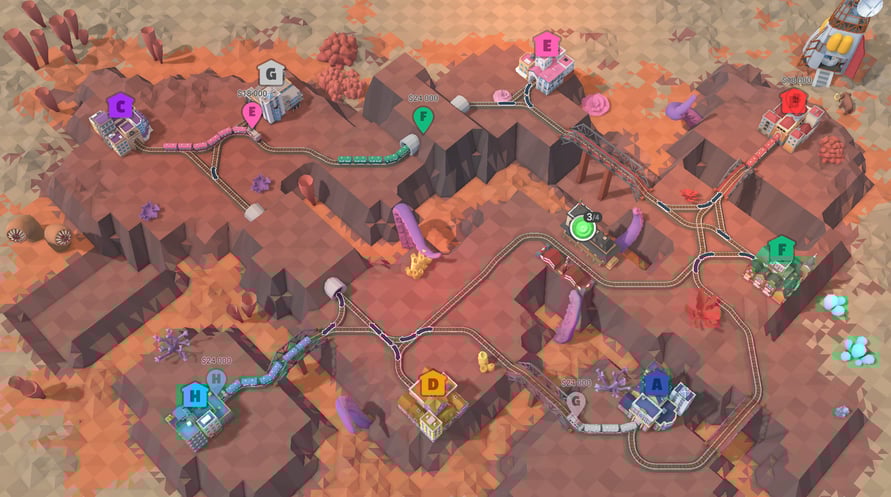
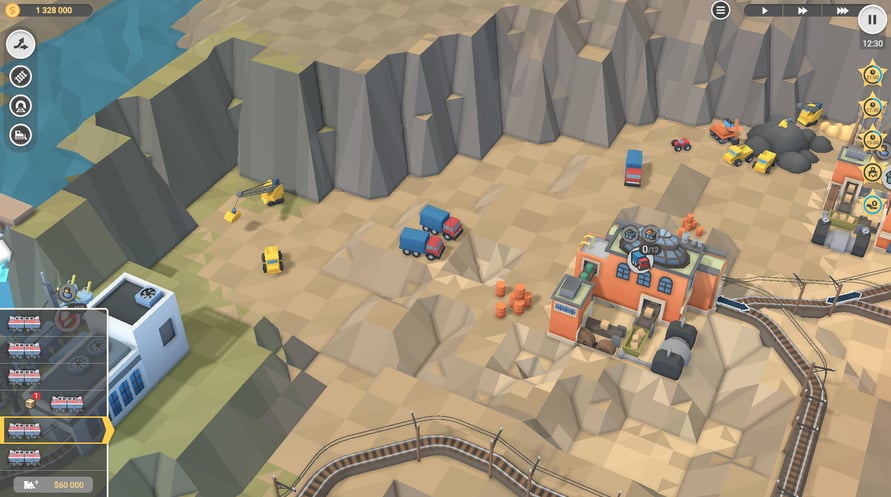
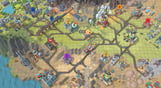
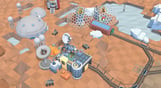
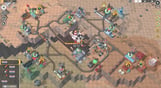
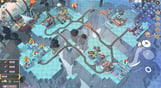
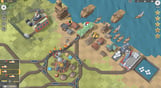
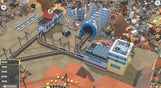
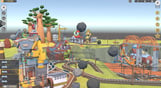
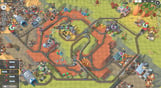
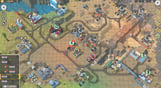
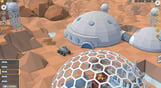
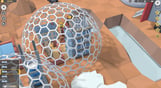
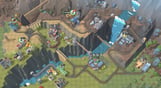
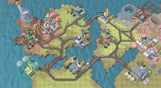
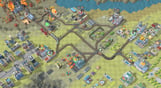
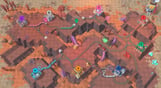
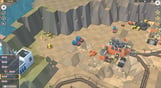
Editor's Bulletin is here to bring you up to speed with the latest developments in the competitive business of driving fast trains with expensive cargo across unpredictable, treacherous and somehow familiar landscapes. Make your way through 30 valleys, conquer terrain and solve construction puzzles, add new locomotives to your fleet and keep in mind that the clock is ticking on those 5-star objectives.
NOTICE: This content requires the base game Train Valley 2 on Steam in order to play.
Windows Minimum Requirements:
- OS: Windows Vista SP1+
- Processor: Intel Core 2 Duo E4500 @ 2.2GHz or AMD Athlon 64 X2 5600+
- Memory: 2 GB RAM
- Graphics: ATi Radeon HD 2400 or NVIDIA GeForce 7600
- DirectX: Version 9.0
- Storage: 1 GB available space
Windows Recommended Requirements:
- OS: Windows 10
- Processor: Core i5 or better
- Memory: 8 GB RAM
- Graphics: NVIDIA GeForce GTX1050 Ti or higher
- Storage: 1 GB available space
Mac Minimum Requirements:
- OS: Mac OS X 10.12+
- Processor: 1.7 GHz Intel Core i5
- Memory: 2 GB RAM
- Storage: 1 GB available space
Mac Recommended Requirements:
- OS: OS X El Capitan
- Processor: 1.7 GHz Intel Core i5
- Memory: 8 GB RAM
- Storage: 1 GB available space
Linux Minimum Requirements:
- OS: Ubuntu 12.04+ or SteamOS+
- Processor: 2.2 GHz CPU
- Memory: 2 GB RAM
- Graphics: ATI Radeon HD 2400 or NVIDIA GeForce 7600
- Storage: 1 GB available space
Linux Recommended Requirements:
- OS: Ubuntu 12.04+ or SteamOS+
- Processor: 2.2 GHz CPU
- Memory: 8 GB RAM
- Graphics: ATI Radeon HD 2400 or NVIDIA GeForce 7600
- Storage: 1 GB available space
Per attivare la chiave di Steam che hai ricevuto, segui le istruzioni qui sotto:
- Prima di tutto, apri il client Steam. (Se non lo hai, clicca semplicemente sul pulsante "Installa Steam" qui => Negozio di Steam )
- Accedi al tuo account Steam. (Se non ne hai uno, clicca qui per crearne uno nuovo => Account Steam )
- Clicca sul pulsante "AGGIUNGI UN GIOCO" nell'angolo in basso del client.
- Quindi, seleziona "Attiva un prodotto su Steam..."
- Scrivi o copia-incolla la chiave di attivazione che hai ricevuto da Voidu nella finestra.
- Il tuo gioco è ora visibile nella tua libreria! Clicca sulla tua "Biblioteca".
- E infine, clicca sul gioco e seleziona "Installa" per avviare il download.