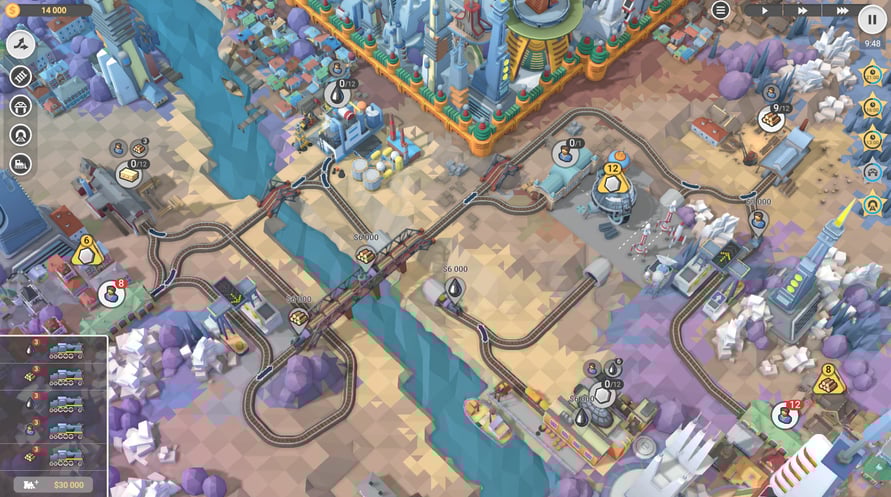
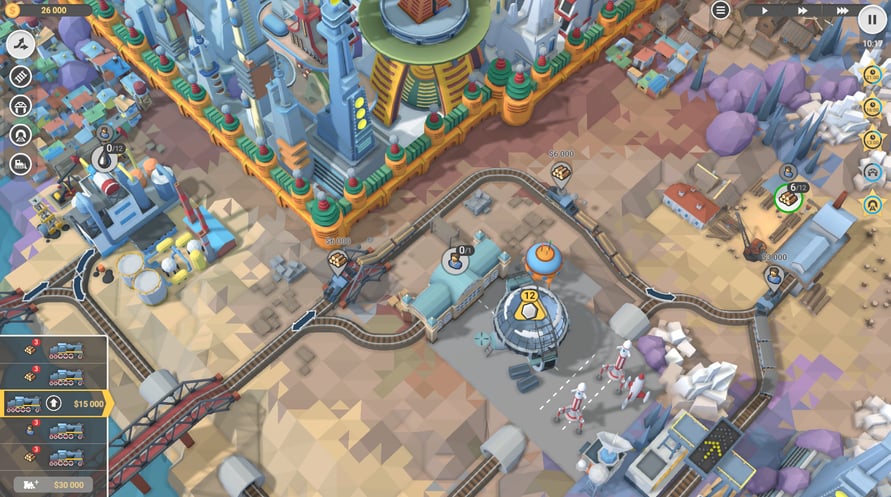
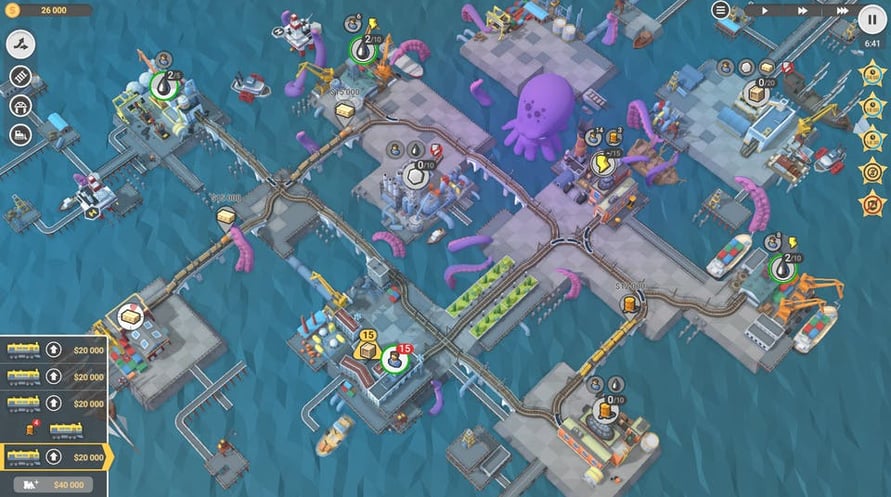
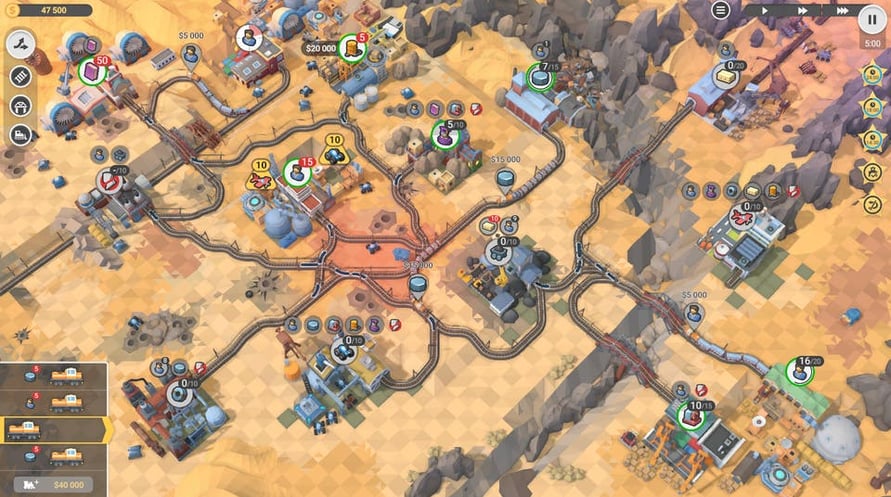
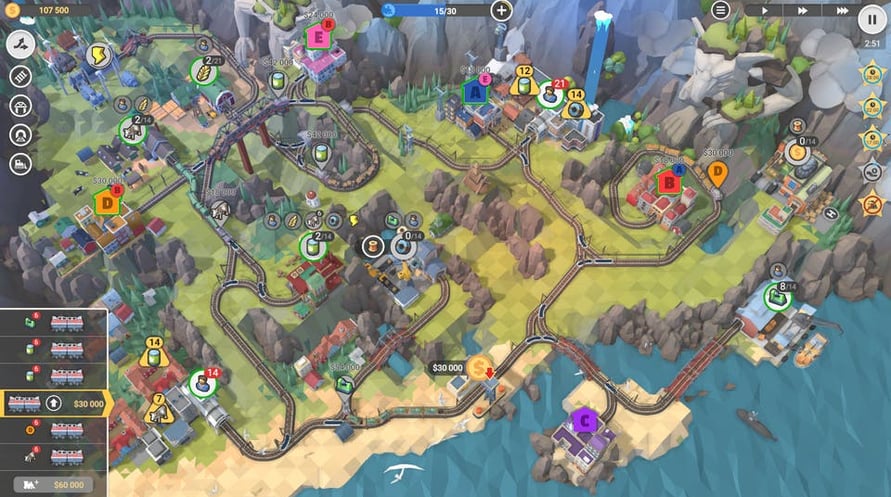
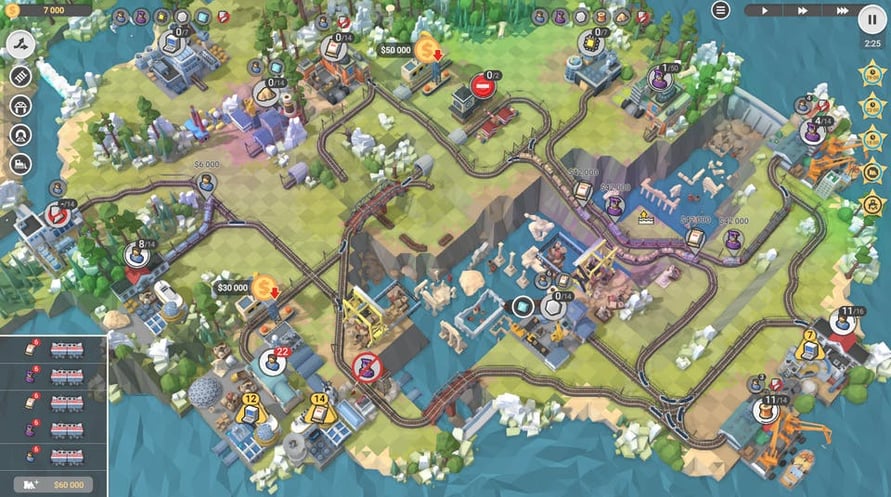
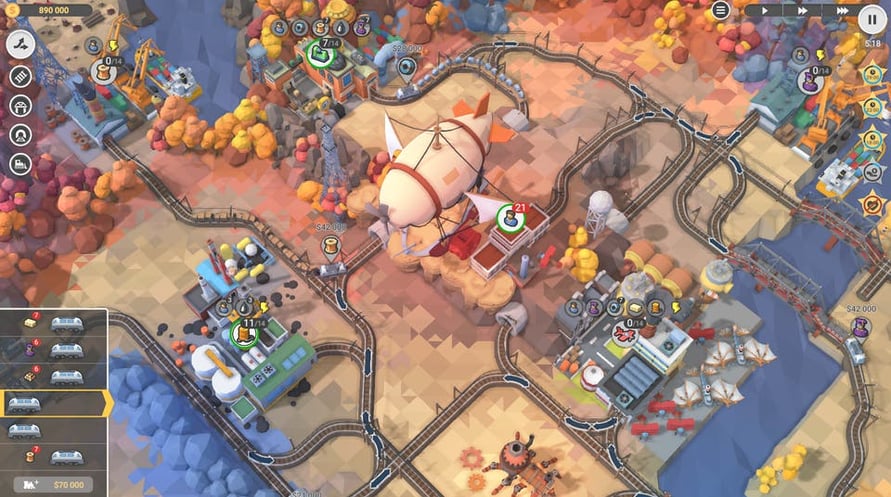
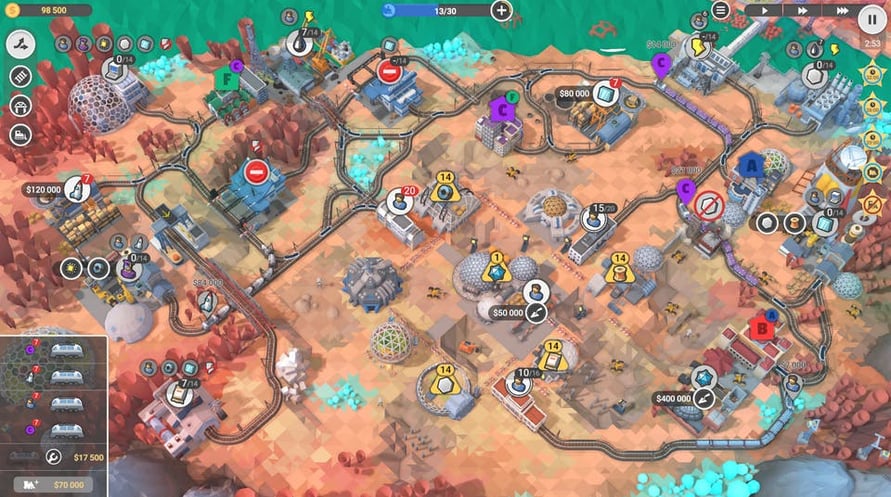
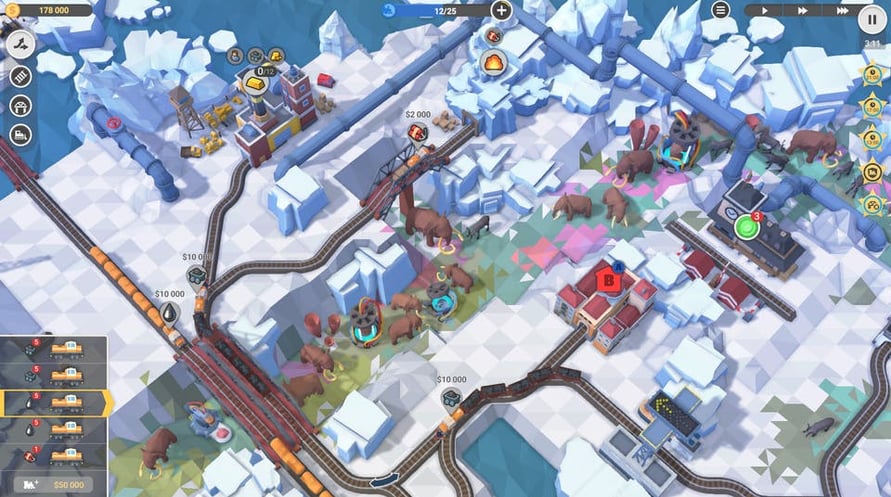
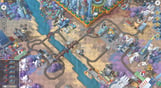
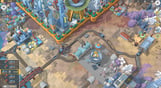
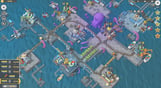
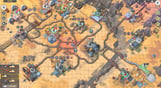
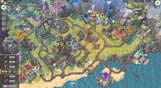
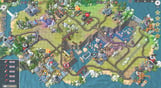
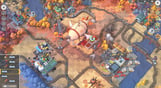
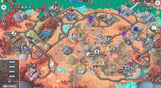
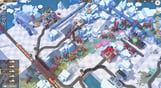
Myths And Rails unleashes the most bizarre and silly episodes of your railroad transportation company’s everyday schedule. Intergalactic trade agreements, alternate timelines, forgotten treasures and flying cars - timely deliveries are the key to success.
A fine-tuned railway network will always smooth things out no matter how peculiar your new assignment may be. Should you choo-choose to accept it, be prepared for the all-new campaign that includes 20 levels revealing the miraculous world of legends, myths, fiction and subjective reality.
- Experience new gameplay with all-new station types, industry buildings, resource and goods varieties.
- Obtain authorization and try the 6 new locomotives.
- Enjoy the refreshed soundtrack with the brand-new music.
- And get to building your own train valley with 300+ new objects for the Steam Level Editor.
Windows Minimum Requirements:
- OS: Windows Vista SP1+
- Processor: Intel Core 2 Duo E4500 @ 2.2GHz or AMD Athlon 64 X2 5600+ @ 2.8 GHz
- Memory: 2 GB RAM
- Graphics: ATi Radeon HD 2400 or NVIDIA GeForce 7600
- DirectX: Version 9.0
- Storage: 1 GB available space
Windows Recommended Requirements:
- OS: Windows 10
- Processor: Core i5 or better
- Memory: 8 GB RAM
- Graphics: NVIDIA GeForce GTX1050 Ti or higher
- Storage: 1 GB available space
Mac Minimum Requirements:
- OS: Mac OS X 10.12+
- Processor: 1.7 GHz Intel Core i5
- Memory: 2 GB RAM
- Graphics: NVIDIA GeForce 8600M or better / ATi Radeon 2400
- Storage: 1 GB available space
Mac Recommended Requirements:
- OS: OS X El Capitan
- Processor: 1.7 GHz Intel Core i5
- Memory: 2 GB RAM
- Storage: 1 GB available space
Linux Minimum Requirements:
- OS: Ubuntu 12.04+ or SteamOS+
- Processor: 2.2 GHz CPU
- Memory: 2 GB RAM
- Graphics: ATI Radeon HD 2400 or NVIDIA GeForce 7600
- Storage: 1 GB available space
Linux Recommended Requirements:
- OS: Ubuntu 12.04+ or SteamOS+
- Processor: 2.2 GHz CPU
- Memory: 2 GB RAM
- Graphics: ATI Radeon HD 2400 or NVIDIA GeForce 7600
- Storage: 1 GB available space
Per attivare la chiave di Steam che hai ricevuto, segui le istruzioni qui sotto:
- Prima di tutto, apri il client Steam. (Se non lo hai, clicca semplicemente sul pulsante "Installa Steam" qui => Negozio di Steam )
- Accedi al tuo account Steam. (Se non ne hai uno, clicca qui per crearne uno nuovo => Account Steam )
- Clicca sul pulsante "AGGIUNGI UN GIOCO" nell'angolo in basso del client.
- Quindi, seleziona "Attiva un prodotto su Steam..."
- Scrivi o copia-incolla la chiave di attivazione che hai ricevuto da Voidu nella finestra.
- Il tuo gioco è ora visibile nella tua libreria! Clicca sulla tua "Biblioteca".
- E infine, clicca sul gioco e seleziona "Installa" per avviare il download.