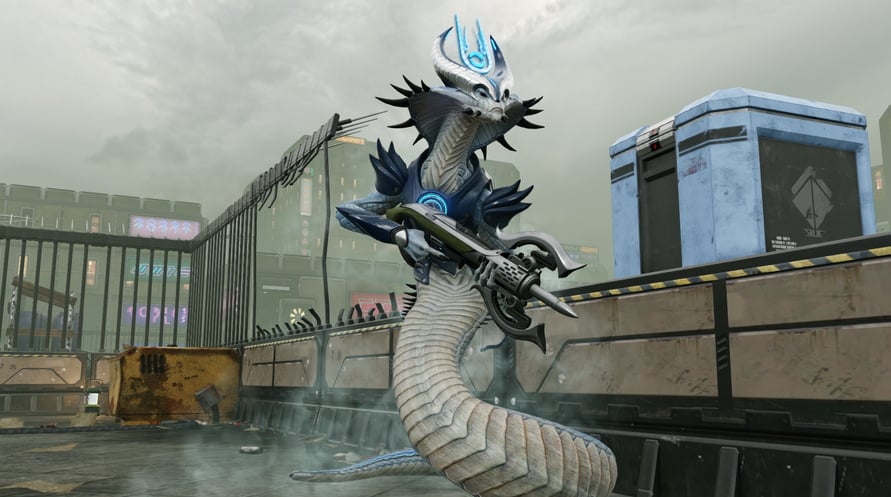
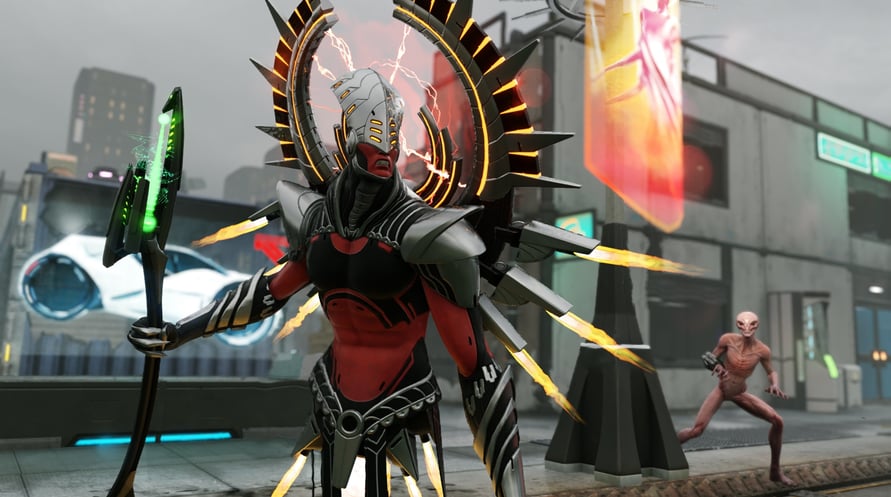
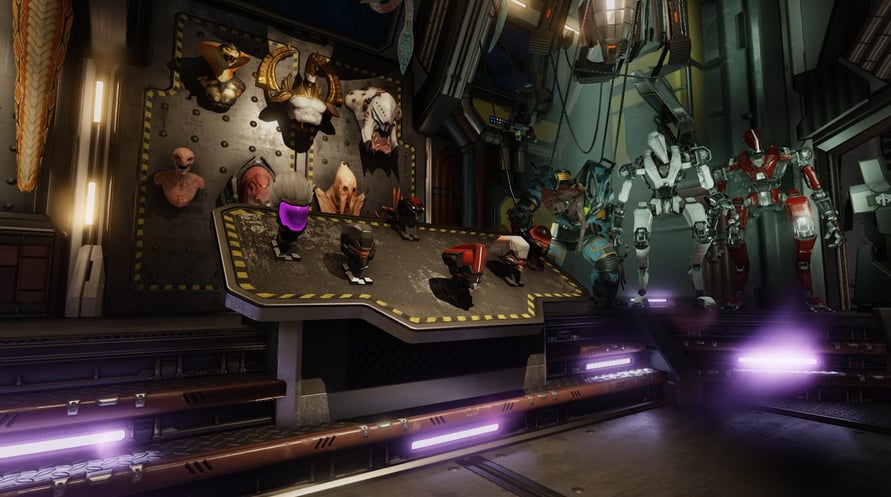
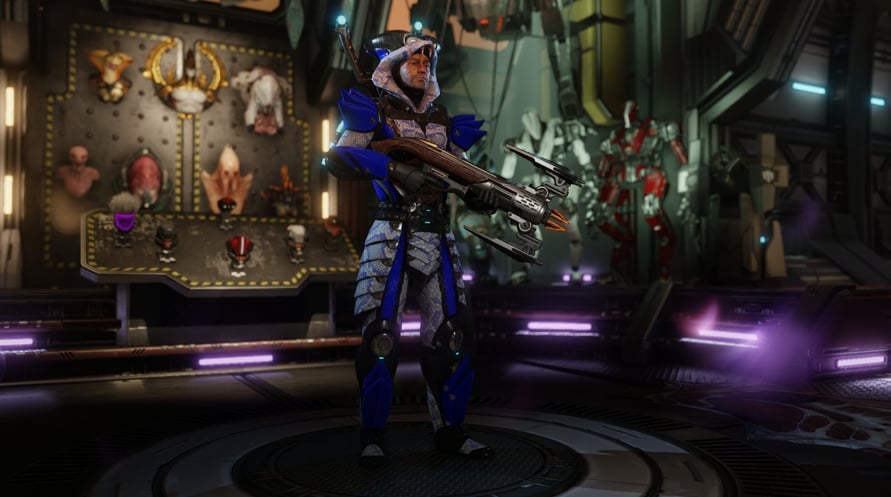
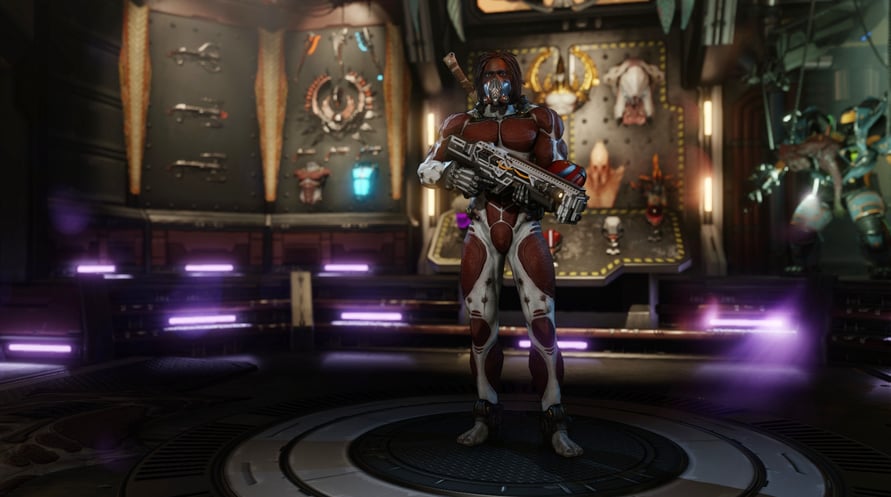
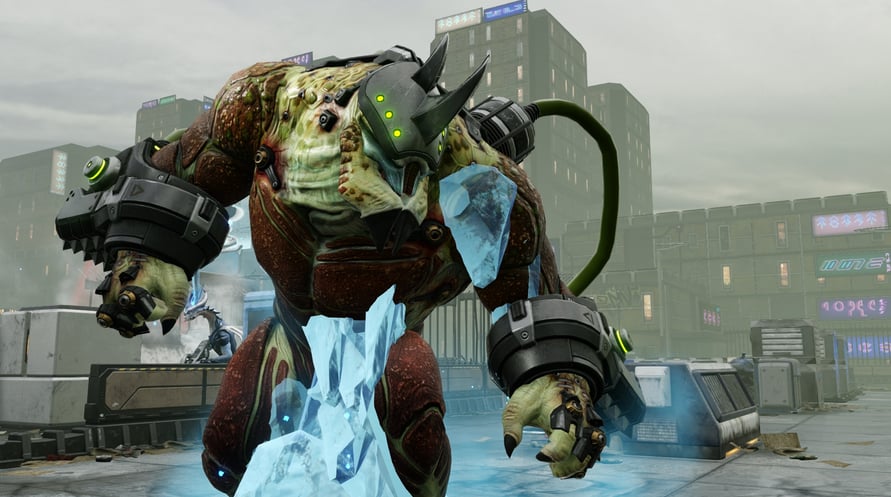
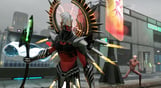
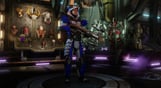
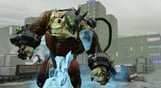
Trasforma i soldati di XCOM in una forza d'élite per la caccia agli alieni, con rinnovate e potenti armi e armature per contrastare i nuovi capi alieni, che tormenteranno la squadra per l'intera campagna. Sono incluse anche altre migliorie estetiche ai soldati e all'Avenger, oltre a una nuova ed epica missione, in cui l'ufficiale Bradford guida la squadra per salvare una vecchia conoscenza.
Questo contenuto è parte del Pacchetto Rinforzi e della Digital Deluxe Edition di XCOM 2. Se hai già acquistato il Pacchetto rinforzi o la Digital Deluxe Edition, NON acquistare questo contenuto, perché dovrai pagarlo nuovamente.
Per l'attivazione è necessario il gioco base di XCOM 2.
Per attivare e installare il gioco è necessario un account Steam.
Per usare questo prodotto devi accettare il seguente accordo di licenza di terze parti: http://www.take2games.com/eula/
©2016 Take-Two Interactive Software, Inc. Take-Two Interactive Software, Inc., 2K, Firaxis Games, XCOM, XCOM 2, and their respective logos are trademarks of Take-Two Interactive Software, Inc. All rights reserved. The ratings icon is a trademark of the Entertainment Software Association. All other marks are property of their respective owners.
NOTICE: This content requires the base game XCOM 2 on Steam in order to play.
Windows Minimum Requirements:
- OS *: Windows® 7, 64-bit
- Processor: Intel Core 2 Duo E4700 2.6 GHz or AMD Phenom 9950 Quad Core 2.6 GHz
- Memory: 4 GB RAM
- Graphics: 1GB ATI Radeon HD 5770, 1GB NVIDIA GeForce GTX 460 or better
- DirectX: Version 11
- Storage: 1500 MB available space
- Sound Card: DirectX compatible sound card
- Additional Notes: Initial installation requires one-time Internet connection for Steam authentication; software installations required (included with the game) include Steam Client, Microsoft Visual C++2012 and 2013 Runtime Libraries and Microsoft DirectX.
Windows Recommended Requirements:
- OS *: Windows® 7, 64-bit
- Processor: 3GHz Quad Core
- Memory: 8 GB RAM
- Graphics: 2GB ATI Radeon HD 7970, 2GB NVIDIA GeForce GTX 770 or better
- Storage: 1500 MB available space
- Sound Card: DirectX compatible sound card
Mac Minimum Requirements:
- OS: 10.11.2
- Processor: 2.4 GHz Intel
- Memory: 4 GB RAM
- Graphics: 1GB AMD 5750, Nvidia 650M, 1.5GB Intel Iris Pro 6200 (See Notes for more details)
- Storage: 45 GB available space
- Additional Notes: The game is supported on the following Macs. To check your Mac model and when it was released, select About This Mac from the Apple menu on your menu bar.
- * All 13” MacBook Pros released since Late 2016
- * All 15” MacBook Pros since early 2011 with a 2.3GHz processor or better
- * All 17" MacBook Pros since Early 2011
- * All 21.5” iMacs since late 2013 with a 1GB NVIDIA GeForce GT 750M or better
- * All 27” iMacs since mid 2010 with a 1GB Graphics Cards and a 2.5GHz processor or better
- * All 27” iMacs Pro's
- * All Mac Pros released since Late 2009
- Please note for your computer to meet the minimum requirements it must match or better all elements of the listed spec. For more detailed specifications check the Feral website.
- ———
- Multiplayer is compatible between Mac, Linux and Windows versions
Linux Minimum Requirements:
- OS: Ubuntu 14.04.2 64-bit or Steam OS
- Processor: Intel i3-3225 3.3ghz
- Memory: 4 GB RAM
- Graphics: NVIDIA 650 (1GB), AMD R9 270 (2GB) or better
- Storage: 1500 MB available space
- Additional Notes: Intel GPUs are not supported at time of release. Nvidia requires 352.55 or newer drivers. AMD requires Mesa 13.0.1 driver compiled using LLVM 3.9
Linux Recommended Requirements:
- OS: Ubuntu 14.04.2 64-bit or Steam OS
- Processor: Intel i7 series
- Memory: 8 GB RAM
- Graphics: NVIDIA 960 (2GB)
- Storage: 1500 MB available space
- Additional Notes: Intel GPUs are not supported at time of release. We recommend Nvidia 358.16 drivers for best performance in XCOM 2
Per attivare la chiave di Steam che hai ricevuto, segui le istruzioni qui sotto:
1. Prima di tutto, apri il client Steam. (Se non lo hai, clicca semplicemente sul pulsante "Installa Steam" qui =>
Negozio di Steam)
2. Accedi al tuo account Steam. (Se non ne hai uno, clicca qui per crearne uno nuovo =>
Account Steam)
3. Clicca sul pulsante "AGGIUNGI UN GIOCO" nell'angolo in basso del client.
4. Quindi, seleziona "Attiva un prodotto su Steam..."
5. Scrivi o copia-incolla la chiave di attivazione che hai ricevuto da Voidu nella finestra.
6. Il tuo gioco è ora visibile nella tua libreria! Clicca sulla tua "Biblioteca".
7. E infine, clicca sul gioco e seleziona "Installa" per avviare il download.