Cities in Motion 1 and 2 Collection
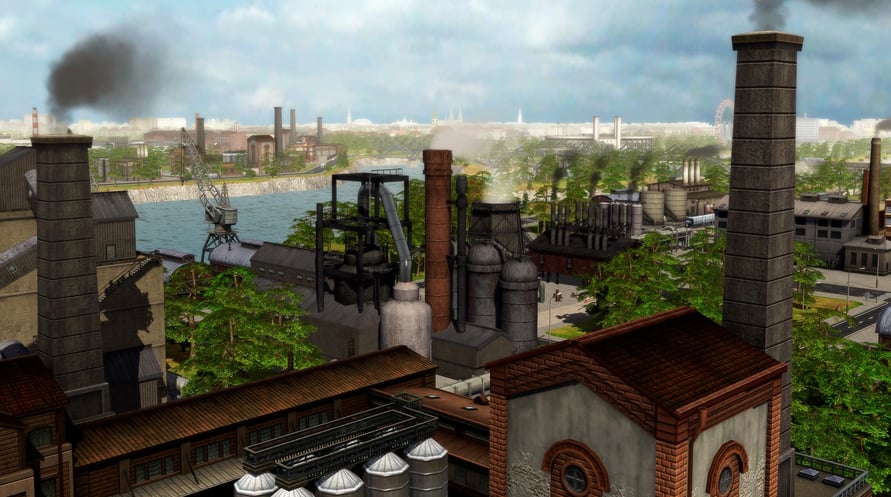
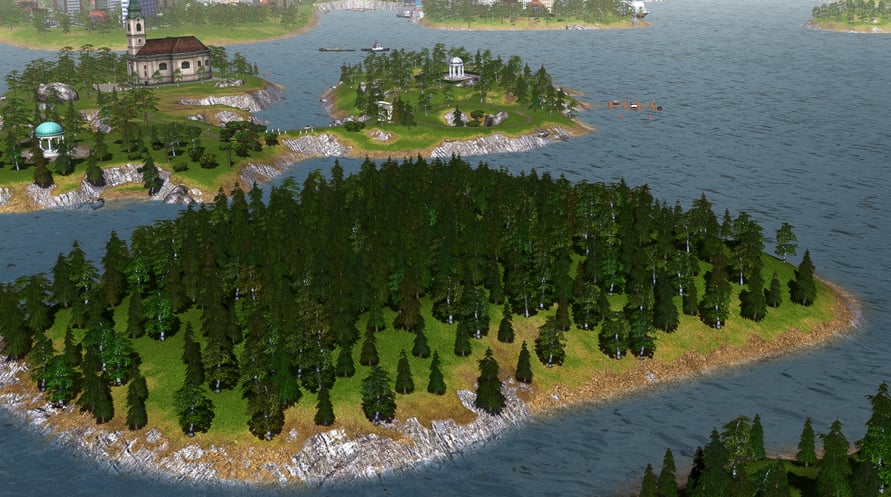
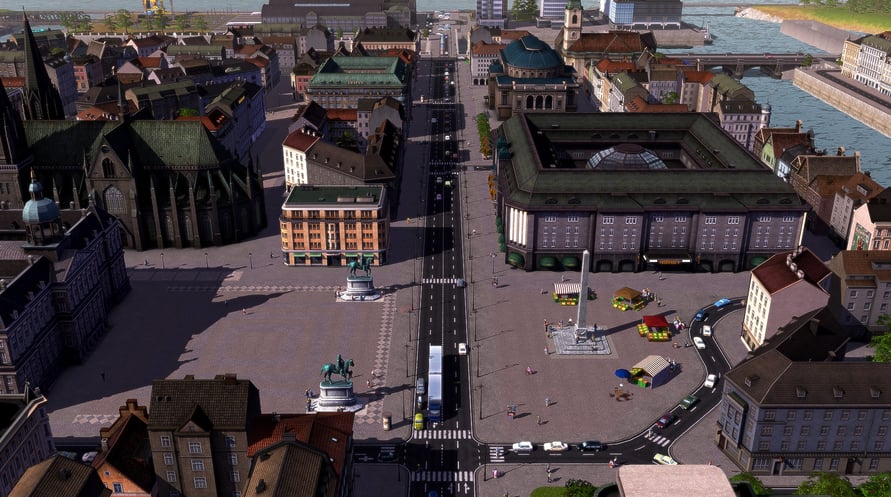
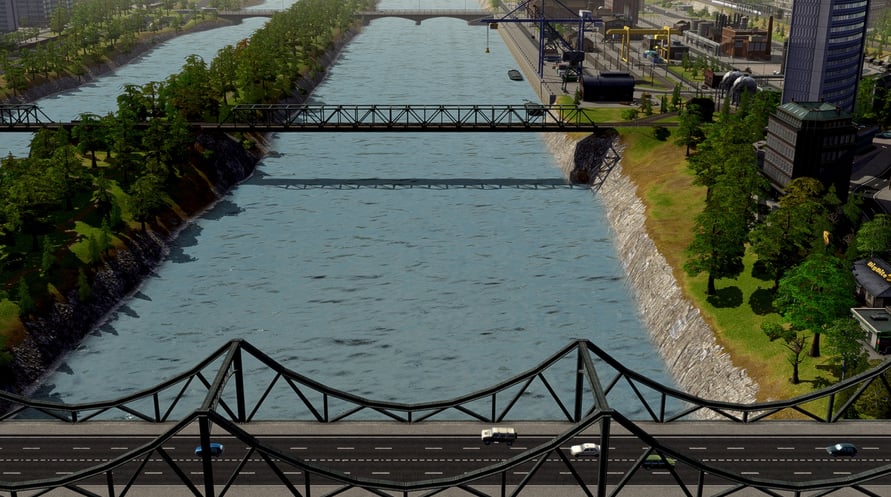
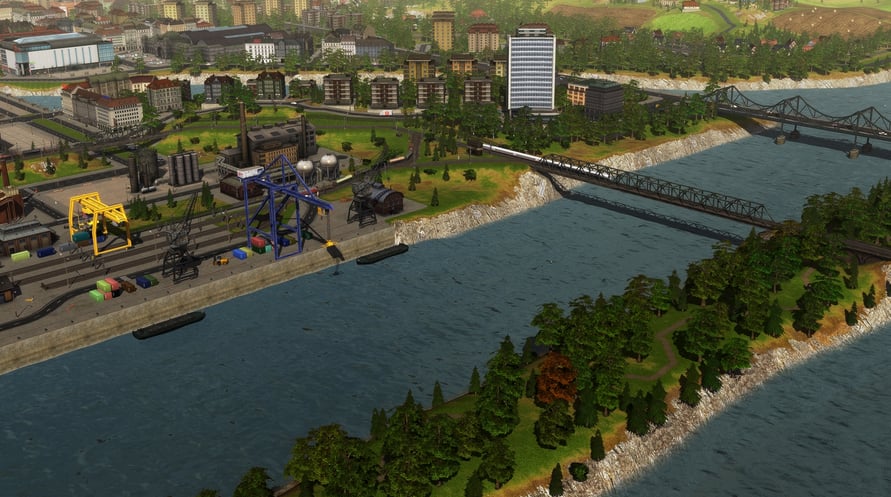
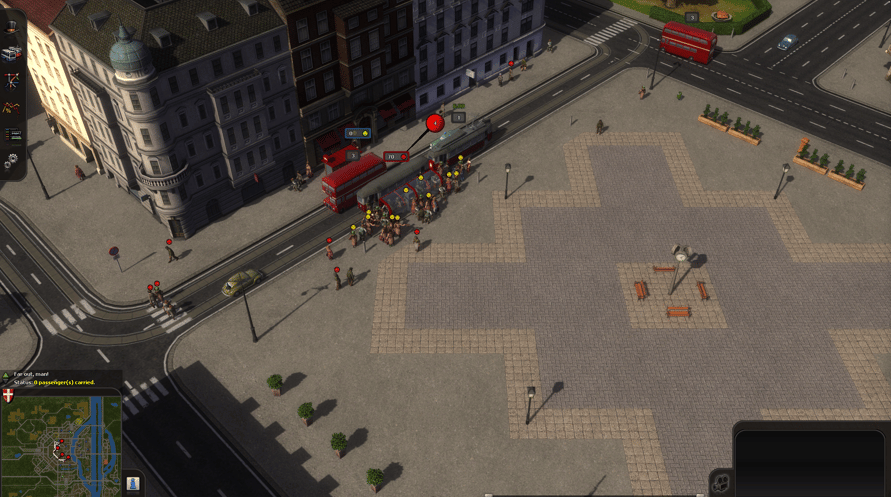
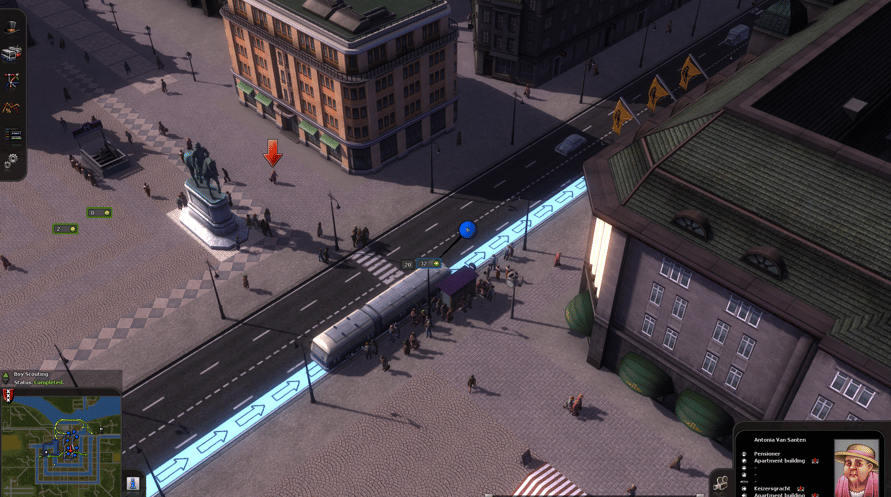
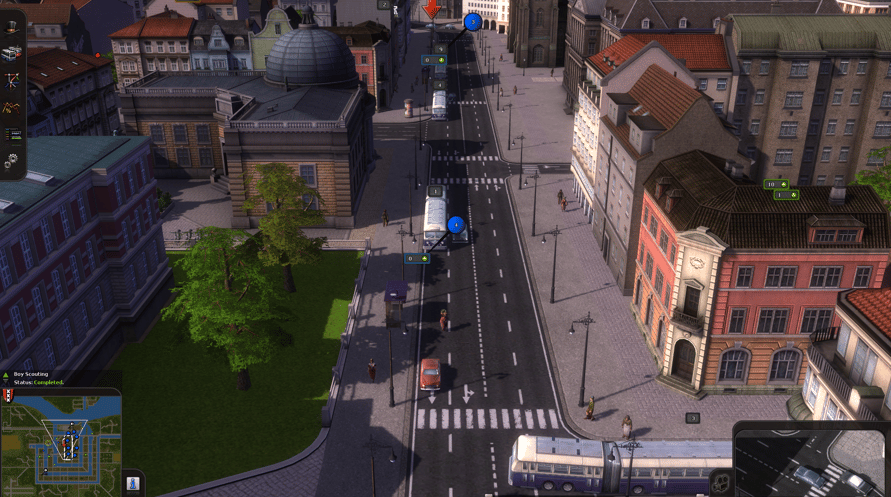
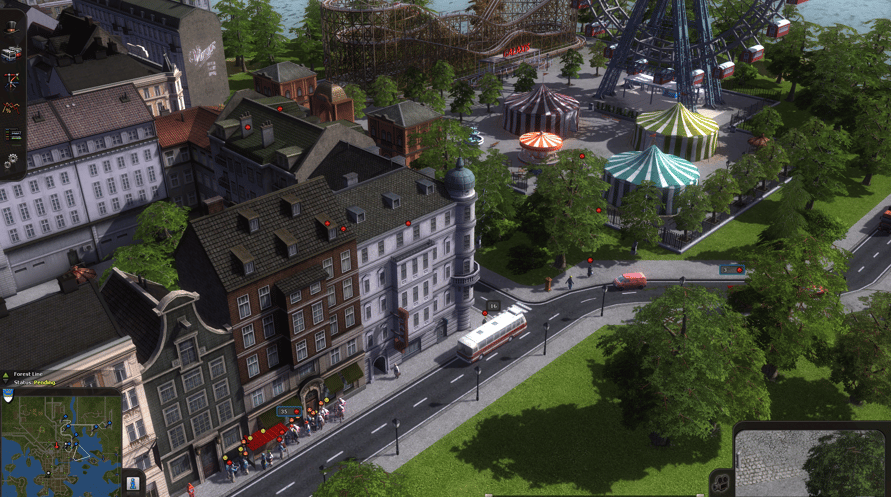








Items included in this package: Cities in Motion, Cities in Motion 2, Cities in Motion 2: Trekking Trolleys and more.
Items included in this package:
- Cities in Motion
- Cities in Motion 2
- Cities in Motion 2: Trekking Trolleys
- Cities in Motion 2: Back to the Past
- Cities in Motion 2: Bus Mania
- Cities in Motion 2: Lofty Landmarks
- Cities in Motion 2: Metro Madness
- Cities in Motion 2: Olden Times
- Cities in Motion 2: Wending Waterbuses
- Cities in Motion : Design Classics
- Cities in Motion : Design Dreams
- Cities in Motion: Design Now
- Cities in Motion: Design Quirks
- Cities in Motion: German Cities
- Cities in Motion: Design Marvels
- Cities in Motion: Metro Stations
- Cities in Motion: Paris
- Cities in Motion: Tokyo
- Cities in Motion: Ulm
- Cities in Motion: US Cities
Cities in Motion 1 and 2 Collection

Activeringsinformatie
United States
Available in your region
Geactiveerd in United States
Age Restriction
Content rated 3+

Age restricted content
Suitable for ages 3 and above
Vergelijkbare games


Cthulhu: The Cosmic Abyss

Heavenly Bodies

The Occultist Deluxe Edition
ALL WILL FALL

Nested Lands