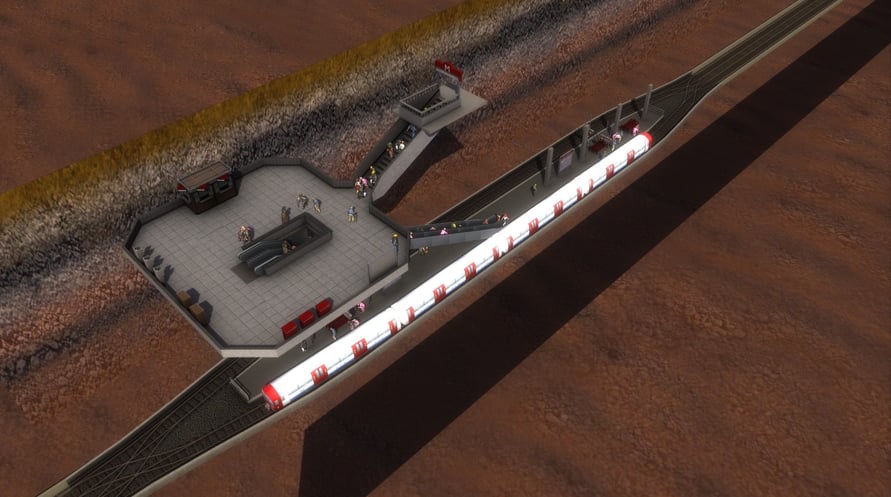
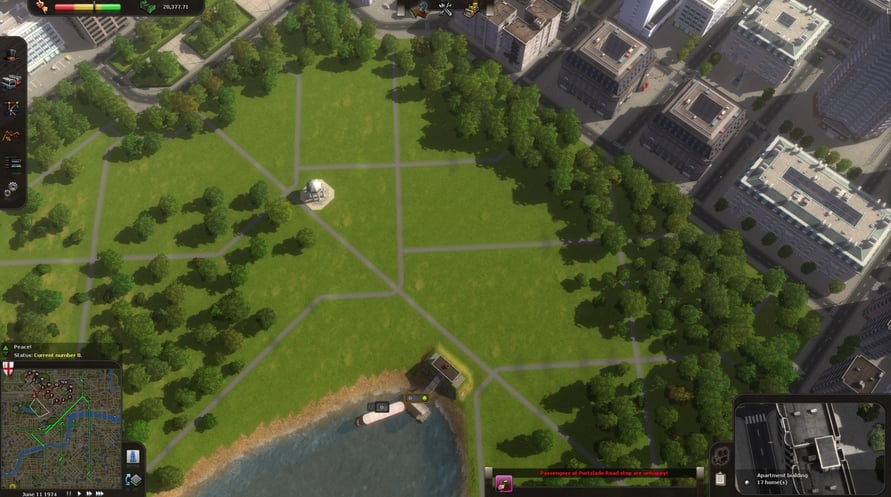
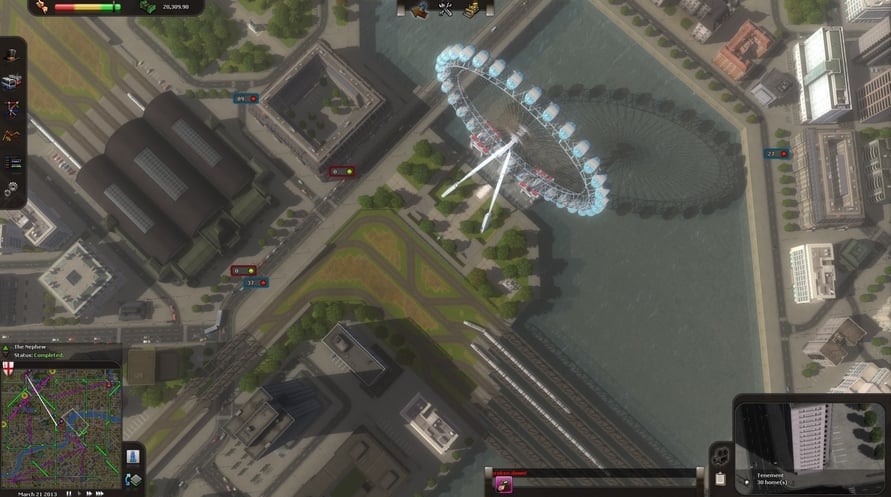
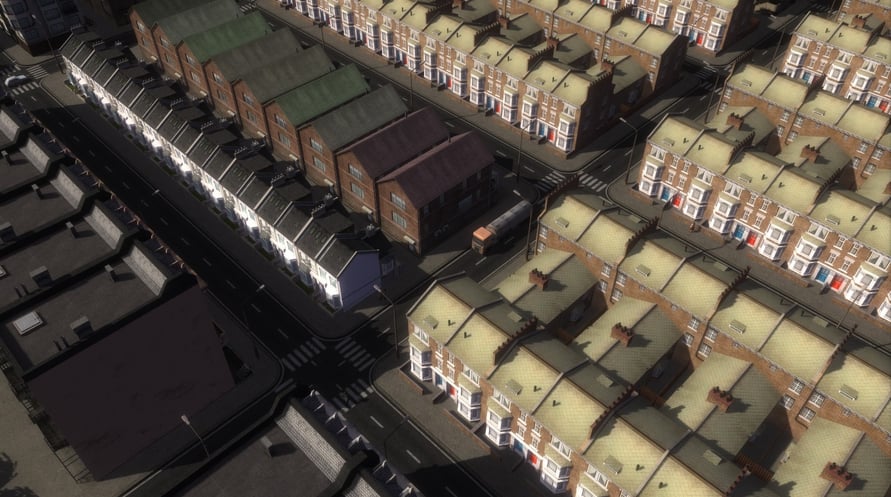
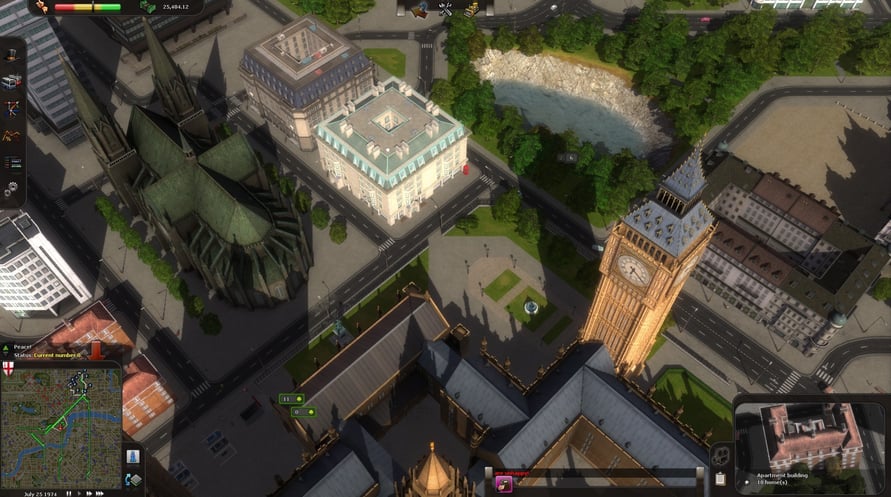
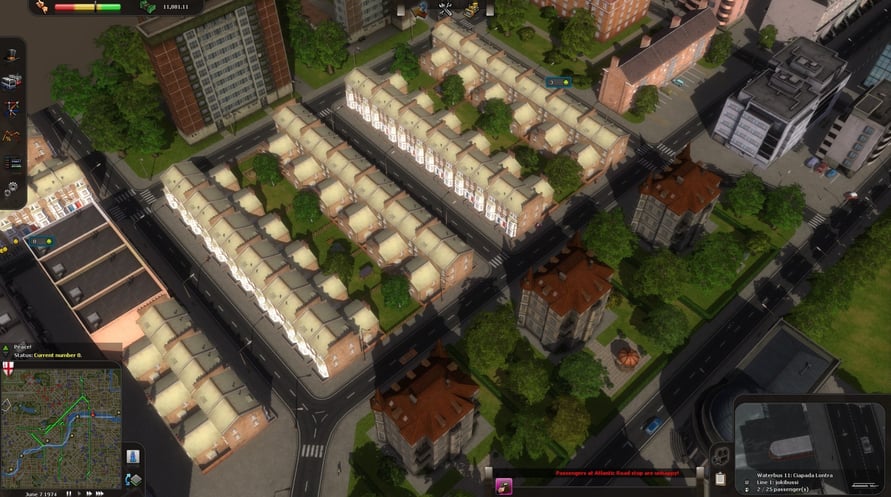
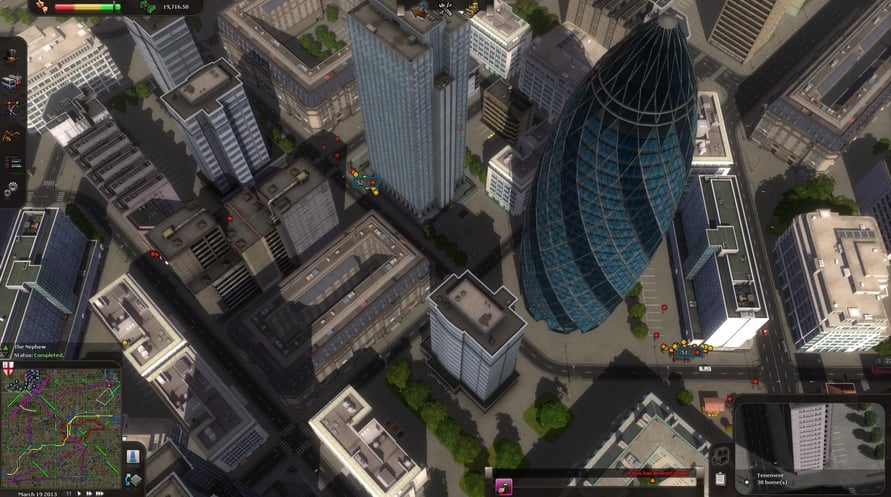
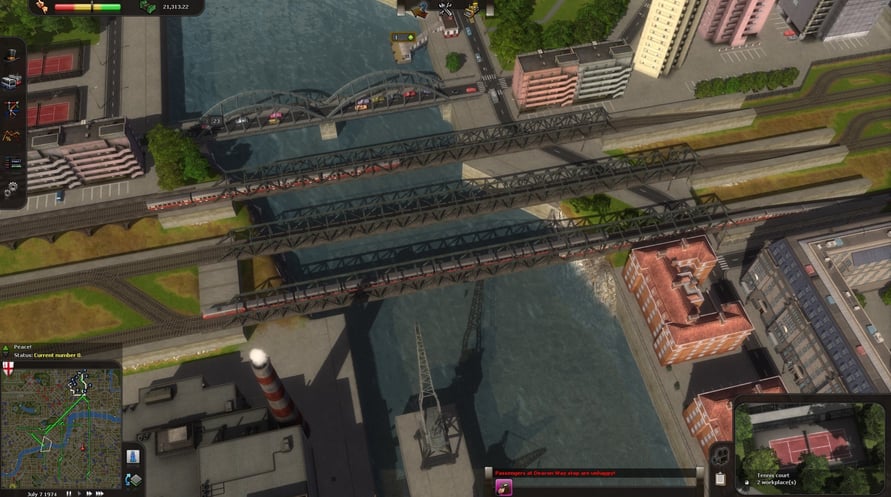
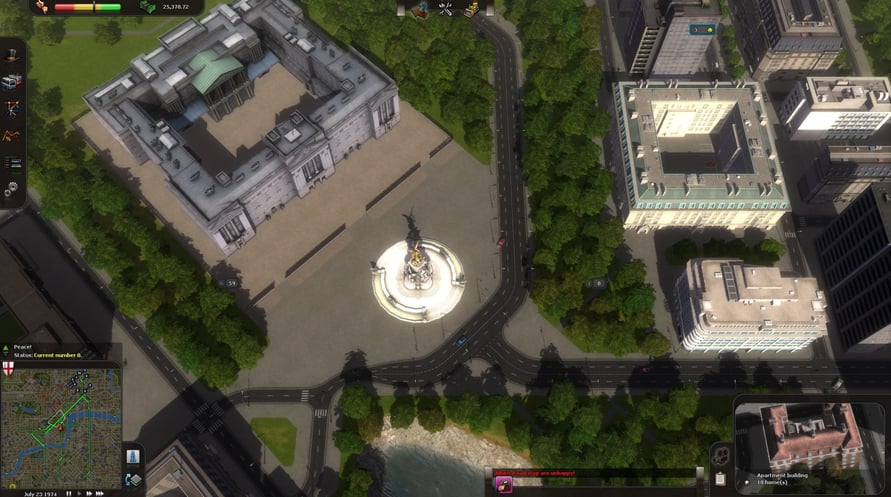
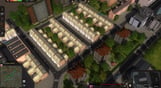
London; the smoky, foggy city on the river Thames. It’s narrow streets and bridges pose a series of new challenges for public transportation. Citizens travel to the city center for work every day and return home in the evening. This creates a high demand for working lines and many different types of vehicles. Are you up for the challenge?
Key Features:
- Three unique scenarios
- 5 new vehicles
- Realistic London landmarks
© 2012 Paradox Interactive™. Trademarks belong to their respective owners. All rights reserved.
NOTICE: This content requires the base game Cities in Motion : London on Steam in order to play.
Windows Minimum Requirements:
- OS *: Microsoft Windows XP/ Vista / 7
- Processor:2 GHz Dual Core or higher
- Memory:2 GB RAM
- Graphics:NVIDIA GeForce 8800/ATI Radeon HD 3850 or higher (integrated video cards not supported), 512 MB RAM, OpenGL 3.0 graphics
- DirectX®:9.0c
- Hard Drive:2 GB HD space
- Sound:Any Direct X Sound compatible sound Card
Mac Minimum Requirements:
- OS:OS X Snow Leopard 10.6.3, or later.
- Processor:2 GHz Dual Core or higher
- Memory:2 GB RAM
- Graphics:NVIDIA GeForce 8800/ATI Radeon HD 3850 or higher with 512 MB RAM, OpenGL 3.0
- Hard Drive:2 GB HD space
Linux Minimum Requirements:
- OS:Ubuntu 12.04 LTS
- Processor:Intel Core Duo Processor (2GHz or better)
- Memory:2 GB RAM
- Graphics:nVIDIA GeForce 8800, 512 MB RAM or ATI Radeon HD 3850, 512 MB RAM
- Hard Drive:2 GB HD space
- Other Requirements:Broadband Internet connection
- Additional:GLSL 1.3, OpenGL 2.1. Controller support: 3-button mouse, keyboard and speakers. Internet Connection or LAN for multiplayer
Om de Steam-sleutel die je hebt ontvangen te activeren, volg je de onderstaande instructies:
- Allereerst, open de Steam-client. (Als je deze niet hebt, klik eenvoudig op de knop "Steam installeren" hier => Steam Store )
- Meld je aan bij je Steam-account. (Als je er geen hebt, klik hier om er een nieuw te maken => Steam-account )
- Klik op de knop "EEN SPEL TOEVOEGEN" in de onderhoek van de client.
- Selecteer vervolgens "Een product op Steam activeren..."
- Schrijf de activeringssleutel op of kopieer en plak deze die je hebt ontvangen van Voidu in het venster.
- Je spel is nu zichtbaar in je bibliotheek! Klik op je "Bibliotheek".
- En tot slot, klik op het spel en selecteer "Installeren" om je download te starten.