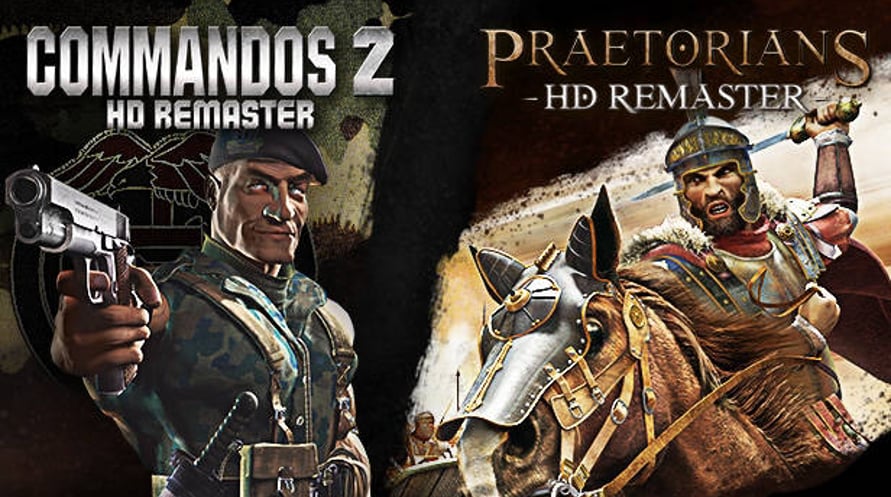
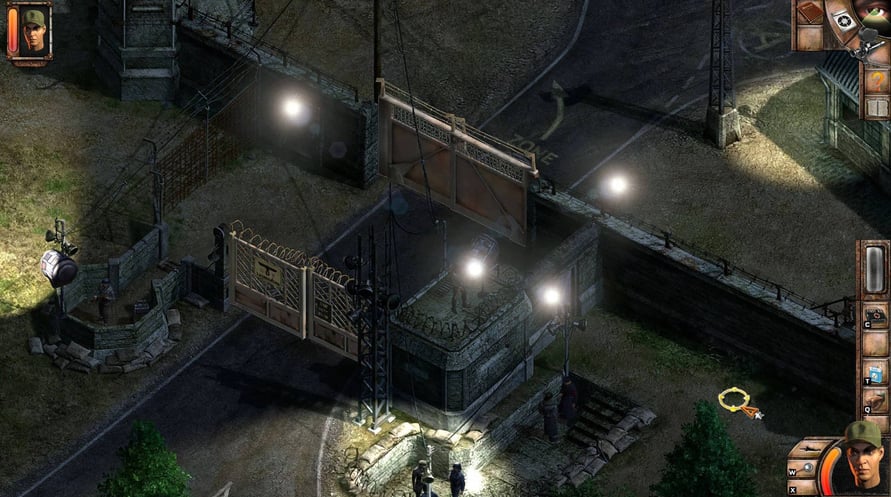
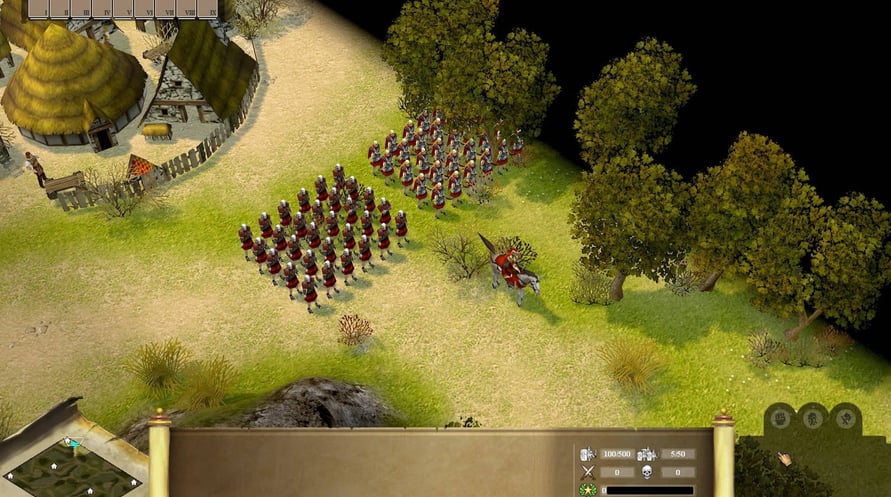
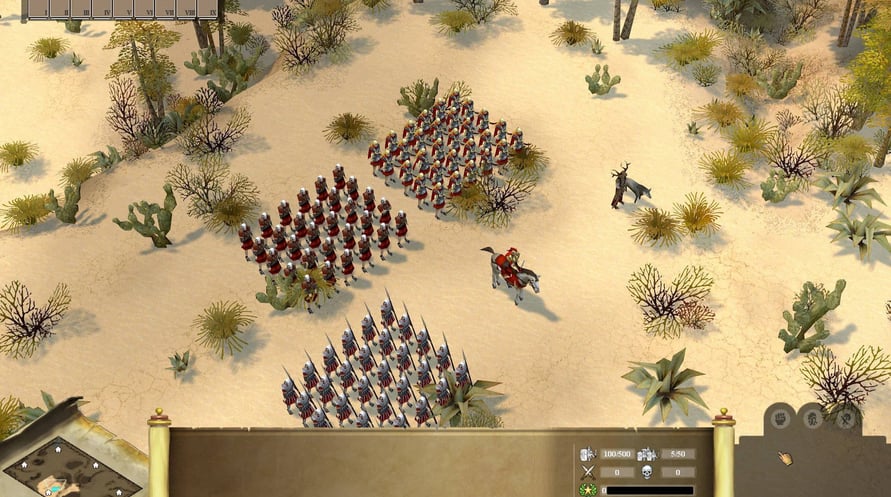
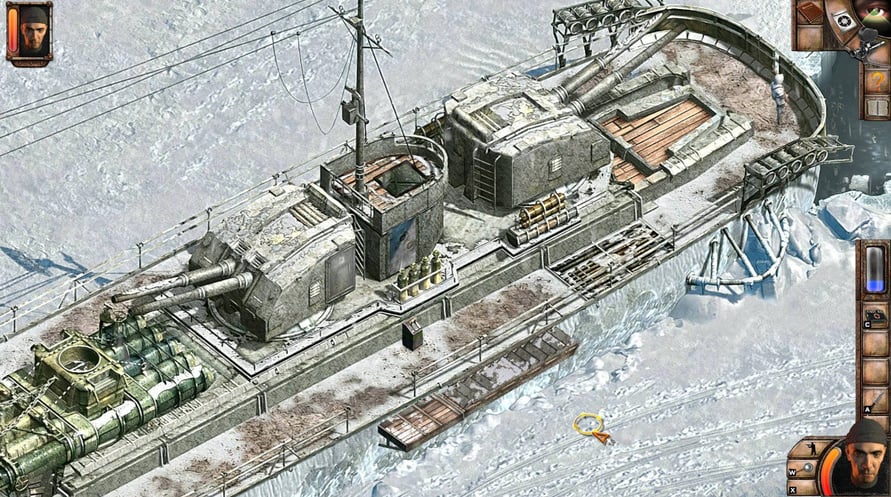
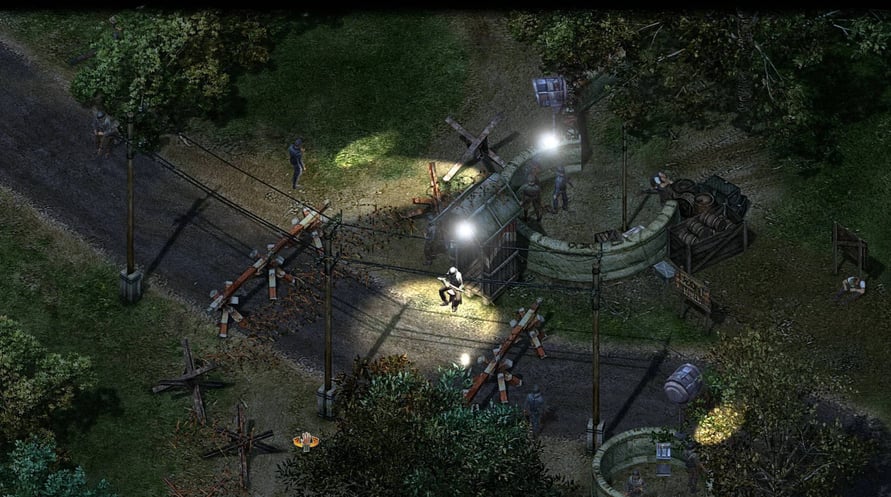
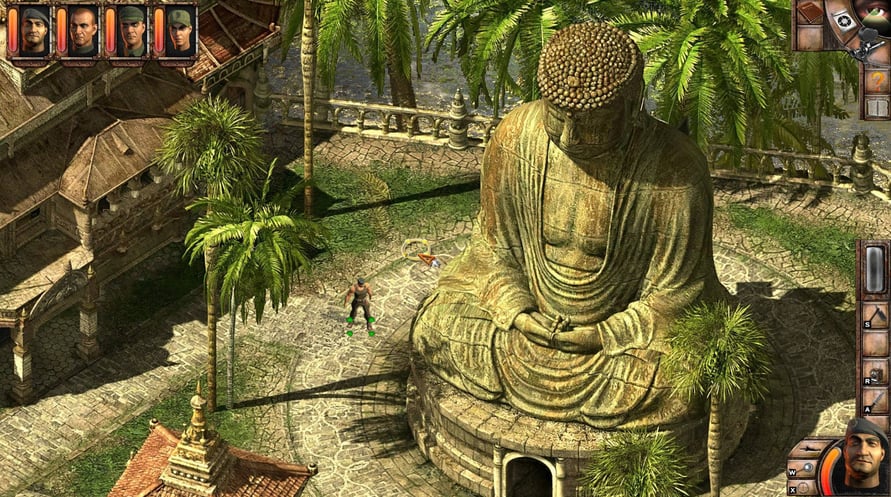
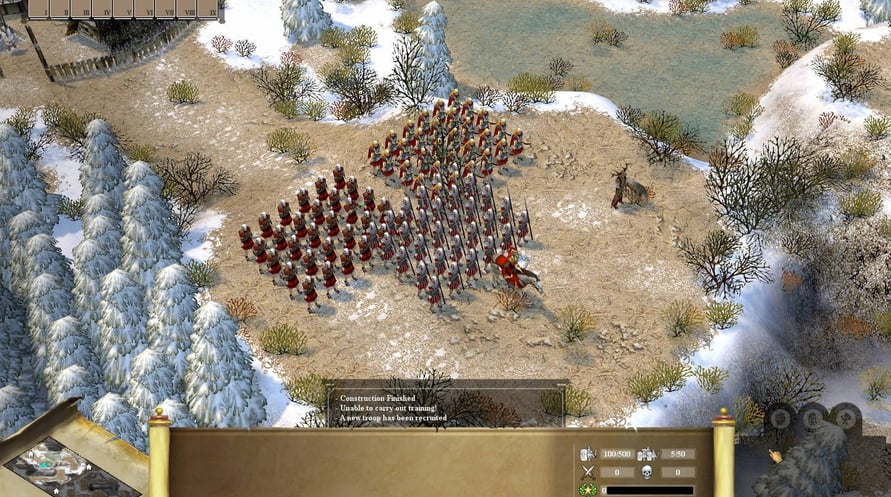
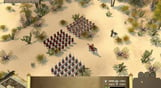
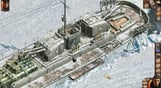
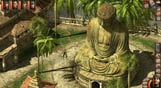
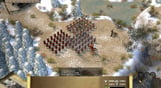
Relive two masterpieces, originally developed by the legendary Pyro Studios, that defined the real-time tactics genre like nothing before, re-imagined in full HD and bundled together for the first time ever!
Commandos
Windows MINIMUM:
OS: Windows 7 64-bit or higher, Windows 8, Windows 10
Processor: Intel i3 4th-Generation 3.5GHz, AMD Quad-Core 3.9GHz
Memory: 6 GB RAM
Graphics: Nvidia GTX 570, AMD Radeon HD 6950, 2GB Vram
DirectX: Version 11
Storage: 8 GB available space
Sound Card: DirectX 9.0c Compatible Sound Card with Latest Drivers
Praetorians
Windows MINIMUM:
Requires a 64-bit processor and operating system
OS: 64-bit Windows 7 or higher
Processor: Intel Core i3-3220 (Dual-core with at least 3,3 Ghz)
Memory: 4 GB RAM
Graphics: 2GB dedicated VRam, e.g. Nvidia GeForce GT640
DirectX: Version 11
Storage: 3 GB available space
Additional Notes: Requires a 64-bit processor and operating system.
Windows RECOMMENDED:
Requires a 64-bit processor and operating system
Om de Steam-sleutel die je hebt ontvangen te activeren, volg je de onderstaande instructies:
- Allereerst, open de Steam-client. (Als je deze niet hebt, klik eenvoudig op de knop "Steam installeren" hier => Steam Store )
- Meld je aan bij je Steam-account. (Als je er geen hebt, klik hier om er een nieuw te maken => Steam-account )
- Klik op de knop "EEN SPEL TOEVOEGEN" in de onderhoek van de client.
- Selecteer vervolgens "Een product op Steam activeren..."
- Schrijf de activeringssleutel op of kopieer en plak deze die je hebt ontvangen van Voidu in het venster.
- Je spel is nu zichtbaar in je bibliotheek! Klik op je "Bibliotheek".
- En tot slot, klik op het spel en selecteer "Installeren" om je download te starten.