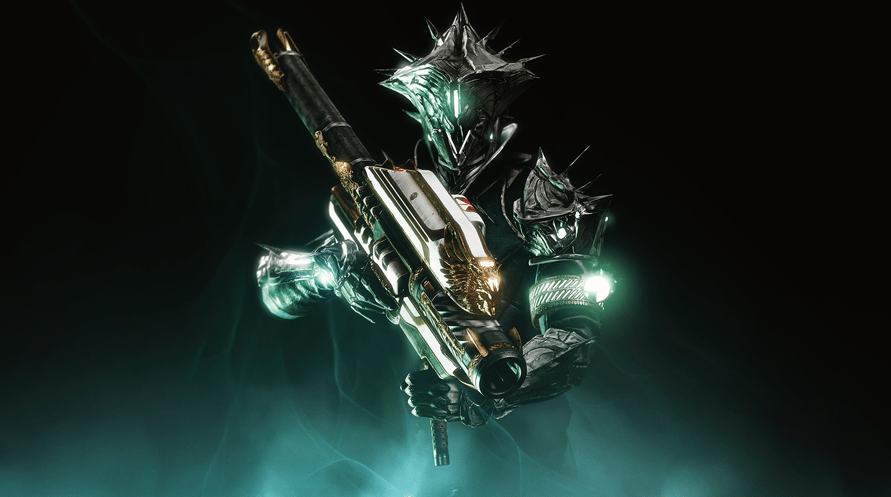
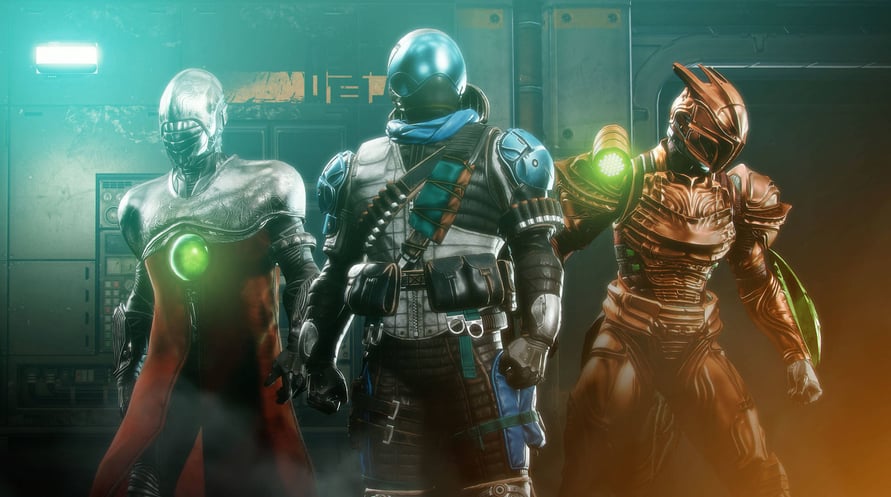
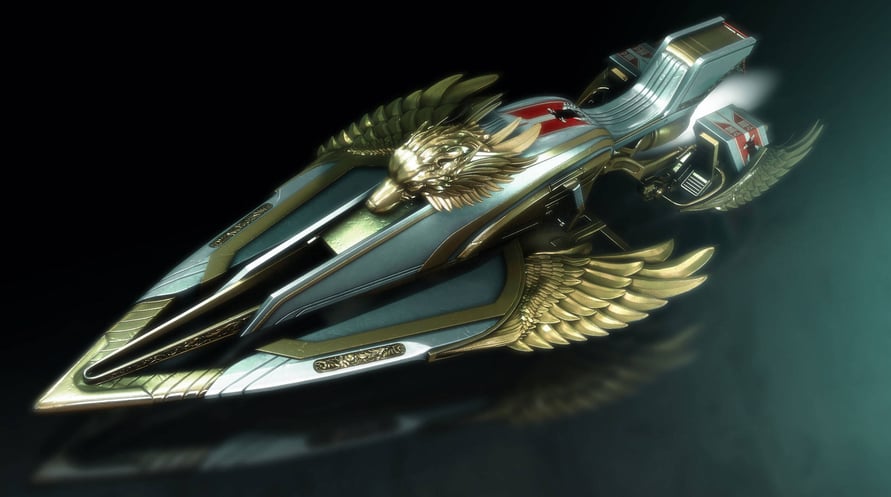
Het 30th Anniversary Pack bevat een nieuwe Dungeon, Gjallarhorn Exotic Rocket Launcher, nieuwe wapens, harnas en meer.
Using the software constitutes acceptance of the Destiny Software License Agreement at www.bungie.net/sla. Bungie may modify or discontinue online services without notice at any time.
© 2021 Bungie, Inc. All rights reserved. Destiny, the Destiny Logo, Bungie and the Bungie Logo are among the trademarks of Bungie, Inc.
NOTICE: This content requires the base game Destiny 2 on Steam in order to play.
Minimum Requirements:
- Requires a 64-bit processor and operating system
- OS: Windows® 7 / Windows® 8.1 / Windows® 10 64-bit (latest Service Pack)
- Processor: Intel® Core™ i3 3250 3.5 GHz or Intel Pentium G4560 3.5 GHz / AMD FX-4350 4.2 GHz
- Memory: 6 GB RAM
- Graphics: NVIDIA® GeForce® GTX 660 2GB or GTX 1050 2GB / AMD Radeon HD 7850 2GB
- Network: Broadband Internet connection
- Storage: 105 GB available space
Recommended Requirements:
- Requires a 64-bit processor and operating system
- OS: System Windows® 7 / Windows® 8.1 / Windows® 10 64-bit (latest Service Pack)
- Processor: Processor Intel® Core™ i5 2400 3.4 GHz or i5 7400 3.5 GHz / AMD Ryzen R5 1600X 3.6 GHz
- Memory: 8 GB RAM
- Graphics: NVIDIA® GeForce® GTX 970 4GB or GTX 1060 6GB / AMD R9 390 8GB Memory 8 GB RAM
- Network: Broadband Internet connection
- Storage: 105 GB available space
Om de Steam-sleutel die je hebt ontvangen te activeren, volg je de onderstaande instructies:
- Allereerst, open de Steam-client. (Als je deze niet hebt, klik eenvoudig op de knop "Steam installeren" hier => Steam Store )
- Meld je aan bij je Steam-account. (Als je er geen hebt, klik hier om er een nieuw te maken => Steam-account )
- Klik op de knop "EEN SPEL TOEVOEGEN" in de onderhoek van de client.
- Selecteer vervolgens "Een product op Steam activeren..."
- Schrijf de activeringssleutel op of kopieer en plak deze die je hebt ontvangen van Voidu in het venster.
- Je spel is nu zichtbaar in je bibliotheek! Klik op je "Bibliotheek".
- En tot slot, klik op het spel en selecteer "Installeren" om je download te starten.