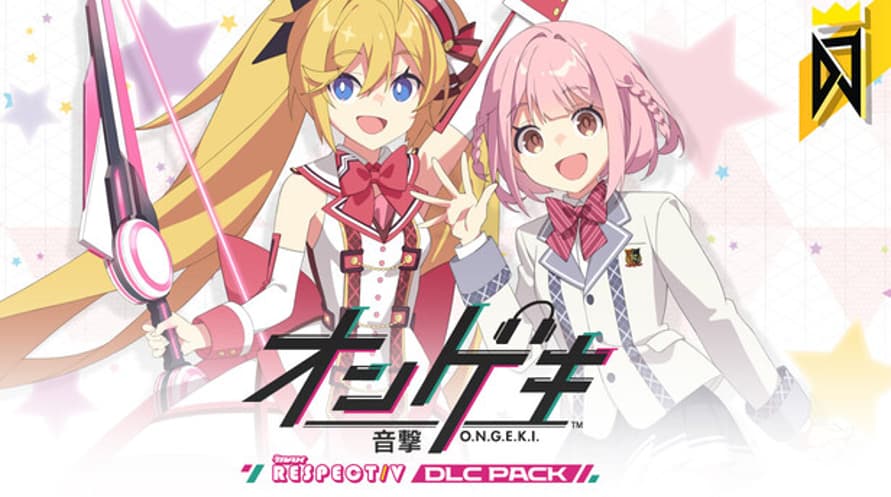
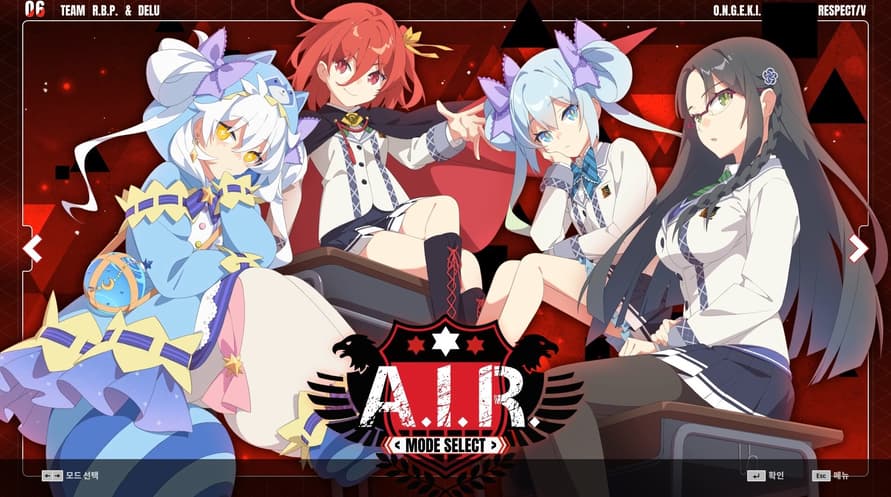
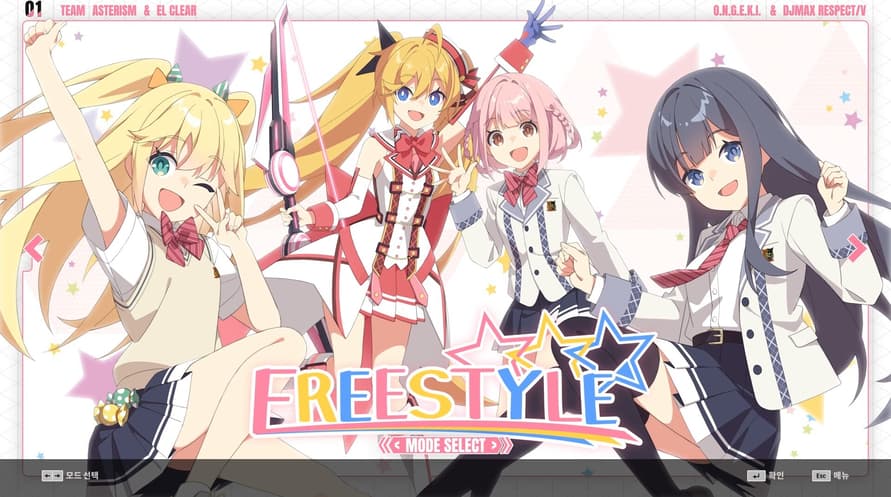
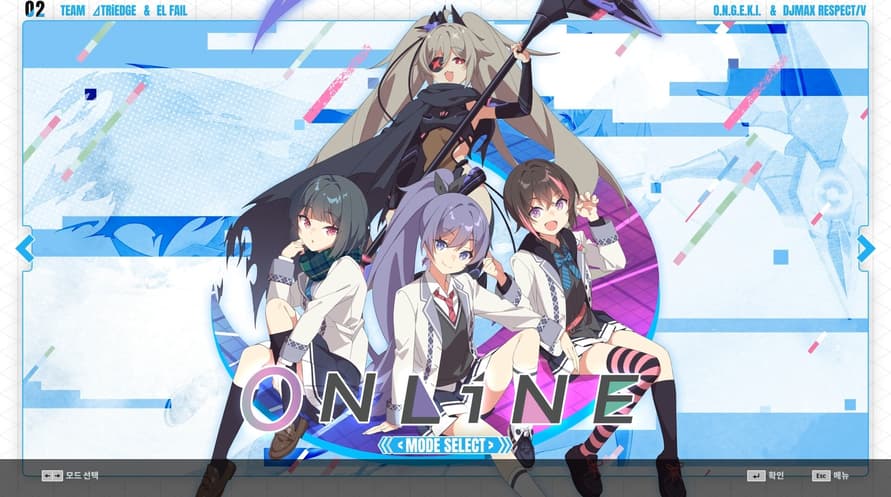
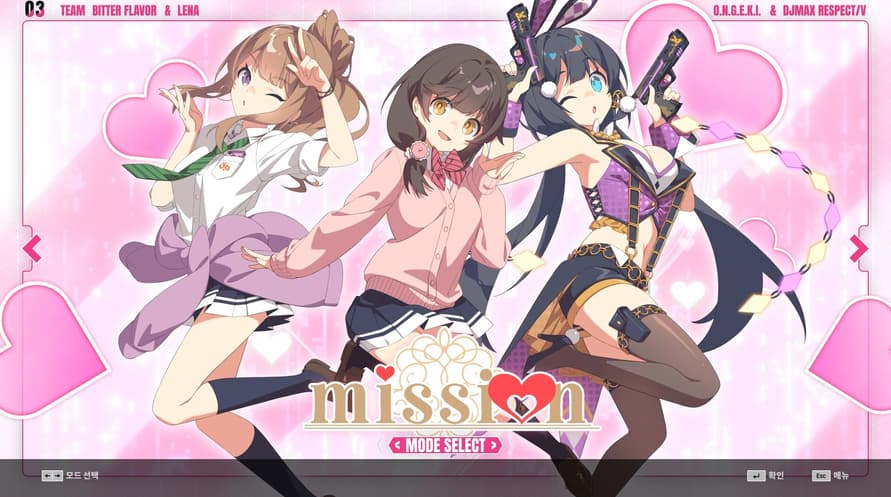
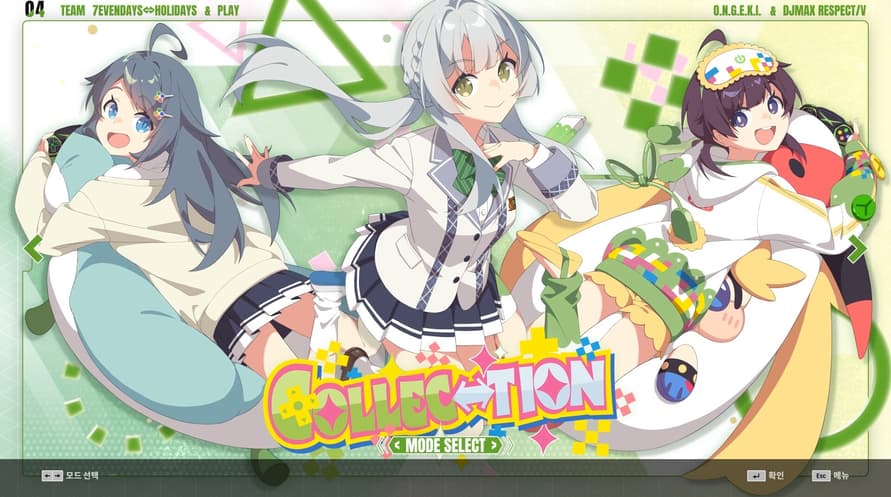
DJMAX RESPECT V - O.N.G.E.K.I. PACK!
Meet the 'O.N.G.E.K.I. Song' package now!
This DLC contains a total of 12 songs.
Now enjoy the songs of O.N.G.E.K.I. in DJMAX RESPECT V.
DJMAX RESPECT V - O.N.G.E.K.I. PACK Track List
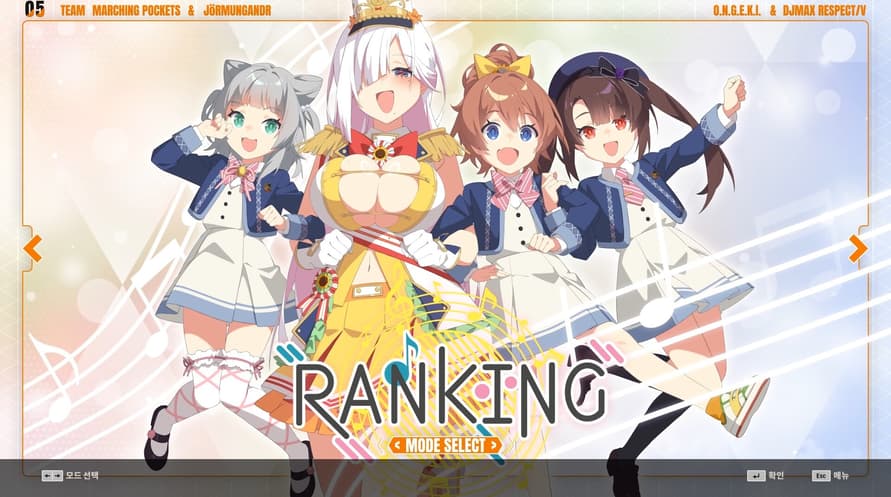
1 Ai Nov
2 And Revive The Melody
3 Baqeela
4 Dazzle hop
5 Don't Fight The Music
6 エータ・ベータ・イータ (Eta Beta Eta)
7 Good bye, Merry-Go-Round.
8 LAMIA
9 LiftOff
10 MarbleBlue.
11 脳天直撃 (Brain Attack)
12 Radiance
Minimum System Requirements:
- Requires a 64-bit processor and operating system
- OS *: Windows 7, 8.1, 10 (64bit)
- Processor: Intel Core 2 Duo E8400 3.0GHz AMD Athlon 64 X2 6000+ 3.0GHz
- Memory: 4 GB RAM
- Graphics: Nvidia® GTX 460 or AMD HD 5850 or better
- DirectX: Version 12
- Network: Broadband Internet connection
- Storage: 100 GB available space
Recommended System Requirements:
- Requires a 64-bit processor and operating system
- OS: Windows 10 (64bit)
- Memory: 16 GB RAM
- DirectX: Version 12
- Network: Broadband Internet connection
- Storage: 500 GB available space
Om de Steam-sleutel die je hebt ontvangen te activeren, volg je de onderstaande instructies:
- Allereerst, open de Steam-client. (Als je deze niet hebt, klik eenvoudig op de knop "Steam installeren" hier => Steam Store )
- Meld je aan bij je Steam-account. (Als je er geen hebt, klik hier om er een nieuw te maken => Steam-account )
- Klik op de knop "EEN SPEL TOEVOEGEN" in de onderhoek van de client.
- Selecteer vervolgens "Een product op Steam activeren..."
- Schrijf de activeringssleutel op of kopieer en plak deze die je hebt ontvangen van Voidu in het venster.
- Je spel is nu zichtbaar in je bibliotheek! Klik op je "Bibliotheek".
- En tot slot, klik op het spel en selecteer "Installeren" om je download te starten.