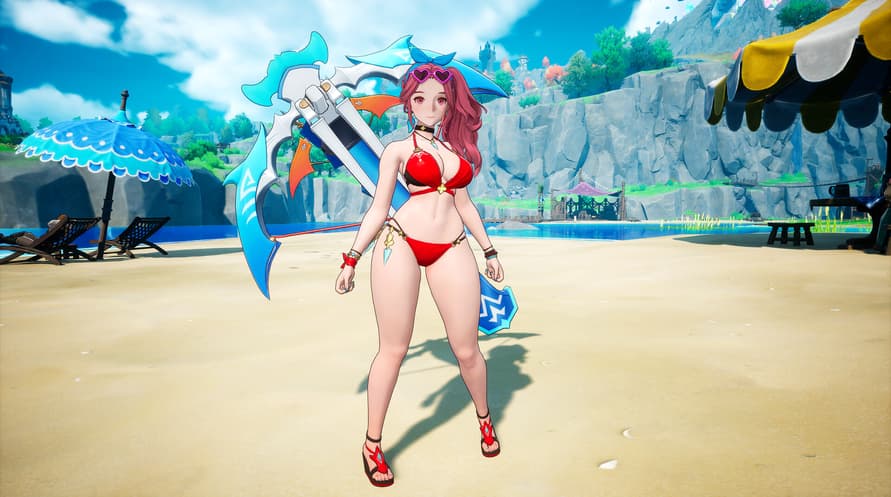
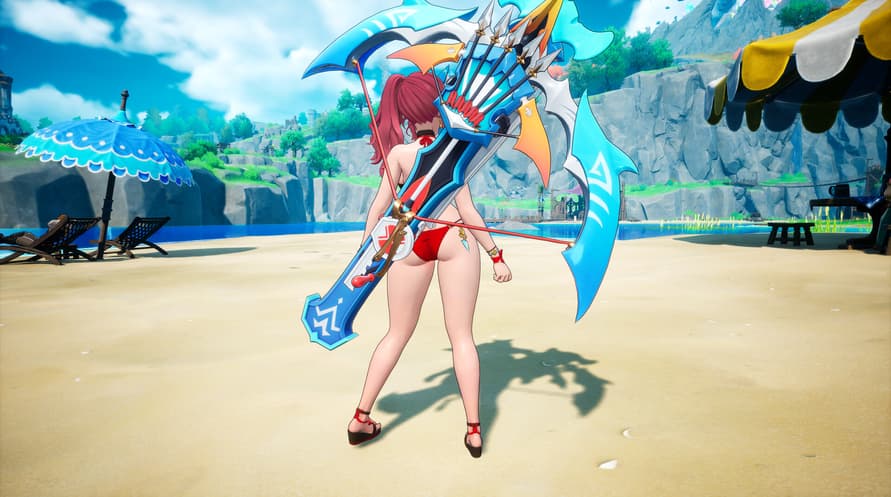
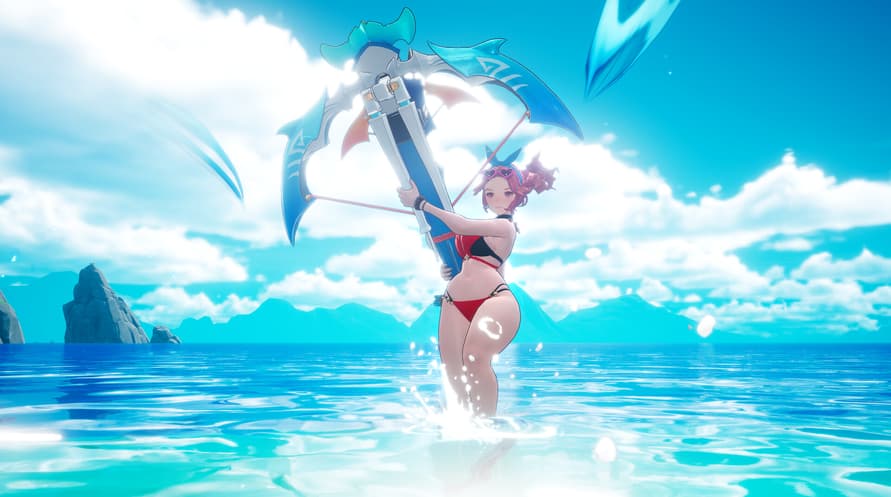
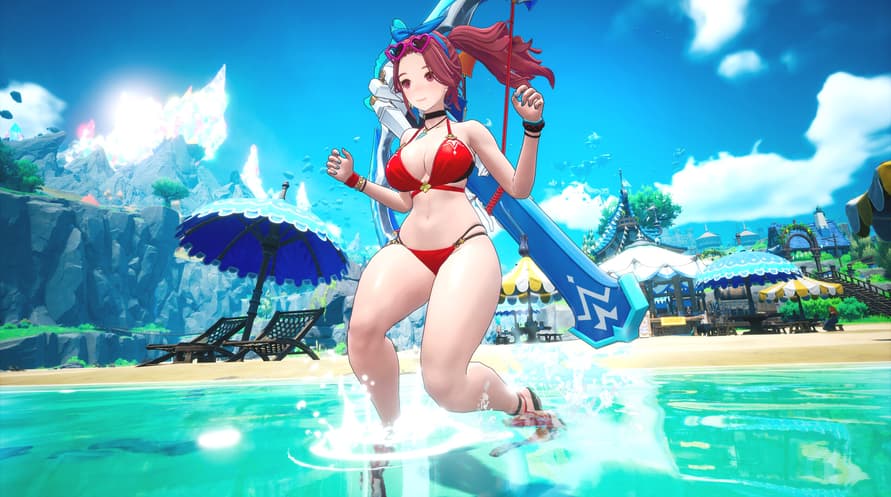
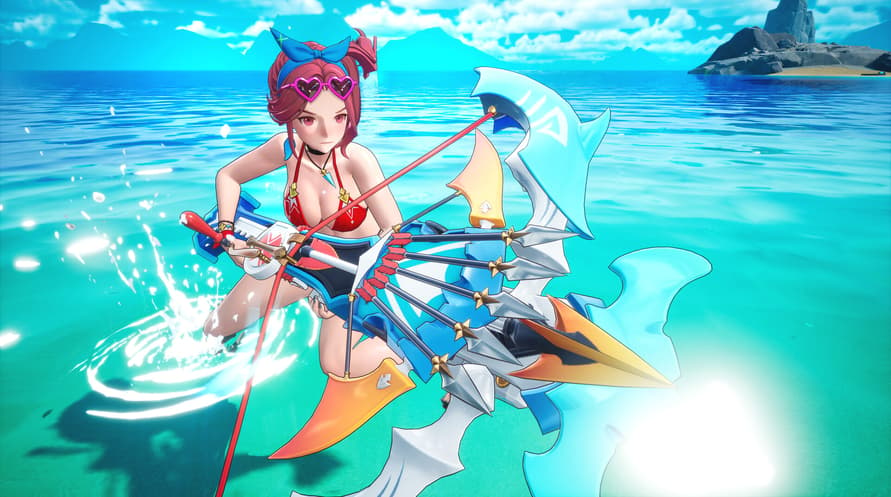
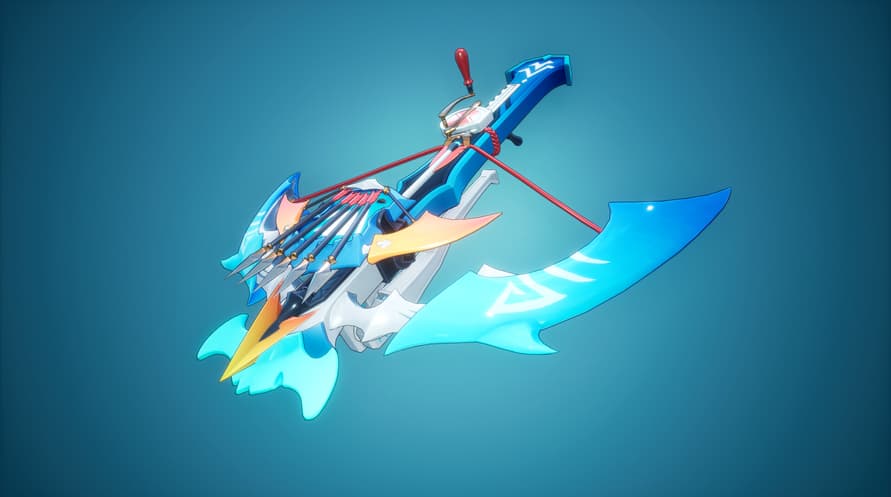
Dive into summer with the all-new Summer Sea Set — a limited costume collection featuring 3 heroes of Orbis, styled for the sun, sand, and shore.
━━━━━━━━━━━━━━━━━━━━
■ Included Costumes
▸ Astria — Coral Summer Mischief & Sunshine Heartshot
▸ Reina — White Flower of the Blue Waves & Petals at the Wave's Edge
▸ Cerese — Moonlight on the Night Sea & Star upon the Waves
━━━━━━━━━━━━━━━━━━━━
■ About DragonSword : Awakening
DragonSword : Awakening is an anime-style open-world tag-action RPG set on the Orbis Continent. Play as one of 19 heroes, master Signal Skills and the Familiar movement system, and take on boss raids with up to 2 friends in 3-player co-op.
Copyright 2026 Hound13 Inc. All Rights Reserved
Minimum System Requirements:
- Requires a 64-bit processor and operating system
- OS: Windows 10
- Processor: Intel i5-9400F
- Memory: 8 GB RAM
- Graphics: NVIDIA Geforce GTX1660
- DirectX: Version 12
- Storage: 25 GB available space
- Additional Notes: ※ IMPORTANT: An SSD is strictly required for an optimal gameplay experience. Installing the game on an HDD may result in extended loading times, texture pop-in, framerate drops, or unexpected crashes.
Recommended System Requirements:
- Requires a 64-bit processor and operating system
- OS: Windows 10
- Processor: Intel i7-9700F
- Memory: 16 GB RAM
- Graphics: NVIDIA Geforce RTX3060
- DirectX: Version 12
- Storage: 25 GB available space
- Additional Notes: ※ IMPORTANT: An SSD is strictly required for an optimal gameplay experience. Installing the game on an HDD may result in extended loading times, texture pop-in, framerate drops, or unexpected crashes.
Om de Steam-sleutel die je hebt ontvangen te activeren, volg je de onderstaande instructies:
- Allereerst, open de Steam-client. (Als je deze niet hebt, klik eenvoudig op de knop "Steam installeren" hier => Steam Store )
- Meld je aan bij je Steam-account. (Als je er geen hebt, klik hier om er een nieuw te maken => Steam-account )
- Klik op de knop "EEN SPEL TOEVOEGEN" in de onderhoek van de client.
- Selecteer vervolgens "Een product op Steam activeren..."
- Schrijf de activeringssleutel op of kopieer en plak deze die je hebt ontvangen van Voidu in het venster.
- Je spel is nu zichtbaar in je bibliotheek! Klik op je "Bibliotheek".
- En tot slot, klik op het spel en selecteer "Installeren" om je download te starten.