NOTICE: This content requires the base game Europa Universalis IV on Steam in order to play.
CONTENT PACK - EUROPA UNIVERSALIS IV: EMPEROR
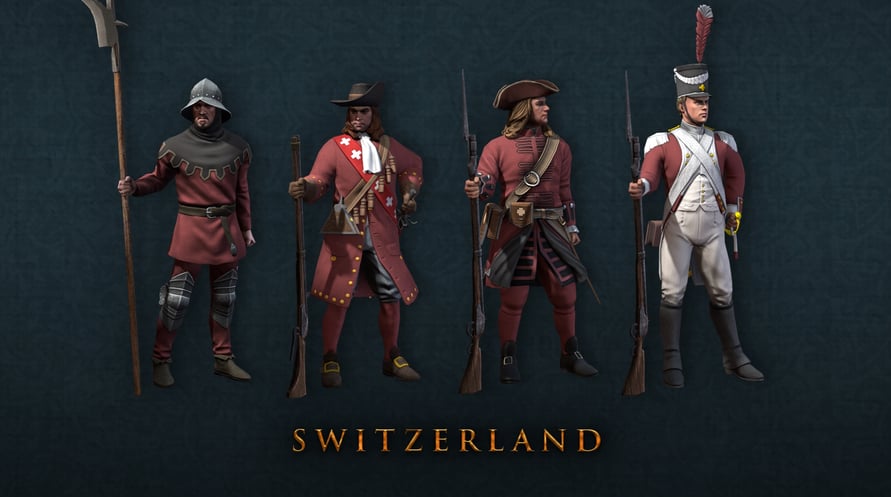
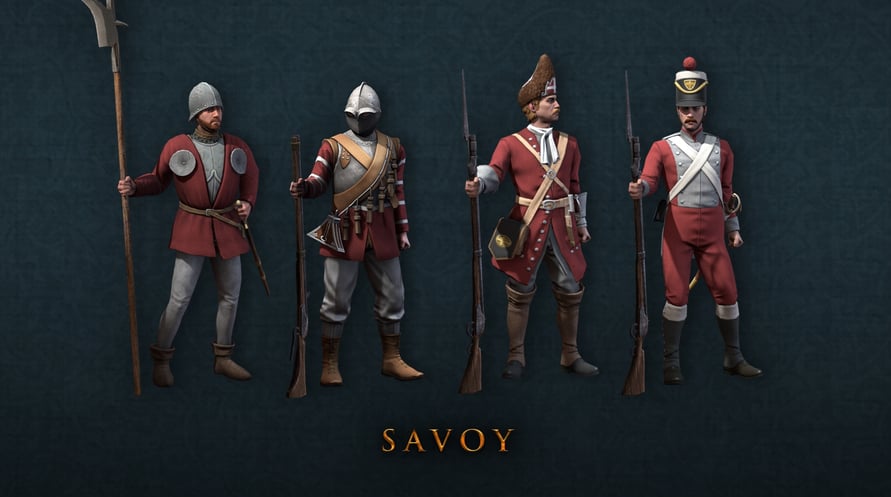
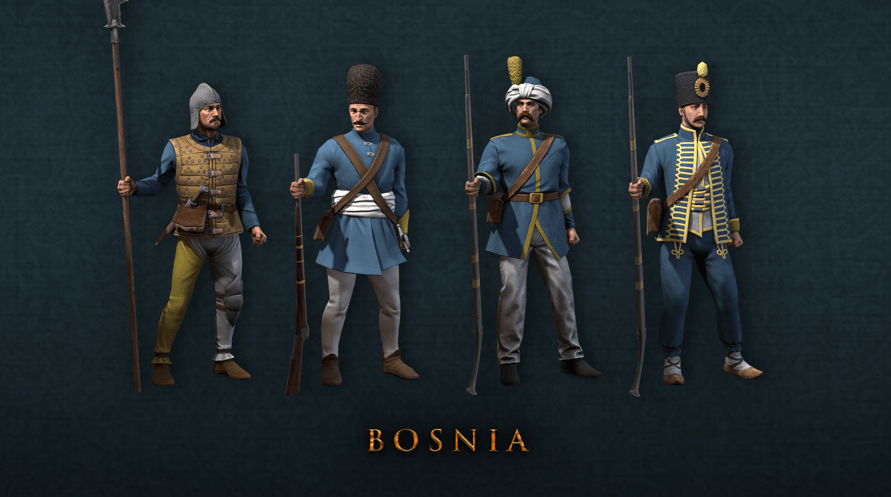
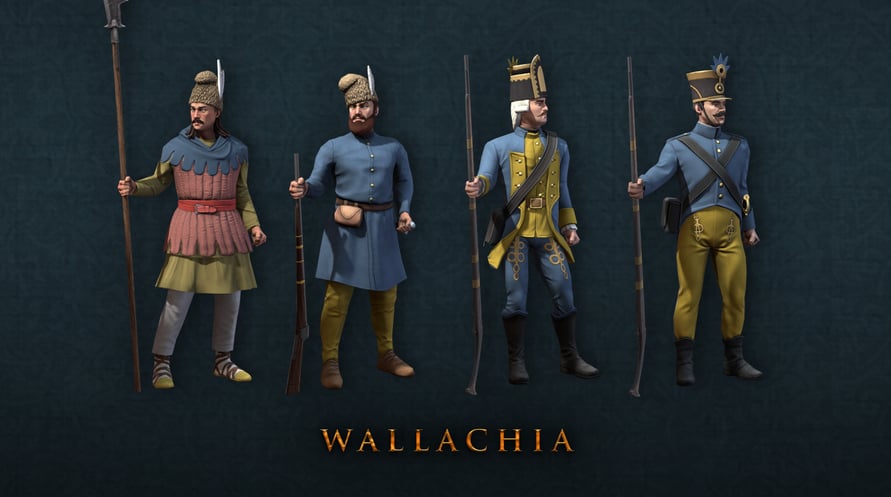
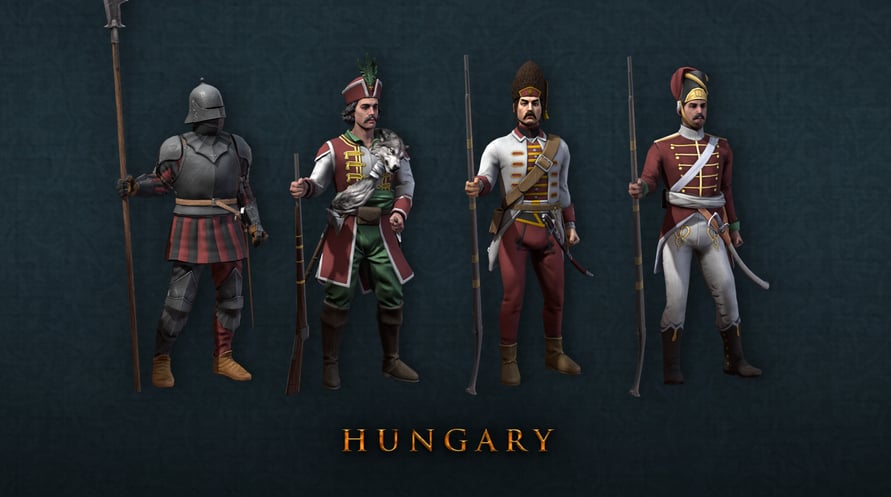
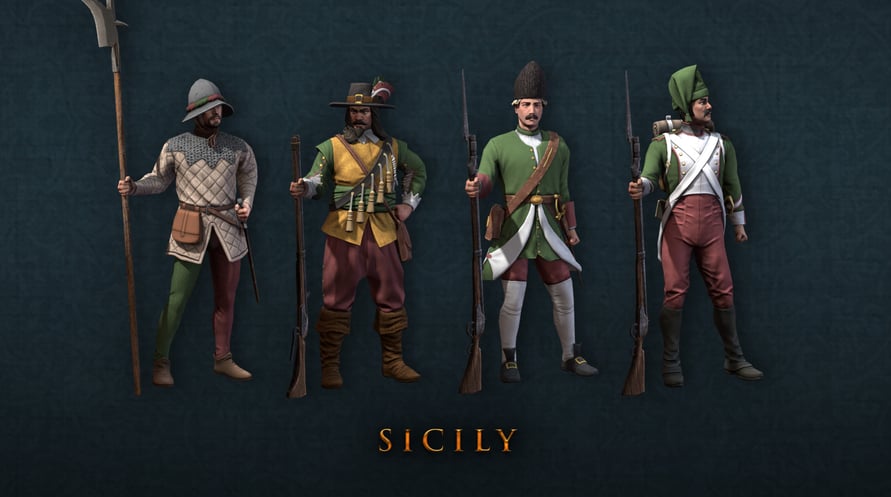
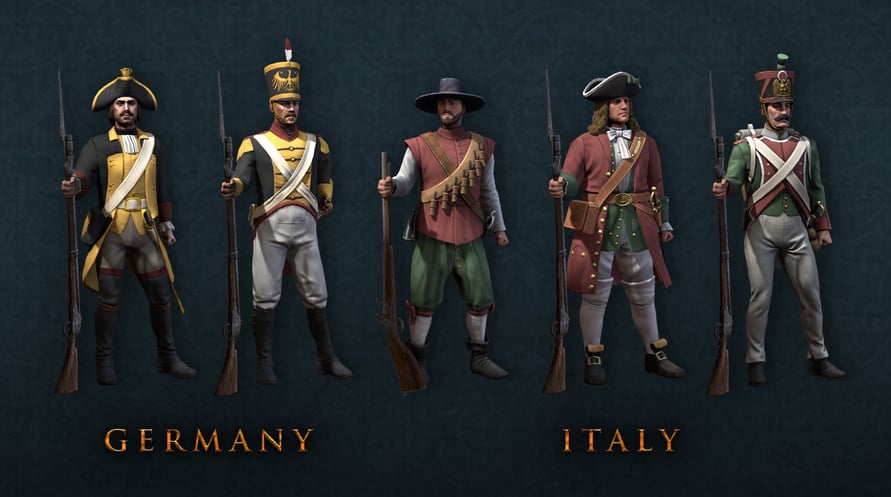
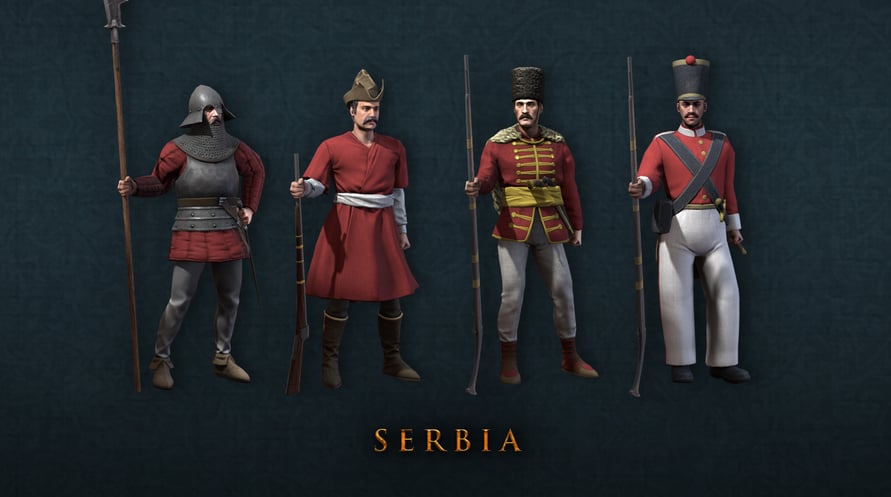
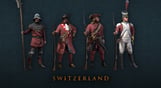
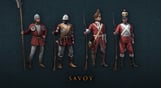
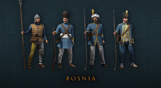
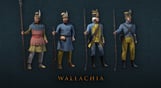
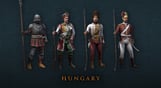
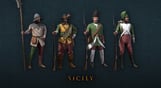
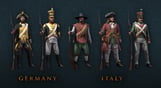
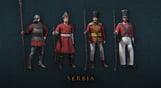
Shine up your European regiments with new uniform models for a number of nations at the center of the action in Europa Universalis IV: Emperor. This cosmetic pack includes a total of 33 infantry sprites covering all four military eras of the game for 11 different nations.
- Beyond the Alps with new unit models for Savoy, Sicily, and Switzerland.
- Balkan Units including Bosnia, Hungary, Serbia and Wallachia.
- The Unifiers with new units for large formable nations including Germany and Italy.
- Three New Songs: 10 to 12 minutes of new music inspired by period Italian and Germanic themes.
NOTICE: This content requires the base game Europa Universalis IV on Steam in order to play.
Windows Minimum Requirements:
- OS:XP/Vista/Windows 7/Windows 8
- Processor:Intel® Pentium® IV 2.4 GHz eller AMD 3500+
- Memory:2 GB RAM
- Graphics:NVIDIA® GeForce 8800 or ATI Radeon® X1900, 512mb video memory required
- DirectX®:9.0c
- Hard Drive:2 GB HD space
- Sound:Direct X- compatible soundcard
- Other Requirements:Broadband Internet connection
- Additional:Controller support: 3-button mouse, keyboard and speakers. Internet Connection or LAN for multiplayer
Windows Recommended Requirements:
- OS:XP/Vista/Windows 7/Windows 8
- Processor:Intel® Pentium® IV 2.4 GHz or AMD 3500+
- Memory:2 GB RAM
- Graphics:NVIDIA® GeForce 8800 or ATI Radeon® X1900, 1024mb video memory recommended
- DirectX®:9.0c
- Hard Drive:2 GB HD space
- Sound:Direct X-compatible soundcard
- Other Requirements:Broadband Internet connection
- Additional:Controller support: 3-button mouse, keyboard and speakers. Internet Connection or LAN for multiplayer
Mac Minimum Requirements:
- OS:Mac OS X 10.6.8 or better
- Processor:Intel Core Duo Processor (2GHz or better)
- Memory:4 GB RAM
- Graphics:ATI Radeon HD 6750 / NVIDIA GeForce 320 / NVIDIA GeForce 9600 or higher, 1024MB graphics memory required
- Hard Drive:6 GB HD space
- Other Requirements:Broadband Internet connection
- Additional:GLSL 1.3, OpenGL 2.1. Controller support: 3-button mouse, keyboard and speakers. Internet Connection or LAN for multiplayer
Mac Recommended Requirements:
- OS:Mac OS X 10.6.8 or better
- Processor:Intel Core Duo Processor (2GHz or better)
- Memory:8 GB RAM
- Graphics:ATI Radeon HD 6750 / NVIDIA GeForce 320 / NVIDIA GeForce 9600 or higher, 1024MB graphics memory required
- Hard Drive:6 GB HD space
- Other Requirements:Broadband Internet connection
- Additional:GLSL 1.3, OpenGL 2.1. Controller support: 3-button mouse, keyboard and speakers. Internet Connection or LAN for multiplayer
Linux Minimum Requirements:
- OS:Ubuntu 16.04 LTS
- Processor:Intel Core Duo Processor (2GHz or better)
- Memory:4 GB RAM
- Graphics:ATI Radeon HD 6750 / NVIDIA GeForce 320 / NVIDIA GeForce 9600 or higher, 1024MB graphics memory required
- Hard Drive:6 GB HD space
- Other Requirements:Broadband Internet connection
- Additional:GLSL 1.3, OpenGL 2.1. Controller support: 3-button mouse, keyboard and speakers. Internet Connection or LAN for multiplayer
Linux Recommended Requirements:
- OS:Ubuntu 16.04 LTS
- Processor:Intel Core Duo Processor (2GHz or better)
- Memory:8 GB RAM
- Graphics:ATI Radeon HD 6750 / NVIDIA GeForce 320 / NVIDIA GeForce 9600 or higher, 1024MB graphics memory required
- Hard Drive:6 GB HD space
- Other Requirements:Broadband Internet connection
- Additional:GLSL 1.3, OpenGL 2.1. Controller support: 3-button mouse, keyboard and speakers. Internet Connection or LAN for multiplayer
Om de Steam-sleutel die je hebt ontvangen te activeren, volg je de onderstaande instructies:
- Allereerst, open de Steam-client. (Als je deze niet hebt, klik eenvoudig op de knop "Steam installeren" hier => Steam Store )
- Meld je aan bij je Steam-account. (Als je er geen hebt, klik hier om er een nieuw te maken => Steam-account )
- Klik op de knop "EEN SPEL TOEVOEGEN" in de onderhoek van de client.
- Selecteer vervolgens "Een product op Steam activeren..."
- Schrijf de activeringssleutel op of kopieer en plak deze die je hebt ontvangen van Voidu in het venster.
- Je spel is nu zichtbaar in je bibliotheek! Klik op je "Bibliotheek".
- En tot slot, klik op het spel en selecteer "Installeren" om je download te starten.