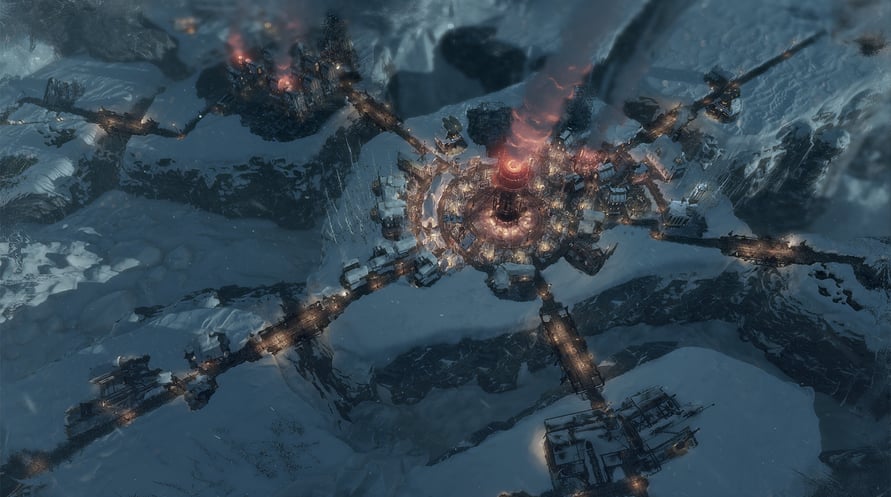
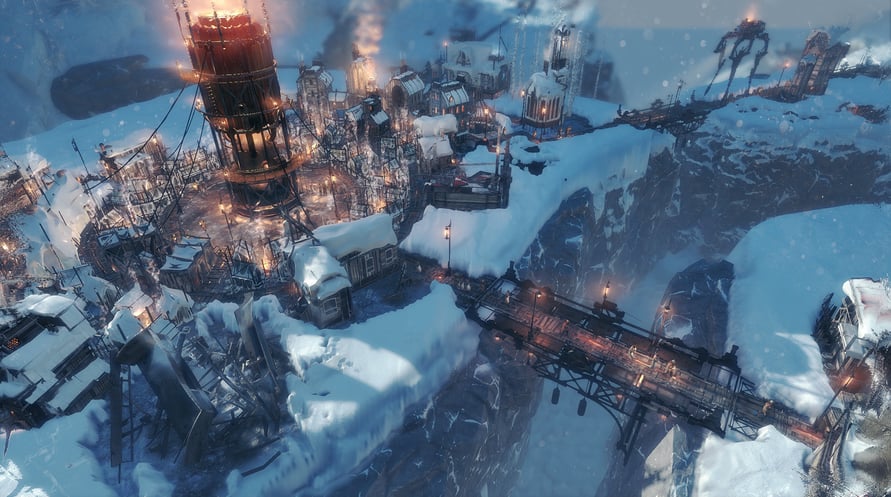
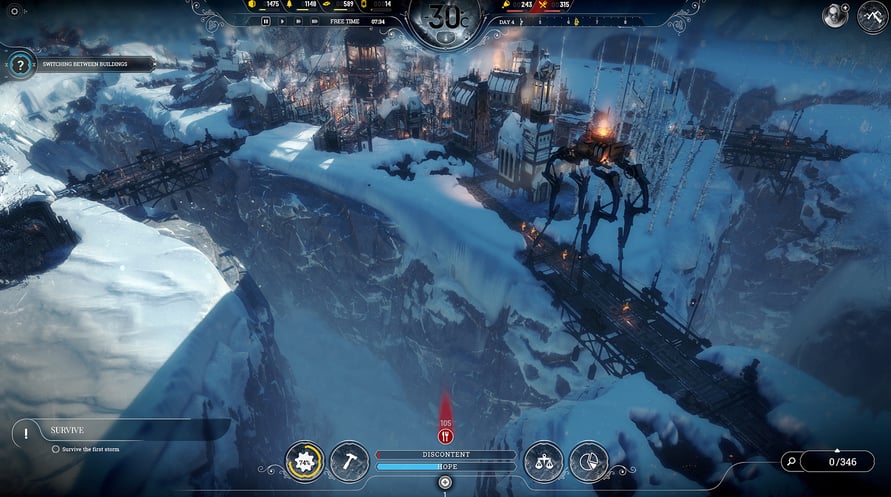
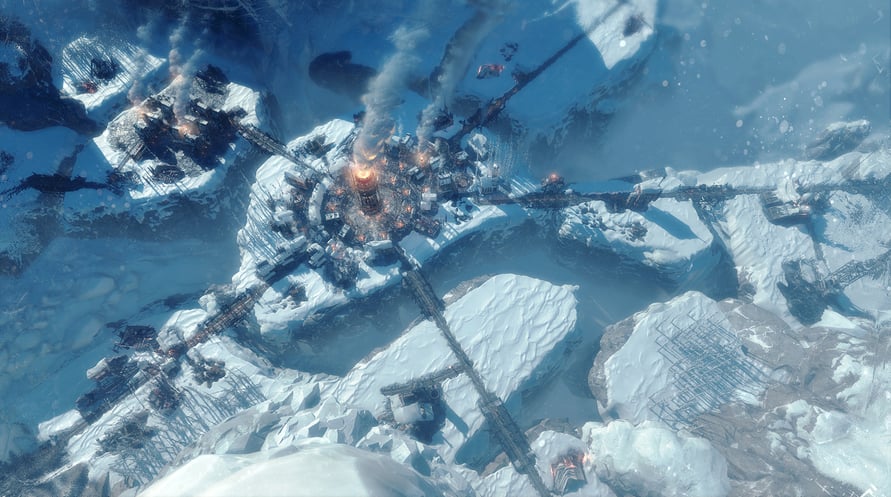
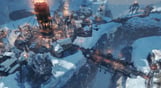
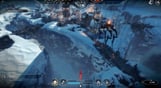
Set out on another journey through the frozen wasteland with this mini-expansion, adding a new endless mode map and a new constructible building – The Bridge. Expand the city to save your people from inevitable doom!
- unique new Endless Mode map
- new constructible building – The Bridge
- new gameplay mechanics
THIS EXPANSION IS A PART OF THE OFFICIAL FROSTPUNK SEASON PASS
© 2018 11 bit studios S.A. Frostpunk™, 11 bit studios™ and respective logos are trademarks of 11 bit studios S.A. All rights reserved.
NOTICE: This content requires the base game Frostpunk on Steam in order to play.
Windows Minimum Requirements:
- Requires a 64-bit processor and operating system
- OS: 64-bit Windows 7/8/10
- Processor: 3.2 GHz Dual Core CPU
- Memory: 4 GB RAM
- Graphics: GeForce GTX 660, Radeon R7 370 or equivalent with 2 GB of video RAM
- DirectX: Version 11
- Storage: 8 GB available space
- Sound Card: DirectX compatible
- Additional Notes: Please make sure that you have the latest VC package installed, and - if you're using Windows 7 or 8 - that you have the KB4019990 update applied.
Windows Recommended Requirements:
- Requires a 64-bit processor and operating system
- OS: 64-bit Windows 7/8/10
- Processor: 3.2 GHz Quad Core Processor
- Memory: 8 GB RAM
- Graphics: GeForce 970, Radeon RX 580 or equivalent with 4GB of video RAM
- DirectX: Version 11
- Storage: 8 GB available space
- Sound Card: DirectX compatible
- Additional Notes: Please make sure that you have the latest VC package installed, and - if you're using Windows 7 or 8 - that you have the KB4019990 update applied.
Mac Minimum Requirements:
- Requires a 64-bit processor and operating system
- OS: MacOS 10.15
- Processor: 2.6GHz Intel Core i7
- Memory: 16 GB RAM
- Graphics: 4GB AMD Radeon Pro 5300M, Radeon Pro 560X or better
- Storage: 10 GB available space
- Additional Notes: Check the Frostpunk website for more detailed specifications: www.frostpunkgame.com/mac-requirements
Mac Recommended Requirements:
- Requires a 64-bit processor and operating system
Om de Steam-sleutel die je hebt ontvangen te activeren, volg je de onderstaande instructies:
- Allereerst, open de Steam-client. (Als je deze niet hebt, klik eenvoudig op de knop "Steam installeren" hier => Steam Store )
- Meld je aan bij je Steam-account. (Als je er geen hebt, klik hier om er een nieuw te maken => Steam-account )
- Klik op de knop "EEN SPEL TOEVOEGEN" in de onderhoek van de client.
- Selecteer vervolgens "Een product op Steam activeren..."
- Schrijf de activeringssleutel op of kopieer en plak deze die je hebt ontvangen van Voidu in het venster.
- Je spel is nu zichtbaar in je bibliotheek! Klik op je "Bibliotheek".
- En tot slot, klik op het spel en selecteer "Installeren" om je download te starten.