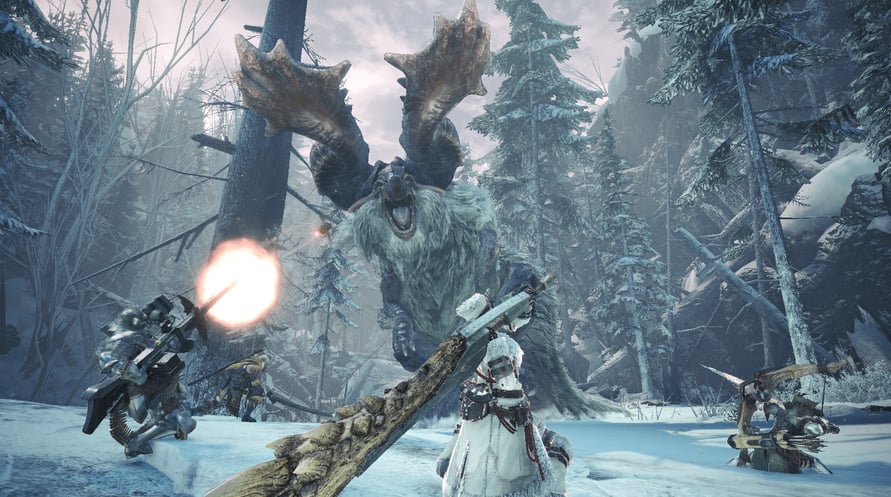
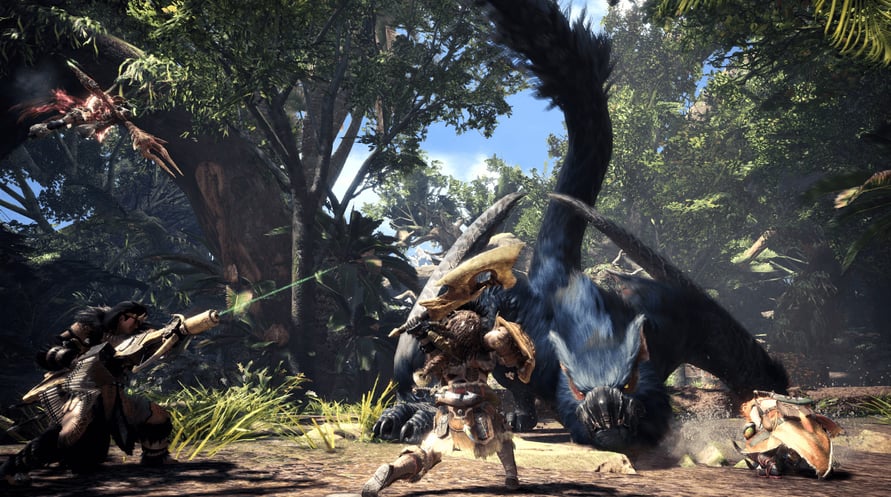
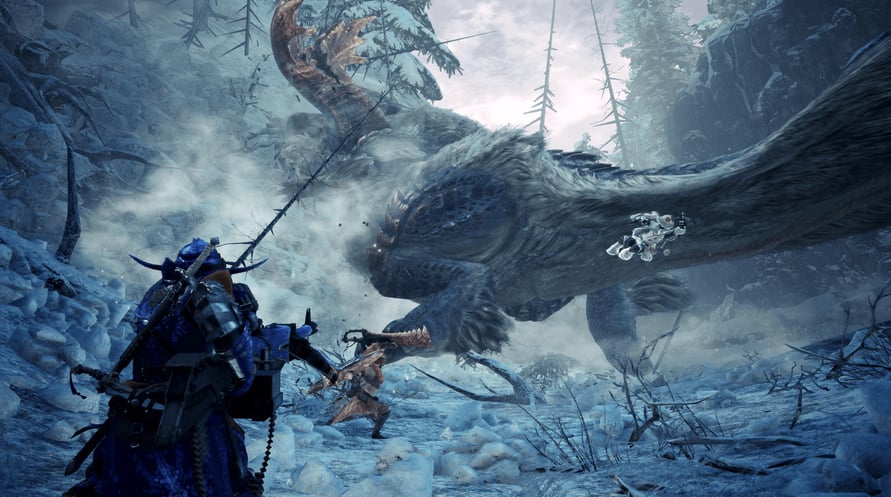
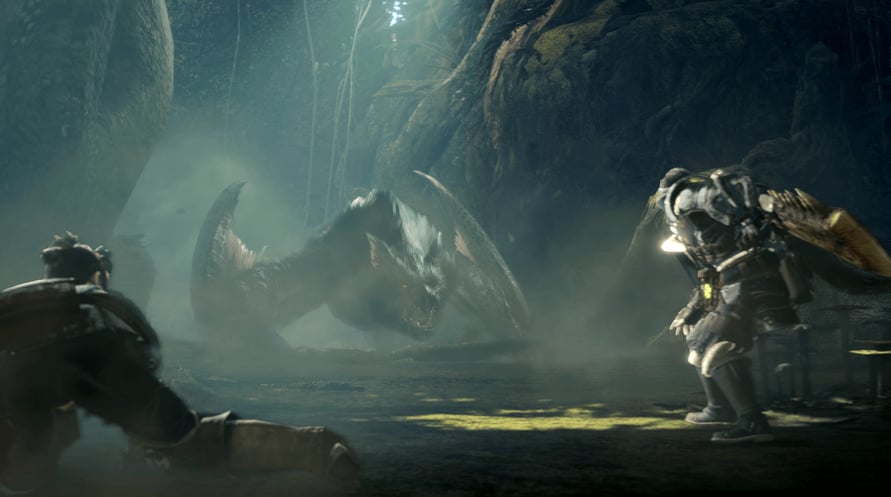
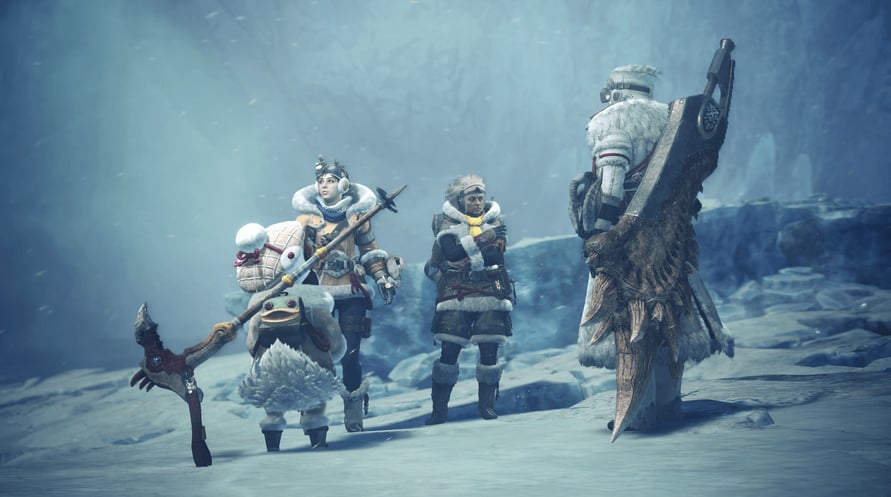
Monster Hunter World: Iceborne Master Edition is a set containing both the main game and the massive "Iceborne" expansion.
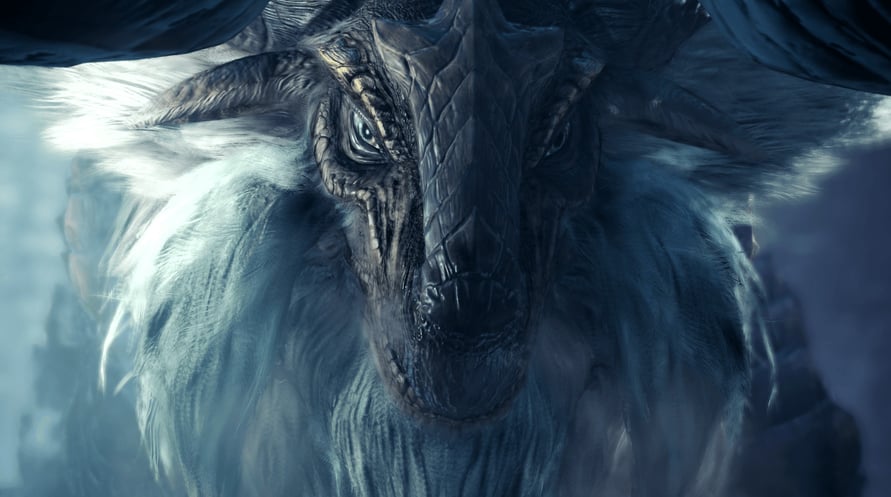
New quests, monsters, weapons, armor, story, and the unlocking of an all-new "master rank" await to take your hunting to the next level!
Monster Hunter World: Iceborne Master Edition content:
- "Monster Hunter: World" (main game)
- "Monster Hunter World: Iceborne" (expansion)
Minimum Requirements:
- Requires a 64-bit processor and operating system
- OS: WINDOWS® 10 (64-bit required)
- Processor: Intel® Core™ i5 4460 or Core™ i3 9100F or AMD FX™-6300 or Ryzen™ 3 3200G
- Memory: 8 GB RAM
- Graphics: NVIDIA®GeForce®GTX 760 or GTX1050 or AMD Radeon™ R7 260x or RX 560
- DirectX: Version 11
- Network: Broadband Internet connection
- Storage: 52 GB available space
- Sound Card: DirectSound (DirectX® 9.0c or later)
- Additional Notes: - These specs allow for the game to be played in 1080p/30fps with graphics settings at "Low". - 64-bit processor and operating system are required.
Recommended Requirements:
- Requires a 64-bit processor and operating system
- OS: WINDOWS® 10 (64-bit required)
- Processor: Intel® Core™ i7 3770 or Core™ i3 8350 or Core™ i3 9350F / AMD Ryzen™ 5 1500X or Ryzen™ 5 3400G
- Memory: 8 GB RAM
- Graphics: NVIDIA® GeForce® GTX 1060 (VRAM 3GB) or GTX 1650 / AMD Radeon™ RX 480 or RX 570
- DirectX: Version 11
- Network: Broadband Internet connection
- Storage: 52 GB available space
- Sound Card: DirectSound (DirectX® 9.0c or later)
- Additional Notes: - These specs allow for the game to be played in 1080p/30fps with graphics settings at "High". - 64-bit processor and operating system are required. - Windows 10 (Version 1809 or later) and a 4GB VRAM GPU (graphics board or video card) are required for DirectX 12 API.
Om de Steam-sleutel die je hebt ontvangen te activeren, volg je de onderstaande instructies:
- Allereerst, open de Steam-client. (Als je deze niet hebt, klik eenvoudig op de knop "Steam installeren" hier => Steam Store )
- Meld je aan bij je Steam-account. (Als je er geen hebt, klik hier om er een nieuw te maken => Steam-account )
- Klik op de knop "EEN SPEL TOEVOEGEN" in de onderhoek van de client.
- Selecteer vervolgens "Een product op Steam activeren..."
- Schrijf de activeringssleutel op of kopieer en plak deze die je hebt ontvangen van Voidu in het venster.
- Je spel is nu zichtbaar in je bibliotheek! Klik op je "Bibliotheek".
- En tot slot, klik op het spel en selecteer "Installeren" om je download te starten.