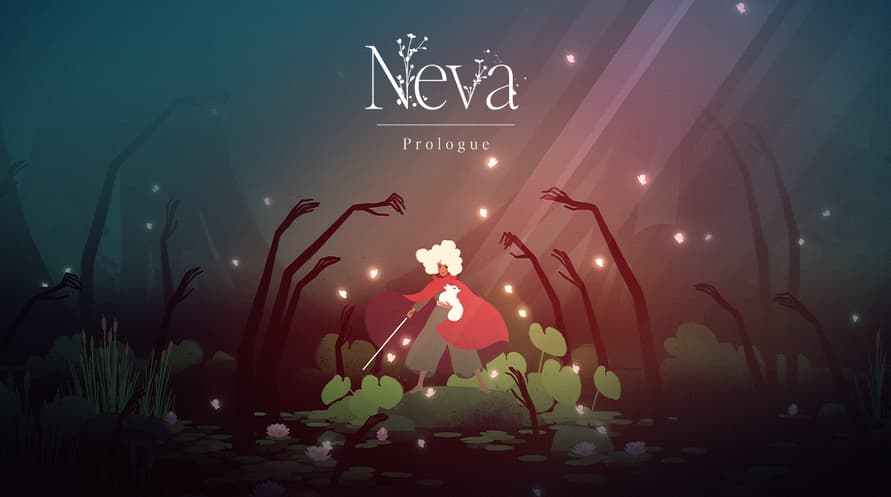



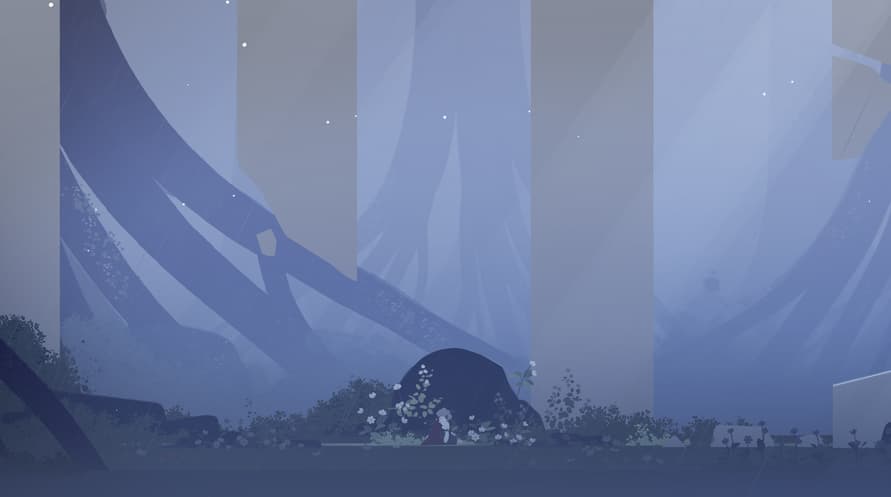
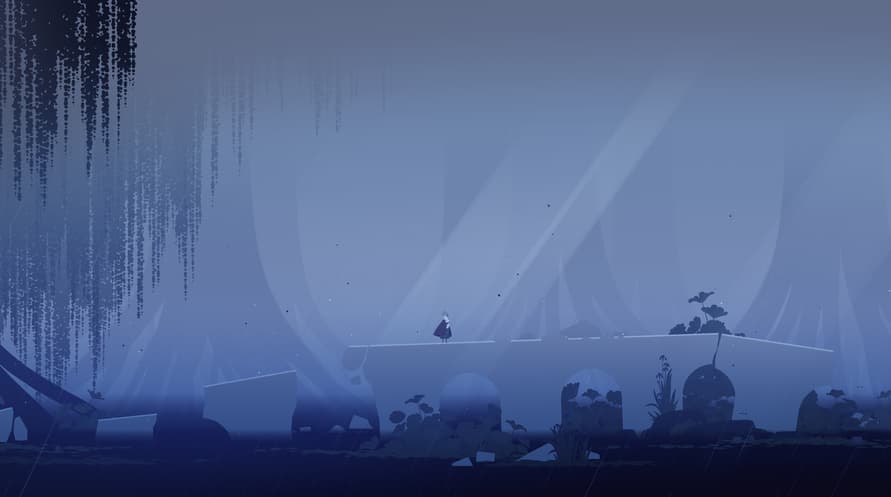
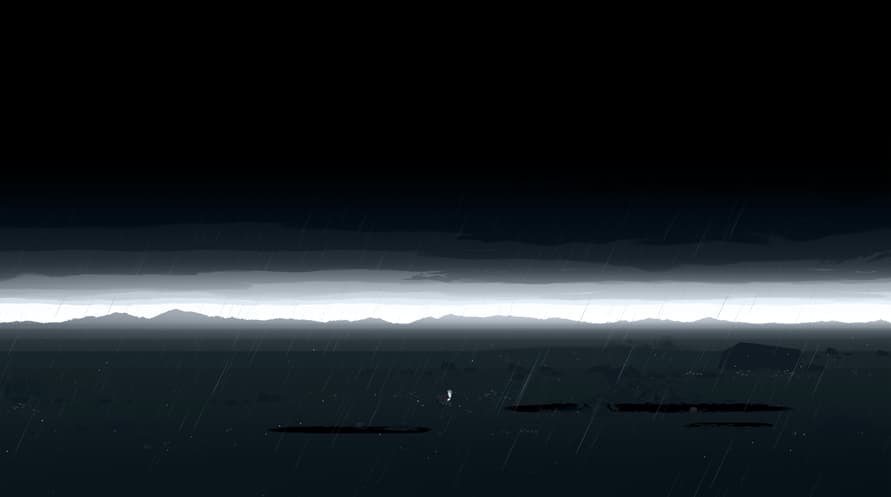











Neva: Prologue is bedoeld om gespeeld te worden na het voltooien van de hoofdgame en biedt een diepere uitdaging en rijk verhaal voor terugkerende spelers. De uitbreiding introduceert drie nieuwe locaties, elk met unieke gameplay-elementen, evenals nieuwe uitdagingen, vijanden en intense eindbaasgevechten.
Copyright 2023 Nomada Studio. All Rights Reserved.
Windows Minimum Requirements:
- Requires a 64-bit processor and operating system
- OS: Windows 10 x64 Bit
- Processor: Intel Core i5-4570T / AMD FX-4350
- Memory: 8 GB RAM
- Graphics: GeForce GTX 650 (1024 MB) / Radeon HD 7750 (1024 MB) / Intel UHD Graphics 620
- DirectX: Version 11
- Storage: 15 GB available space
- Additional Notes: Low Quality setting, in 720p, producing 120 FPS
Windows Recommended Requirements:
- Requires a 64-bit processor and operating system
- OS: Windows 10 x64 Bit
- Processor: Intel Core i5-6600K / AMD FX-8370
- Memory: 8 GB RAM
- Graphics: GeForce GTX 1050 Ti (4096 MB) / Radeon RX 470 (4096 MB)
- DirectX: Version 12
- Storage: 15 GB available space
- Additional Notes: High Quality setting, in 1080p, producing 120 FPS
Mac Minimum Requirements:
- OS: MacOS Catalina (10.15)
- Processor: Intel Core i5-4570
- Memory: 8 GB RAM
- Graphics: GeForce GT 755M / AMD Radeon R9 M390
- Storage: 15 GB available space
- Additional Notes: Low Quality setting, in 720p, producing 60 FPS
Mac Recommended Requirements:
- OS: MacOS Ventura (13.3)
- Processor: Apple M1 / Intel Core i5-7600
- Memory: 8 GB RAM
- Graphics: Apple M1 / Radeon Pro 570
- Storage: 15 GB available space
- Additional Notes: High Quality setting, in 1080p, producing 60 FPS
Om de Steam-sleutel die je hebt ontvangen te activeren, volg je de onderstaande instructies:
- Allereerst, open de Steam-client. (Als je deze niet hebt, klik eenvoudig op de knop "Steam installeren" hier => Steam Store )
- Meld je aan bij je Steam-account. (Als je er geen hebt, klik hier om er een nieuw te maken => Steam-account )
- Klik op de knop "EEN SPEL TOEVOEGEN" in de onderhoek van de client.
- Selecteer vervolgens "Een product op Steam activeren..."
- Schrijf de activeringssleutel op of kopieer en plak deze die je hebt ontvangen van Voidu in het venster.
- Je spel is nu zichtbaar in je bibliotheek! Klik op je "Bibliotheek".
- En tot slot, klik op het spel en selecteer "Installeren" om je download te starten.