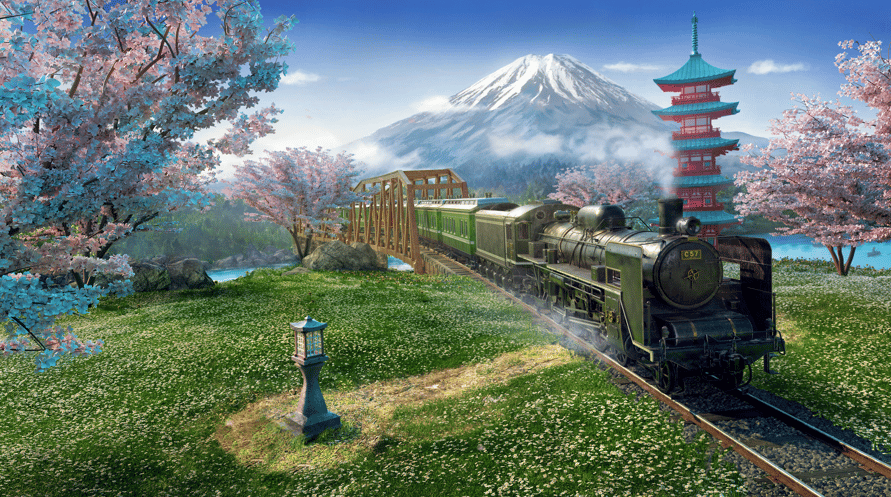
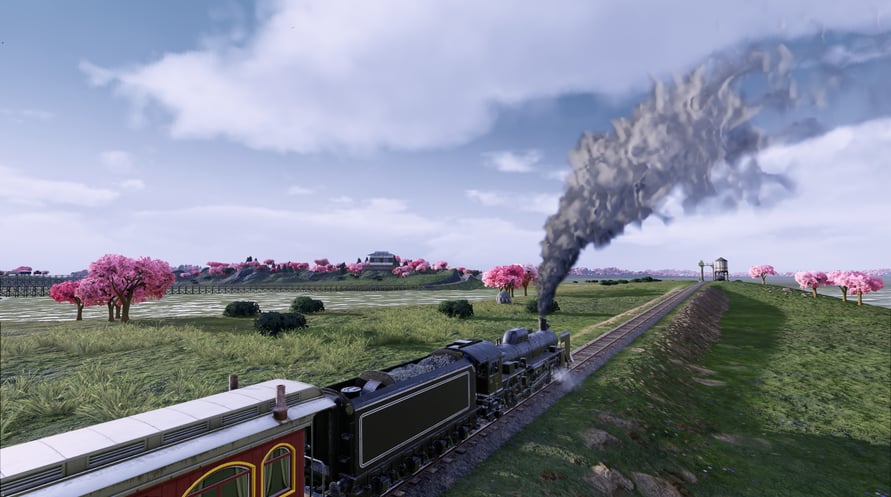
Japan 1872: after the successful restoration of the Meiji rule, the Land of the Rising Sun moves on to a promising era of major industrial and economic change. Japan’s long-term ambition to develop its own modern nation-wide railway network becomes a reality. People from formerly feudal regions are yearning to travel to booming metropolises.
In Railway Empire – Japan, use foresight, planning and clever strategy to establish a railway network to facilitate this “great commute”. Will you prioritise the much-desired passenger transport or give preference to the transportation of goods? Think carefully and weigh your profits against the satisfaction of your passengers.
NOTICE: This content requires the base game Railway Empire on Steam in order to play.
Windows Minimum Requirements:
Requires a 64-bit processor and operating system
OS: Windows 7 SP1 or Windows 8.1 or Windows 10 (64bit versions)
Processor: Intel Core i5 750 @ 2.6 GHz or AMD Phenom II X4 @ 3.2 GHz
Memory: 4 GB RAM
Graphics: nVidia GeForce GTX460 or AMD Radeon HD5870 (1024MB VRAM with Shader Model 5.0)
DirectX: Version 11
Storage: 7 GB available space
Sound Card: DirectX Compatible Sound Card with latest drivers
Additional Notes: Requires a 64-bit processor and operating system
Windows Recommended Requirements:
Requires a 64-bit processor and operating system
OS: Windows 7 SP1 or Windows 8.1 or Windows 10(64bit versions)
Processor: Intel Core i5 2400s @ 2.5 GHz or AMD FX 4100 @ 3.6
Memory: 8 GB RAM
Graphics: nVidia GeForce GTX 680 or AMD Radeon HD7970 or better (2048MB VRAM or more, with Shader Model 5.0)
DirectX: Version 11
Storage: 7 GB available space
Sound Card: DirectX Compatible Sound Card with latest drivers
Additional Notes: Requires a 64-bit processor and operating system
Om de Steam-sleutel die je hebt ontvangen te activeren, volg je de onderstaande instructies:
- Allereerst, open de Steam-client. (Als je deze niet hebt, klik eenvoudig op de knop "Steam installeren" hier => Steam Store )
- Meld je aan bij je Steam-account. (Als je er geen hebt, klik hier om er een nieuw te maken => Steam-account )
- Klik op de knop "EEN SPEL TOEVOEGEN" in de onderhoek van de client.
- Selecteer vervolgens "Een product op Steam activeren..."
- Schrijf de activeringssleutel op of kopieer en plak deze die je hebt ontvangen van Voidu in het venster.
- Je spel is nu zichtbaar in je bibliotheek! Klik op je "Bibliotheek".
- En tot slot, klik op het spel en selecteer "Installeren" om je download te starten.