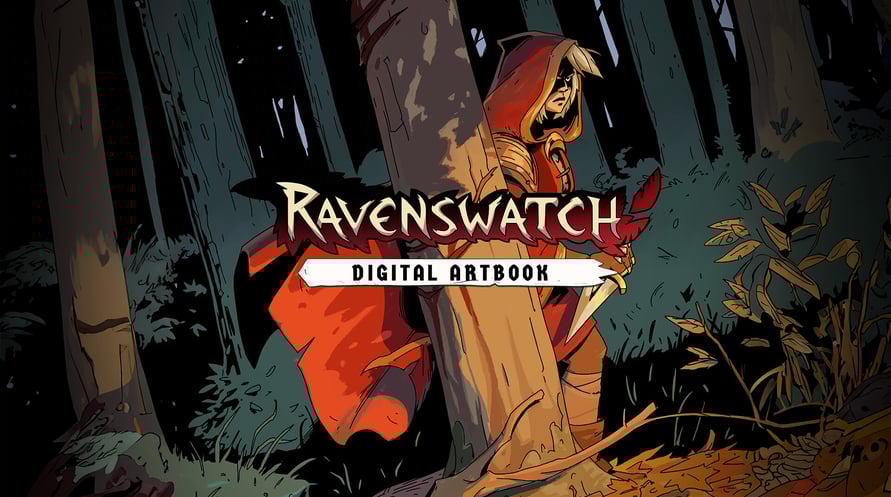
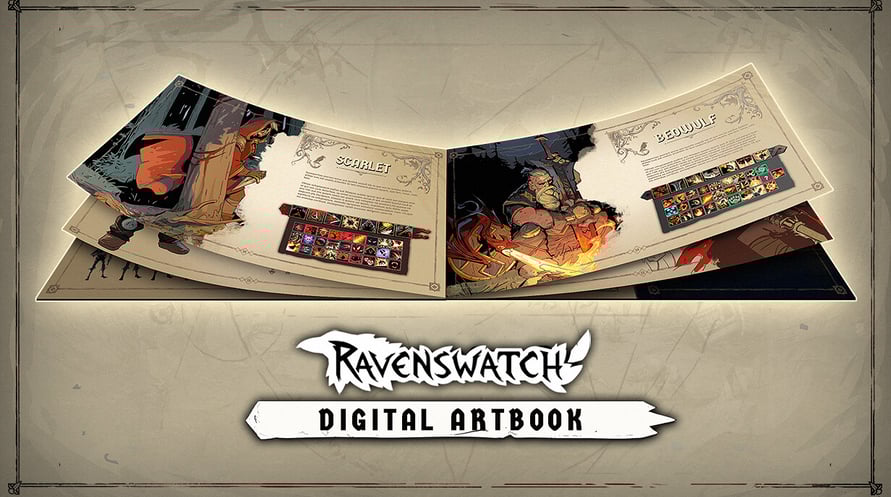

The Ravenswatch Digital Artbook includes 150 pages of sketches and illustrations that recount the graphical design of the game, from pencil to 3D. In this jam-packed and lovingly crafted book, Passtech Games also reveals more of the game's lore.
To access the Digital Artbook:
1. Right-click on Ravenswatch in your Steam library
2. Select Manage > Browse local files
3. Open the folder "Artbook"
Minimum Requirements:
- Requires a 64-bit processor and operating system
- OS: Windows 10 x64 (Version 1909 or newer)
- Processor: Intel Core i5-4670K (4 * 3400) / AMD FX-8350 (4 * 4000)
- Memory: 8 GB RAM
- Graphics: GeForce GTX 960 (2048 MB) / AMD Radeon RX 470 (2048 MB)
- DirectX: Version 12
- Storage: 3 GB available space
Recommended Requirements:
- Requires a 64-bit processor and operating system
- OS: Windows 10 x64 (Version 1909 or newer)
- Processor: Intel Core i7-6700K (4 * 4000) / AMD Ryzen 5 1500X (4 * 3500)
- Memory: 8 GB RAM
- Graphics: GeForce GTX 970 (2048 MB) / Radeon R9 Fury (4096 MB)
- DirectX: Version 12
- Storage: 3 GB available space
Om de Steam-sleutel die je hebt ontvangen te activeren, volg je de onderstaande instructies:
- Allereerst, open de Steam-client. (Als je deze niet hebt, klik eenvoudig op de knop "Steam installeren" hier => Steam Store )
- Meld je aan bij je Steam-account. (Als je er geen hebt, klik hier om er een nieuw te maken => Steam-account )
- Klik op de knop "EEN SPEL TOEVOEGEN" in de onderhoek van de client.
- Selecteer vervolgens "Een product op Steam activeren..."
- Schrijf de activeringssleutel op of kopieer en plak deze die je hebt ontvangen van Voidu in het venster.
- Je spel is nu zichtbaar in je bibliotheek! Klik op je "Bibliotheek".
- En tot slot, klik op het spel en selecteer "Installeren" om je download te starten.