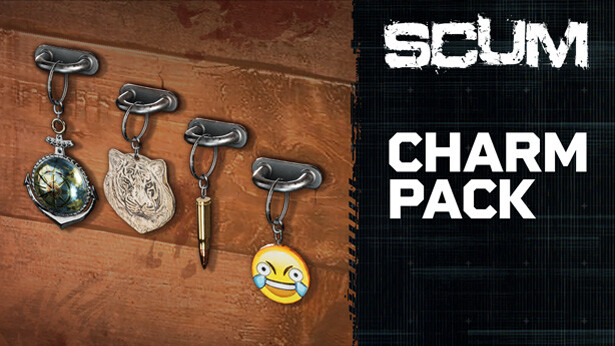
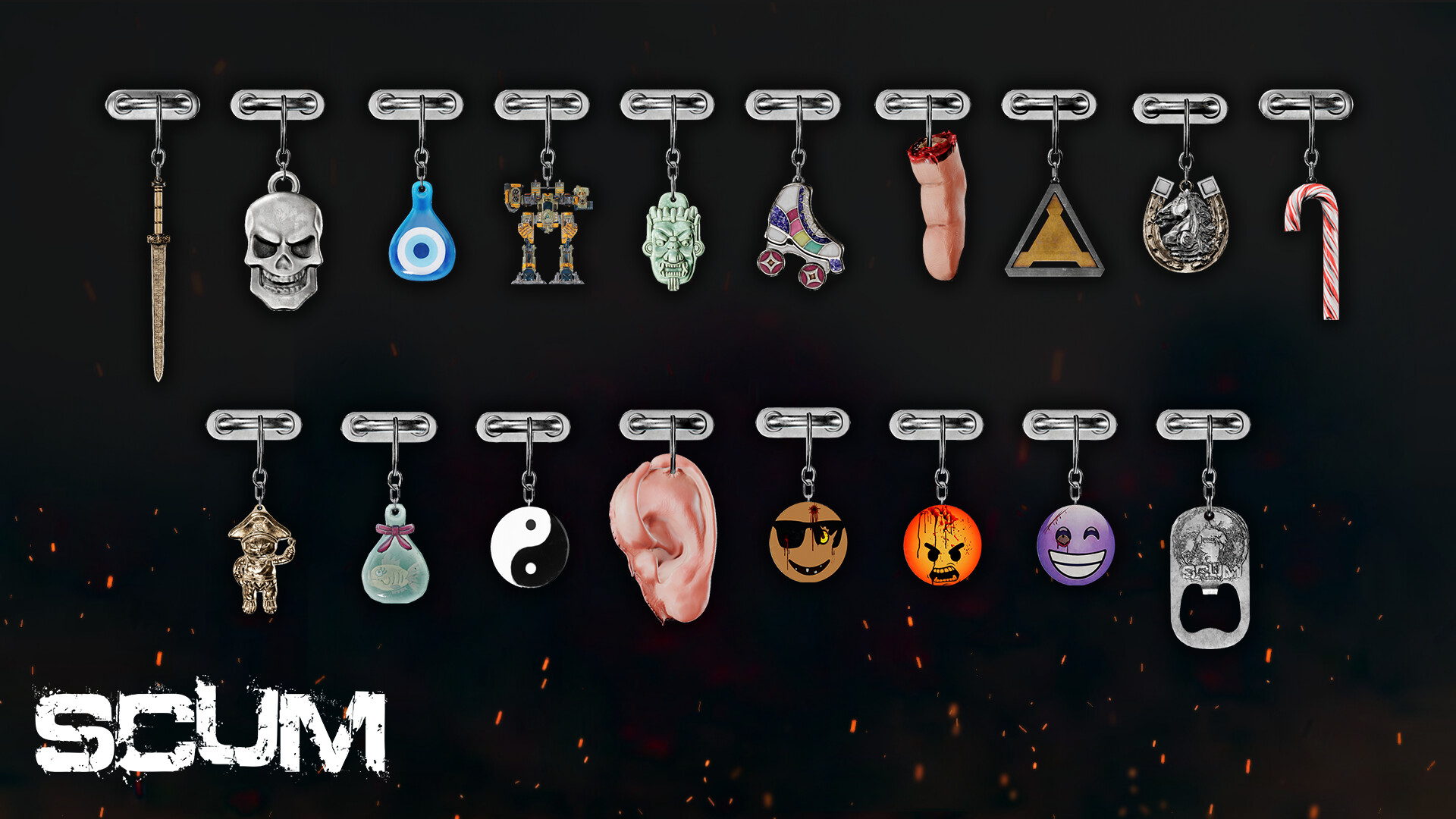
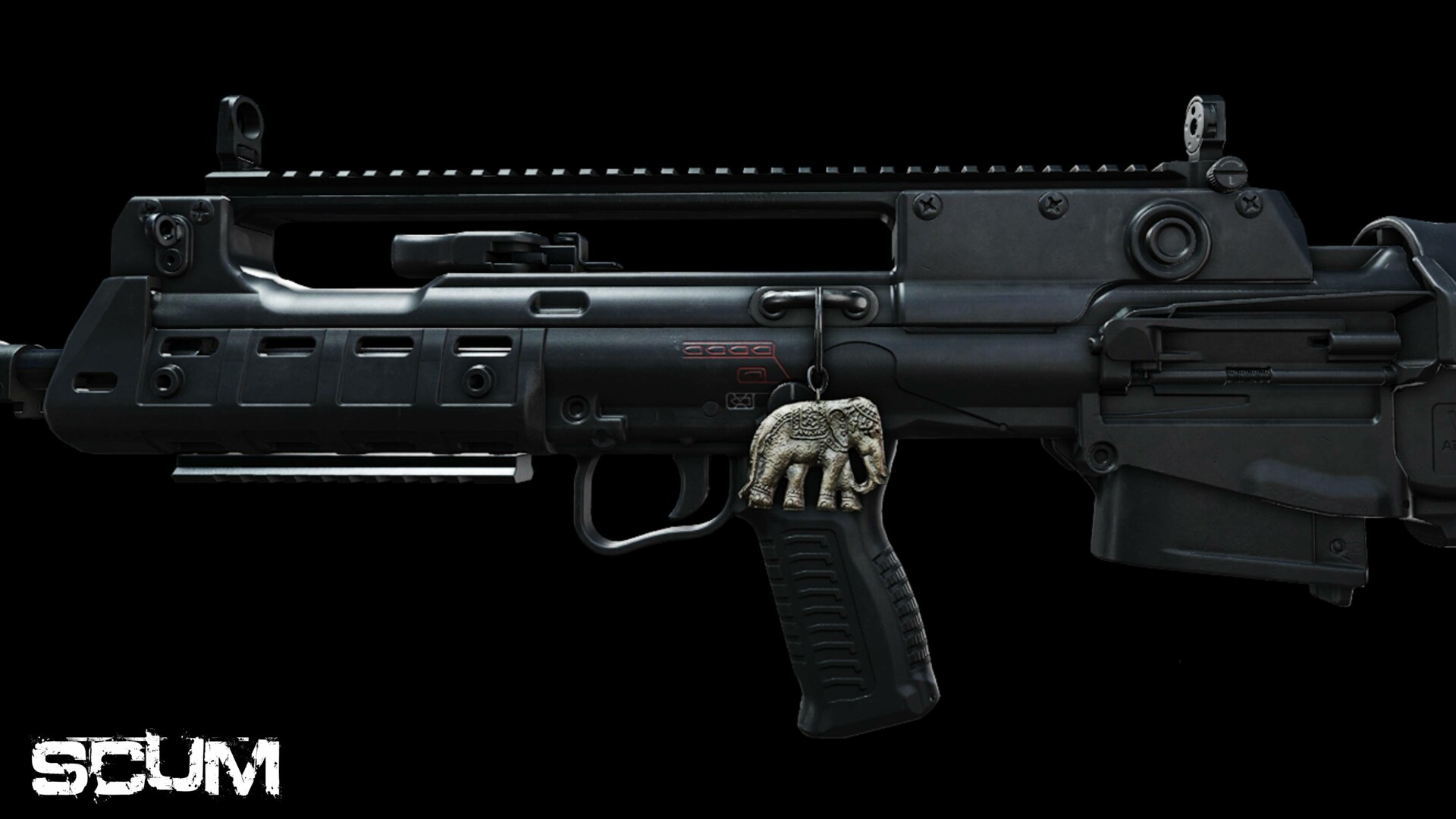
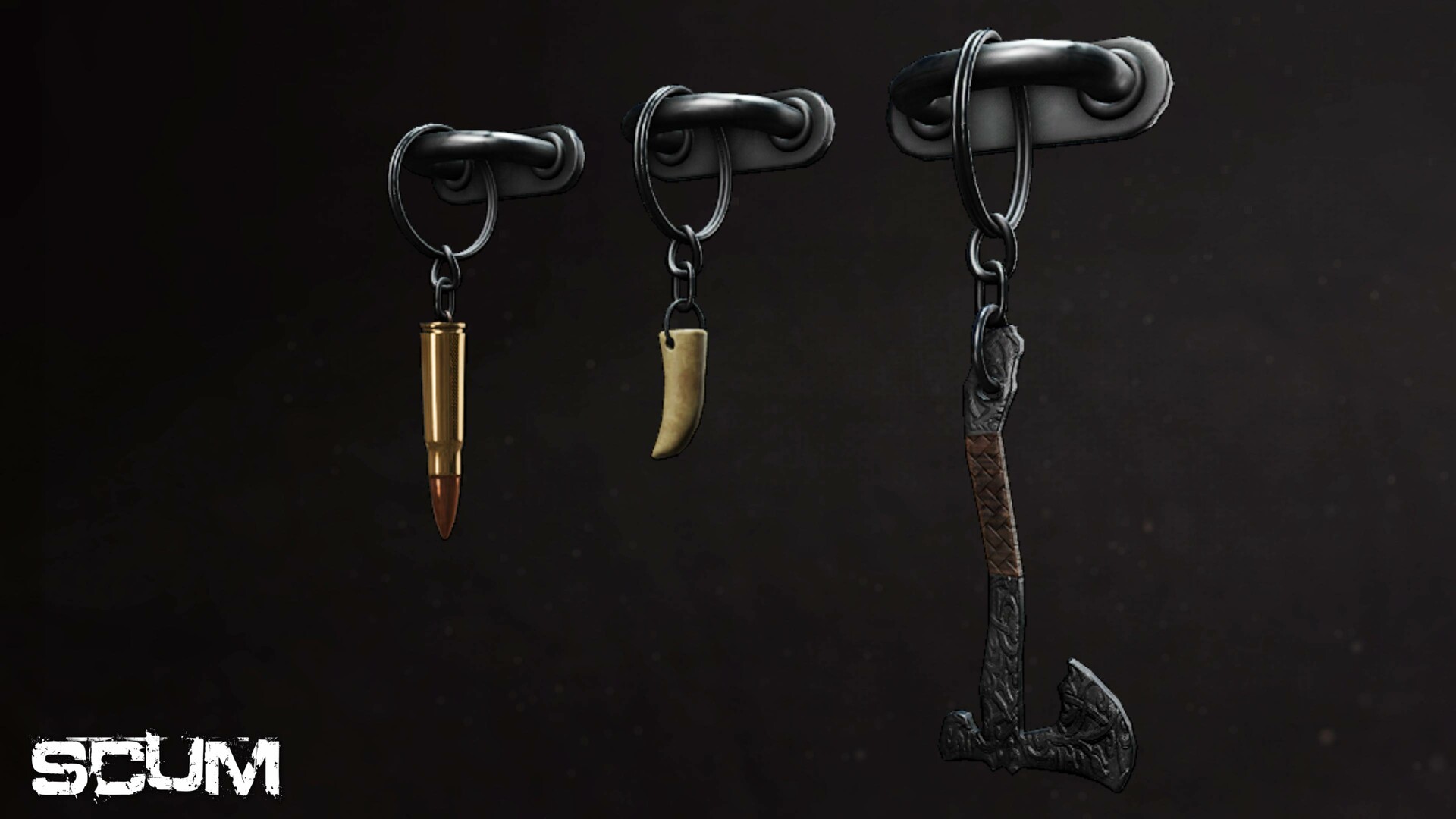
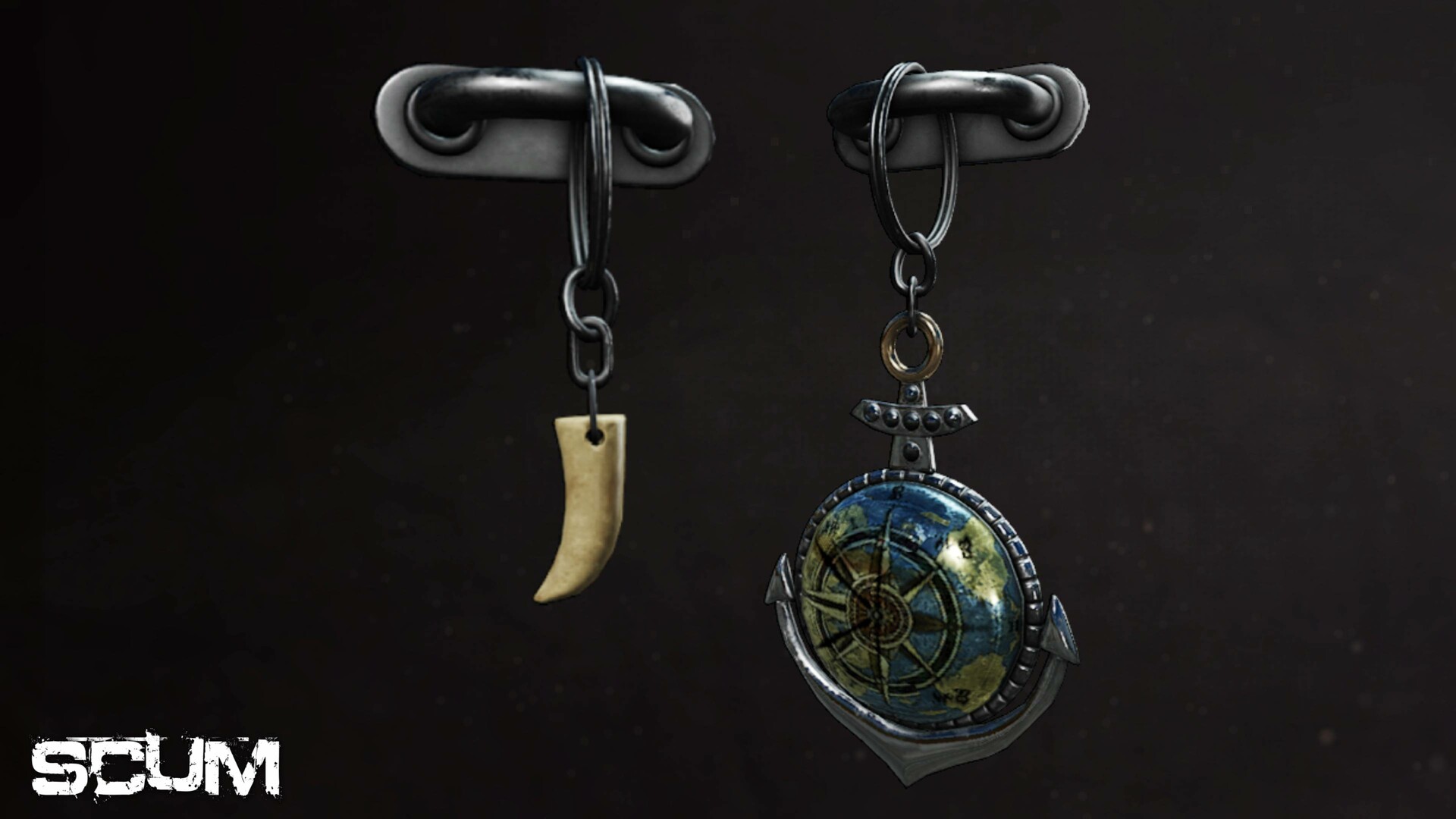
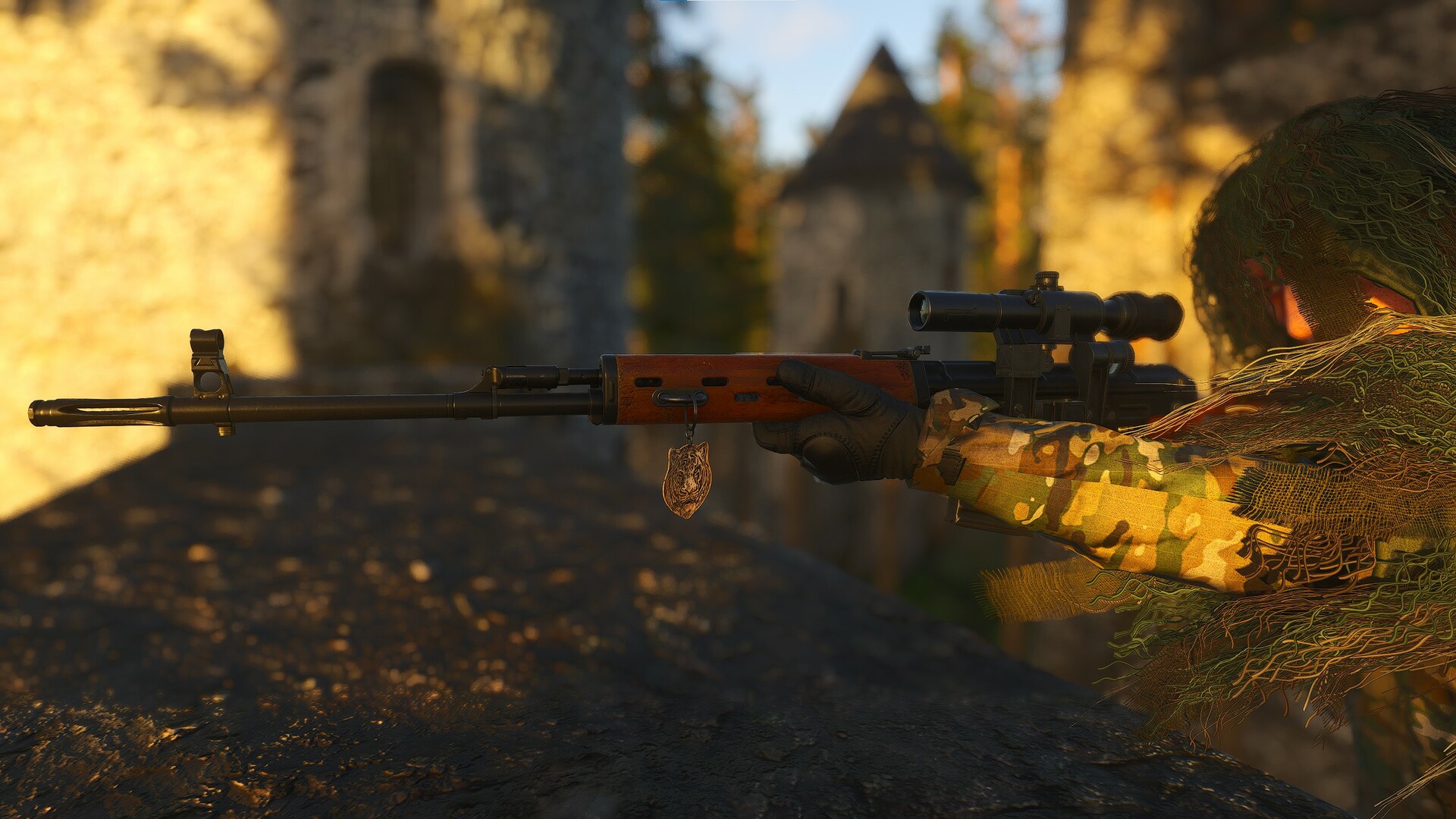
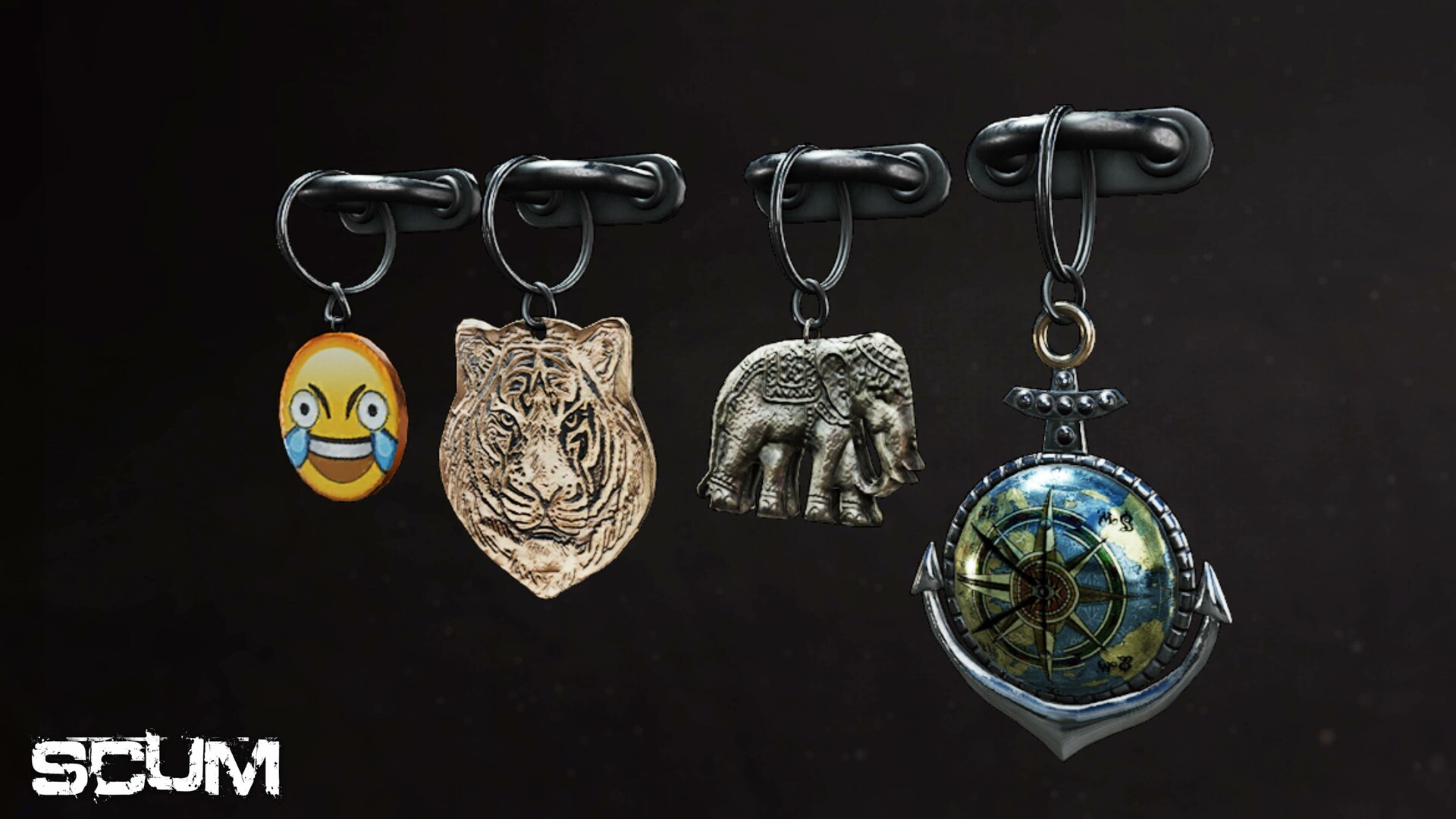
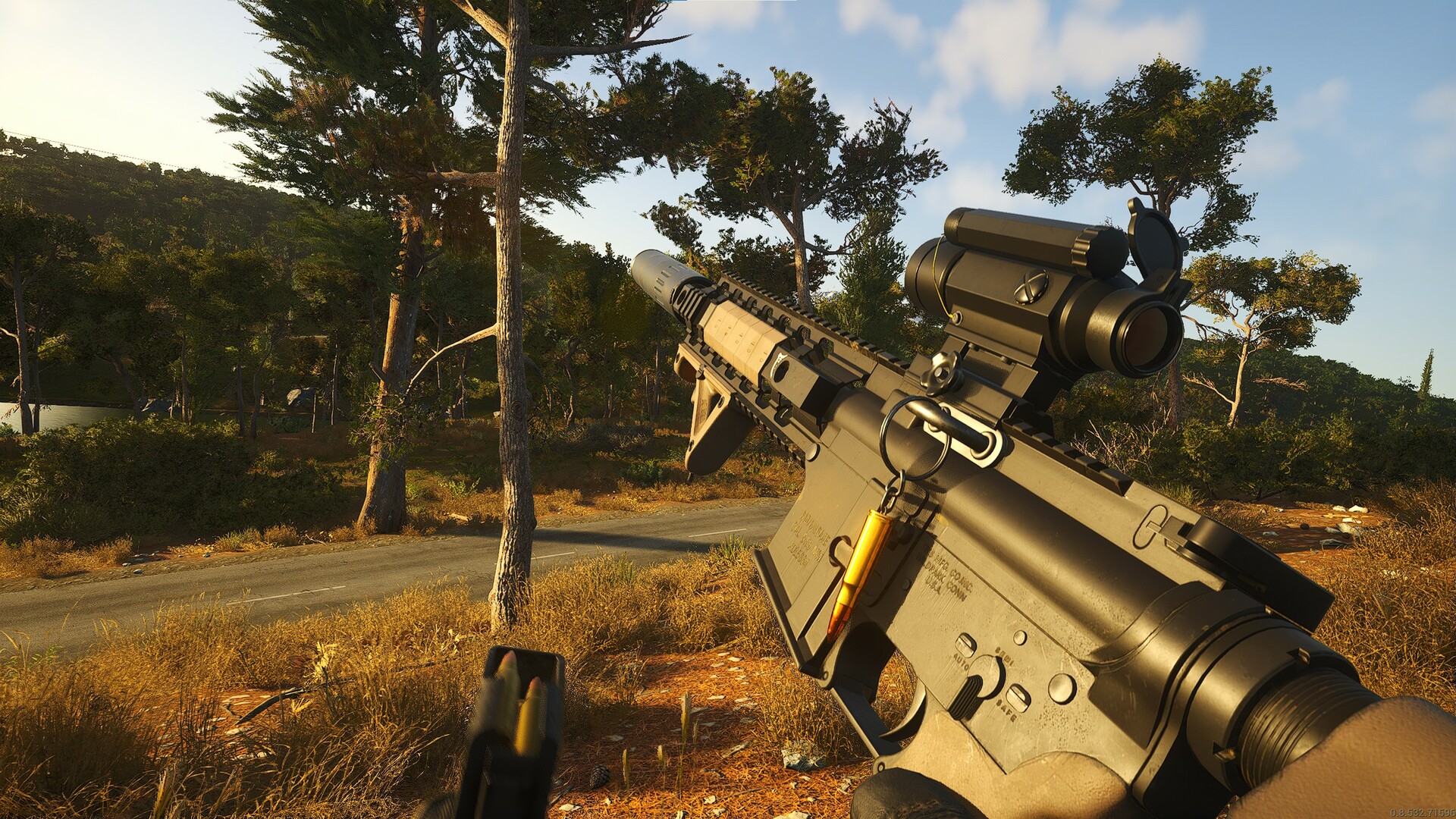
Introducing the SCUM Charms pack! This cosmetic DLC will let you make your weapon your own. Slap a charm on for good luck, or as a stress reliever during those short breaks in the middle of the firefight. Whatever your style, there will be a charm for you.
Charms available:
- Anchor.
- Axe.
- Bullet.
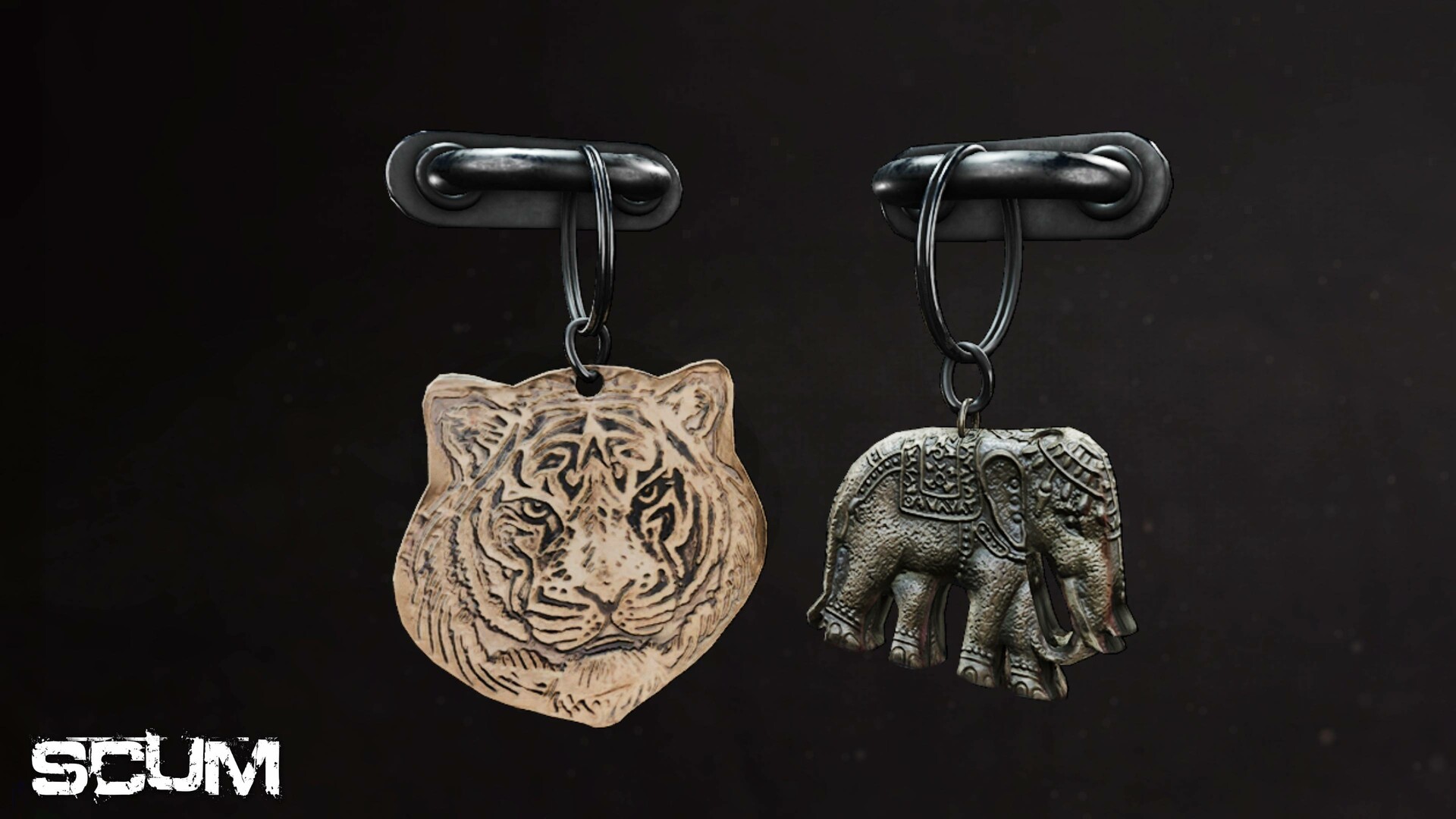
- Elephant.
- Emoji.
- Tiger.
- Tooth.
- Cut-off finger charm.
- Skull charm.
- Cut-off ear charm.
- Bottle opener charm.
- Angry face charm.
- Sunglasses face charm.
- Happy face charm.
- Fish bowl charm.
- Horseshoe charm.
- Roller skate charm.
- Sword charm.
- Pirate Cat charm.
- Yin Yang charm.
- TEC1 charm.
- Candy Cane charm.
- Evil Eye charm.
- Ogre charm.
- Sentry charm.
© 2025 GAMEPIRES D.O.O. SCUM and the Gamepires logo are registered and/or unregistered trademarks of GAMEPIRES D.O.O. in the European Union, United States, United Kingdom and other territories. All rights reserved
Minimum Requirements:
- Requires a 64-bit processor and operating system
- OS: Windows 10 64-bit
- Processor: Intel Core i5-4430 / AMD FX-6300
- Memory: 16 GB RAM
- Graphics: NVIDIA GeForce GTX 1060 3GB / AMD Radeon RX 480 4GB
- DirectX: Version 11
- Network: Broadband Internet connection
- Storage: 80 GB available space
- Additional Notes: SSD Required
Recommended Requirements:
- Requires a 64-bit processor and operating system
- OS: Windows 10 64-bit
- Processor: Intel Core i5-6600K / AMD Ryzen 5 1600
- Memory: 16 GB RAM
- Graphics: NVIDIA GeForce GTX 2060 / AMD Radeon RX 5700
- DirectX: Version 12
- Network: Broadband Internet connection
- Storage: 80 GB available space
- Additional Notes: SSD Required
Om de Steam-sleutel die je hebt ontvangen te activeren, volg je de onderstaande instructies:
- Allereerst, open de Steam-client. (Als je deze niet hebt, klik eenvoudig op de knop "Steam installeren" hier => Steam Store )
- Meld je aan bij je Steam-account. (Als je er geen hebt, klik hier om er een nieuw te maken => Steam-account )
- Klik op de knop "EEN SPEL TOEVOEGEN" in de onderhoek van de client.
- Selecteer vervolgens "Een product op Steam activeren..."
- Schrijf de activeringssleutel op of kopieer en plak deze die je hebt ontvangen van Voidu in het venster.
- Je spel is nu zichtbaar in je bibliotheek! Klik op je "Bibliotheek".
- En tot slot, klik op het spel en selecteer "Installeren" om je download te starten.