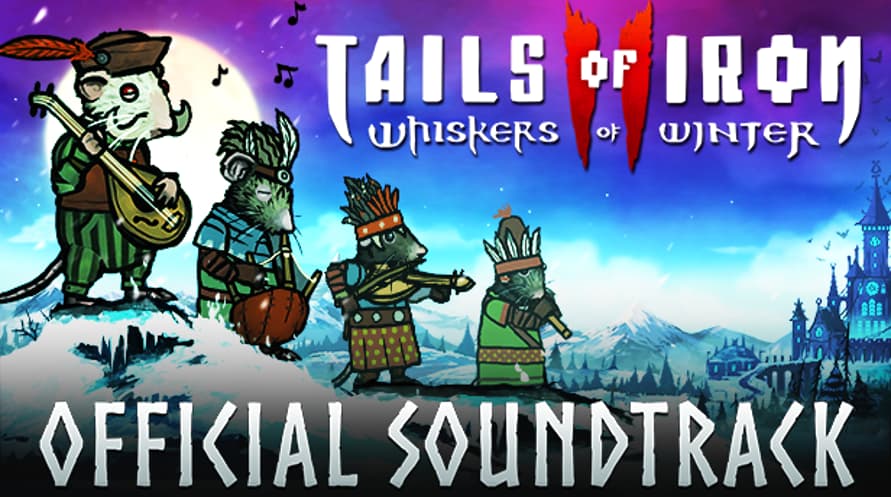
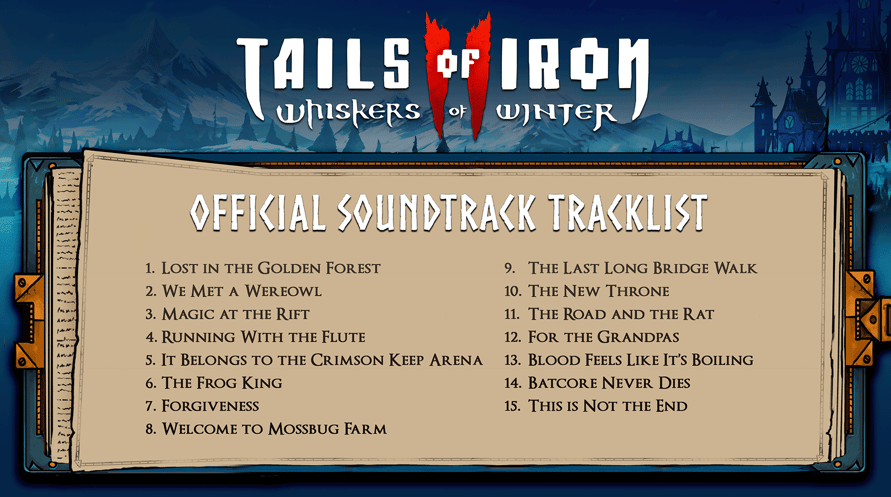
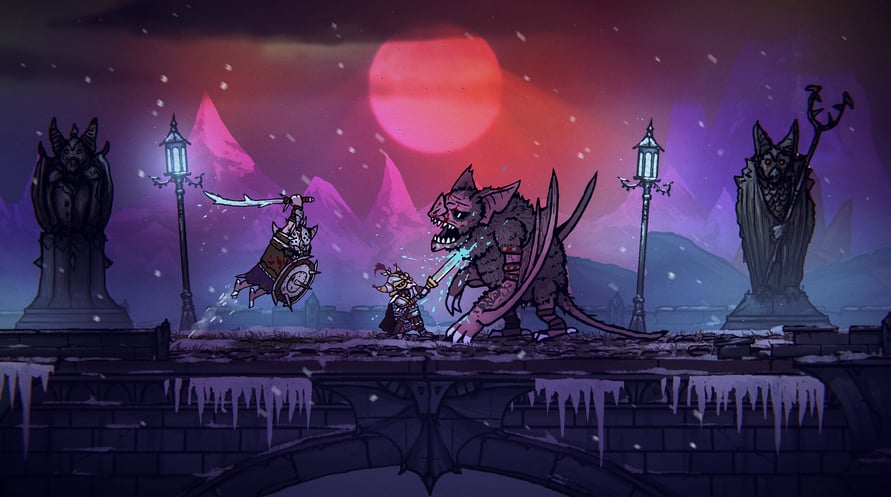
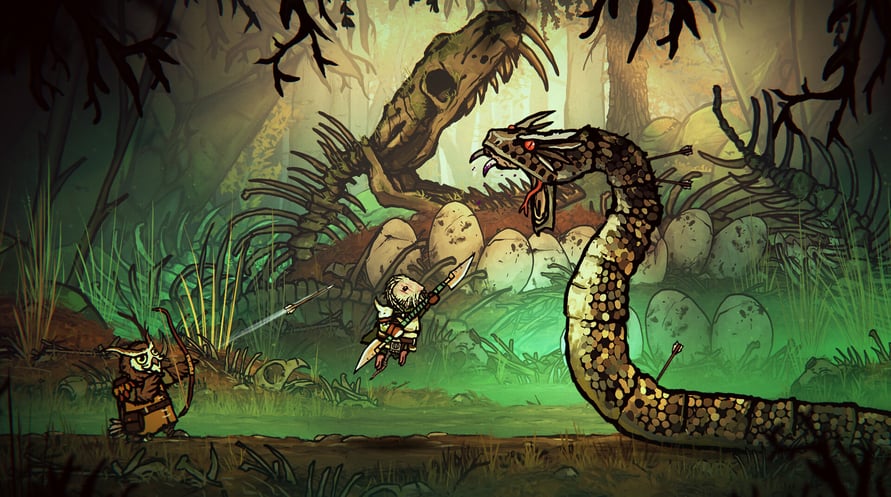
Digitale soundtrack: geniet van de muziek uit Tails of Iron 2: Whiskers of Winter waar en wanneer je maar wilt. Laat de Dark Wings sidderen van angst, of je nu thuis bent of onderweg.
Tails of Iron 2 © United Label SA. Game content © Odd Bug Studio Ltd. United Label is exclusive worldwide licensee. “Tails of Iron” and “United Label” are registered trademarks. All rights reserved.
Minimum Requirements for Windows:
- Requires a 64-bit processor and operating system
- OS: Windows 10 64-bit
- Processor: 2.8 GHz Dual Core CPU
- Memory: 4 GB RAM
- Graphics: GeForce GTX 660 or equivalent with 2 GB of video RAM
- DirectX: Version 11
- Storage: 2 GB available space
Recommended Requirements for Windows:
- Requires a 64-bit processor and operating system
- OS: Windows 10 64-bit
- Processor: 3.2 GHz Quad Core Processor
- Memory: 8 GB RAM
- Graphics: GeForce 960 or equivalent with 4GB of video RAM
- DirectX: Version 11
- Storage: 2 GB available space
Minimum Requirements for MacOS:
- OS: macOS 12 Monterey
- Processor: 1.3GHz dual-core Intel Core i5 or Apple M1 chip
- Memory: 4 GB RAM
- Graphics: Intel HD Graphics 615
- Storage: 2 GB available space
Recommended Requirements for MacOS:
- OS: macOS 12 Monterey
- Processor: 3.0GHz 6-core Intel Core i5 or Apple M1 chip
- Memory: 8 GB RAM
- Graphics: Radeon Pro 560X with 4GB of GDDR5 memory
- Storage: 2 GB available space
Minimum Requirements for Linux:
- Processor: 2.8 GHz Dual Core CPU
- Memory: 4 GB RAM
- Graphics: GeForce GTX 660 or equivalent with 2 GB of video RAM
- Storage: 2 GB available space
Recommended Requirements for Linux:
- Processor: 3.2 GHz Quad Core Processor
- Memory: 8 GB RAM
- Graphics: GeForce 960 or equivalent with 4GB of video RAM
- Storage: 2 GB available space
Om de Steam-sleutel die je hebt ontvangen te activeren, volg je de onderstaande instructies:
- Allereerst, open de Steam-client. (Als je deze niet hebt, klik eenvoudig op de knop "Steam installeren" hier => Steam Store )
- Meld je aan bij je Steam-account. (Als je er geen hebt, klik hier om er een nieuw te maken => Steam-account )
- Klik op de knop "EEN SPEL TOEVOEGEN" in de onderhoek van de client.
- Selecteer vervolgens "Een product op Steam activeren..."
- Schrijf de activeringssleutel op of kopieer en plak deze die je hebt ontvangen van Voidu in het venster.
- Je spel is nu zichtbaar in je bibliotheek! Klik op je "Bibliotheek".
- En tot slot, klik op het spel en selecteer "Installeren" om je download te starten.