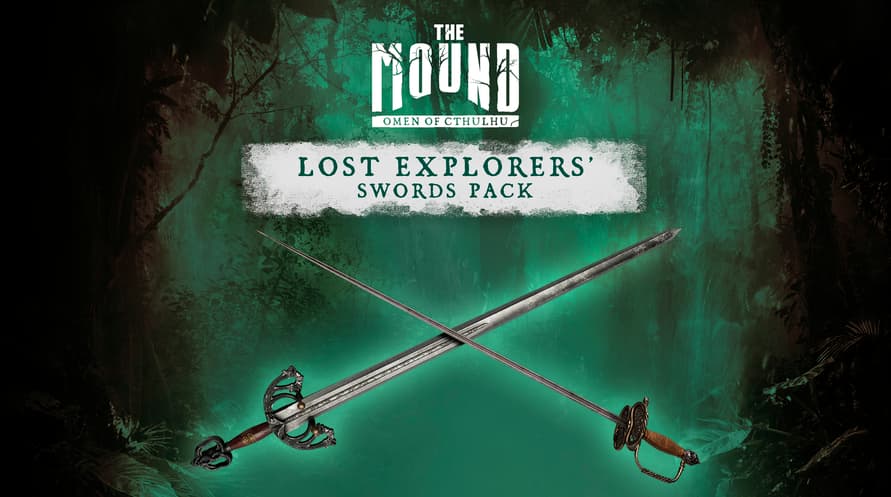
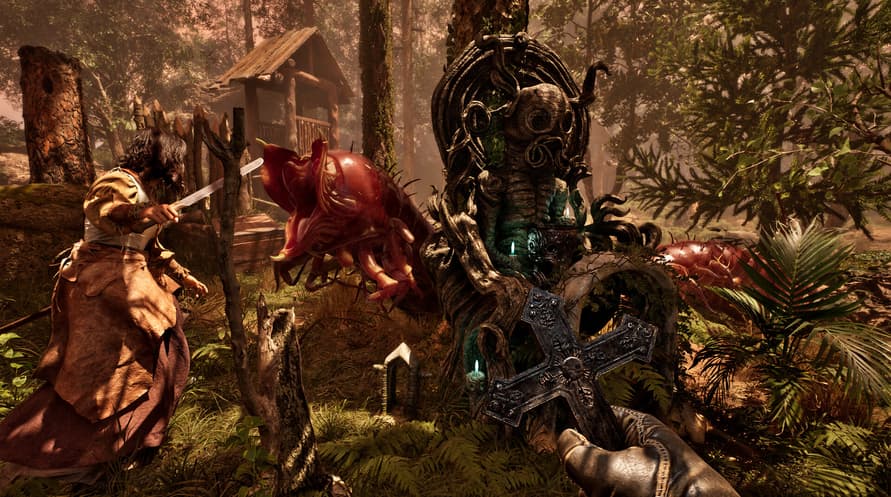
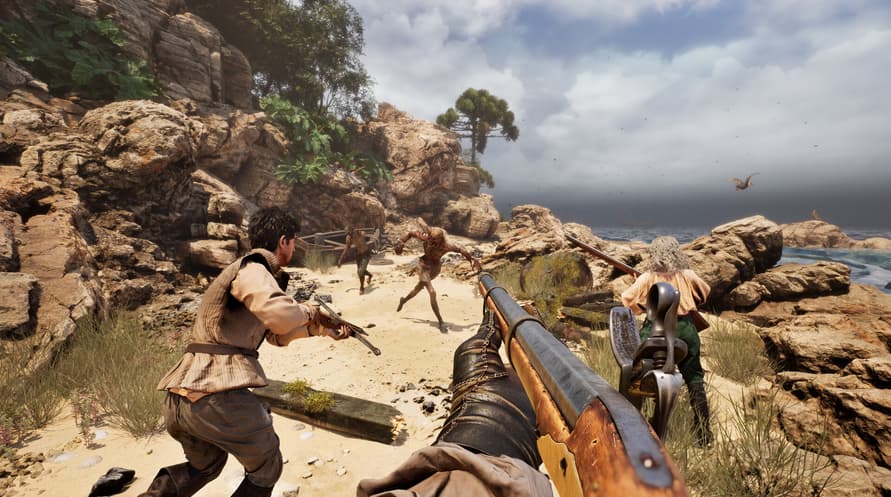
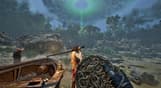
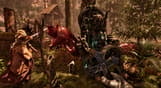
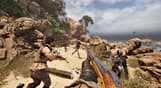
Verrijk je arsenaal met de "Lost Explorers' Swords Pack" en ontgrendel twee exclusieve looks voordat je op expeditie gaat.
©2026 Nacon. ©2026 Published by Nacon and developed by ACE Team Software. All rights reserved.
Minimum System Requirements:
- Requires a 64-bit processor and operating system
- OS: Windows 10/11 64-bit
- Processor: Intel Core i7-8700k or AMD Ryzen 5 1600x
- Memory: 16 GB RAM
- Graphics: Nvidia GTX 1660 SUPER 6GB or AMD Radeon RX 5600 XT 6GB or Intel Arc A770 16GB
- DirectX: Version 12
- Storage: 23 GB available space
- Additional Notes: Please note that these informations aren't final and may be subject to change until the launch of the game.
Recommended System Requirements:
- Requires a 64-bit processor and operating system
- OS: Windows 10/11 64-bit
- Processor: Intel Core i7-11700k or AMD Ryzen 5 5500
- Memory: 16 GB RAM
- Graphics: Nvidia RTX 3070 8GB or AMD Radeon RX 6750 XT 12GB
- DirectX: Version 12
- Storage: 23 GB available space
- Additional Notes: Please note that these informations aren't final and may be subject to change until the launch of the game.
Om de Steam-sleutel die je hebt ontvangen te activeren, volg je de onderstaande instructies:
- Allereerst, open de Steam-client. (Als je deze niet hebt, klik eenvoudig op de knop "Steam installeren" hier => Steam Store )
- Meld je aan bij je Steam-account. (Als je er geen hebt, klik hier om er een nieuw te maken => Steam-account )
- Klik op de knop "EEN SPEL TOEVOEGEN" in de onderhoek van de client.
- Selecteer vervolgens "Een product op Steam activeren..."
- Schrijf de activeringssleutel op of kopieer en plak deze die je hebt ontvangen van Voidu in het venster.
- Je spel is nu zichtbaar in je bibliotheek! Klik op je "Bibliotheek".
- En tot slot, klik op het spel en selecteer "Installeren" om je download te starten.