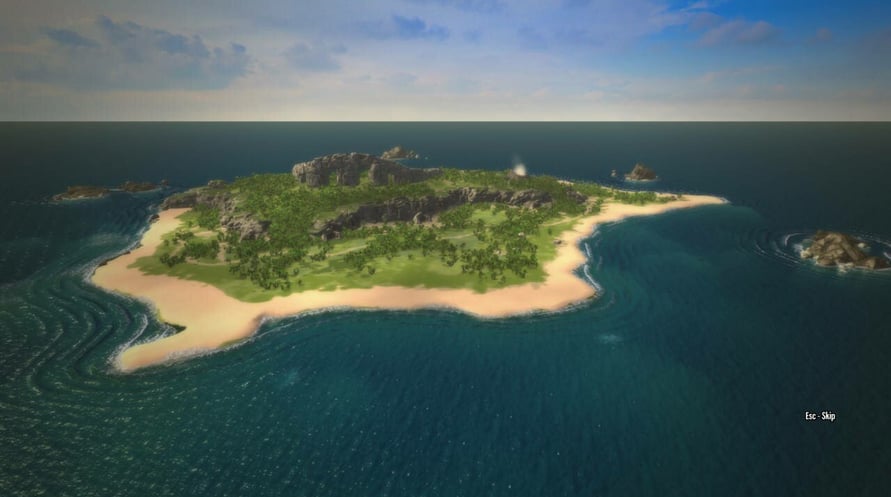
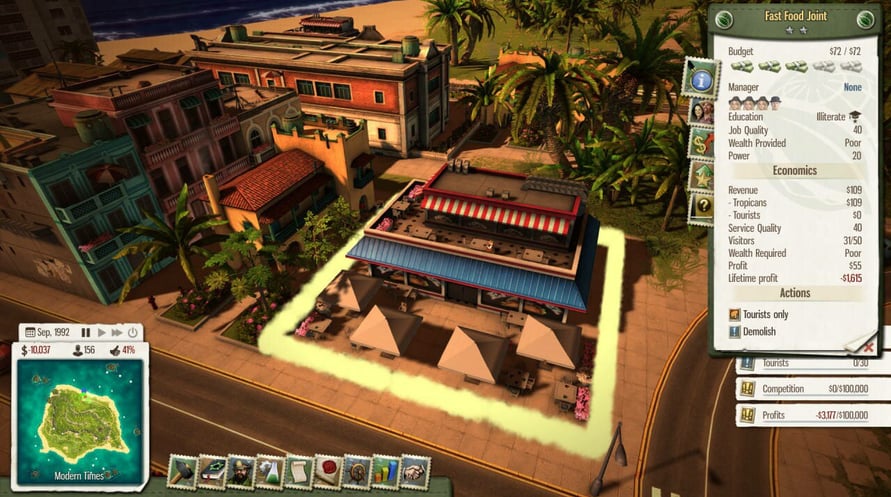
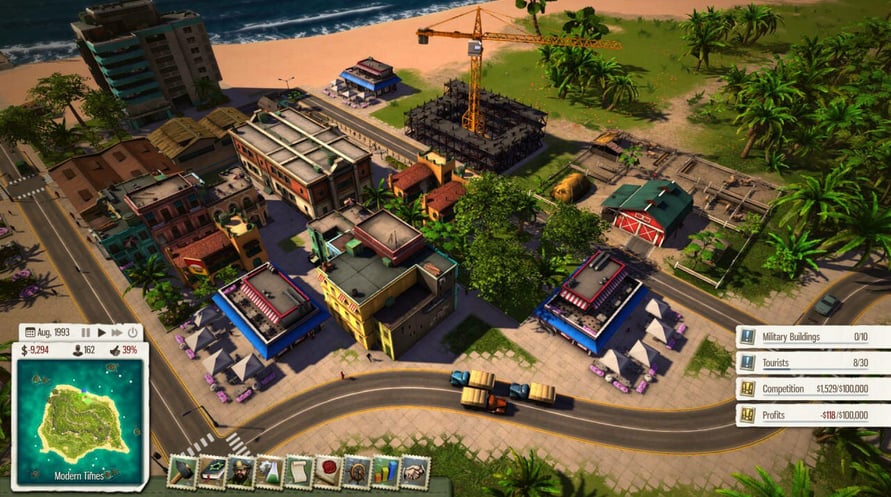
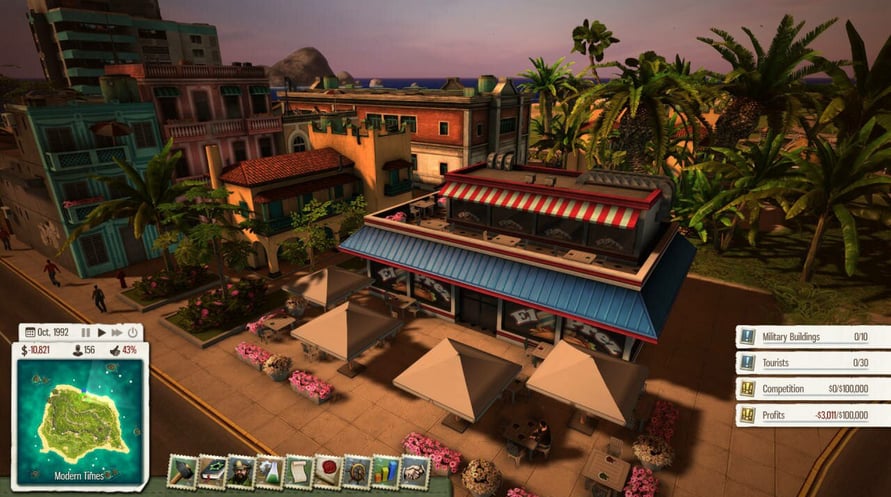

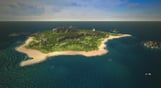
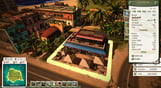
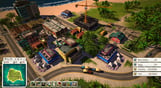
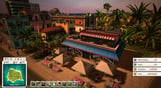
El Presidente is selling out. It’s time for Tropico to start playing in the major league of international franchises. Start by inviting investors and constructing a chain of Fast Food Restaurants all across the island. Do you have the guts to beat the Slow Food competition?
- New standalone scenario: “Joint Venture” – Beat the Slow Food competition
- New building: Fast Food Joint – Provides entertainment for citizens and tourists
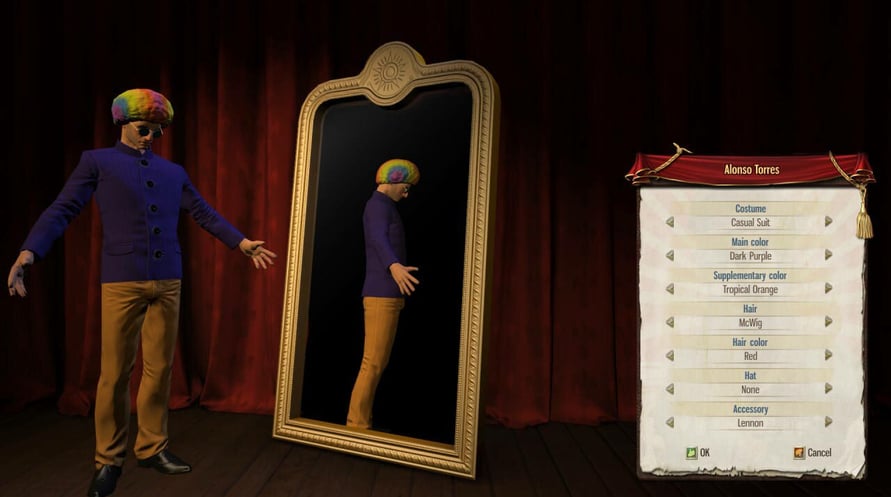
- New dynasty avatar accessory: Become a walking act with the McWig
- New sandbox map: Punta de Refugio
- New music track and additional voice recordings
NOTICE: This content requires the base game Tropico 5 on Steam in order to play.
Windows Minimum Requirements:
- OS: Windows Vista SP2, Windows 7, Windows 8
- Processor: 2 GHz Dual Core CPU
- Memory: 4 GB RAM
- Graphics: GeForce 400 or higher, AMD Radeon HD 4000 or higher, Intel HD 4000 or higher (DirectX 11 hardware support required)
- DirectX: Version 11
- Hard Drive: 4 GB available space
- Sound Card: DirectX compatible
Windows Recommended Requirements:
- OS: Windows 7 (64 bit), Windows 8 (64 bit)
- Processor: 2.5 GHz Quad Core CPU
- Memory: 8 GB RAM
- Graphics: GeForce 500 or higher, AMD Radeon HD 5000 or higher
- DirectX: Version 11
Mac Minimum Requirements:
- OS: OSX 10.9
- Processor: 2 GHz Dual Core CPU
- Memory: 4 GB RAM
- Graphics: GeForce 400 or higher, AMD Radeon HD 4000 or higher, Intel HD 4000 or higher
- Storage: 4 GB available space
Mac Recommended Requirements:
- Processor: 2.5 GHz Quad Core CPU
- Memory: 8 GB RAM
- Graphics: GeForce 500 or higher, AMD Radeon HD 5000 or higher
Linux Minimum Requirements:
- OS: Ubuntu/SteamOS (latest)
- Processor: 2 GHz Dual Core CPU
- Memory: 4 GB RAM
- Graphics: GeForce 400 or higher, AMD Radeon HD 4000 or higher, Intel HD 4000 or higher
- Storage: 4 GB available space
Linux Recommended Requirements:
- Processor: 2.5 GHz Quad Core CPU
- Memory: 8 GB RAM
- Graphics: GeForce 500 or higher, AMD Radeon HD 5000 or higher
Om de Steam-sleutel die je hebt ontvangen te activeren, volg je de onderstaande instructies:
- Allereerst, open de Steam-client. (Als je deze niet hebt, klik eenvoudig op de knop "Steam installeren" hier => Steam Store )
- Meld je aan bij je Steam-account. (Als je er geen hebt, klik hier om er een nieuw te maken => Steam-account )
- Klik op de knop "EEN SPEL TOEVOEGEN" in de onderhoek van de client.
- Selecteer vervolgens "Een product op Steam activeren..."
- Schrijf de activeringssleutel op of kopieer en plak deze die je hebt ontvangen van Voidu in het venster.
- Je spel is nu zichtbaar in je bibliotheek! Klik op je "Bibliotheek".
- En tot slot, klik op het spel en selecteer "Installeren" om je download te starten.