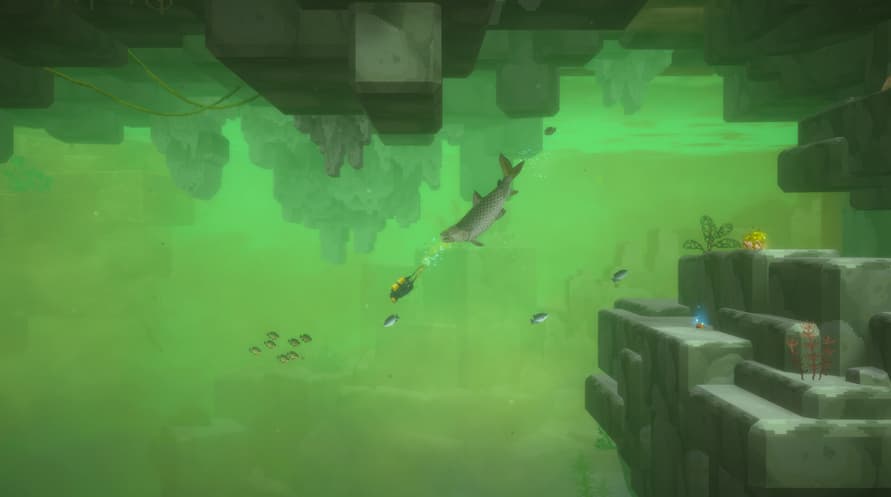
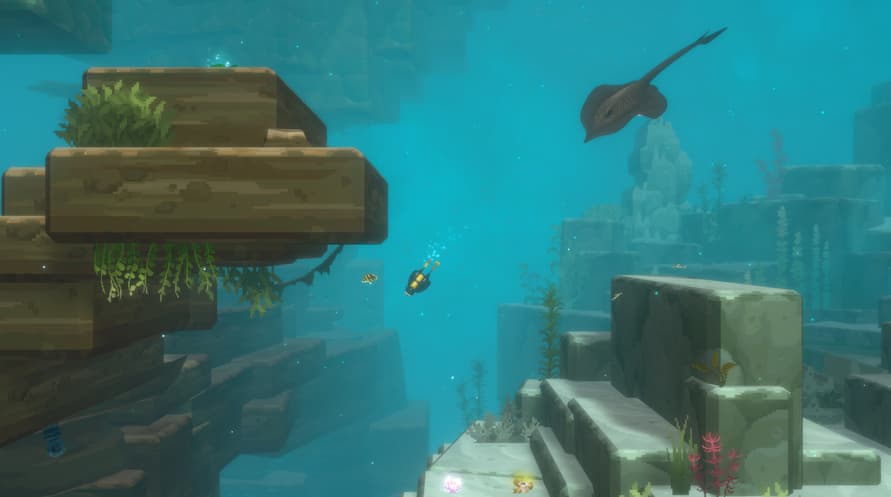
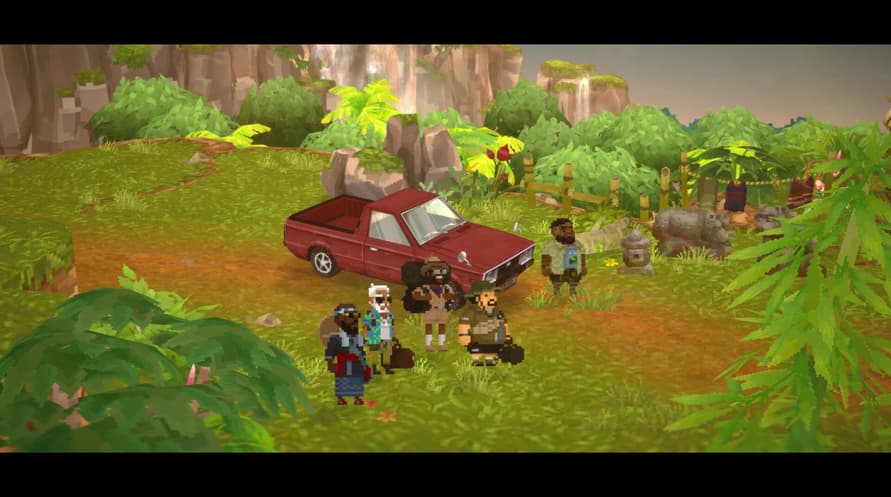
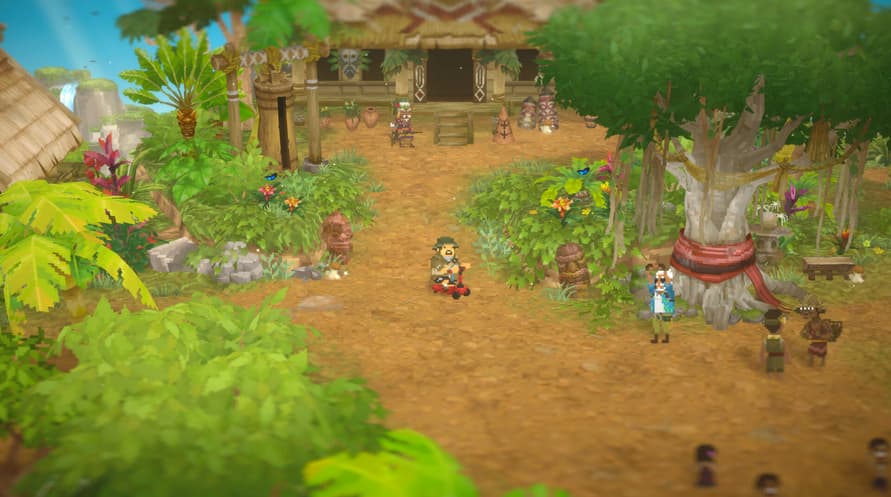
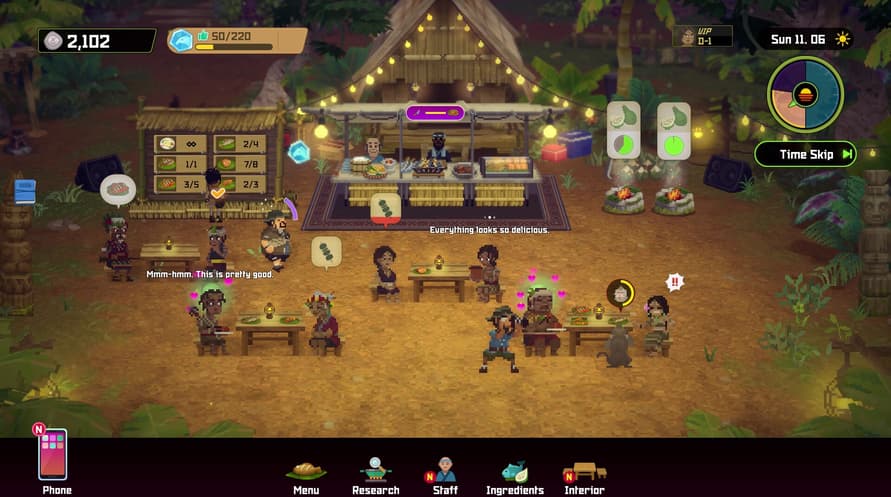
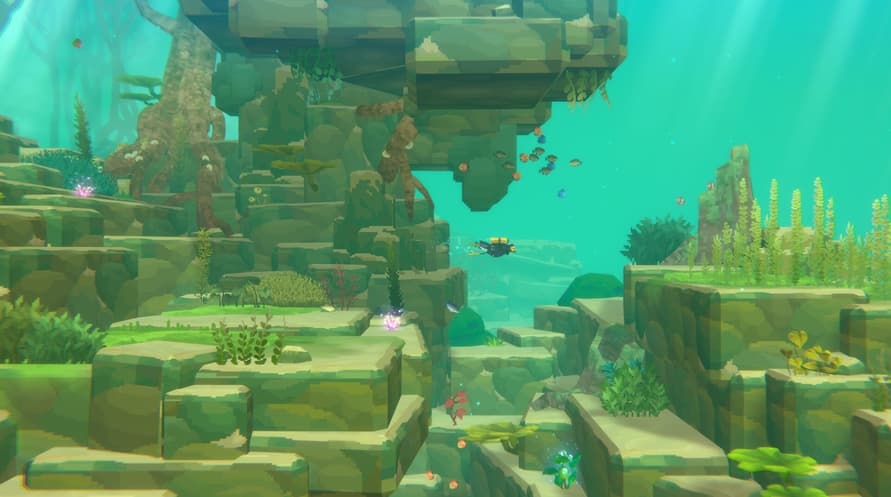
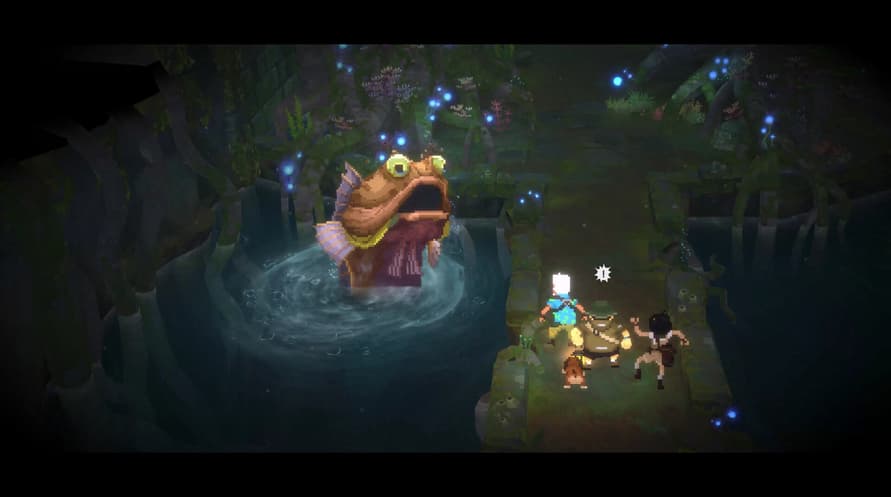
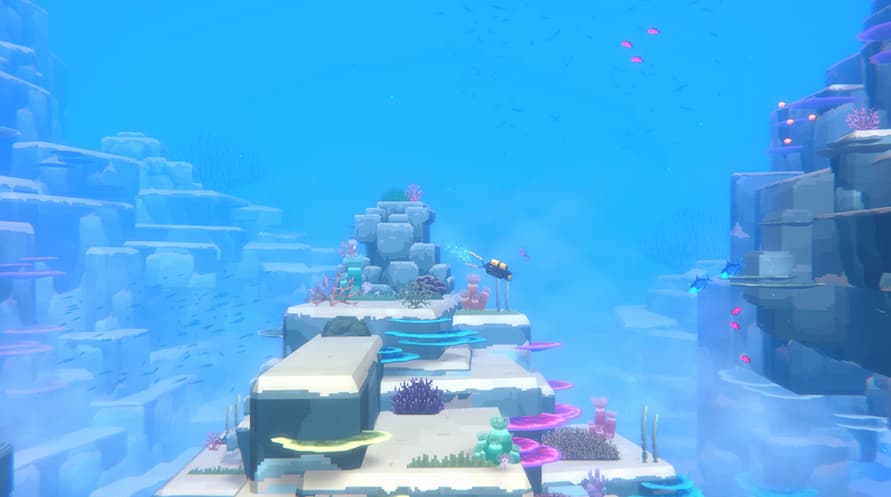
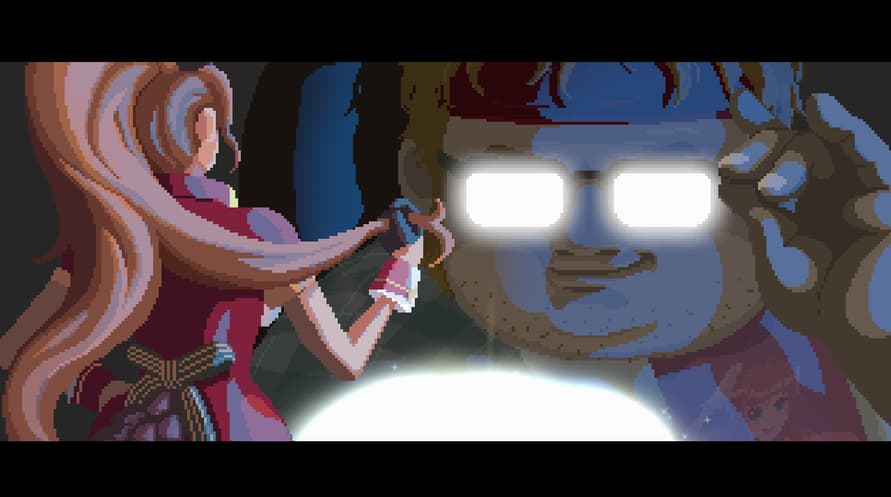
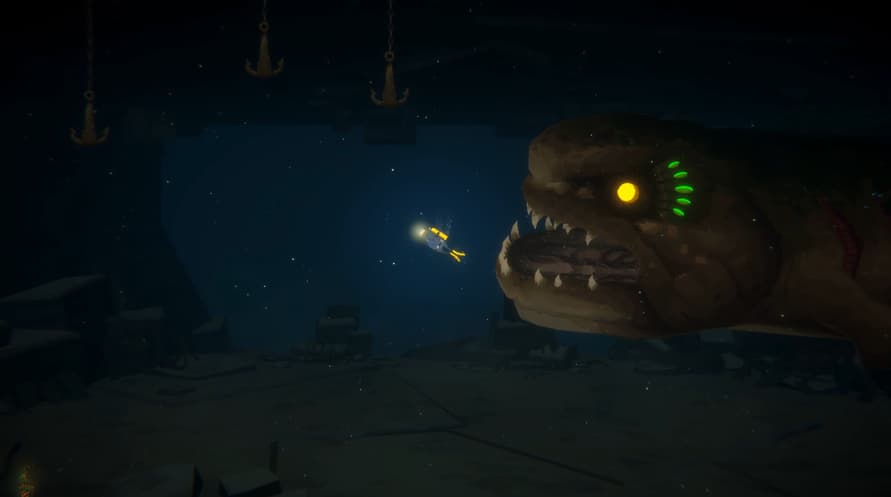
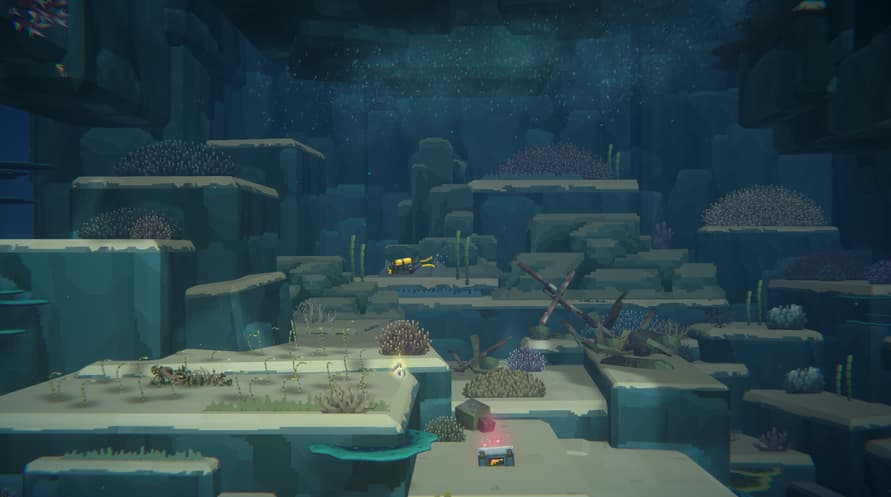
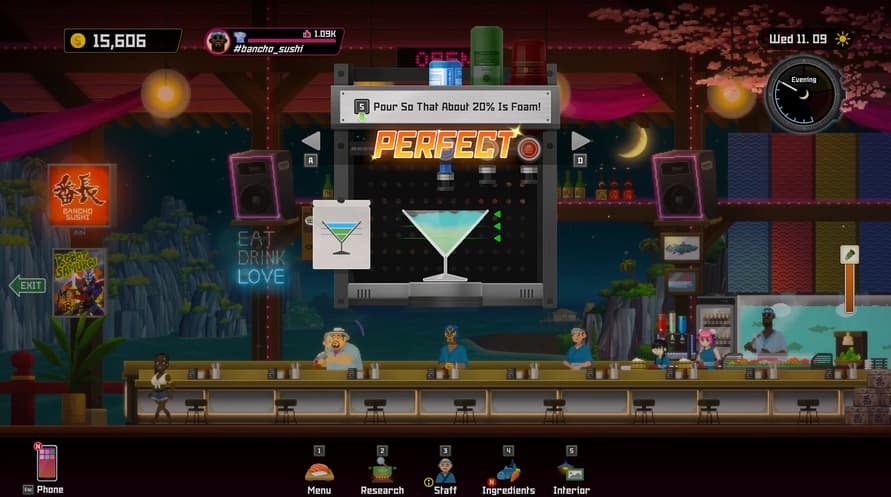
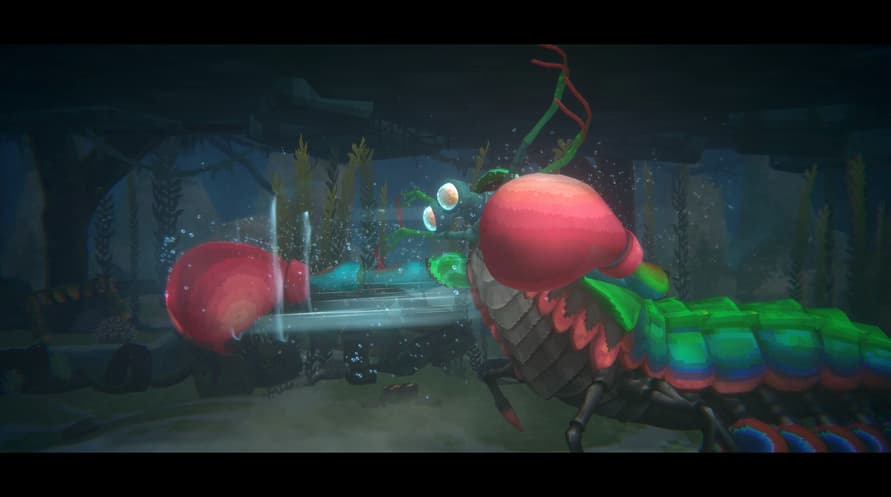
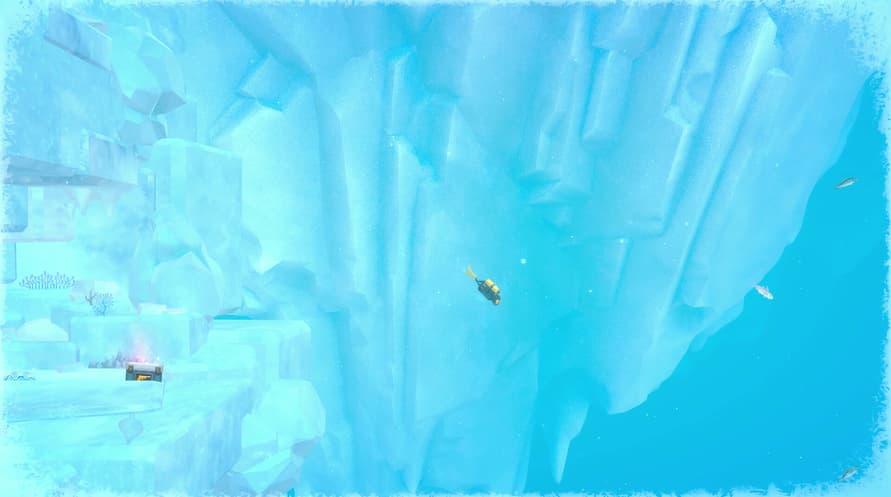
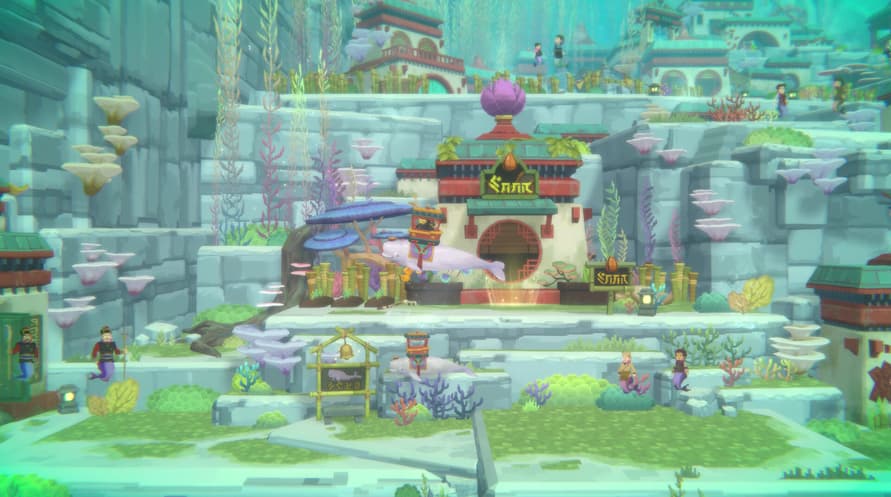
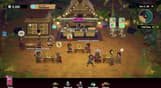
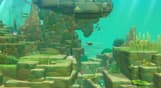
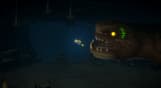
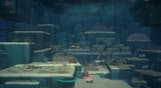
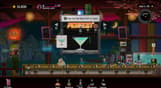
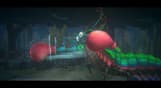
The Dave & In the Jungle Bundle is a bundle that allows those who don't own the Basic Package to purchase it along with the In the Jungle Content Pack.
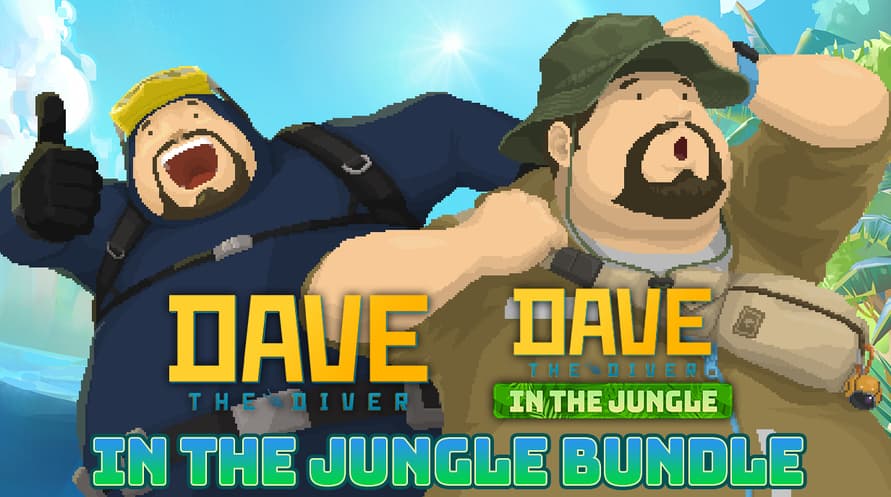
Purchase the DAVE THE DIVER Basic Package and In the Jungle Content Pack together at a lower cost.
If you already own the Basic Package, you can purchase just the Content Pack separately.
Dave & In the Jungle Bundle Contents:
1) DAVE THE DIVER Basic Package
2) DAVE THE DIVER - In the Jungle Content Pack
ⓒ Mintrocket. All Rights Reserved.
Windows Minimum Requirements:
- OS *: Windows 7 64 bit
- Processor: Intel Core i3 Dual Core
- Memory: 8 GB RAM
- Graphics: NVIDIA Geforce GTS 450 / AMD Radeon HD 5570
- DirectX: Version 11
- Storage: 10 GB available space
- Sound Card: Windows Compatible Audio Device
Windows Recommended Requirements:
- OS: Windows 10 64 bit
- Processor: Intel Core i5 - i7 Quad Core
- Memory: 16 GB RAM
- Graphics: NVIDIA Geforce GTX 750Ti / AMD Radeon R9 270x
- DirectX: Version 11
- Storage: 10 GB available space
- Sound Card: Windows Compatible Audio Device
Mac Minimum Requirements:
- OS: Big Sur 11.0
- Processor: Intel Core i3 Quad Core 3.6GHz
- Memory: 8 GB RAM
- Graphics: Radeon Pro 555X
- Storage: 11 GB available space
Mac Recommended Requirements:
- OS: Big Sur 11.0
- Processor: M1 Octa Core
- Memory: 16 GB RAM
- Storage: 11 GB available space
For å aktivere Steam-nøkkelen du har mottatt, følg instruksjonene nedenfor;
- Først åpner du Steam-klienten. (Hvis du ikke har den, klikker du bare på "Installer Steam"-knappen her => Steam Store )
- Logg inn på Steam-kontoen din. (Hvis du ikke har en, klikk her for å opprette en ny => Steam Account )
- Klikk på "LEGG TIL ET SPILL"-knappen i nederste hjørne av klienten.
- Velg deretter "Aktiver et produkt på Steam..."
- Skriv inn eller kopier og lim inn aktiveringsnøkkelen du har mottatt fra Voidu i vinduet.
- Spillet ditt er nå synlig i biblioteket ditt! Klikk på "Bibliotek".
- Og til slutt, klikk på spillet og velg "Installer" for å starte nedlastingen.