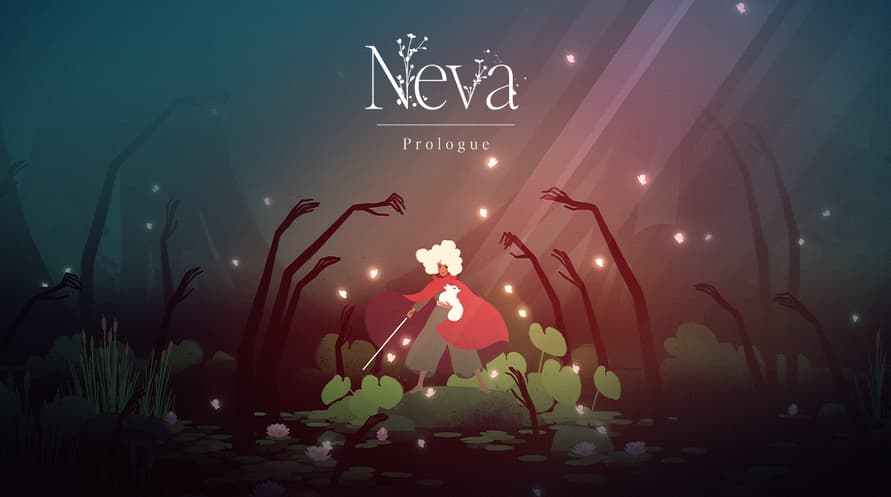

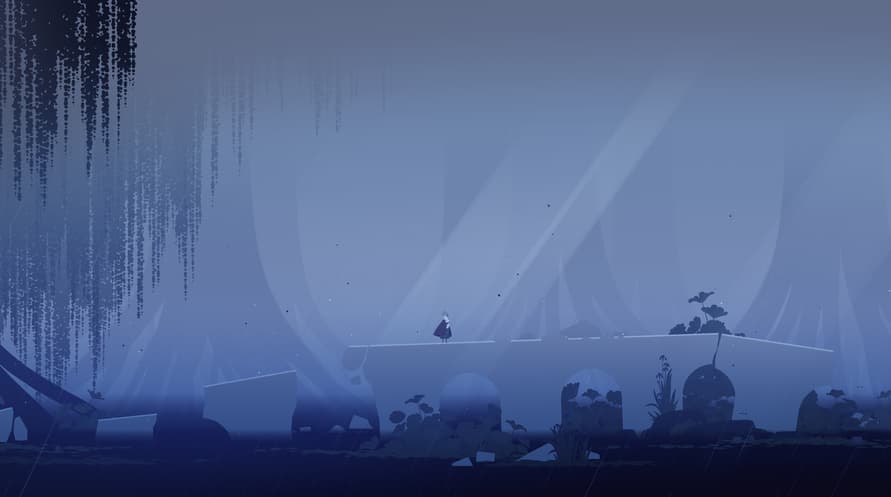
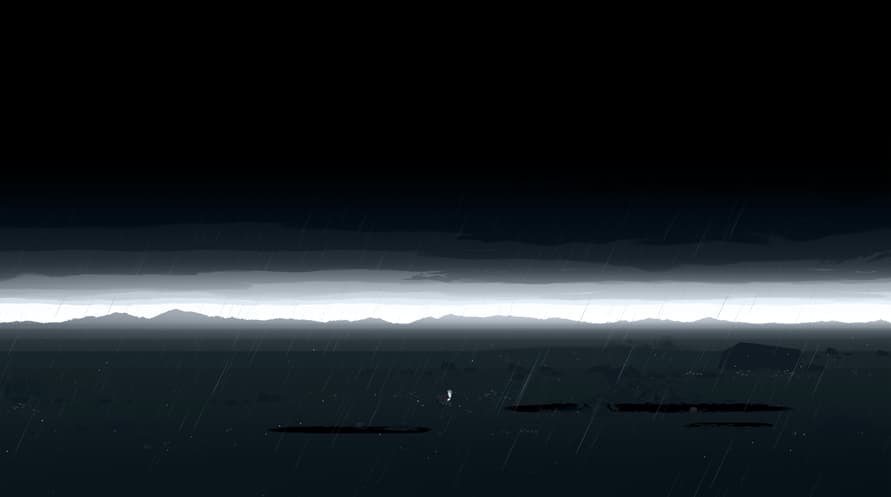










Neva: Prologue er designet for å spilles etter å ha fullført hovedspillet, det gir en dypere utfordring og en fantastisk historie for tilbakevendende spillere. Utvidelsen introduserer tre nye steder, alle med unike spillmekanikker, i tillegg til nye utfordringer, fiender og intense sjefsmøter.
Copyright 2023 Nomada Studio. All Rights Reserved.
Windows Minimum Requirements:
- Requires a 64-bit processor and operating system
- OS: Windows 10 x64 Bit
- Processor: Intel Core i5-4570T / AMD FX-4350
- Memory: 8 GB RAM
- Graphics: GeForce GTX 650 (1024 MB) / Radeon HD 7750 (1024 MB) / Intel UHD Graphics 620
- DirectX: Version 11
- Storage: 15 GB available space
- Additional Notes: Low Quality setting, in 720p, producing 120 FPS
Windows Recommended Requirements:
- Requires a 64-bit processor and operating system
- OS: Windows 10 x64 Bit
- Processor: Intel Core i5-6600K / AMD FX-8370
- Memory: 8 GB RAM
- Graphics: GeForce GTX 1050 Ti (4096 MB) / Radeon RX 470 (4096 MB)
- DirectX: Version 12
- Storage: 15 GB available space
- Additional Notes: High Quality setting, in 1080p, producing 120 FPS
Mac Minimum Requirements:
- OS: MacOS Catalina (10.15)
- Processor: Intel Core i5-4570
- Memory: 8 GB RAM
- Graphics: GeForce GT 755M / AMD Radeon R9 M390
- Storage: 15 GB available space
- Additional Notes: Low Quality setting, in 720p, producing 60 FPS
Mac Recommended Requirements:
- OS: MacOS Ventura (13.3)
- Processor: Apple M1 / Intel Core i5-7600
- Memory: 8 GB RAM
- Graphics: Apple M1 / Radeon Pro 570
- Storage: 15 GB available space
- Additional Notes: High Quality setting, in 1080p, producing 60 FPS
For å aktivere Steam-nøkkelen du har mottatt, følg instruksjonene nedenfor;
- Først åpner du Steam-klienten. (Hvis du ikke har den, klikker du bare på "Installer Steam"-knappen her => Steam Store )
- Logg inn på Steam-kontoen din. (Hvis du ikke har en, klikk her for å opprette en ny => Steam Account )
- Klikk på "LEGG TIL ET SPILL"-knappen i nederste hjørne av klienten.
- Velg deretter "Aktiver et produkt på Steam..."
- Skriv inn eller kopier og lim inn aktiveringsnøkkelen du har mottatt fra Voidu i vinduet.
- Spillet ditt er nå synlig i biblioteket ditt! Klikk på "Bibliotek".
- Og til slutt, klikk på spillet og velg "Installer" for å starte nedlastingen.