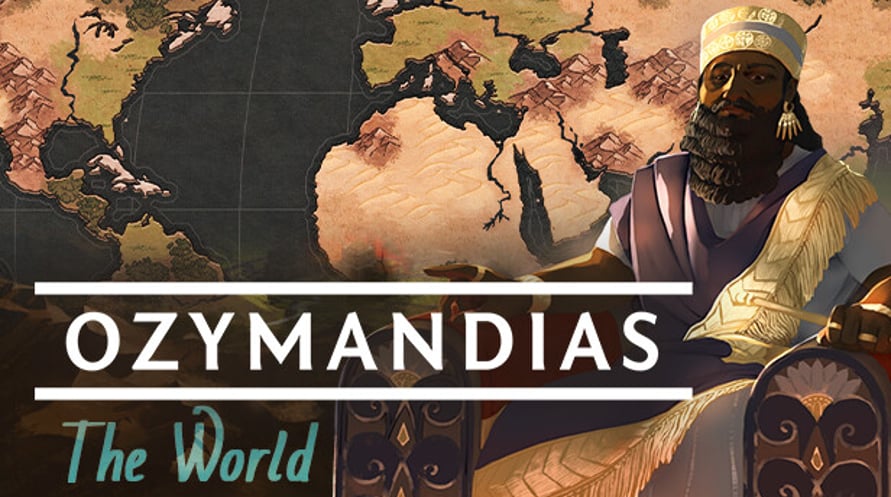
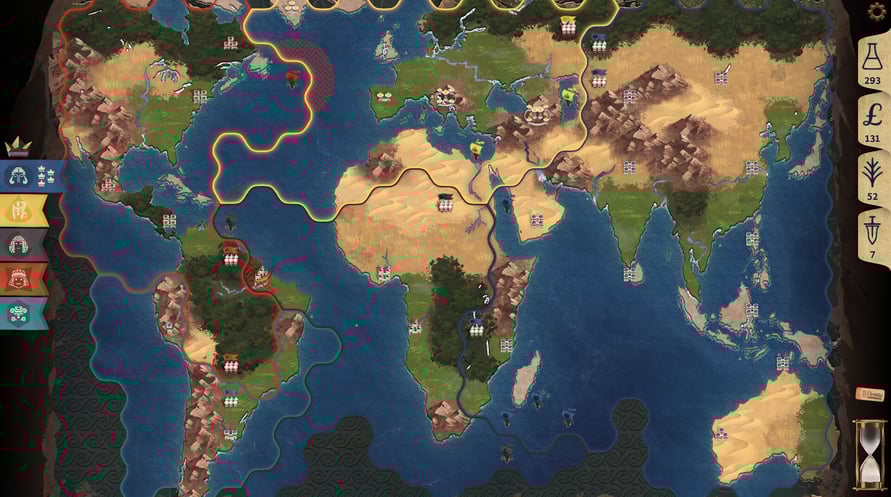
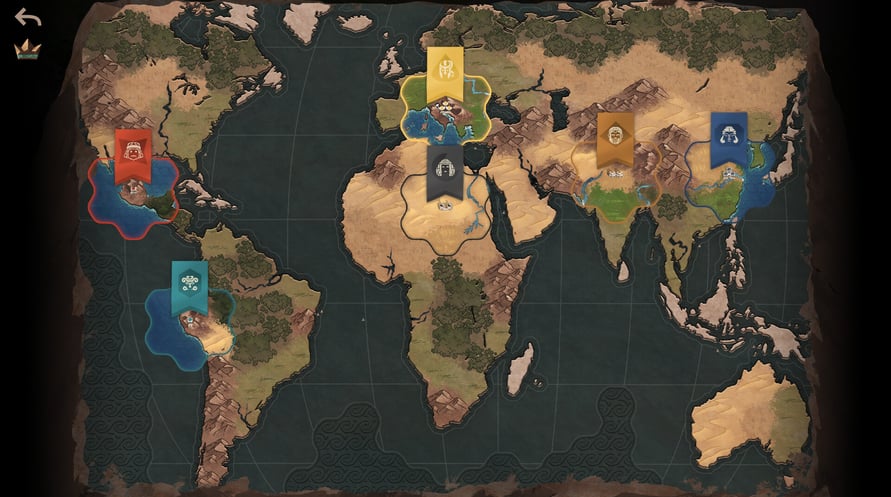
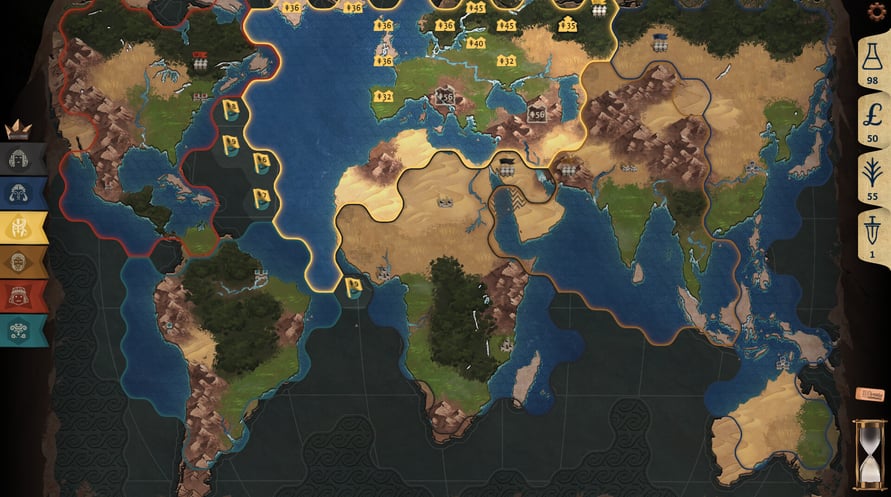
This DLC includes a new map: The World.
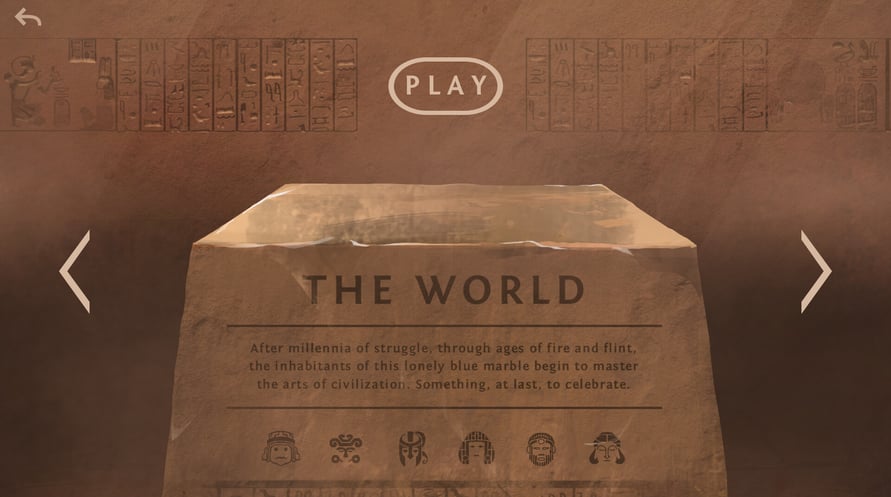
After millennia of struggle, through ages of fire and flint, the inhabitants of this lonely blue marble begin to master the arts of civilization. Something, at last, to celebrate.
NOTICE: This content requires the base game Ozymandias: Bronze Age Empire Sim on Steam in order to play.
Windows Minimum Requirements:
- Requires a 64-bit processor and operating system
- OS *: Windows 7+
- Processor: Dual Core
- Memory: 4 GB RAM
- Graphics: Intel HD 4600 or equivalent
- Storage: 1 GB available space
Windows Recommended Requirements:
- Requires a 64-bit processor and operating system
- OS: Windows 10+
- Processor: Intel i5 or equivalent
- Memory: 4 GB RAM
- Graphics: 1 GB VRAM
- Storage: 2 GB available space
Mac Minimum Requirements:
- OS: MacOS 10.14+
- Processor: Dual Core
- Memory: 4 GB RAM
- Graphics: Intel HD 4600 or equivalent
- Storage: 1 GB available space
Mac Recommended Requirements:
- OS: MacOS 12+
- Processor: Intel i5 or equivalent
- Memory: 4 GB RAM
- Graphics: 1 GB VRAM
- Storage: 2 GB available space
Para ativar a chave Steam que você recebeu, siga as instruções abaixo:
1. Em primeiro lugar, abra o cliente Steam. (Se você não o tiver, simplesmente clique no botão "Instalar Steam" aqui =>
Loja Steam)
2. Faça login na sua conta Steam. (Se você não tiver uma, clique aqui para criar uma nova =>
Conta Steam)
3. Clique no botão "ADICIONAR UM JOGO" no canto inferior do cliente.
4. Em seguida, selecione "Ativar um produto no Steam..."
5. Escreva ou copie e cole a chave de ativação que você recebeu de Voidu na janela.
6. Seu jogo agora está visível na sua biblioteca! Clique na sua "Biblioteca".
7. E, finalmente, clique no jogo e selecione "Instalar" para iniciar o seu download.