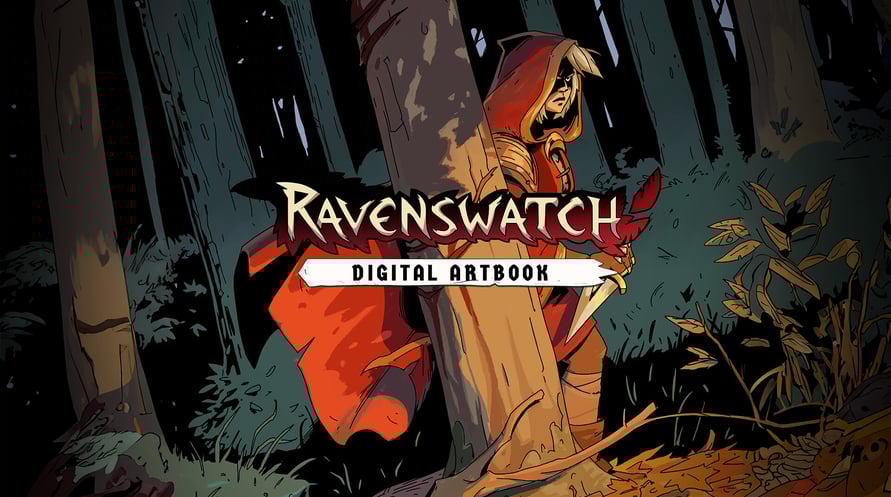
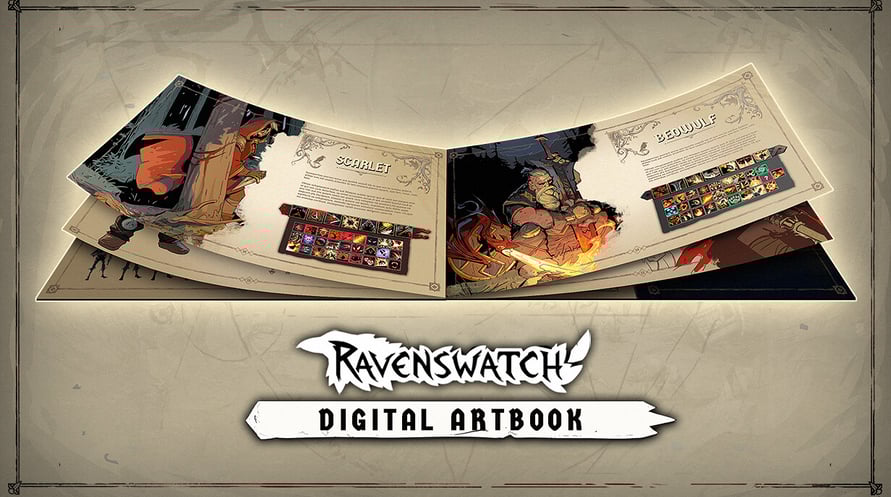
The Ravenswatch Digital Artbook includes 150 pages of sketches and illustrations that recount the graphical design of the game, from pencil to 3D. In this jam-packed and lovingly crafted book, Passtech Games also reveals more of the game's lore.
To access the Digital Artbook:
1. Right-click on Ravenswatch in your Steam library
2. Select Manage > Browse local files
3. Open the folder "Artbook"
Minimum Requirements:
- Requires a 64-bit processor and operating system
- OS: Windows 10 x64 (Version 1909 or newer)
- Processor: Intel Core i5-4670K (4 * 3400) / AMD FX-8350 (4 * 4000)
- Memory: 8 GB RAM
- Graphics: GeForce GTX 960 (2048 MB) / AMD Radeon RX 470 (2048 MB)
- DirectX: Version 12
- Storage: 3 GB available space
Recommended Requirements:
- Requires a 64-bit processor and operating system
- OS: Windows 10 x64 (Version 1909 or newer)
- Processor: Intel Core i7-6700K (4 * 4000) / AMD Ryzen 5 1500X (4 * 3500)
- Memory: 8 GB RAM
- Graphics: GeForce GTX 970 (2048 MB) / Radeon R9 Fury (4096 MB)
- DirectX: Version 12
- Storage: 3 GB available space
Para ativar a chave Steam que você recebeu, siga as instruções abaixo:
- Em primeiro lugar, abra o cliente Steam. (Se você não o tiver, simplesmente clique no botão "Instalar Steam" aqui => Loja Steam )
- Faça login na sua conta Steam. (Se você não tiver uma, clique aqui para criar uma nova => Conta Steam )
- Clique no botão "ADICIONAR UM JOGO" no canto inferior do cliente.
- Em seguida, selecione "Ativar um produto no Steam..."
- Escreva ou copie e cole a chave de ativação que você recebeu de Voidu na janela.
- Seu jogo agora está visível na sua biblioteca! Clique na sua "Biblioteca".
- E, finalmente, clique no jogo e selecione "Instalar" para iniciar o seu download.