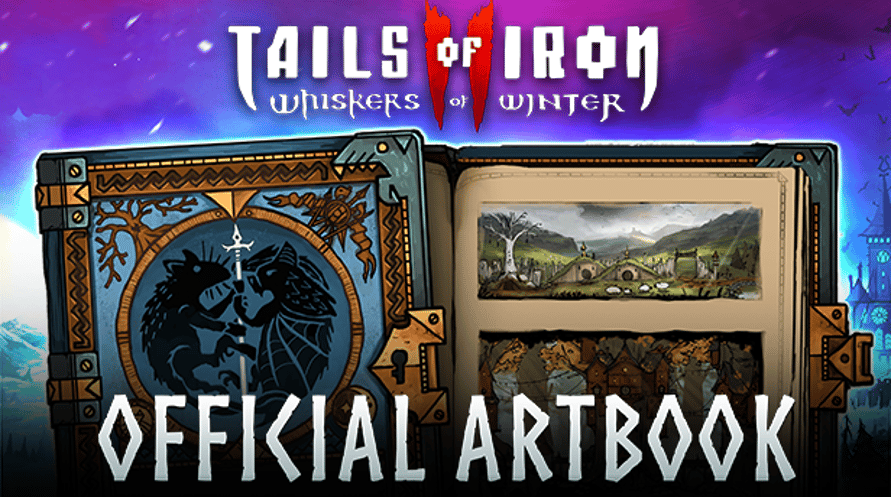
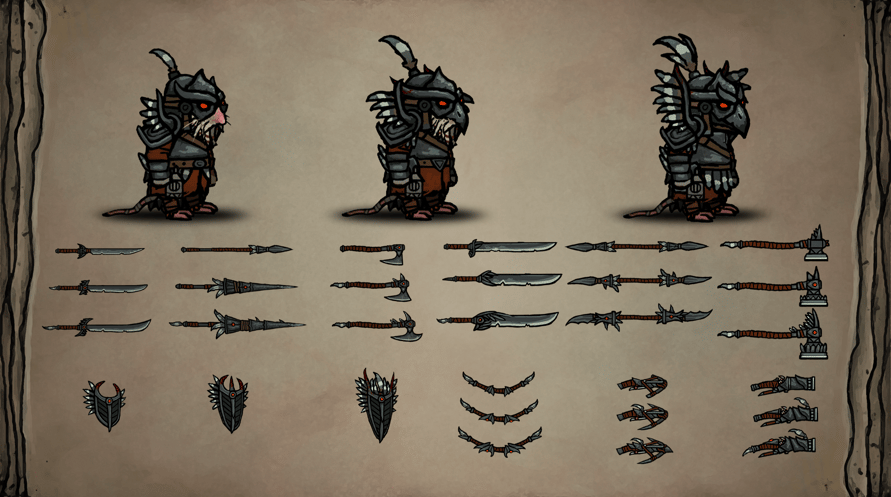
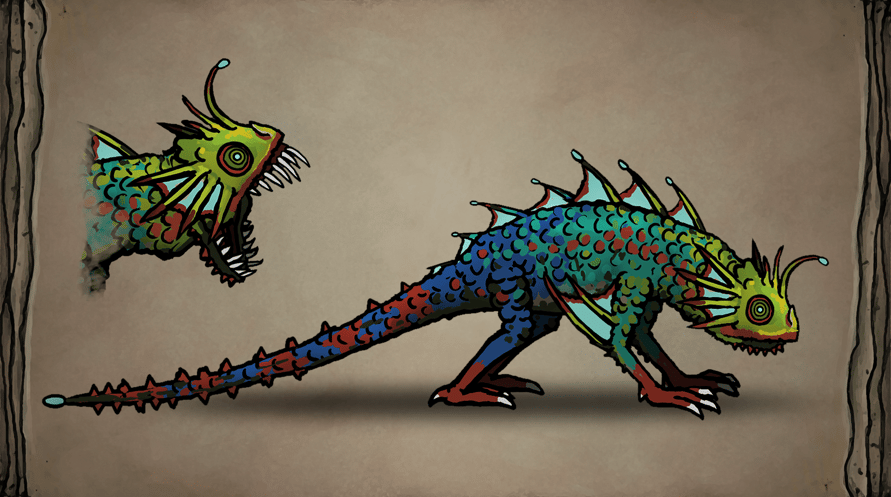
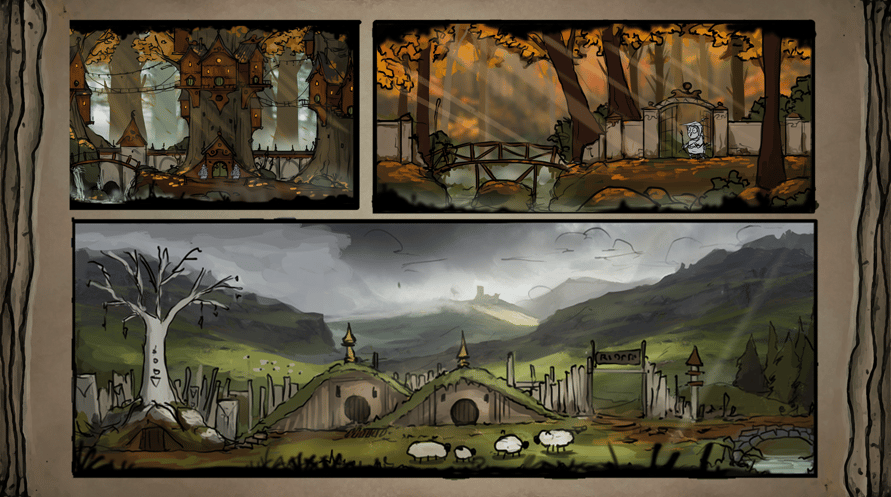
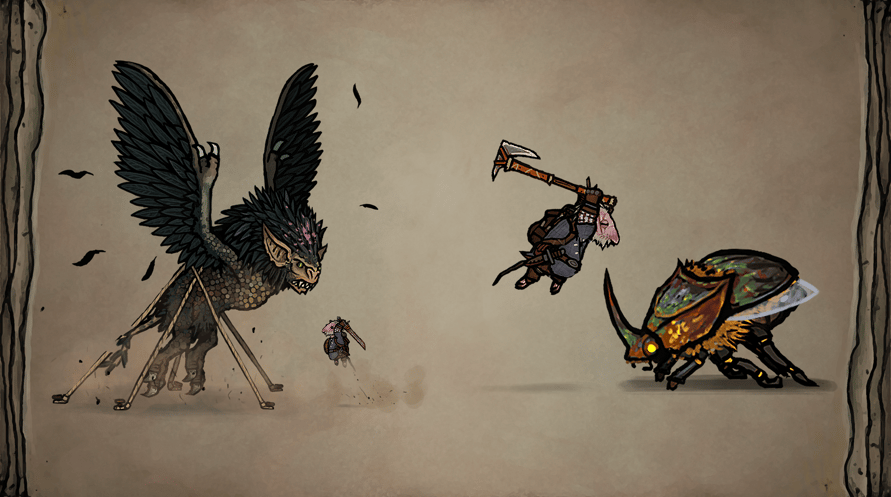
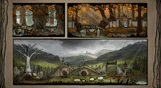
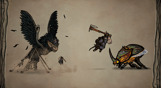
Livro de arte digital: explora a arte e o desenho da nova história do Reino das Ratazanas vinda dos Estúdios Odd Bug neste livro de arte digital.
Tails of Iron 2 © United Label SA. Game content © Odd Bug Studio Ltd. United Label is exclusive worldwide licensee. “Tails of Iron” and “United Label” are registered trademarks. All rights reserved.
Minimum Requirements for Windows:
- Requires a 64-bit processor and operating system
- OS: Windows 10 64-bit
- Processor: 2.8 GHz Dual Core CPU
- Memory: 4 GB RAM
- Graphics: GeForce GTX 660 or equivalent with 2 GB of video RAM
- DirectX: Version 11
- Storage: 2 GB available space
Recommended Requirements for Windows:
- Requires a 64-bit processor and operating system
- OS: Windows 10 64-bit
- Processor: 3.2 GHz Quad Core Processor
- Memory: 8 GB RAM
- Graphics: GeForce 960 or equivalent with 4GB of video RAM
- DirectX: Version 11
- Storage: 2 GB available space
Minimum Requirements for MacOS:
- OS: macOS 12 Monterey
- Processor: 1.3GHz dual-core Intel Core i5 or Apple M1 chip
- Memory: 4 GB RAM
- Graphics: Intel HD Graphics 615
- Storage: 2 GB available space
Recommended Requirements for MacOS:
- OS: macOS 12 Monterey
- Processor: 3.0GHz 6-core Intel Core i5 or Apple M1 chip
- Memory: 8 GB RAM
- Graphics: Radeon Pro 560X with 4GB of GDDR5 memory
- Storage: 2 GB available space
Minimum Requirements for Linux:
- Processor: 2.8 GHz Dual Core CPU
- Memory: 4 GB RAM
- Graphics: GeForce GTX 660 or equivalent with 2 GB of video RAM
- Storage: 2 GB available space
Recommended Requirements for Linux:
- Processor: 3.2 GHz Quad Core Processor
- Memory: 8 GB RAM
- Graphics: GeForce 960 or equivalent with 4GB of video RAM
- Storage: 2 GB available space
Para ativar a chave Steam que você recebeu, siga as instruções abaixo:
1. Em primeiro lugar, abra o cliente Steam. (Se você não o tiver, simplesmente clique no botão "Instalar Steam" aqui =>
Loja Steam)
2. Faça login na sua conta Steam. (Se você não tiver uma, clique aqui para criar uma nova =>
Conta Steam)
3. Clique no botão "ADICIONAR UM JOGO" no canto inferior do cliente.
4. Em seguida, selecione "Ativar um produto no Steam..."
5. Escreva ou copie e cole a chave de ativação que você recebeu de Voidu na janela.
6. Seu jogo agora está visível na sua biblioteca! Clique na sua "Biblioteca".
7. E, finalmente, clique no jogo e selecione "Instalar" para iniciar o seu download.