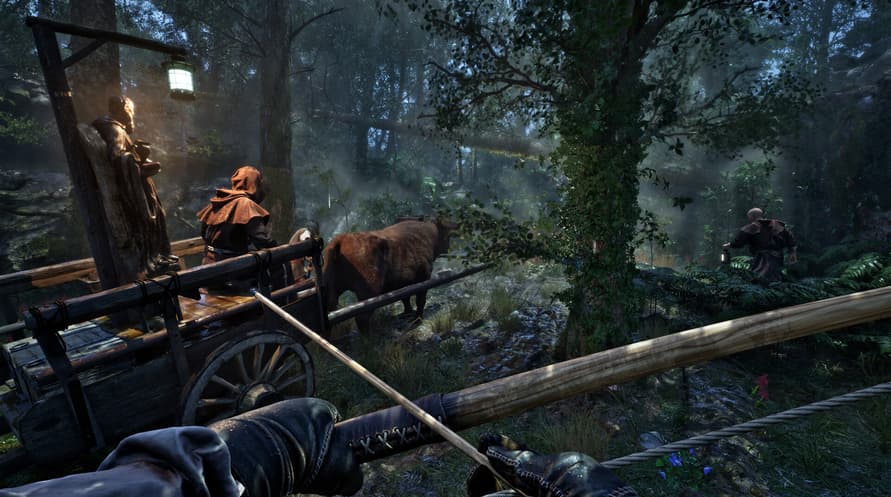
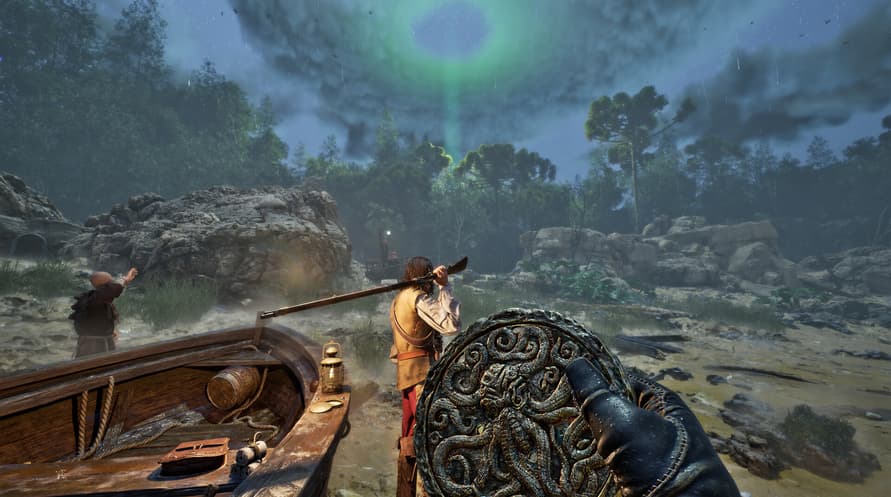
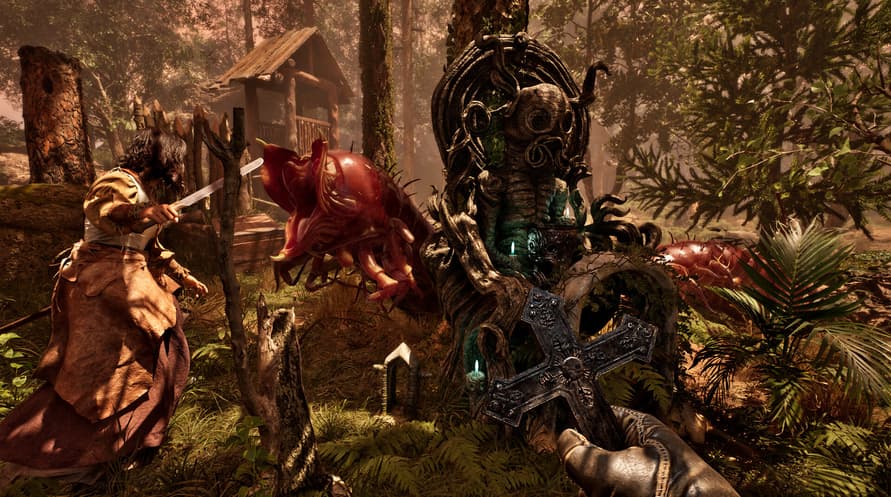
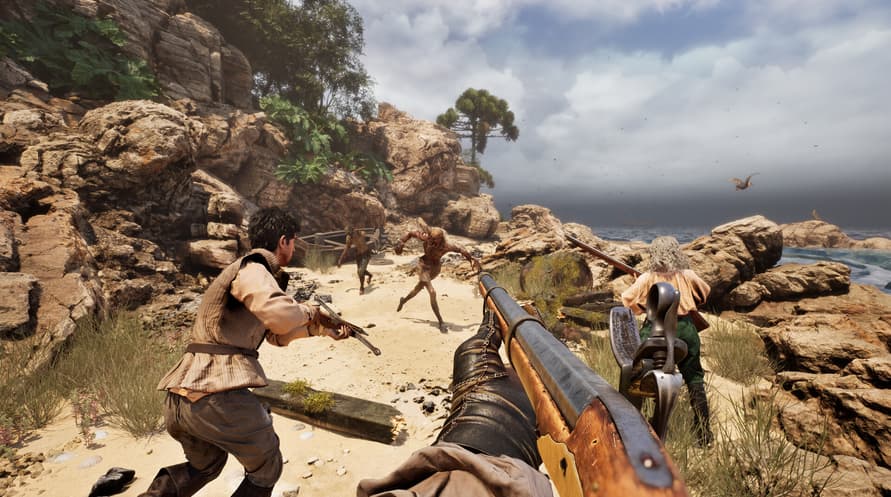
Mergulhe na atmosfera gelada de The Mound: Omen of Cthulhu com o Original Soundtrack oficial com todas as músicas do jogo.
©2026 Nacon. ©2026 Published by Nacon and developed by ACE Team Software. All rights reserved.
Minimum System Requirements:
- Requires a 64-bit processor and operating system
- OS: Windows 10/11 64-bit
- Processor: Intel Core i7-8700k or AMD Ryzen 5 1600x
- Memory: 16 GB RAM
- Graphics: Nvidia GTX 1660 SUPER 6GB or AMD Radeon RX 5600 XT 6GB or Intel Arc A770 16GB
- DirectX: Version 12
- Storage: 23 GB available space
- Additional Notes: Please note that these informations aren't final and may be subject to change until the launch of the game.
Recommended System Requirements:
- Requires a 64-bit processor and operating system
- OS: Windows 10/11 64-bit
- Processor: Intel Core i7-11700k or AMD Ryzen 5 5500
- Memory: 16 GB RAM
- Graphics: Nvidia RTX 3070 8GB or AMD Radeon RX 6750 XT 12GB
- DirectX: Version 12
- Storage: 23 GB available space
- Additional Notes: Please note that these informations aren't final and may be subject to change until the launch of the game.
Para ativar a chave Steam que você recebeu, siga as instruções abaixo:
- Em primeiro lugar, abra o cliente Steam. (Se você não o tiver, simplesmente clique no botão "Instalar Steam" aqui => Loja Steam )
- Faça login na sua conta Steam. (Se você não tiver uma, clique aqui para criar uma nova => Conta Steam )
- Clique no botão "ADICIONAR UM JOGO" no canto inferior do cliente.
- Em seguida, selecione "Ativar um produto no Steam..."
- Escreva ou copie e cole a chave de ativação que você recebeu de Voidu na janela.
- Seu jogo agora está visível na sua biblioteca! Clique na sua "Biblioteca".
- E, finalmente, clique no jogo e selecione "Instalar" para iniciar o seu download.