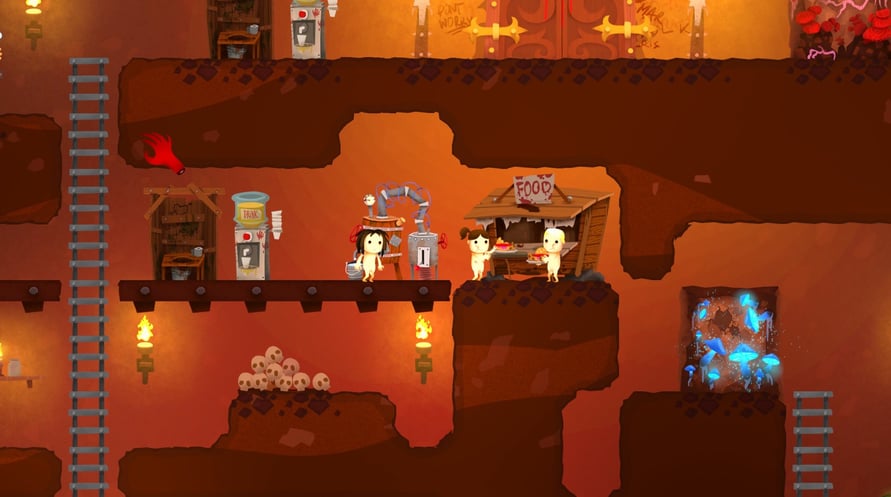
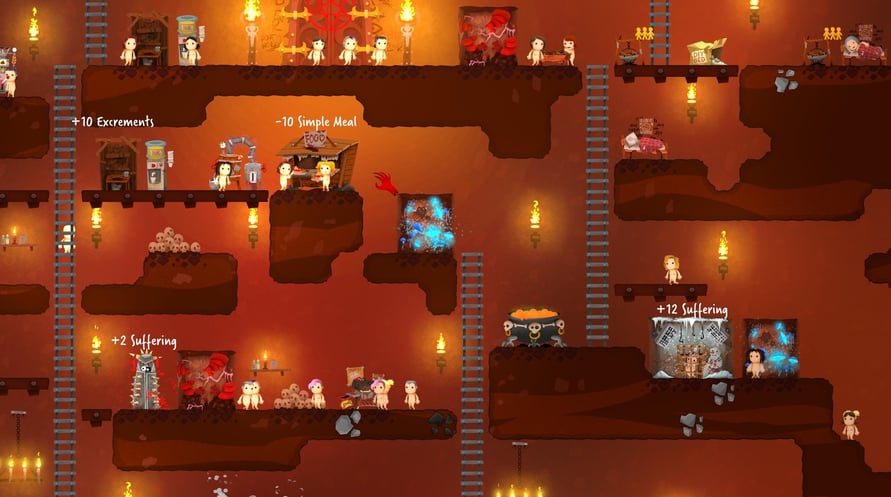
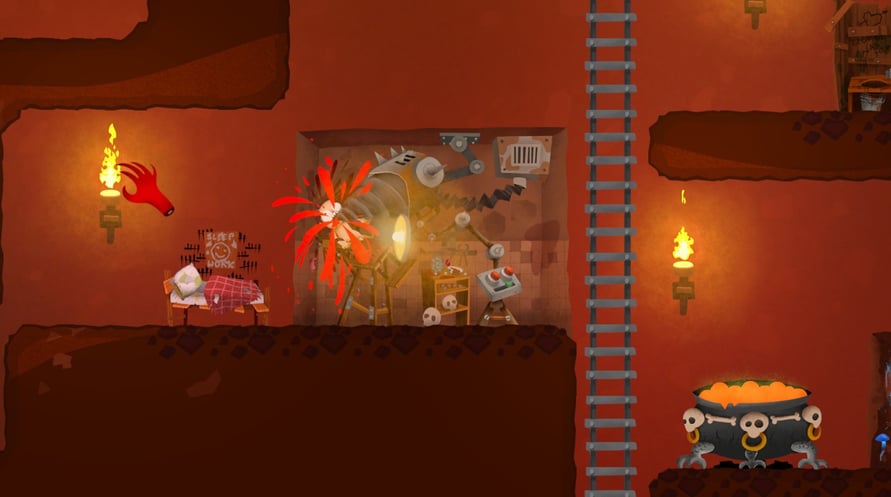
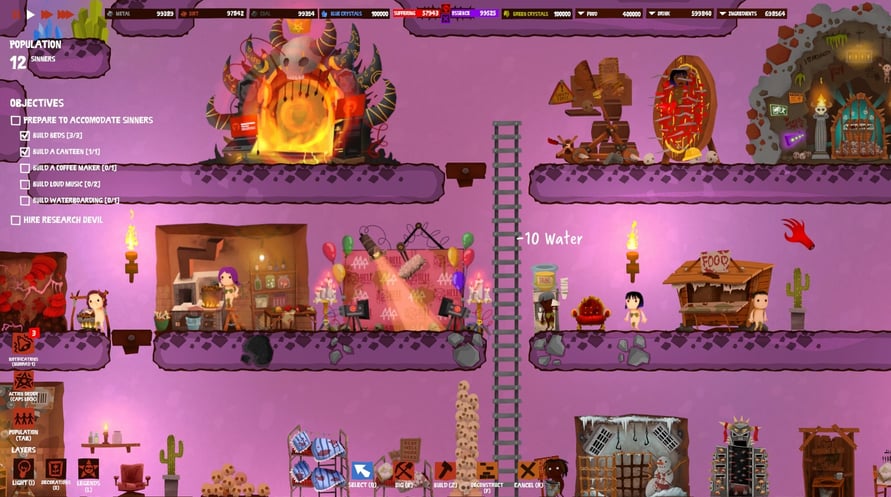
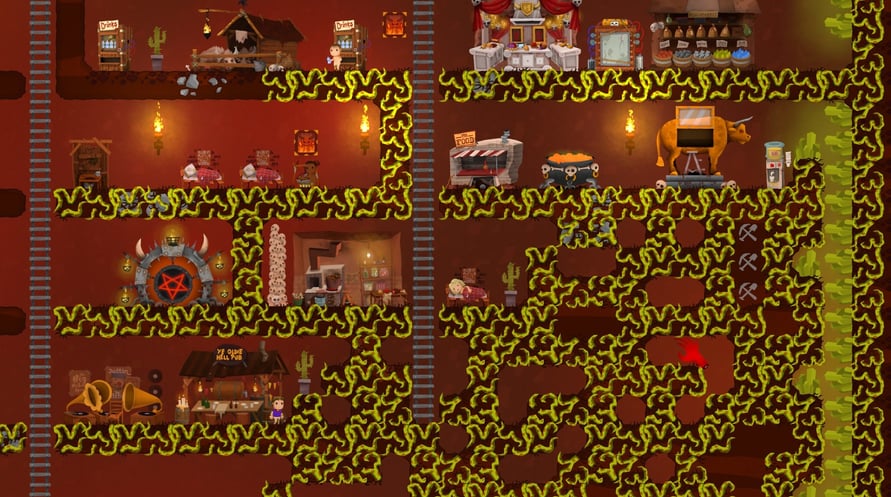
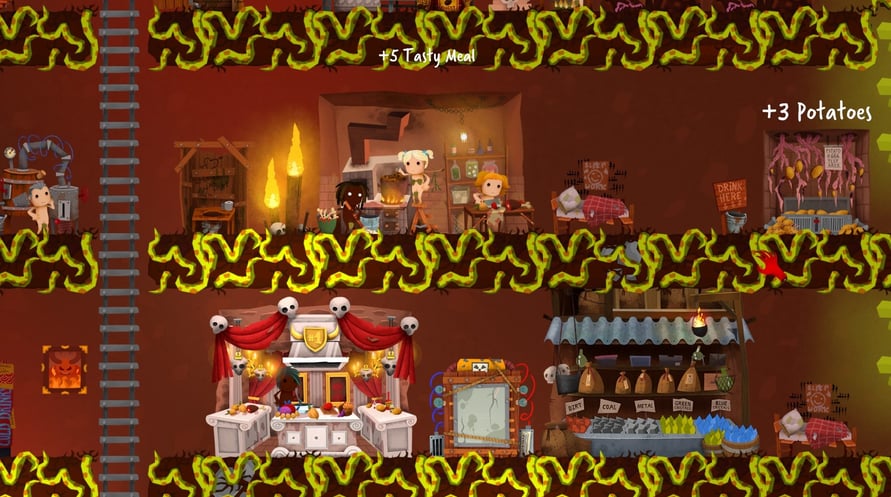
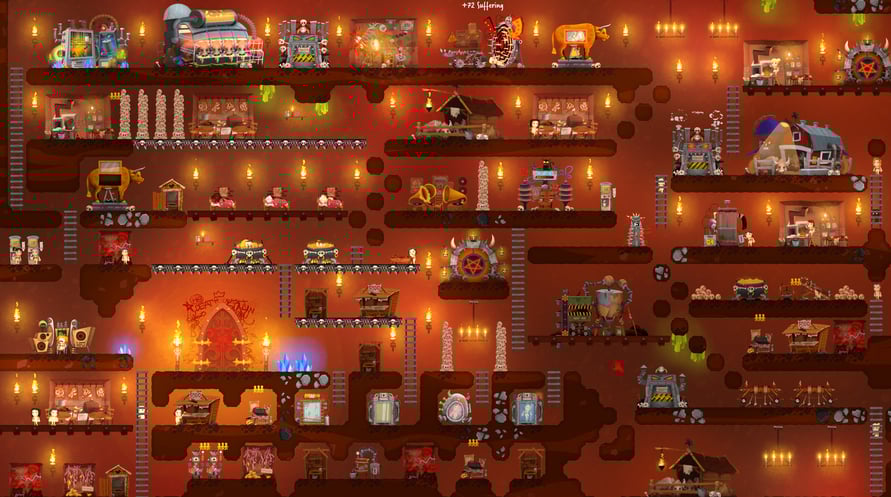
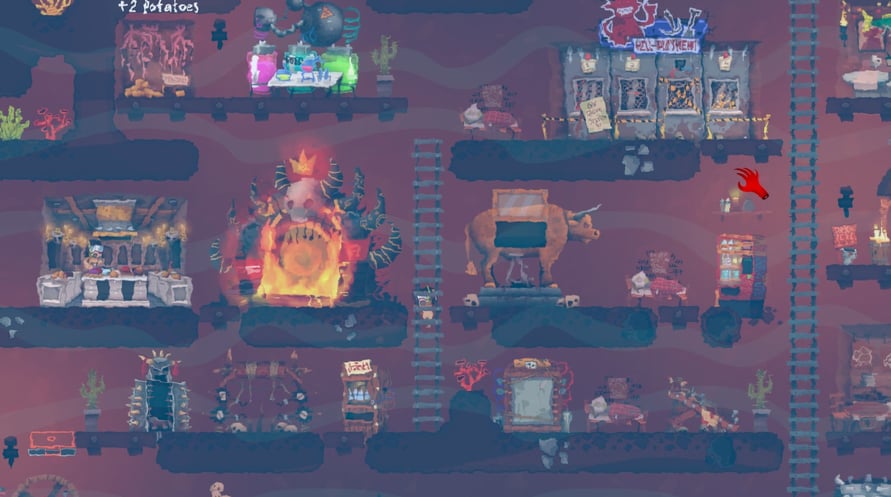

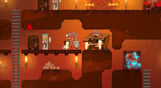
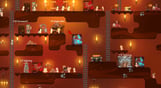


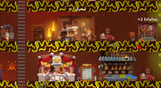

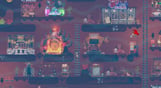

Hell Architect is a game about building and managing your own hell. You take on the role of a hell manager and are tasked with developing the underworld in a way that would make Lucifer himself fall off his chair
Windows Minimum Requirements:
- OS *: Windows 7 or later
- Processor: AMD Phenom II X4 955 / Intel Core i5-750 or equivalent
- Memory: 4 GB RAM
- Graphics: Intel HD 4600 (AMD or NVIDIA equivalent)
- DirectX: Version 11
- Storage: 4 GB available space
Windows Recommended Requirements:
- OS *: Windows 8 or later
- Processor: AMD Phenom II X4 955 / Intel Core i5-750 or equivalent
- Memory: 4 GB RAM
- Graphics: Nvidia GPU GeForce GTX 660 / AMD GPU Radeon HD 7870
- DirectX: Version 11
- Storage: 4 GB available space
Mac Minimum Requirements:
- OS: Mac OSX 10.12 or later
- Processor: Intel Core i5-750 or equivalent
- Memory: 4 GB RAM
- Graphics: Nvidia GPU GeForce GTX 660 / AMD GPU Radeon HD 7870
- Storage: 4 GB available space
Mac Recommended Requirements:
- OS: Mac OSX 10.12 or later
- Processor: Intel Core i5-4440S 2.80GHz or equivalent
- Memory: 4 GB RAM
- Graphics: Nvidia GPU GeForce GTX 1050 Ti / AMD GPU Radeon R9 280X
- Storage: 4 GB available space
Steam anahtarınızı etkinleştirmek için aşağıdaki talimatları izleyin:
1. İlk olarak, Steam istemcisini açın. (Yoksa, buradaki "Steam Yükleyin" düğmesine tıklayın =>
Steam Mağaza)
2. Steam hesabınıza giriş yapın. (Eğer bir hesabınız yoksa, buraya tıklayarak yeni bir tane oluşturun =>
Steam Hesabı)
3. Steam'in alt köşesindeki "BİR OYUN EKLE" düğmesine tıklayın.
4. Sonra, "Bir ürünü Steam'e etkinleştirin..." seçeneğini seçin.
5. Voidu'dan aldığınız etkinleştirme anahtarını pencereye yazın veya kopyalayın.
6. Oyununuz artık kütüphanenizde görünüyor! "Kütüphane"nize tıklayın.
7. Ve son olarak, oyunun üzerine tıklayın ve indirmeyi başlatmak için "Yükle" seçeneğini seçin.