
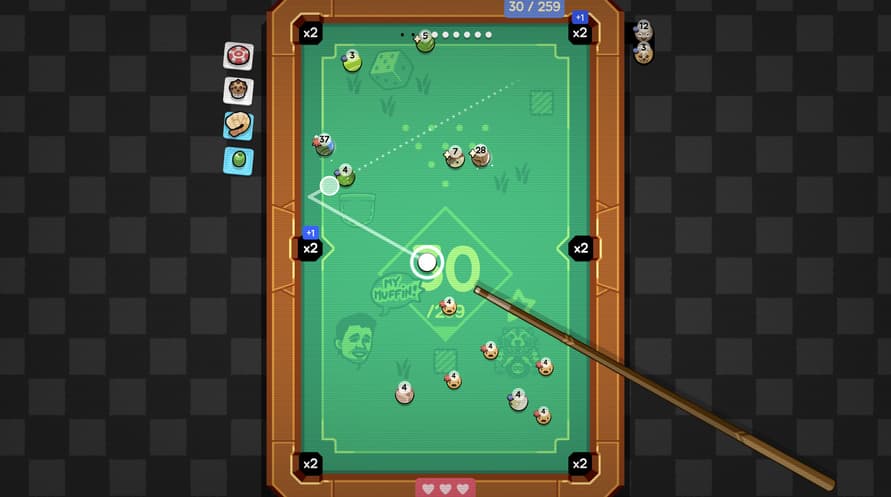
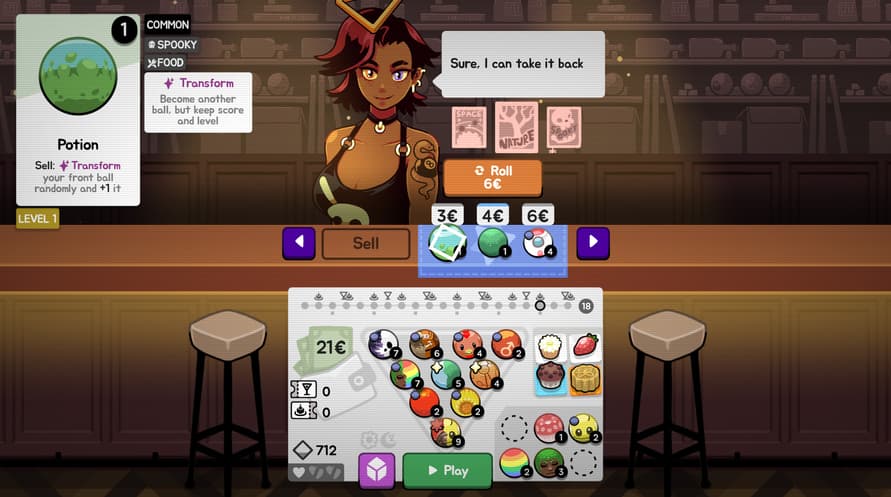
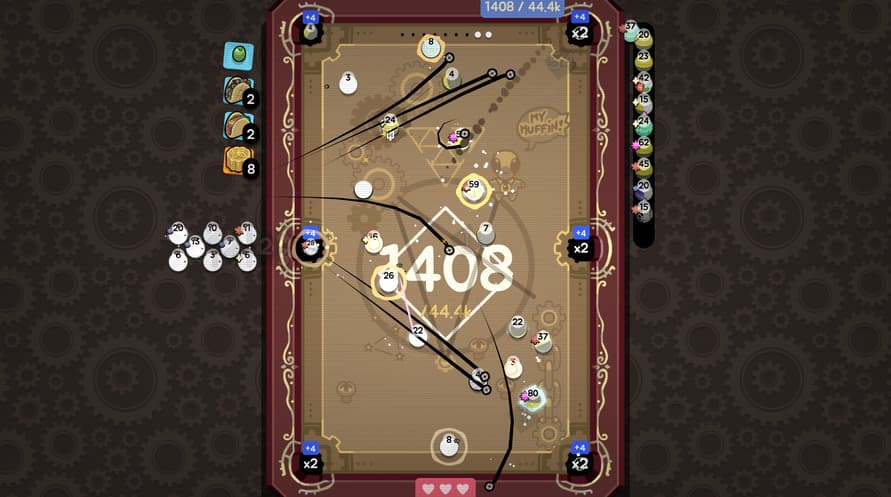
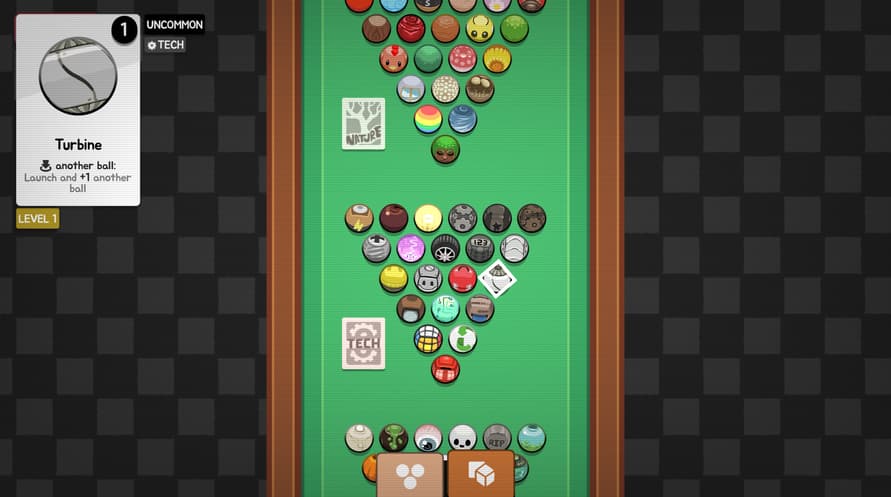
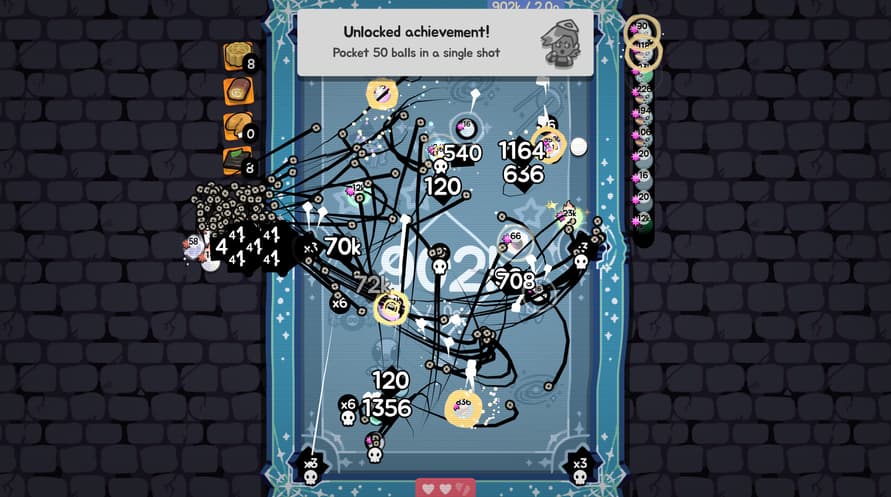
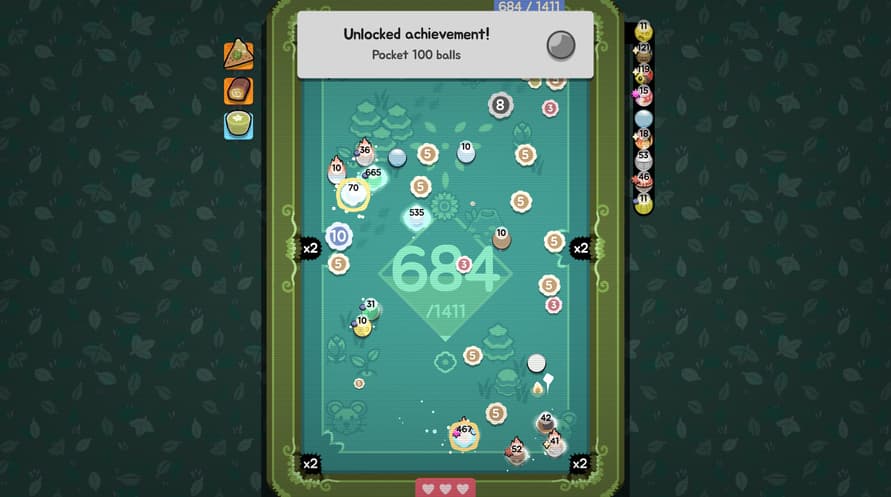
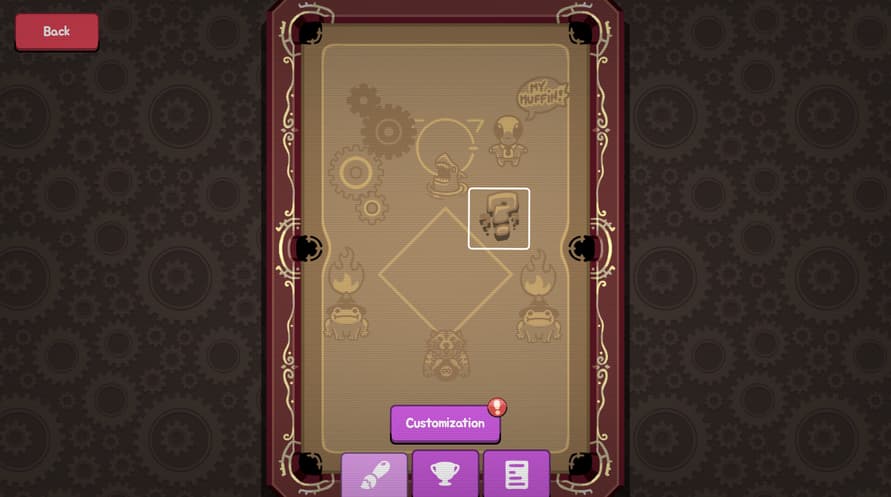
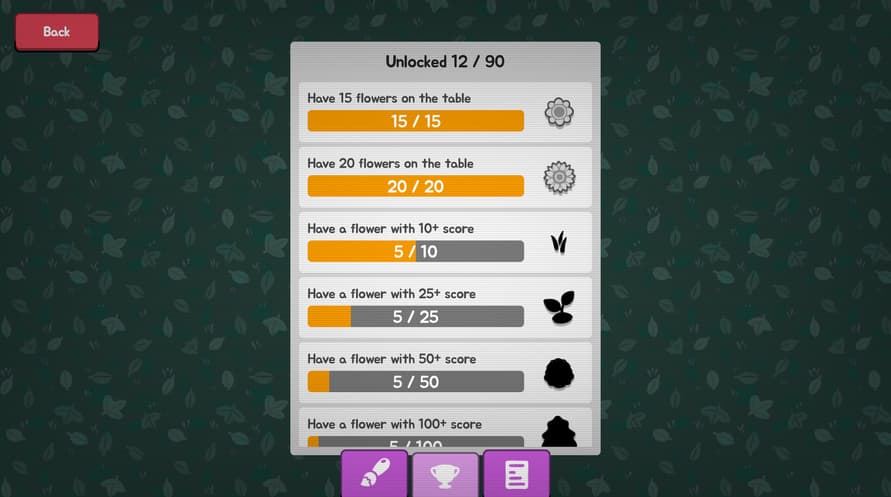

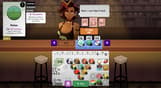
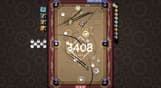
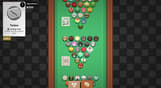
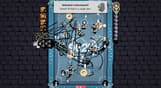
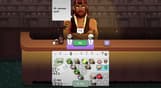
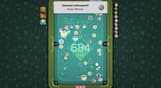
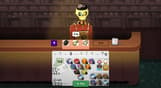
The pool bar is always open! Ultrapool is a colorful roguelike about playing pool with a bunch of wacky balls with crazy effects. Carefully craft a perfect build and get the craziest trickshots!
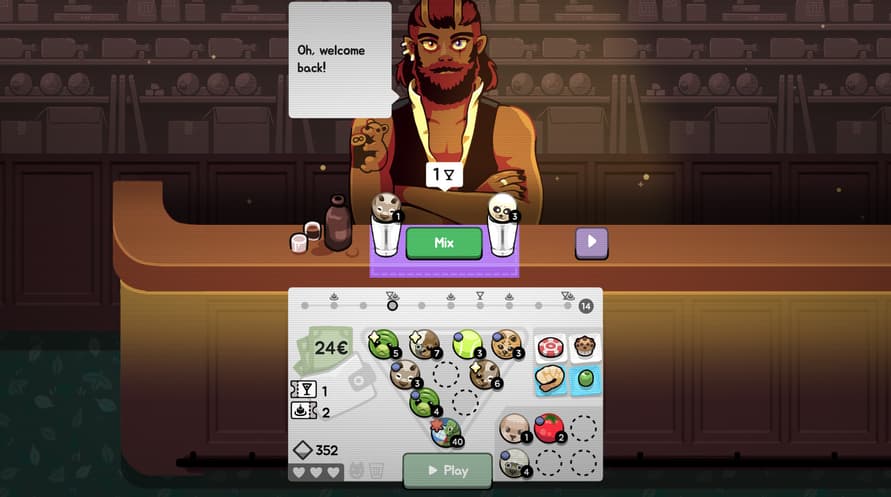
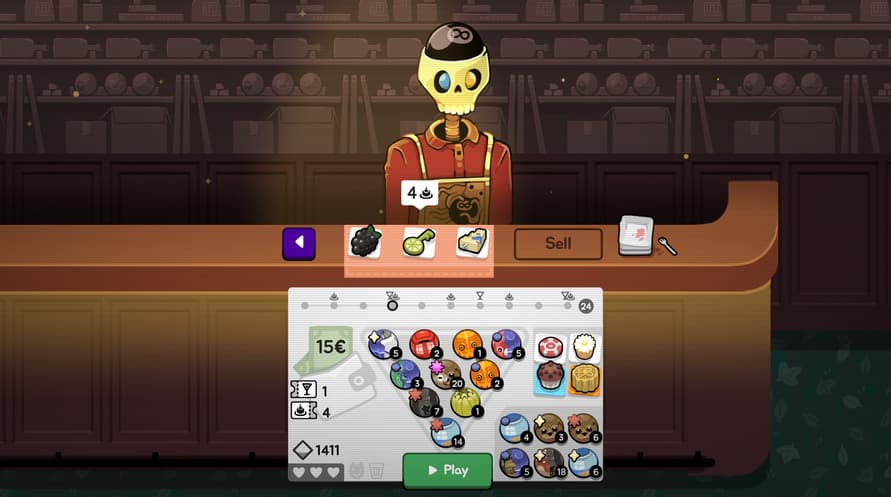
Get comfy, choose a cocktail, and get ready for a very special game of pool. Assemble a triangle of balls with strange effects and get the sickest trickshots. The bartenders won't be easy to impress!
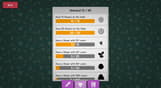
Ultrapool is an arcade-y colorful roguelike that plays like a pool version of Balatro and Super Auto Pets. Pocketing balls gives you score, and extra score gives you money you can spend at the bar to buy and improve your set of balls. Try to survive 10 rounds!
We got both! Easy to pick up pool mechanics: just get the balls in the holes! But as you discover the wacky abilities the balls have, you'll get new ideas of how to get your score ever higher.
A ghost ball that reappears on the table? A chicken ball that lays spherical eggs? A bomb that explodes if you bump it too much? The Earth? Anything is possible (as long as it's round and it rolls nicely, no cubes allowed!)
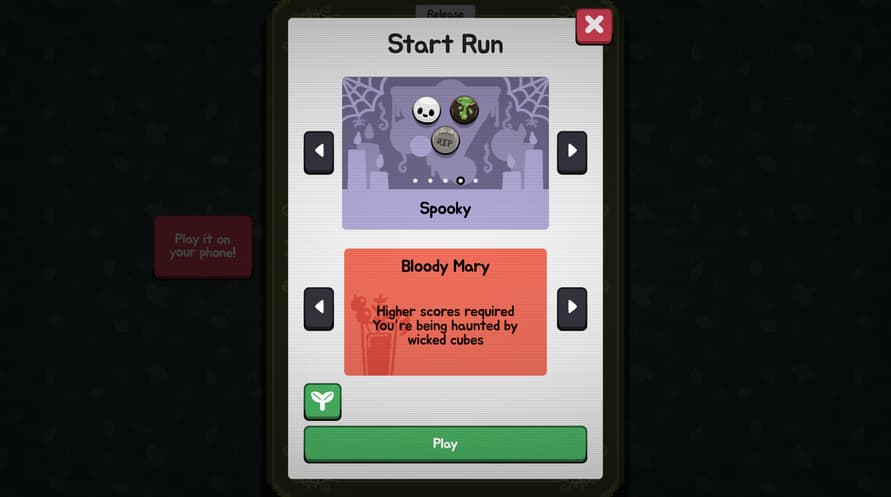
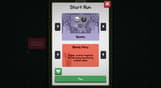
Once you think you know the game, the cocktail bar opens. Ask the bartender to mix any two balls and he will serve you something special! Some of these will feel like they should break the game wide open, but you'll need every edge you can get if you want to pull off an all nighter.
Ultrapool (© 2026). All trademarks, copyrights and logos in and to the game are property of Icedrop Games. All trademarks and logos related to offbrand games™, are property of offbrand games inc.
Windows Minimum Requirements:
- OS: Windows 10 (64-bit)
- Processor: Dual-core CPU @ 2.0 GHz
- Memory: 4 GB RAM
- Graphics: Integrated GPU with OpenGL 3.3 or Vulkan 1.0 support (e.g., Intel HD 4000 or better)
- Storage: 256 MB available space
- Additional Notes: Should run on anything from this decade
Windows Recommended Requirements:
- OS: Windows 10/11 (64-bit)
- Processor: Quad-core CPU @ 2.5 GHz
- Memory: 8 GB RAM
- Graphics: Any mid-range GPU (e.g., NVIDIA GTX 750 / AMD R7 360 / Intel Iris)
- Storage: 256 MB available space
Mac Minimum Requirements:
- Requires an Apple processor
- OS: macOS 11.0 (Big Sur) or later
- Processor: Apple M1 or Intel Core i5 (2015 or newer)
- Memory: 4 GB RAM
- Graphics: Metal-compatible GPU (Apple M1, or Intel Iris/HD 6000 or better)
- Storage: 512 MB available space
- Additional Notes: 64-bit only. Universal binary (Apple Silicon + Intel)
Mac Recommended Requirements:
- Requires an Apple processor
- OS: macOS 12.0 (Monterey) or later
- Processor: Apple M1 or Intel Core i7
- Memory: 8 GB RAM
- Graphics: Apple M1 or better / dedicated Metal GPU
- Storage: 512 MB available space
- Additional Notes: 64-bit only. Universal binary (Apple Silicon + Intel)
Linux Minimum Requirements:
- OS: Ubuntu 20.04 LTS / SteamOS 3 or newer (64-bit); other modern distros with glibc 2.31+
- Processor: Dual-core CPU @ 2.0 GHz
- Memory: 4 GB RAM
- Graphics: Integrated GPU with OpenGL 3.3 or Vulkan 1.0 support and up-to-date Mesa drivers (e.g., Intel HD 4000 or better)
- Storage: 512 MB available space
Linux Recommended Requirements:
- OS: Ubuntu 22.04 LTS / SteamOS 3 or newer (64-bit); other modern distros with glibc 2.35+
- Processor: Quad-core CPU @ 2.5 GHz
- Memory: 8 GB RAM
- Graphics: Any mid-range GPU with recent Vulkan drivers (e.g., NVIDIA GTX 750 / AMD R7 360 / Intel Iris)
- Storage: 512 MB available space
Steam anahtarınızı etkinleştirmek için aşağıdaki talimatları izleyin;
- İlk olarak, Steam istemcisini açın. (Yoksa, buradaki "Steam Yükleyin" düğmesine tıklayın => Steam Mağaza )
- Steam hesabınıza giriş yapın. (Eğer bir hesabınız yoksa, buraya tıklayarak yeni bir tane oluşturun => Steam Hesabı)
- Steam'in alt köşesindeki "BİR OYUN EKLE" düğmesine tıklayın.
- Sonra, "Bir ürünü Steam'e etkinleştirin..." seçeneğini seçin.
- Voidu'dan aldığınız etkinleştirme anahtarını pencereye yazın veya kopyalayın.
- Oyununuz artık kütüphanenizde görünüyor! "Kütüphane"nize tıklayın.
- Ve son olarak, oyunun üzerine tıklayın ve indirmeyi başlatmak için "Yükle" seçeneğini seçin.