





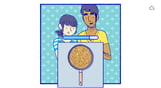

Florence is a heartfelt experience that lasts around 30 minutes. It's short, but deeply meaningful.
At 25, Florence Yeoh feels a little stuck. Her life is an endless routine of work, sleep, and spending too much time on social media. Then one day, she meets a cello player named Krish who changes everything about how she sees the world.
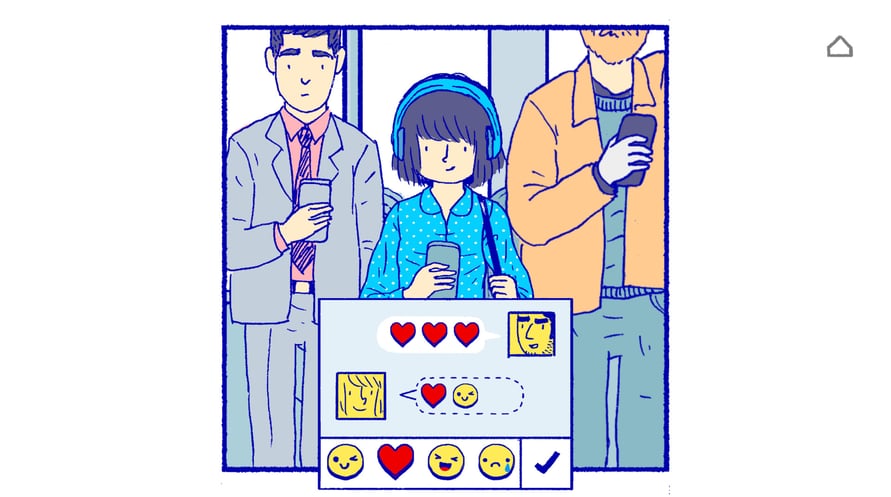
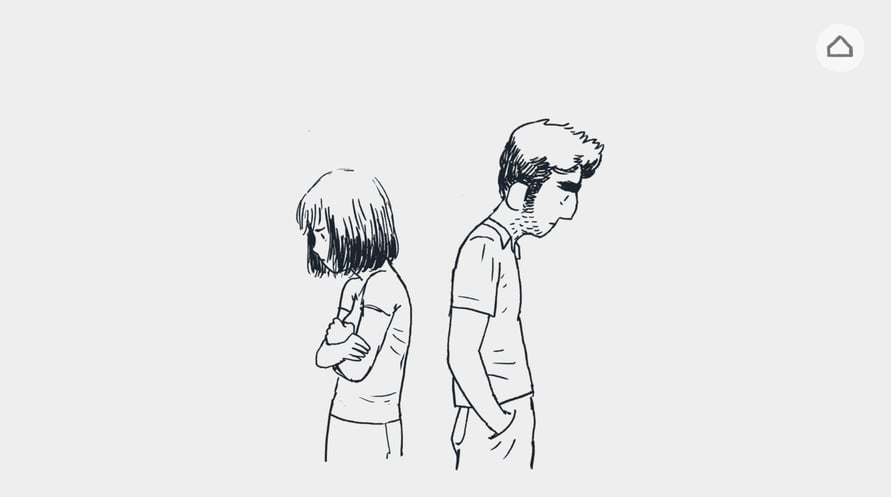
Experience every beat of Florence and Krish’s relationship through a series of bespoke gameplay vignettes – from flirting to fighting, from helping each other grow to growing apart. Drawing inspiration from ‘slice of life’ graphic novels and webcomics, Florence is intimate, raw and personal.
© 2020 Studio Mountains PTY LTD. Published by Annapurna Interactive under exclusive license. All rights reserved.
Windows Minimum Requirements:
- Requires a 64-bit processor and operating system
- OS: Windows 7, 64-bit
- Processor: 2.8GHz CPU Quad Core
- Memory: 8 GB RAM
- Graphics: Geforce GTX 860 or equivalent
- DirectX: Version 10
- Storage: 2 GB available space
- Sound Card: DirectX Compatible Sound Card
Windows Recommended Requirements:
- Requires a 64-bit processor and operating system
- OS: Windows 7, 64-bit
- Processor: 3.2GHz CPU Quad Core
- Memory: 8 GB RAM
- Graphics: Geforce GTX 960 or equivalent
- DirectX: Version 11
- Storage: 2 GB available space
- Sound Card: DirectX Compatible Sound Card
Mac Minimum Requirements:
- Requires a 64-bit processor and operating system
- OS: OSX 10.6+
- Processor: 1.4GHz or faster
- Memory: 3 GB RAM
- Graphics: Any from the last 4 years
Mac Recommended Requirements:
- Requires a 64-bit processor and operating system
- OS: OSX 10.6+
- Processor: 1.4GHz or faster
- Memory: 3 GB RAM
- Graphics: Any from the last 4 years
Để kích hoạt khóa Steam bạn đã nhận, hãy làm theo hướng dẫn dưới đây;
- Trước tiên, mở ứng dụng Steam. (Nếu bạn chưa có, chỉ cần nhấp vào nút "Cài đặt Steam" tại đây => Steam Store )
- Đăng nhập vào tài khoản Steam của bạn. (Nếu bạn chưa có, nhấp vào đây để tạo tài khoản mới => Steam Account )
- Nhấp vào nút "THÊM TRÒ CHƠI" ở góc dưới cùng của ứng dụng.
- Sau đó, chọn "Kích hoạt sản phẩm trên Steam..."
- Nhập hoặc sao chép và dán khóa kích hoạt bạn đã nhận từ Voidu vào cửa sổ.
- Trò chơi của bạn bây giờ đã hiển thị trong thư viện của bạn! Nhấp vào "Thư viện".
- Và cuối cùng, nhấp vào trò chơi và chọn "Cài đặt" để bắt đầu tải xuống.