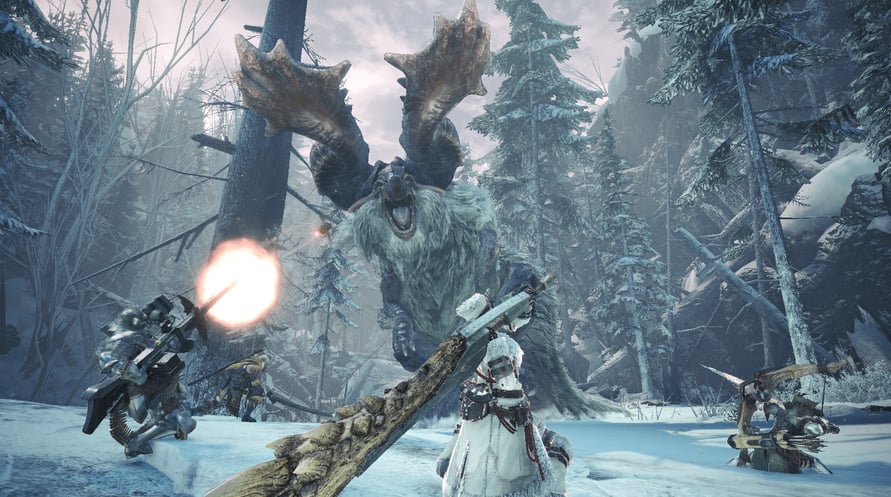
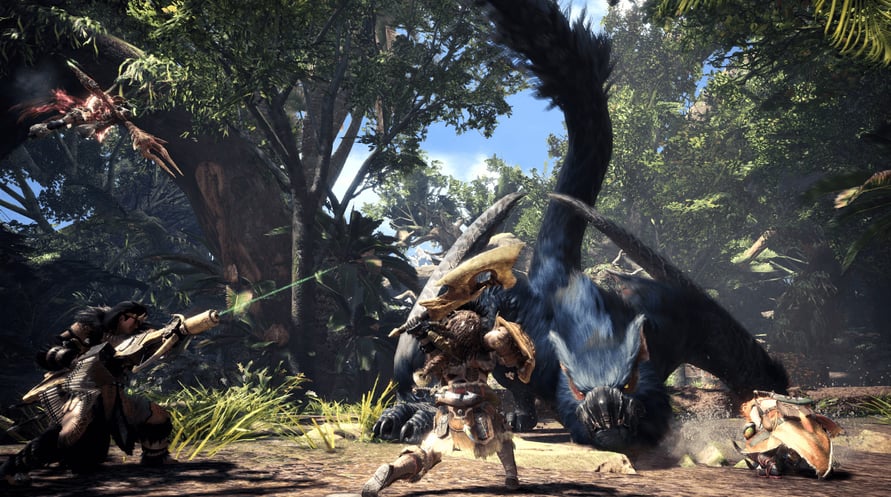
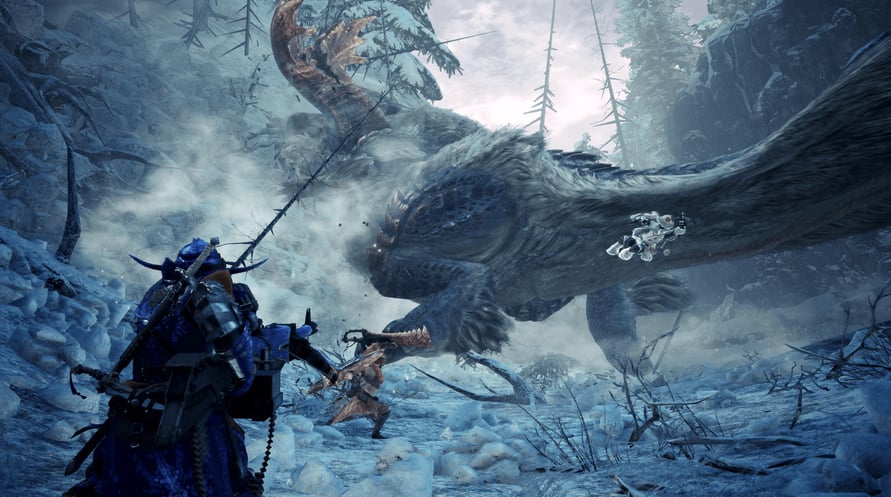
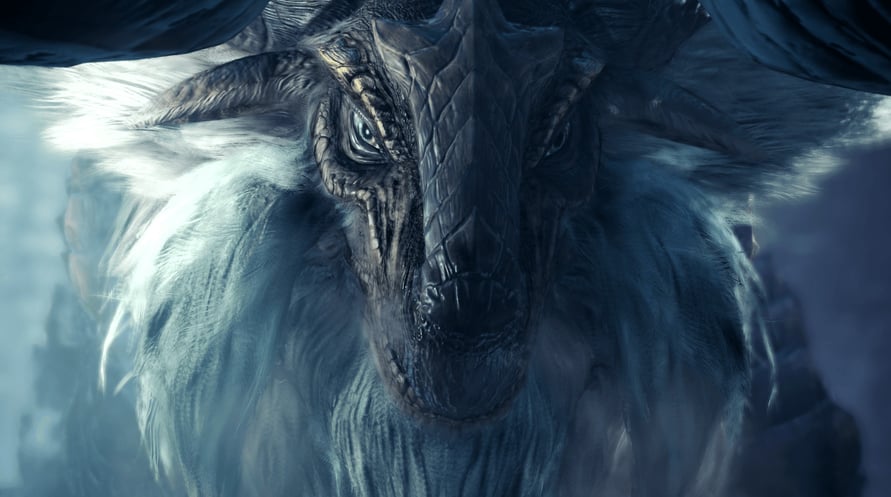
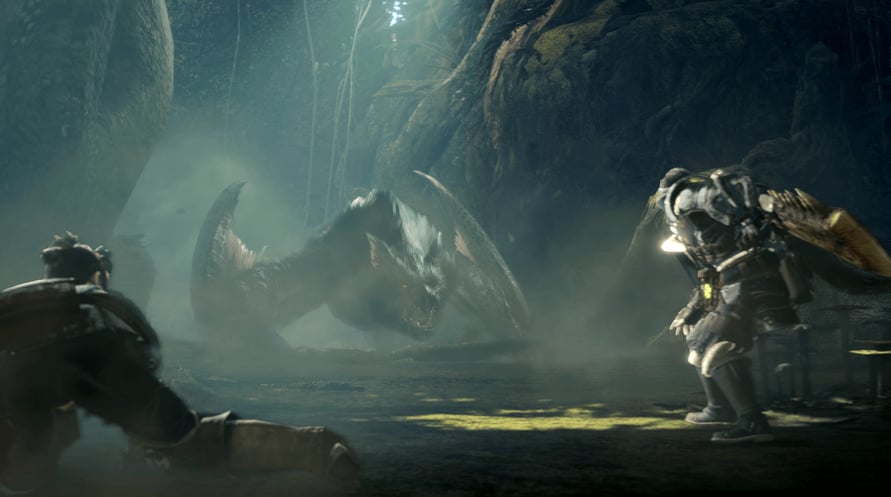
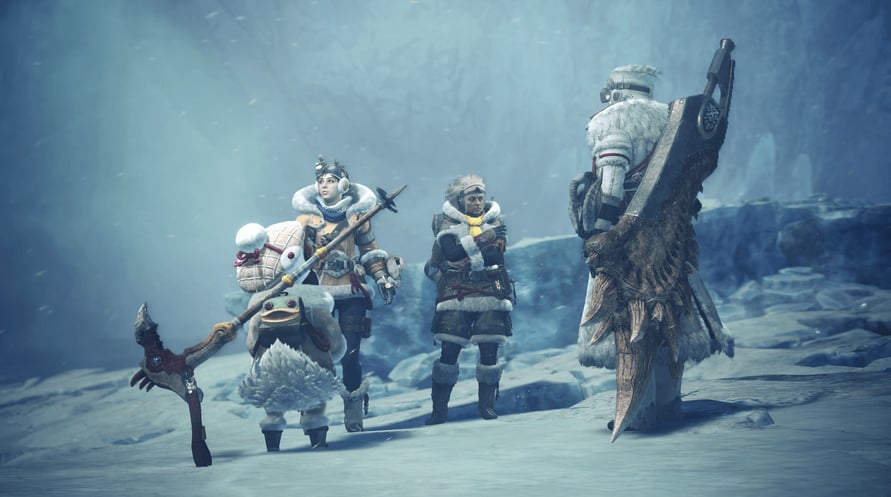
Monster Hunter World: Iceborne Master Edition is a set containing both the main game and the massive "Iceborne" expansion.
New quests, monsters, weapons, armor, story, and the unlocking of an all-new "master rank" await to take your hunting to the next level!
Monster Hunter World: Iceborne Master Edition content:
- "Monster Hunter: World" (main game)
- "Monster Hunter World: Iceborne" (expansion)
Minimum Requirements:
- Requires a 64-bit processor and operating system
- OS: WINDOWS® 10 (64-bit required)
- Processor: Intel® Core™ i5 4460 or Core™ i3 9100F or AMD FX™-6300 or Ryzen™ 3 3200G
- Memory: 8 GB RAM
- Graphics: NVIDIA®GeForce®GTX 760 or GTX1050 or AMD Radeon™ R7 260x or RX 560
- DirectX: Version 11
- Network: Broadband Internet connection
- Storage: 52 GB available space
- Sound Card: DirectSound (DirectX® 9.0c or later)
- Additional Notes: - These specs allow for the game to be played in 1080p/30fps with graphics settings at "Low". - 64-bit processor and operating system are required.
Recommended Requirements:
- Requires a 64-bit processor and operating system
- OS: WINDOWS® 10 (64-bit required)
- Processor: Intel® Core™ i7 3770 or Core™ i3 8350 or Core™ i3 9350F / AMD Ryzen™ 5 1500X or Ryzen™ 5 3400G
- Memory: 8 GB RAM
- Graphics: NVIDIA® GeForce® GTX 1060 (VRAM 3GB) or GTX 1650 / AMD Radeon™ RX 480 or RX 570
- DirectX: Version 11
- Network: Broadband Internet connection
- Storage: 52 GB available space
- Sound Card: DirectSound (DirectX® 9.0c or later)
- Additional Notes: - These specs allow for the game to be played in 1080p/30fps with graphics settings at "High". - 64-bit processor and operating system are required. - Windows 10 (Version 1809 or later) and a 4GB VRAM GPU (graphics board or video card) are required for DirectX 12 API.
Để kích hoạt khóa Steam bạn đã nhận, hãy làm theo hướng dẫn dưới đây;
- Trước tiên, mở ứng dụng Steam. (Nếu bạn chưa có, chỉ cần nhấp vào nút "Cài đặt Steam" tại đây => Steam Store )
- Đăng nhập vào tài khoản Steam của bạn. (Nếu bạn chưa có, nhấp vào đây để tạo tài khoản mới => Steam Account )
- Nhấp vào nút "THÊM TRÒ CHƠI" ở góc dưới cùng của ứng dụng.
- Sau đó, chọn "Kích hoạt sản phẩm trên Steam..."
- Nhập hoặc sao chép và dán khóa kích hoạt bạn đã nhận từ Voidu vào cửa sổ.
- Trò chơi của bạn bây giờ đã hiển thị trong thư viện của bạn! Nhấp vào "Thư viện".
- Và cuối cùng, nhấp vào trò chơi và chọn "Cài đặt" để bắt đầu tải xuống.