

NOTICE: This content requires the base game American Truck Simulator on Steam in order to play.
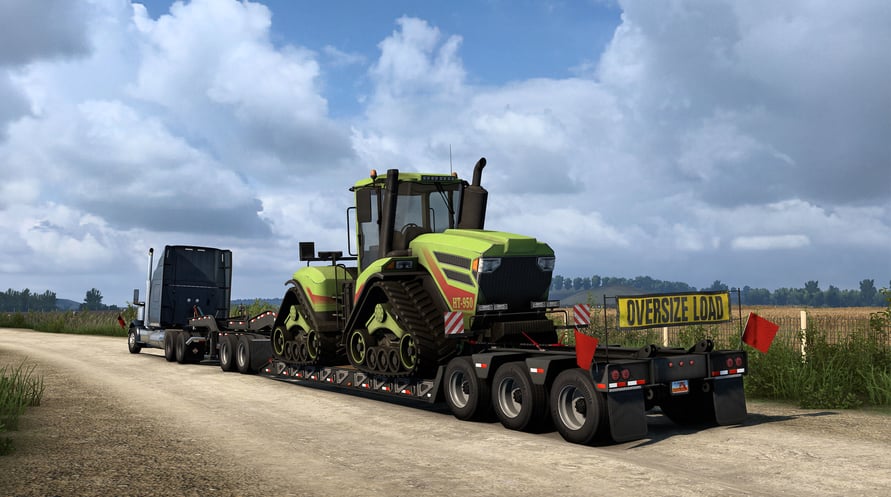
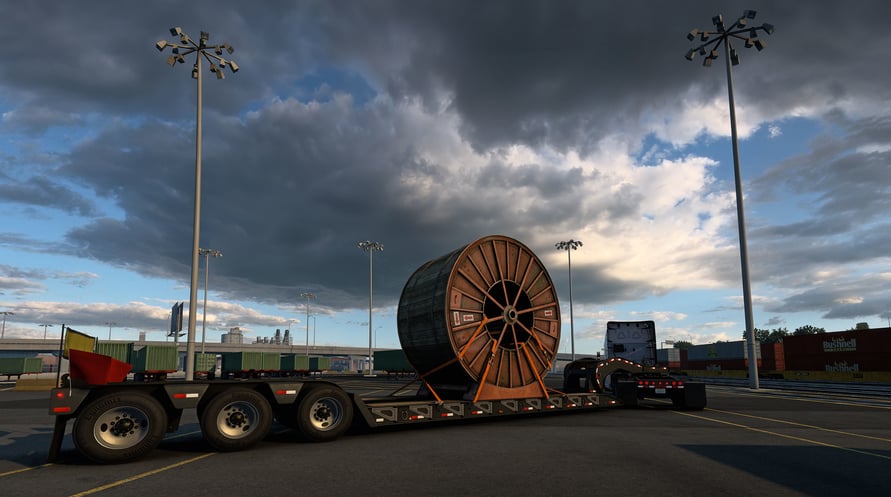
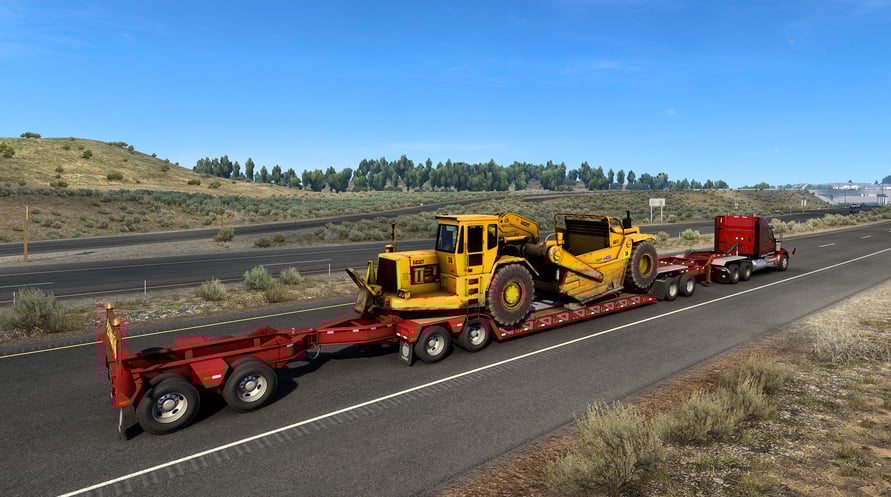
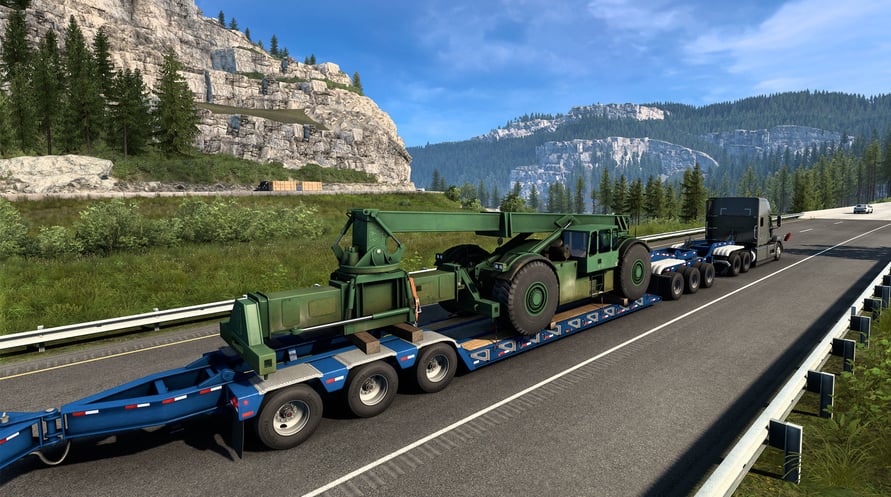
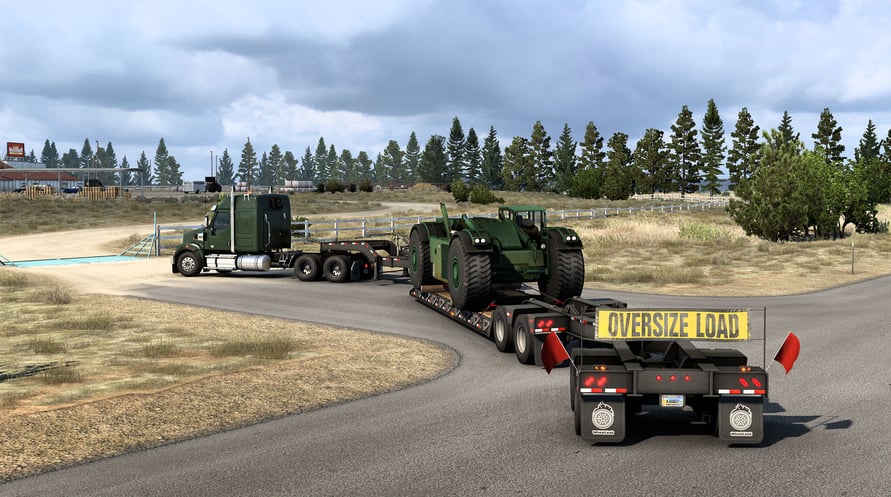
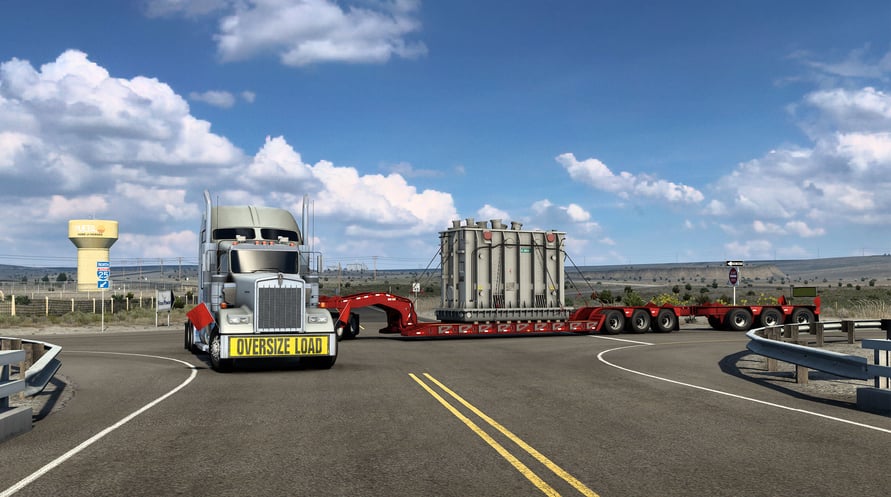
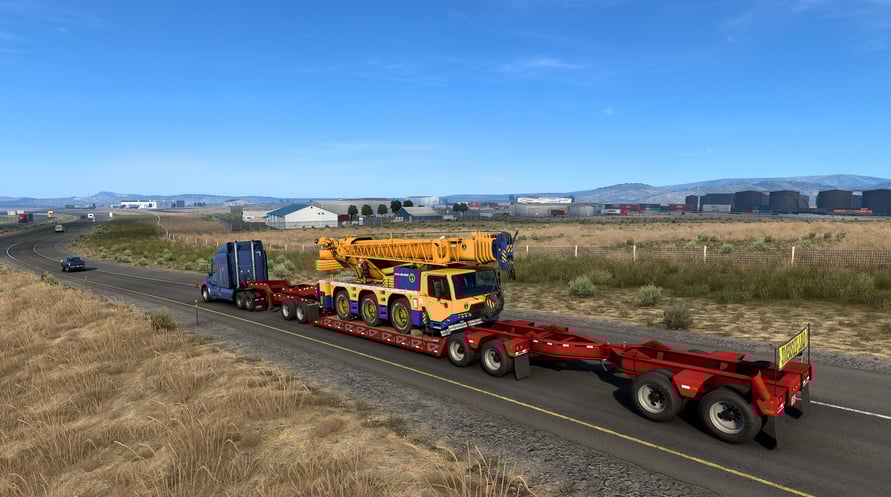
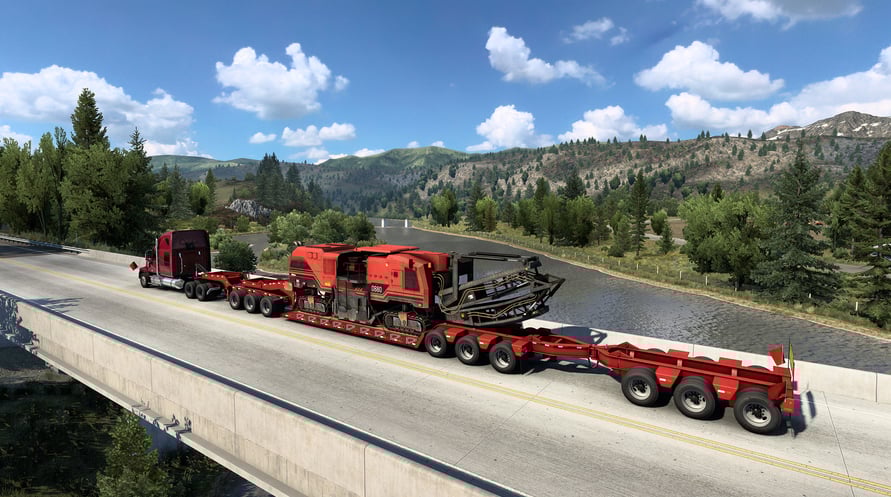
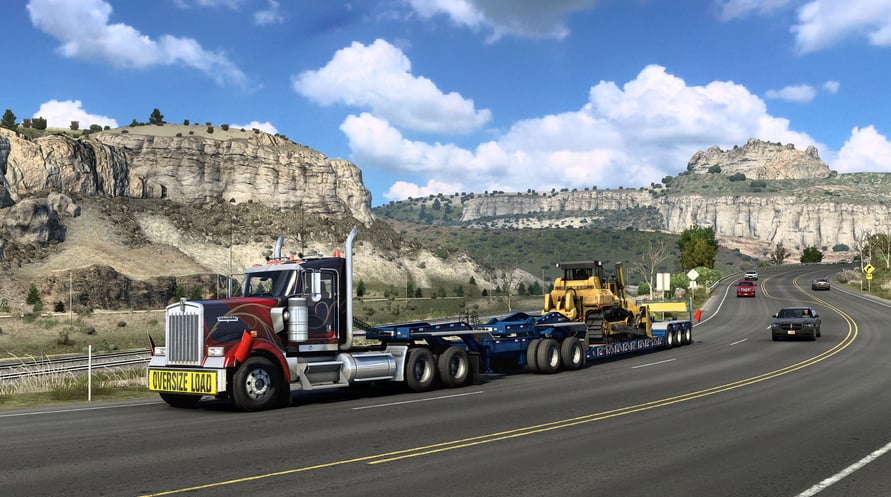
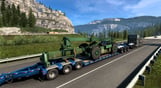
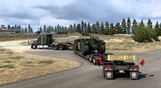
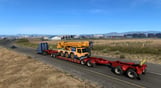
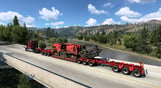
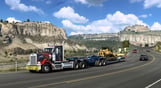
It takes more than a standard semi-trailer to deliver these loads! When a cargo gets heavy, it's time for more axles to satisfy the DOT and make it safely across that bridge! Introducing complex multi-joint trailers with jeeps and boosters spreading the weight of the cargo.
New Cargoes
- Crawler Tractor
- Bulldozer
- Lift Truck Chassis
- Lift Truck
- Cable Reel
- Milling Machine
- All Terrain Crane
- Scraper
- Transformer
(c) 2017 SCS Software. All brand names, trademarks, registered marks, logos, and symbols on vehicles in the game are property of their rightful owners. Used with kind permission.
NOTICE: This content requires the base game American Truck Simulator on Steam in order to play.
Windows Minimum Requirements:
- OS: Windows 7 64-bit
- Processor: Dual core CPU 2.4 GHz
- Memory: 4 GB RAM
- Graphics: GeForce GTS 450-class (Intel HD 4000)
- Storage: 7 GB available space
Windows Recommended Requirements:
- OS: Windows 7/8.1/10 64-bit
- Processor: Quad core CPU 3.0 GHz
- Memory: 6 GB RAM
- Graphics: GeForce GTX 760-class (2 GB)
- Storage: 7 GB available space
Mac Minimum Requirements:
- OS: Mac OS X 10.9 (Mavericks)
- Processor: Dual core CPU 2.4 GHz
- Memory: 4 GB RAM
- Graphics: GeForce GTS 450-class (Intel HD 4000)
- Storage: 7 GB available space
Mac Recommended Requirements:
- OS: Mac OS X 10.10 (Yosemite)
- Processor: Quad core CPU 3.0 GHz
- Memory: 6 GB RAM
- Graphics: GeForce GTX 760-class (Intel HD 5300)
- Storage: 7 GB available space
Linux Minimum Requirements:
- OS: Ubuntu 14.04 64-bit
- Processor: Dual core CPU 2.4 GHz
- Memory: 4 GB RAM
- Graphics: GeForce GTS 450-class (Intel HD 4000)
- Storage: 7 GB available space
Linux Recommended Requirements:
- OS: Ubuntu 14.04 64-bit
- Processor: Quad core CPU 3.0 GHz
- Memory: 6 GB RAM
- Graphics: GeForce GTX 760-class (2 GB)
- Storage: 7 GB available space
Um den Steam-Schlüssel zu aktivieren, den Sie erhalten haben, befolgen Sie die folgenden Anweisungen:
- Öffnen Sie zunächst den Steam-Client. (Wenn Sie ihn nicht haben, klicken Sie einfach hier auf die Schaltfläche "Steam installieren" => Steam Store )
- Melden Sie sich bei Ihrem Steam-Konto an. (Wenn Sie keines haben, klicken Sie hier, um ein neues zu erstellen => Steam-Konto )
- Klicken Sie auf die Schaltfläche "SPIEL HINZUFÜGEN" in der unteren Ecke des Clients.
- Wählen Sie dann "Ein Produkt bei Steam aktivieren..." aus.
- Schreiben Sie den Aktivierungsschlüssel auf oder kopieren Sie ihn, den Sie von Voidu erhalten haben, in das Fenster.
- Ihr Spiel ist jetzt in Ihrer Bibliothek sichtbar! Klicken Sie auf Ihre "Bibliothek".
- Und schließlich klicken Sie auf das Spiel und wählen Sie "Installieren", um den Download zu starten.