


DragonSword Awakening - Deluxe Edition
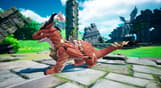
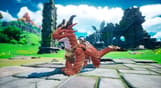
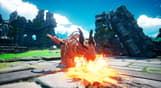
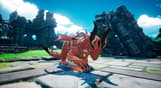
DragonSword Awakening - Deluxe Edition includes Base Game + Contents
[Base Game + Contents]
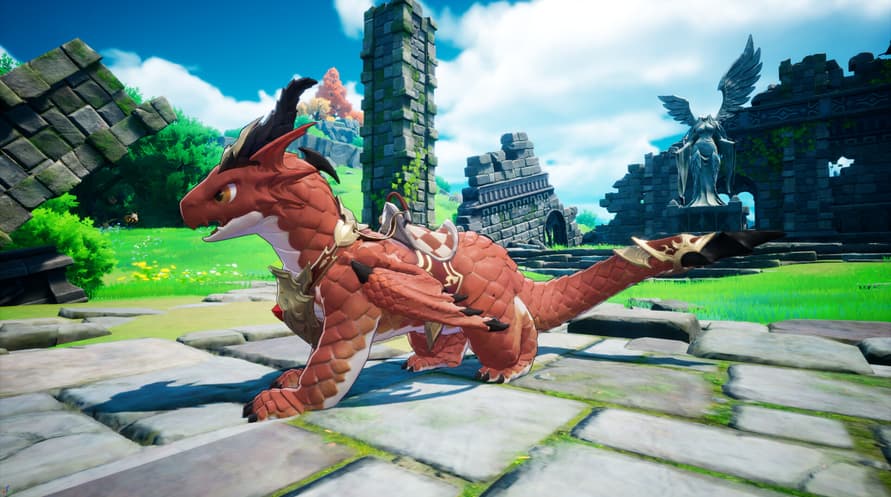
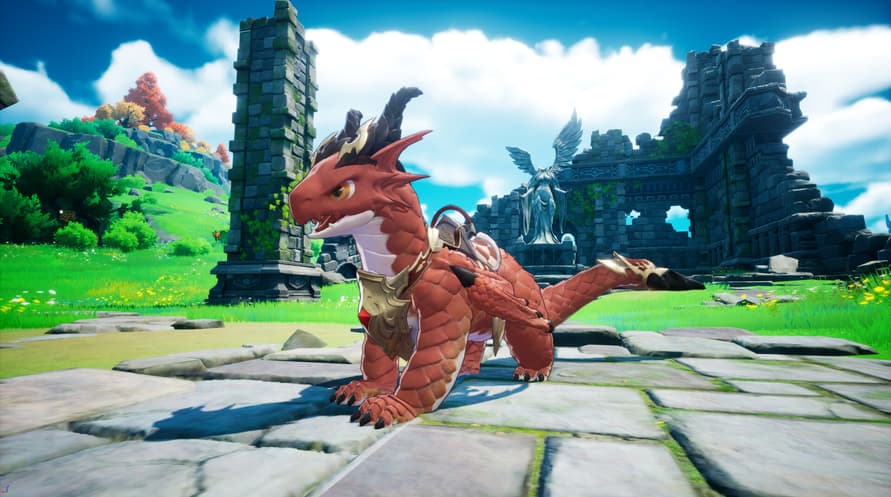
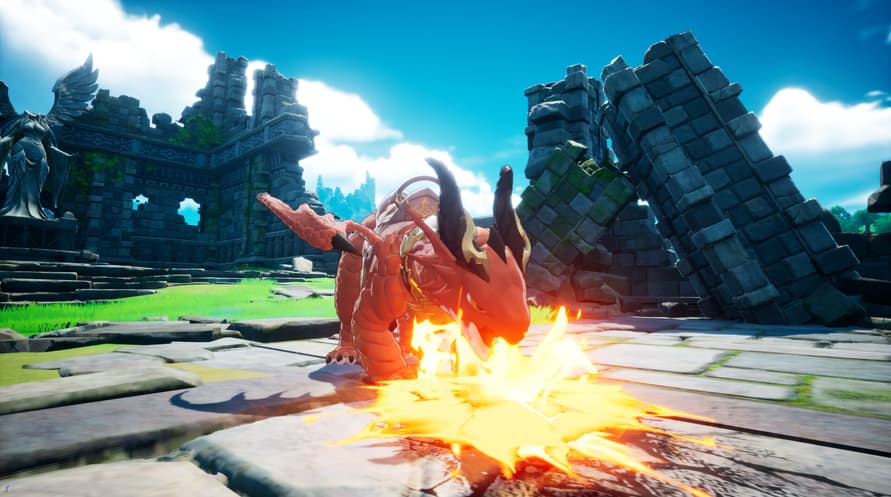
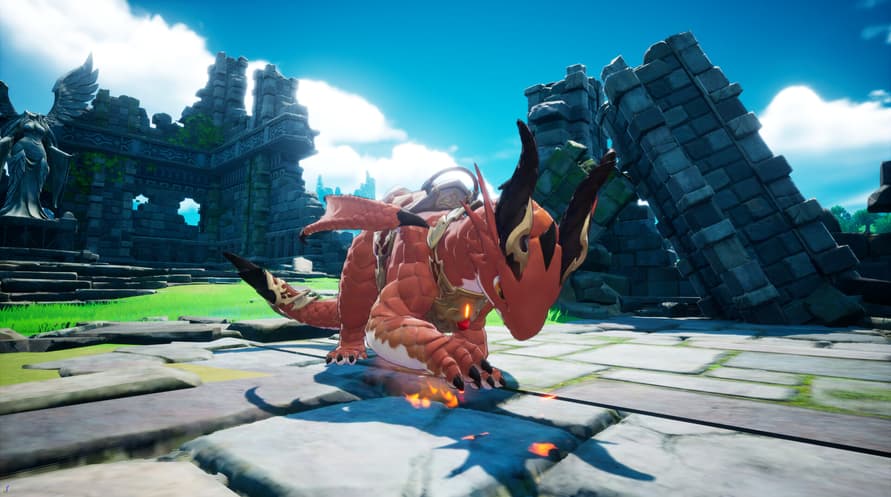
- Familiar : Brave Baby Dragon
- Digital Artbook
- Original Soundtrack
[Familiar : Brave Baby Dragon]
A small dragon that loves to fly through the skies with humans.
When flying together, it sometimes lets out strange sounds, unable to contain its joy.
Despite its cute appearance, it carries the blood of a dragon, so one must never let their guard down. Indulging its whims could lead to a major accident, so constant vigilance is required.
[Digital Artbook]
Johnny Mercenary Crew, the Orbis Kingdom, the Red Fox Mercenary Crew.. heroes giving their all in their respective places.
Monsters that threaten the Orbis Continent, such as the Origin Dragon, Goblins, and Ogres.
The familiars and NPCs that aid the heroes on their adventures.
The diverse landscapes of the Orbis Continent, the main stage of DragonSword : Awakening.
You can view them all in high-resolution images in the Digital Artbook.
[Original Soundtrack]
It contains the OST that enriches Lute's adventure even further.
With a track list of 31 songs, relive the emotions you felt in the game.
DragonSword Awakening - Deluxe Edition

Aktivierungsinformationen
United States
In Ihrer Region verfügbar
Aktiviert in United States
Ähnliche spielen


Hard Truck Apocalypse: Rise Of Clans


Wasteland 3


Clash: Artifacts of Chaos - Original Soundtrack


