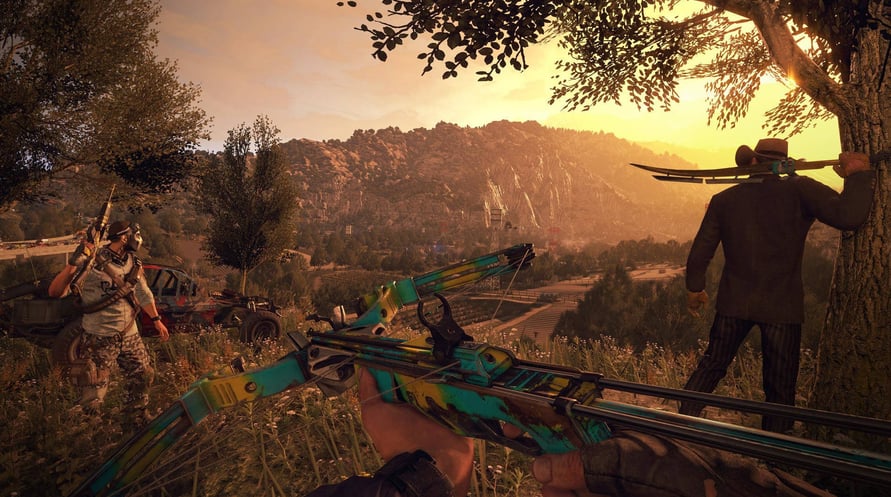
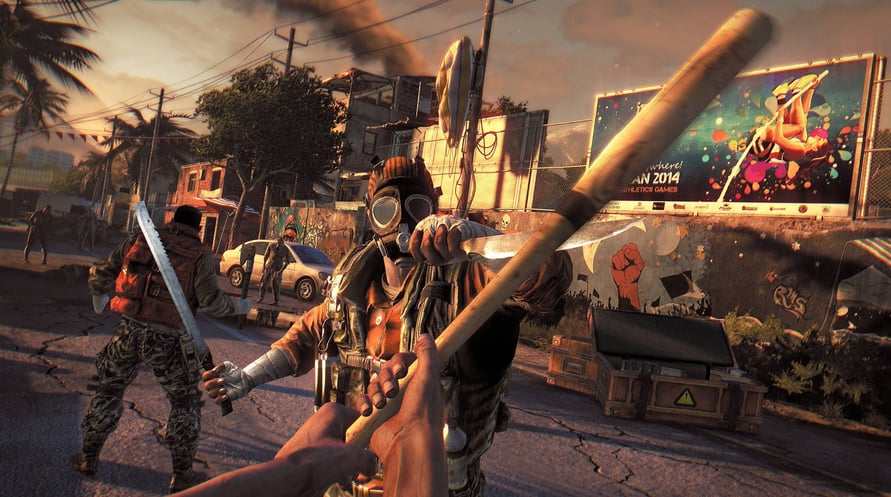
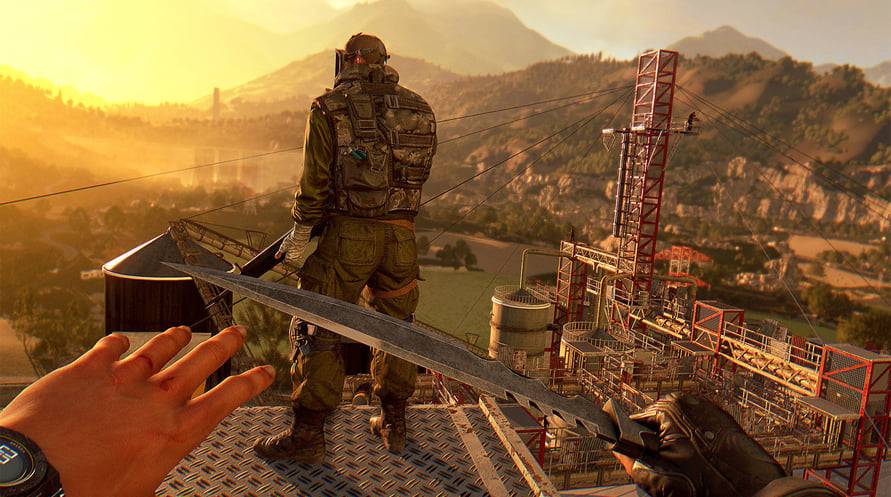
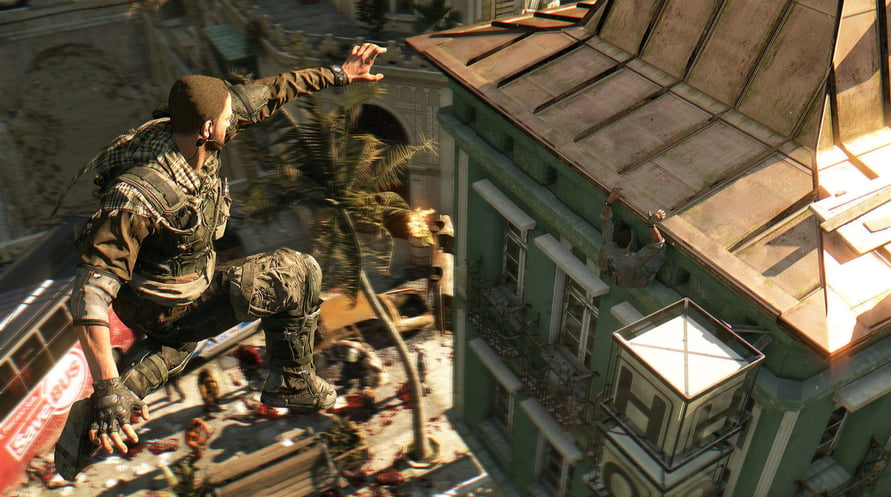
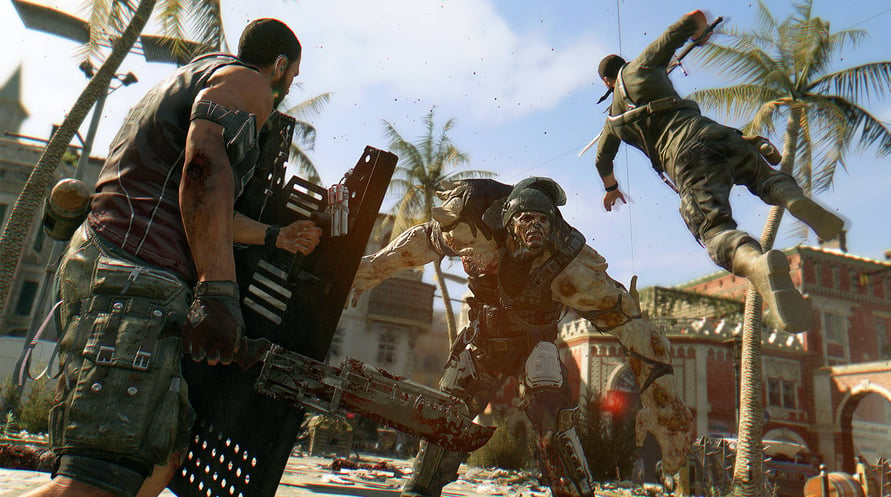
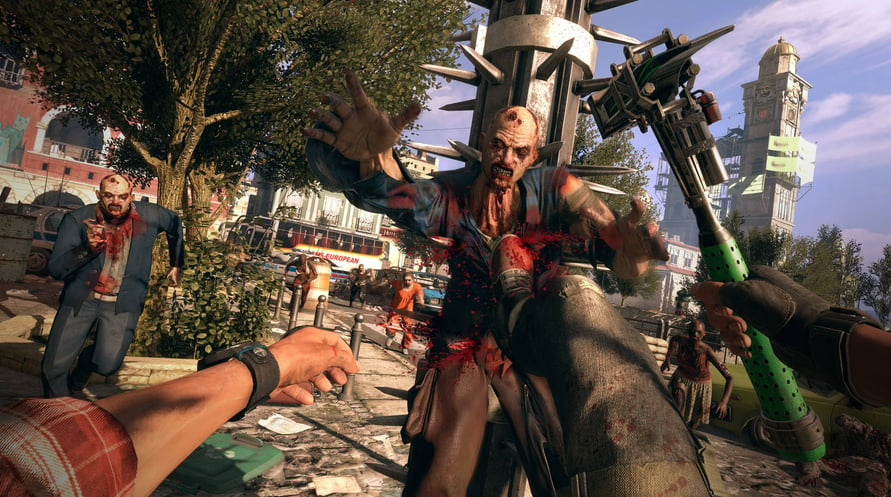
You can play Dying Light to the fullest with the final version of the acclaimed open world zombie survival game. Containing four mainline DLCs and twenty-two bundles, Dying Light: Definitive Edition is the complete experience that accumulates the entire 7-years worth of lifespan that packs all of its content into one single unit. Explore all the post-apocalyptic world has to offer. Drive across Harran as you spread carnage in your buggy, face and survive Bozak’s trials, explore new quarantine zones, and enjoy plenty of new skins and weapons!
Features:
- Dying Light – the full award-winning game.
- Dying Light: The Following – a huge expansion complete with a new story, vast original map, and a customizable buggy to drive.
- Dying Light: Bozak Horde – a challenging game mode with its own side story.
- Cuisine & Cargo – two additional quarantine zones.
- Ultimate Survivor Bundle – exclusive weapons and outfits.
- Hellraid – a new game mode in a dark-fantasy setting.
Minimum Requirements:
OS: Windows® 7 64-bit / Windows® 8 64-bit / Windows® 8.1 64-bit
Processor: Intel® Core™ i5-2500 @3.3 GHz / AMD FX-8320 @3.5 GHz
Memory: 4 GB RAM DDR3
Hard Drive: 40 GB free space
Graphics: NVIDIA® GeForce® GTX 560 / AMD Radeon™ HD 6870 (1GB VRAM)
DirectX®: Version 11
Sound: DirectX® compatible
Additional Notes: Laptop versions of graphics cards may work but are NOT officially supported.
Windows-compatible keyboard, mouse, optional controller (Xbox 360 Controller for Windows recommended)
Recommended Requirements:
OS: Windows® 7 64-bit / Windows® 8 64-bit / Windows® 8.1 64-bit
Processor: Intel® Core™ i5-4670K @3.4 GHz / AMD FX-8350 @4.0 GHz
Memory: 8 GB RAM DDR3
Hard Drive: 40 GB free space
Graphics: NVIDIA® GeForce® GTX 780 / AMD Radeon™ R9 290 (2GB VRAM)
DirectX®: Version 11
Sound: DirectX® compatible
Additional Notes: Laptop versions of graphics cards may work but are NOT officially supported.
Windows-compatible keyboard, mouse, optional controller (Xbox 360 Controller for Windows recommended)
Mac - Minimum Requirements
OS: macOS Sierra 10.12.1
Processor: Intel® Core™ i5 @3.20GHz
Memory: 4 GB RAM DDR3
Hard Drive: 40 GB free space
Graphics: AMD Radeon™ R9 M370X (2GB VRAM)
Additional Notes: Only AMD Radeon™ graphics cards are officially supported.
Mac - Recommended Requirements
OS: macOS Sierra 10.12.1
Processor: Intel® Core™ i7 @4.00GHz
Memory: 8 GB RAM DDR3
Hard Drive: 40 GB free space
Graphics: AMD Radeon™ R9 M395X (4GB VRAM)
Additional Notes: Only AMD Radeon™ graphics cards are officially supported.
Linux - Minimum Requirements
OS: Ubuntu 14.04 64-bit and newer recommended
Processor: Intel® Core™ i5-2500 @3.3 GHz / AMD FX-8320 @3.5 GHz
Memory: 4 GB RAM DDR3
Hard Drive: 40 GB free space
Graphics: NVIDIA® GeForce® GTX 560 / AMD Radeon™ HD 6870 (1GB VRAM)
Additional Notes: JFS and XFS file systems are not supported
Linux - Recommended Requirements
OS: Ubuntu 14.04 64-bit and newer recommended
Processor: Intel® Core™ i5-4670K @3.4 GHz / AMD FX-8350 @4.0 GHz
Memory: 8 GB RAM DDR3
Hard Drive: 40 GB free space
Graphics: NVIDIA® GeForce® GTX 780 / AMD Radeon™ R9 290 (2GB VRAM)
Additional Notes: JFS and XFS file systems are not supported
Um den Steam-Schlüssel zu aktivieren, den Sie erhalten haben, befolgen Sie die folgenden Anweisungen:
- Öffnen Sie zunächst den Steam-Client. (Wenn Sie ihn nicht haben, klicken Sie einfach hier auf die Schaltfläche "Steam installieren" => Steam Store )
- Melden Sie sich bei Ihrem Steam-Konto an. (Wenn Sie keines haben, klicken Sie hier, um ein neues zu erstellen => Steam-Konto )
- Klicken Sie auf die Schaltfläche "SPIEL HINZUFÜGEN" in der unteren Ecke des Clients.
- Wählen Sie dann "Ein Produkt bei Steam aktivieren..." aus.
- Schreiben Sie den Aktivierungsschlüssel auf oder kopieren Sie ihn, den Sie von Voidu erhalten haben, in das Fenster.
- Ihr Spiel ist jetzt in Ihrer Bibliothek sichtbar! Klicken Sie auf Ihre "Bibliothek".
- Und schließlich klicken Sie auf das Spiel und wählen Sie "Installieren", um den Download zu starten.