NOTICE: This content requires the base game Europa Universalis IV on Steam in order to play.
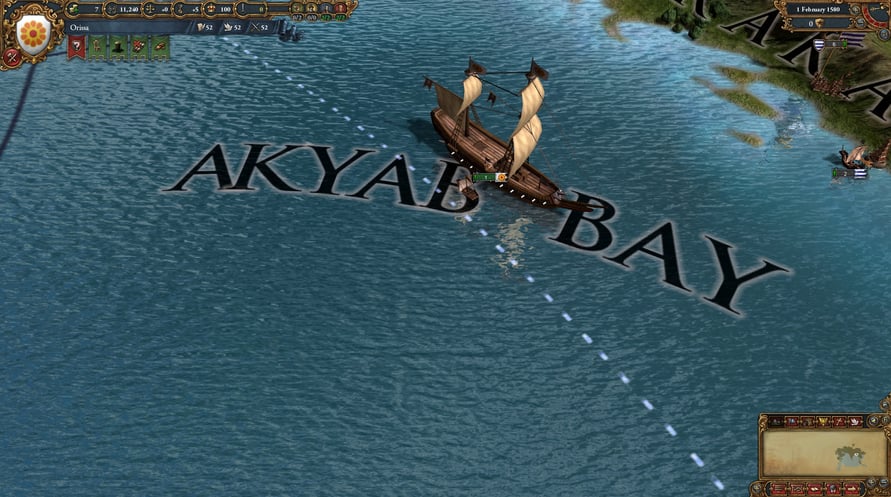
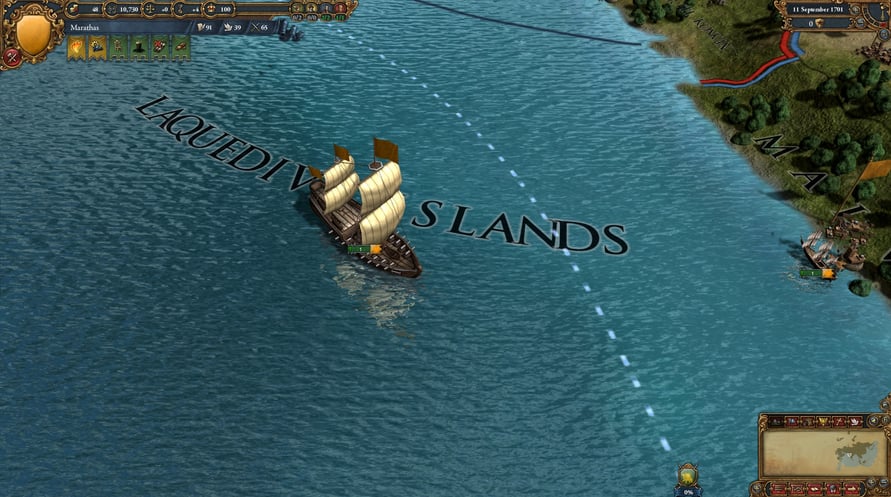
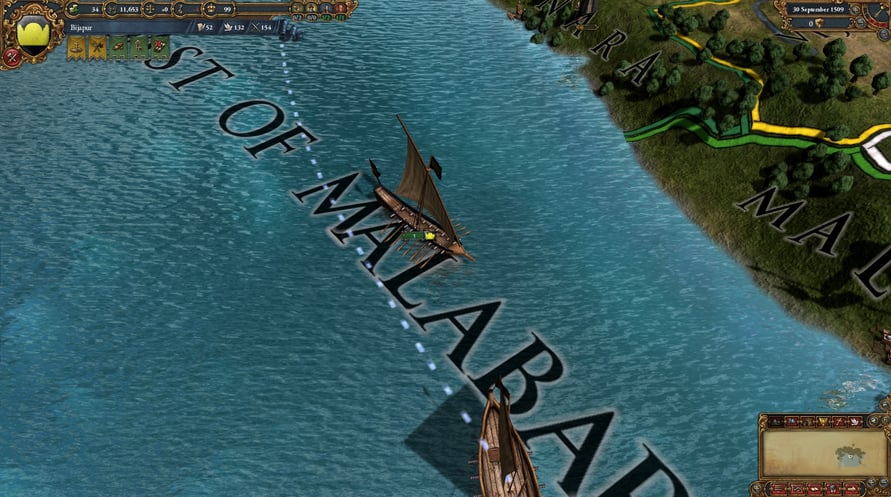
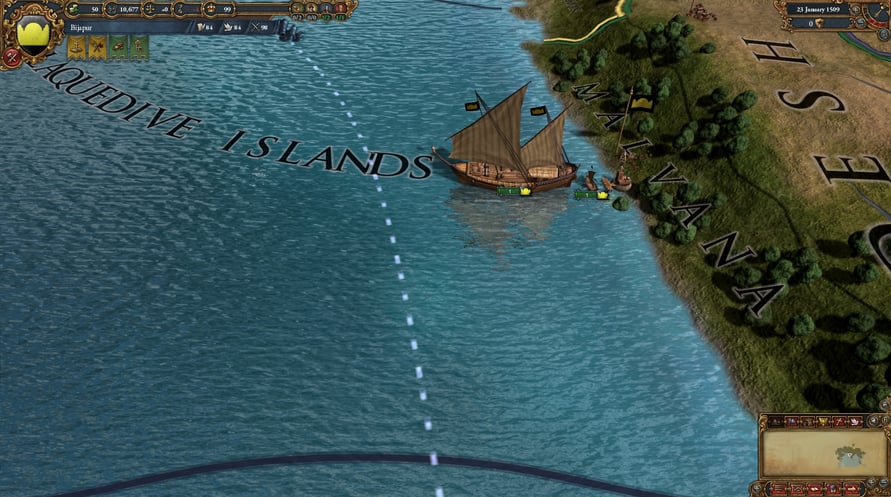
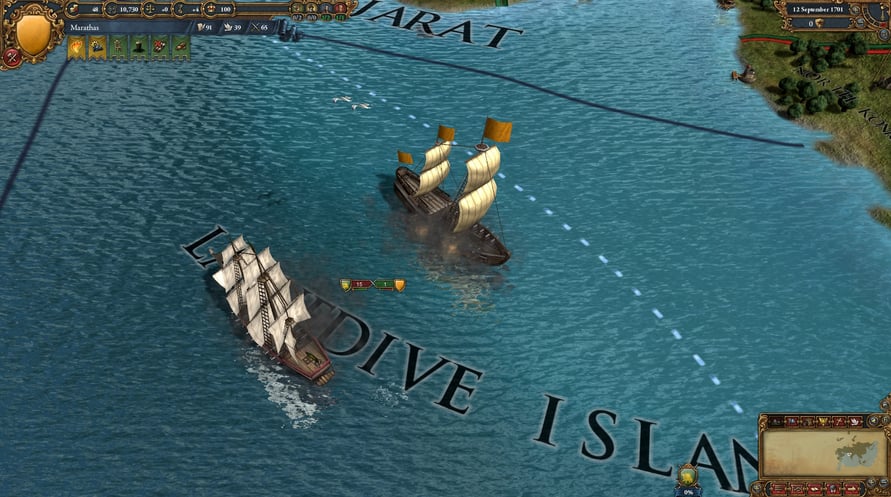
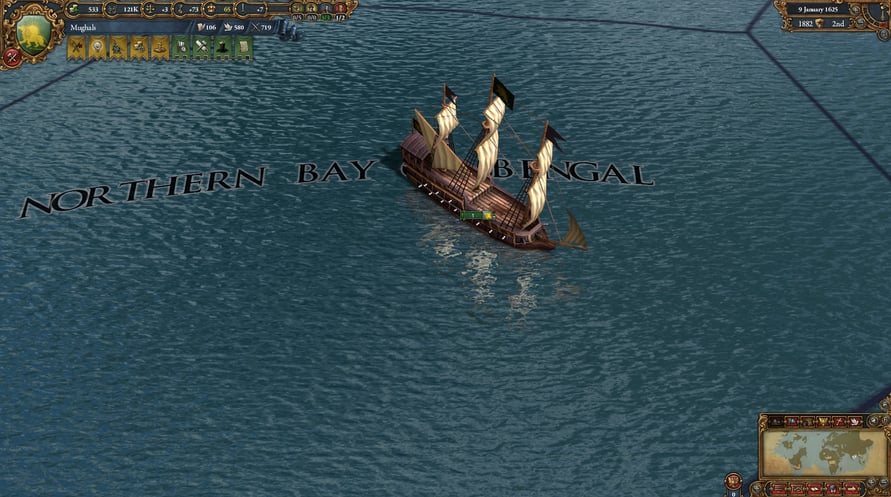
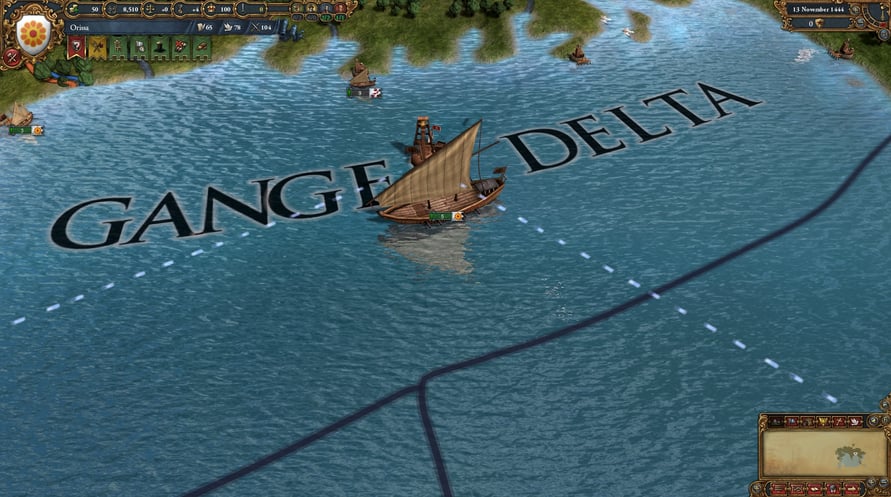
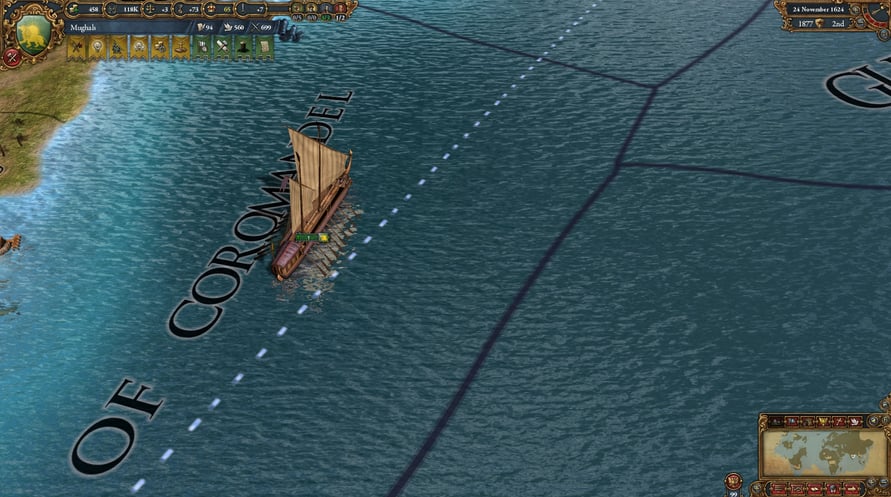
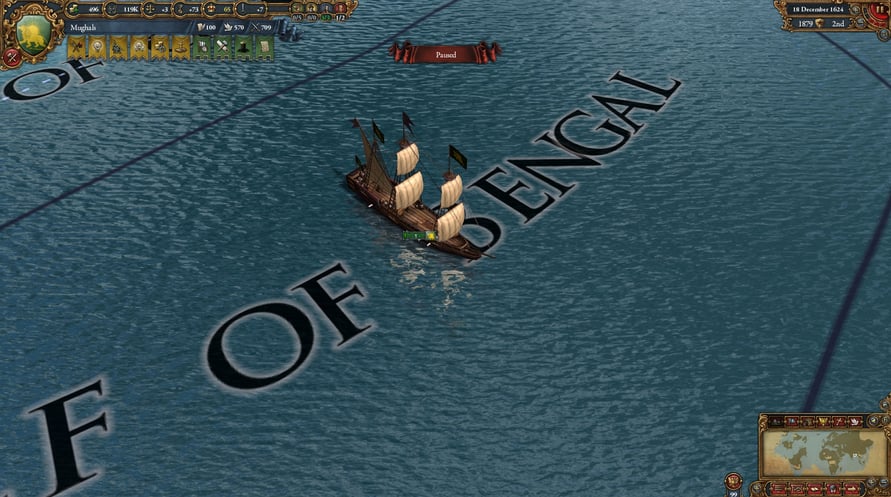
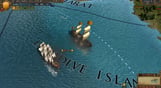
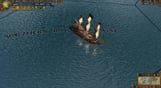
Europa Universalis IV: Indian Ships Unit Pack adds 12 new unique ships for Indian nations.
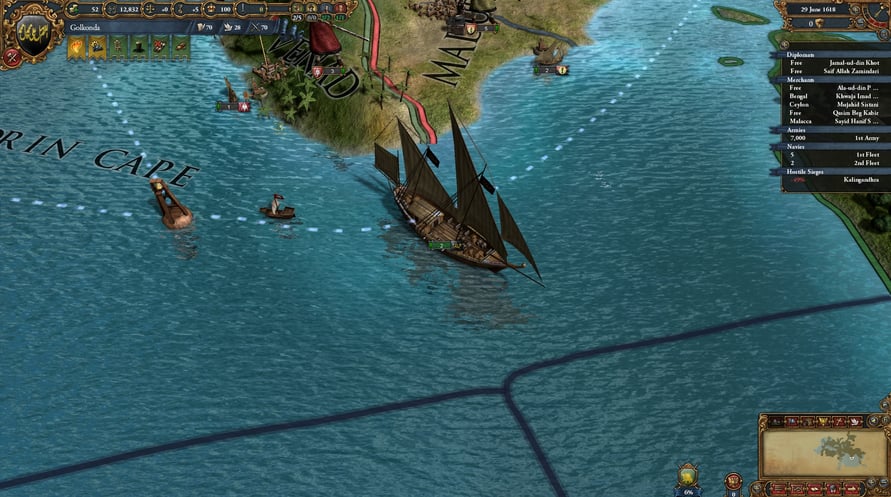
These ships will enhance the visual appeal of Europa Universalis IV.
Paradox Interactive, EUROPA UNIVERSALIS® Copyright© [2013] Paradox Interactive AB All rights reserved. www.paradoxplaza.com
NOTICE: This content requires the base game Europa Universalis IV on Steam in order to play.
Minimum Requirements:
- OS:XP/Vista/Windows 7/Windows 8
- Processor:Intel® Pentium® IV 2.4 GHz eller AMD 3500+
- Memory:2 GB RAM
- Graphics:NVIDIA® GeForce 8800 or ATI Radeon® X1900, 512mb video memory required
- DirectX®:9.0c
- Hard Drive:2 GB HD space
- Sound:Direct X- compatible soundcard
- Other Requirements:Broadband Internet connection
- Additional:Controller support: 3-button mouse, keyboard and speakers. Internet Connection or LAN for multiplayer
Recommended Requirements:
- OS:XP/Vista/Windows 7/Windows 8
- Processor:Intel® Pentium® IV 2.4 GHz or AMD 3500+
- Memory:2 GB RAM
- Graphics:NVIDIA® GeForce 8800 or ATI Radeon® X1900, 1024mb video memory required
- DirectX®:9.0c
- Hard Drive:2 GB HD space
- Sound:Direct X-compatible soundcard
- Other Requirements:Broadband Internet connection
- Additional:Controller support: 3-button mouse, keyboard and speakers. Internet Connection or LAN for multiplayer
Um den Steam-Schlüssel zu aktivieren, den Sie erhalten haben, befolgen Sie die folgenden Anweisungen:
- Öffnen Sie zunächst den Steam-Client. (Wenn Sie ihn nicht haben, klicken Sie einfach hier auf die Schaltfläche "Steam installieren" => Steam Store )
- Melden Sie sich bei Ihrem Steam-Konto an. (Wenn Sie keines haben, klicken Sie hier, um ein neues zu erstellen => Steam-Konto )
- Klicken Sie auf die Schaltfläche "SPIEL HINZUFÜGEN" in der unteren Ecke des Clients.
- Wählen Sie dann "Ein Produkt bei Steam aktivieren..." aus.
- Schreiben Sie den Aktivierungsschlüssel auf oder kopieren Sie ihn, den Sie von Voidu erhalten haben, in das Fenster.
- Ihr Spiel ist jetzt in Ihrer Bibliothek sichtbar! Klicken Sie auf Ihre "Bibliothek".
- Und schließlich klicken Sie auf das Spiel und wählen Sie "Installieren", um den Download zu starten.