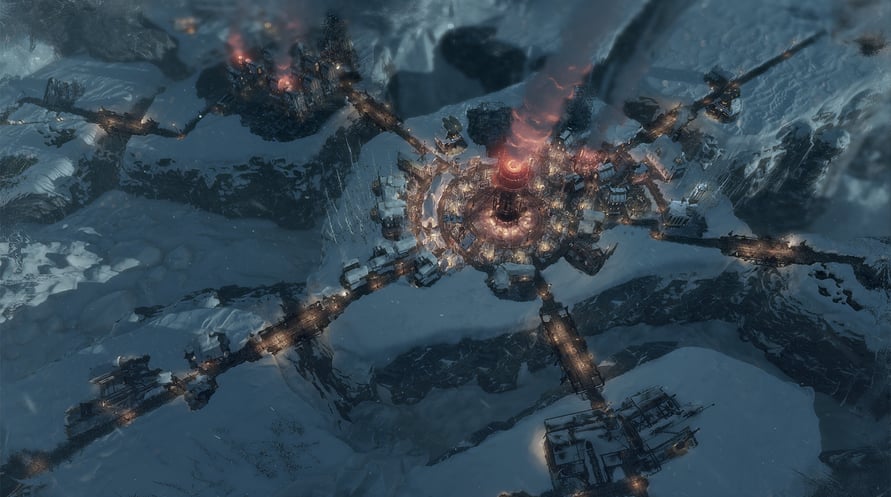
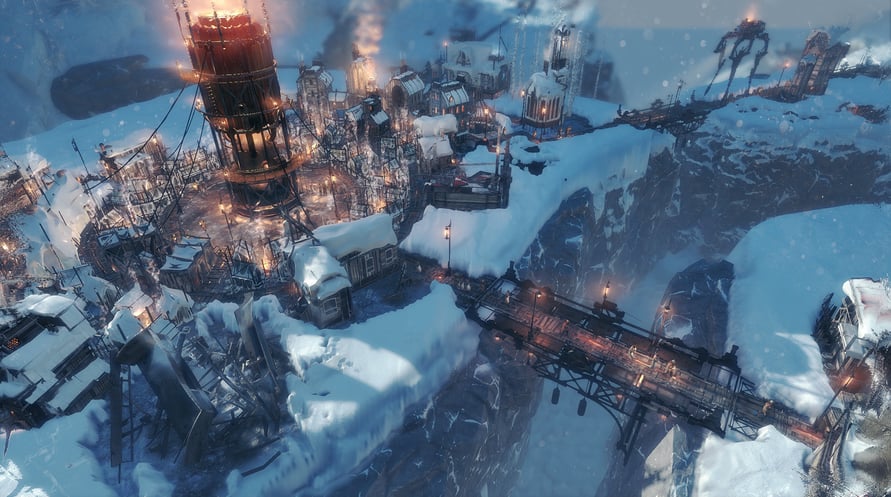
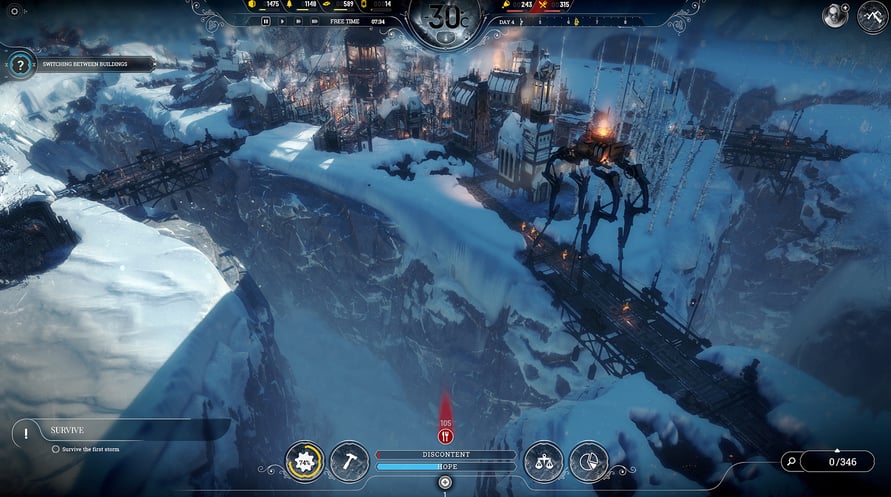
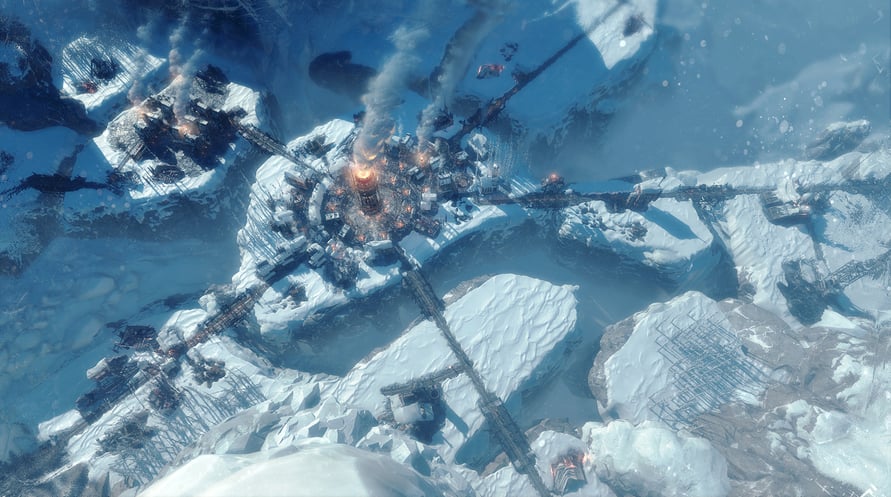
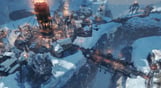
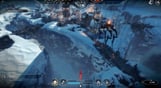
Brich mit dieser Mini-Erweiterung zu einer weiteren Reise durch das eisige Ödland auf, inklusive einer neuen Karte für den Endlosmodus und einem neuen baubaren Gebäude – die Brücke. Erweitere deine Stadt und rette ihre Einwohner vor dem drohenden Untergang!
- brandneue Karte für den Endlosmodus
- neues baubares Gebäude – die Brücke
- neue Spielmechaniken
Die Gräben sind Teil des Frostpunk: Season Pass:
© 2018 11 bit studios S.A. Frostpunk™, 11 bit studios™ and respective logos are trademarks of 11 bit studios S.A. All rights reserved.
NOTICE: This content requires the base game Frostpunk on Steam in order to play.
Windows Minimum Requirements:
- Requires a 64-bit processor and operating system
- OS: 64-bit Windows 7/8/10
- Processor: 3.2 GHz Dual Core CPU
- Memory: 4 GB RAM
- Graphics: GeForce GTX 660, Radeon R7 370 or equivalent with 2 GB of video RAM
- DirectX: Version 11
- Storage: 8 GB available space
- Sound Card: DirectX compatible
- Additional Notes: Please make sure that you have the latest VC package installed, and - if you're using Windows 7 or 8 - that you have the KB4019990 update applied.
Windows Recommended Requirements:
- Requires a 64-bit processor and operating system
- OS: 64-bit Windows 7/8/10
- Processor: 3.2 GHz Quad Core Processor
- Memory: 8 GB RAM
- Graphics: GeForce 970, Radeon RX 580 or equivalent with 4GB of video RAM
- DirectX: Version 11
- Storage: 8 GB available space
- Sound Card: DirectX compatible
- Additional Notes: Please make sure that you have the latest VC package installed, and - if you're using Windows 7 or 8 - that you have the KB4019990 update applied.
Mac Minimum Requirements:
- Requires a 64-bit processor and operating system
- OS: MacOS 10.15
- Processor: 2.6GHz Intel Core i7
- Memory: 16 GB RAM
- Graphics: 4GB AMD Radeon Pro 5300M, Radeon Pro 560X or better
- Storage: 10 GB available space
- Additional Notes: Check the Frostpunk website for more detailed specifications: www.frostpunkgame.com/mac-requirements
Mac Recommended Requirements:
- Requires a 64-bit processor and operating system
Um den Steam-Schlüssel zu aktivieren, den Sie erhalten haben, befolgen Sie die folgenden Anweisungen:
- Öffnen Sie zunächst den Steam-Client. (Wenn Sie ihn nicht haben, klicken Sie einfach hier auf die Schaltfläche "Steam installieren" => Steam Store )
- Melden Sie sich bei Ihrem Steam-Konto an. (Wenn Sie keines haben, klicken Sie hier, um ein neues zu erstellen => Steam-Konto )
- Klicken Sie auf die Schaltfläche "SPIEL HINZUFÜGEN" in der unteren Ecke des Clients.
- Wählen Sie dann "Ein Produkt bei Steam aktivieren..." aus.
- Schreiben Sie den Aktivierungsschlüssel auf oder kopieren Sie ihn, den Sie von Voidu erhalten haben, in das Fenster.
- Ihr Spiel ist jetzt in Ihrer Bibliothek sichtbar! Klicken Sie auf Ihre "Bibliothek".
- Und schließlich klicken Sie auf das Spiel und wählen Sie "Installieren", um den Download zu starten.