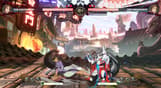
[GGST Season Pass 5 Content]
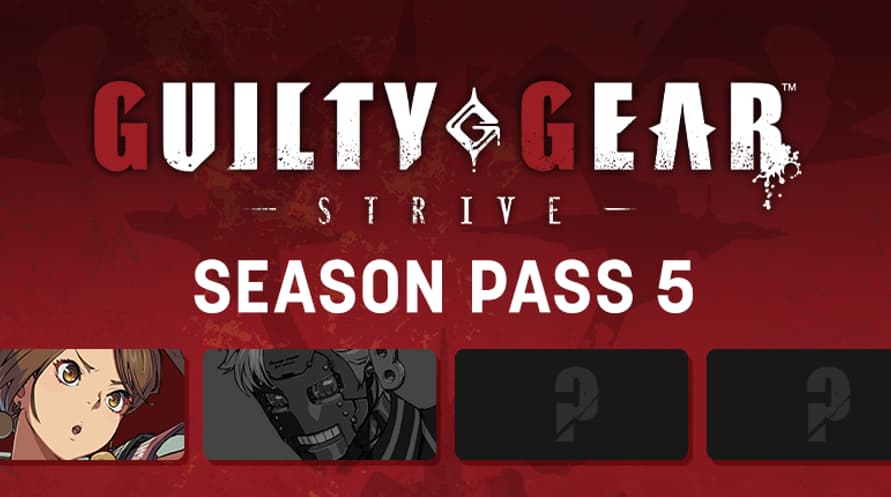
An exciting season pass that includes 4 additional playable characters, stages and season pass bonus character colors as additional DLC for the Guilty Gear -Strive- game.
*Be aware that GGST Season Pass 5 can be purchased as a bundle or on its own. Please be careful to ensure you do not make a duplicate purchase.
[GGST Season Pass 5 Content]
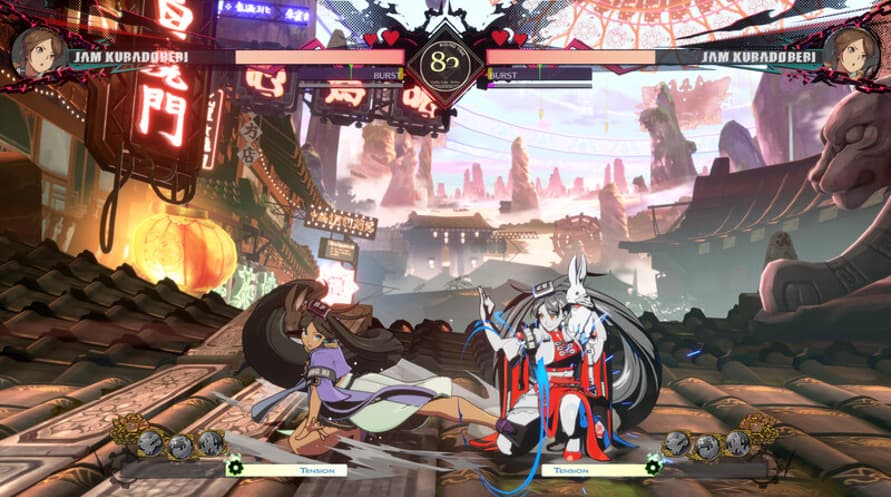
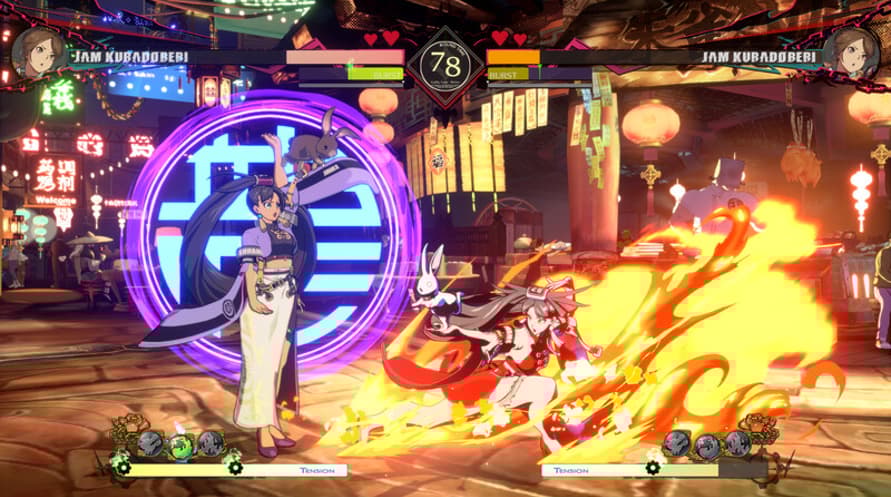
- DLC Additional Character #18 Jam Kuradoberi
- DLC Additional Character #19 Robo-Ky (Available Summer 2026)
- DLC Additional Character #20 ??? (Available Winter 2026)
- DLC Additional Character #21 ??? (Available Spring 2027)
[Season Pass 5 Purchase Bonus]
- Additional Battle Stage #9 Cradled by the Four Beasts
- Season 5 Characters Additional Colors (7 colors for the 4 characters, total 28 colors)
- GGST Wanted Poster Skin Street
- GGST Battle UI Skin Vintage Metal
*Purchasing the main product is required to access this content. You will also need to have downloaded the latest updates.
© ARC SYSTEM WORKS
Minimum System Requirements:
- OS * Windows 8/10 (64-bit OS required)
- Processor AMD FX-4350, 4.2 GHz / Intel Core i5-3450, 3.10 GHz
- Memory 4 GB RAM
- Graphics Radeon HD 6870, 1 GB / GeForce GTX 650 Ti, 1 GB
- DirectX Version 11
- Network Broadband Internet connection
- Storage 26 GB available space
- Sound Card DirectX compatible soundcard or onboard chipset
- * Starting January 1st, 2024, the Steam Client will only support Windows 10 and later versions.
Recommended System Requirements:
- OS * Windows 8/10 (64-bit OS required)
- Processor Intel Core i7-3770, 3.40 GHz
- Memory 8 GB RAM
- Graphics GeForce GTX 660
- DirectX Version 11
- Network Broadband Internet connection
- Storage 30 GB available space
- Sound Card DirectX compatible soundcard or onboard chipset
- * Starting January 1st, 2024, the Steam Client will only support Windows 10 and later versions.
Um den Steam-Schlüssel zu aktivieren, den Sie erhalten haben, befolgen Sie die folgenden Anweisungen:
- Öffnen Sie zunächst den Steam-Client. (Wenn Sie ihn nicht haben, klicken Sie einfach hier auf die Schaltfläche "Steam installieren" => Steam Store )
- Melden Sie sich bei Ihrem Steam-Konto an. (Wenn Sie keines haben, klicken Sie hier, um ein neues zu erstellen => Steam-Konto )
- Klicken Sie auf die Schaltfläche "SPIEL HINZUFÜGEN" in der unteren Ecke des Clients.
- Wählen Sie dann "Ein Produkt bei Steam aktivieren..." aus.
- Schreiben Sie den Aktivierungsschlüssel auf oder kopieren Sie ihn, den Sie von Voidu erhalten haben, in das Fenster.
- Ihr Spiel ist jetzt in Ihrer Bibliothek sichtbar! Klicken Sie auf Ihre "Bibliothek".
- Und schließlich klicken Sie auf das Spiel und wählen Sie "Installieren", um den Download zu starten.