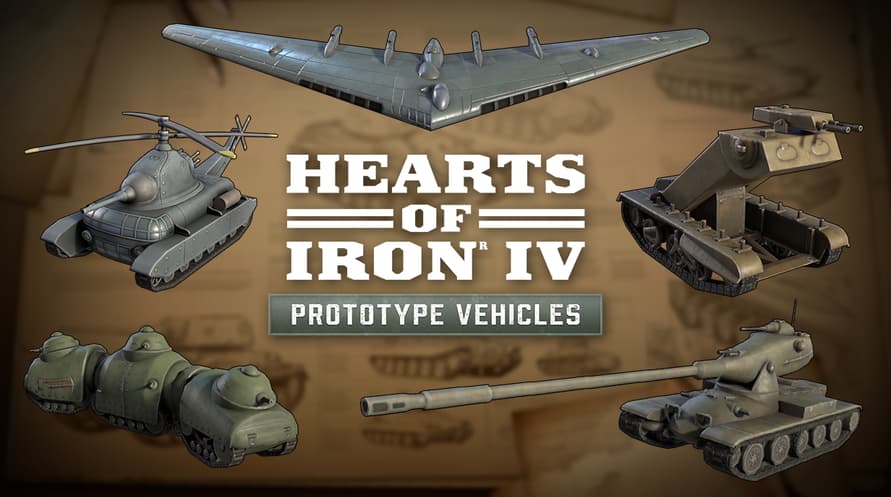
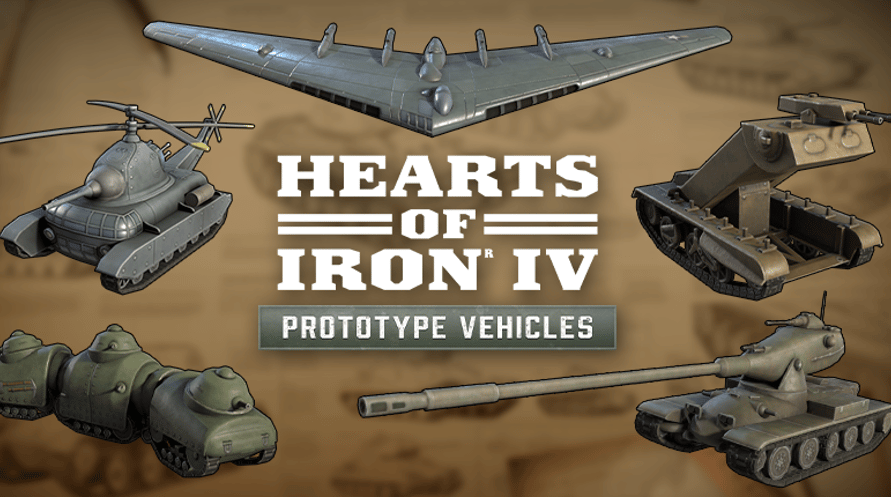
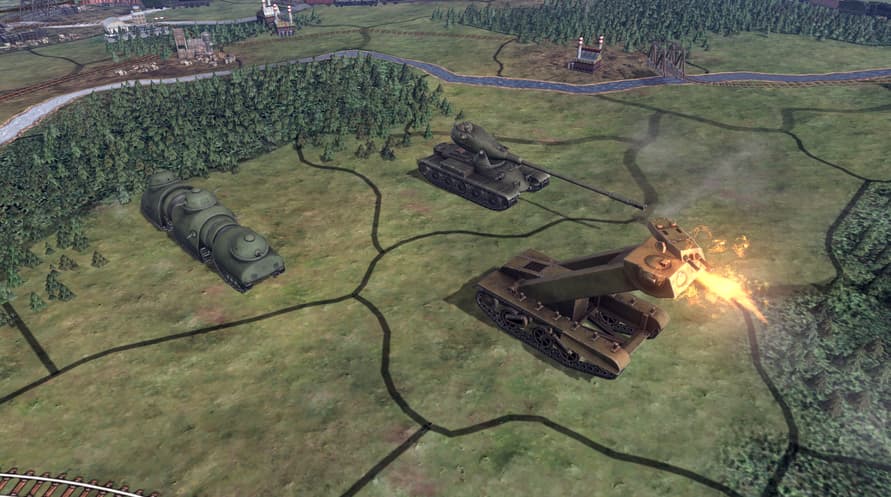
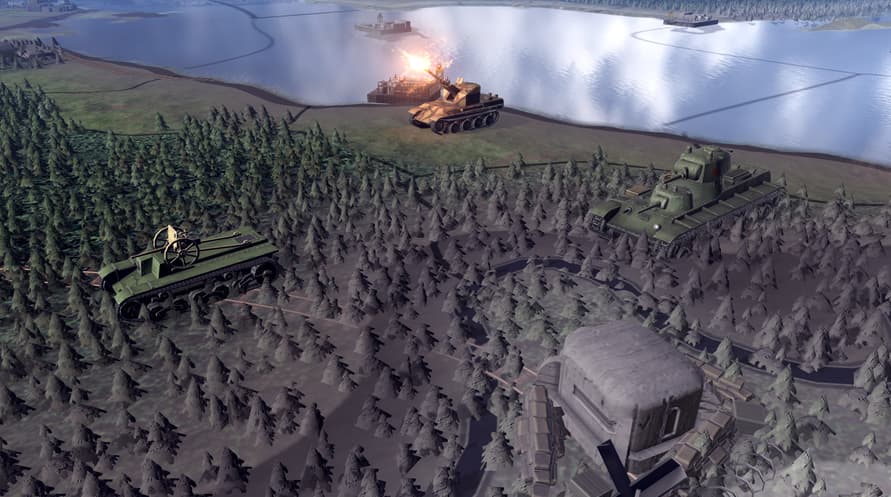
Dieses Einheitenpaket enthält Einheitengrafiken für Fahrzeuge der Kriegszeit, die nie in Produktion gingen – von fortschrittlichen Kriegsflugzeugen bis hin zu theoretischen Kampffahrzeugen. Mit seinen technologischen Wundern und Kuriositäten, die den Verlauf des Krieges vielleicht hätten ändern können, bringt dieses Einheitenpaket noch mehr alternative Geschichtsmöglichkeiten.
©2016-2024 and published by Paradox Interactive AB, HEARTS OF IRON and PARADOX INTERACTIVE are trademarks and/or registered trademarks of Paradox Interactive AB in Europe, the U.S., and other countries. All other trademarks, logos, and copyrights are the property of their respective owners.
Windows Minimum Requirements:
- OS: Windows® 10 Home 64 Bit
- Processor: Intel® Core™ i5 750 | AMD® FX 4300
- Memory: 4 GB RAM
- Graphics: Nvidia® GeForce™ GTX 470 (1.28GB) | AMD® HD 5850 (1GB) | Intel Iris Xe G7 (Tiger Lake) | AMD® Radeon™ RX Vega 11
- DirectX: Version 9.0c
- Storage: 2 GB available space
- Sound Card: Direct X- compatible soundcard.
- Additional Notes: Mouse and keyboard are required. / Latest available WHQL drivers from both manufacturers/ Internet Connection or LAN for multiplayer, Up to 32 other players in multiplayer mode.
Windows Recommended Requirements:
- OS: Windows® 10 Home 64 bit
- Processor: Intel® Core™ i5 2500K | AMD® Ryzen 3 2200G
- Memory: 6 GB RAM
- Graphics: Nvidia® GeForce™ GTX 570 (1.28GB) | AMD® Radeon™ HD 7970 (3GB) | Intel Iris Xe G7 (Tiger Lake)
- DirectX: Version 9.0c
- Storage: 2 GB available space
- Sound Card: Direct X- compatible soundcard.
- Additional Notes: Mouse and keyboard are required. / Latest available WHQL drivers from both manufacturers. / Internet Connection or LAN for multiplayer, Up to 32 other players in multiplayer mode.
Mac Minimum Requirements:
- OS: OS: macOS 10.14 (Mojave)
- Processor: Intel Core i5 @ 2.60 GHz or better
- Memory: 4 GB RAM
- Graphics: ATI Radeon HD 6970M
- Storage: 2 GB available space
- Additional Notes: Mouse and keyboard are required. / Latest available proprietary drivers / Internet Connection or LAN for multiplayer, Up to 32 other players in multiplayer mode.
Mac Recommended Requirements:
- OS: OS: macOS 10.14 (Mojave)
- Processor: Intel Core i5 @ 2.90 GHz or better
- Memory: 8 GB RAM
- Graphics: ATI Radeon R9 390M or NVIDIA GeForce 750M with 1GB VRAM
- Storage: 2 GB available space
- Additional Notes: Mouse and keyboard are required. / Latest available proprietary drivers from both manufacturers/ Internet Connection or LAN for multiplayer, Up to 32 other players in multiplayer mode.
Linux Minimum Requirements:
- OS: OS: Ubuntu 20.04
- Processor: Intel Core 2 Quad Q9400 @ 2.66 GHz / AMD Athlon II X4 650 @ 3.20 GHz
- Memory: 4 GB RAM
- Graphics: ATI Radeon HD 5850 or NVIDIA GeForce GTX470 with 1GB VRAM / Latest available proprietary drivers from both manufacturers
- Storage: 2 GB available space
- Additional Notes: Controller support: 3-button mouse, keyboard, and speakers are required. / Internet Connection or LAN for multiplayer, Up to 32 other players in multiplayer mode.
Linux Recommended Requirements:
- OS: OS: Ubuntu 20.04
- Processor: Intel Core i5 750 @ 2.66 GHz / AMD Phenom II X4 955 @ 3.20 GHz
- Memory: 4 GB RAM
- Graphics: ATI Radeon HD 6950 or NVIDIA GeForce GTX570 with 2GB VRAM / Latest available proprietary drivers from both manufacturers
- Storage: 2 GB available space
- Additional Notes: Controller support: 3-button mouse, keyboard, and speakers are required. / Internet Connection or LAN for multiplayer, Up to 32 other players in multiplayer mode.
Um den Steam-Schlüssel zu aktivieren, den Sie erhalten haben, befolgen Sie die folgenden Anweisungen:
- Öffnen Sie zunächst den Steam-Client. (Wenn Sie ihn nicht haben, klicken Sie einfach hier auf die Schaltfläche "Steam installieren" => Steam Store )
- Melden Sie sich bei Ihrem Steam-Konto an. (Wenn Sie keines haben, klicken Sie hier, um ein neues zu erstellen => Steam-Konto )
- Klicken Sie auf die Schaltfläche "SPIEL HINZUFÜGEN" in der unteren Ecke des Clients.
- Wählen Sie dann "Ein Produkt bei Steam aktivieren..." aus.
- Schreiben Sie den Aktivierungsschlüssel auf oder kopieren Sie ihn, den Sie von Voidu erhalten haben, in das Fenster.
- Ihr Spiel ist jetzt in Ihrer Bibliothek sichtbar! Klicken Sie auf Ihre "Bibliothek".
- Und schließlich klicken Sie auf das Spiel und wählen Sie "Installieren", um den Download zu starten.