


Holdfast: Nations At War - Age of Sail Edition
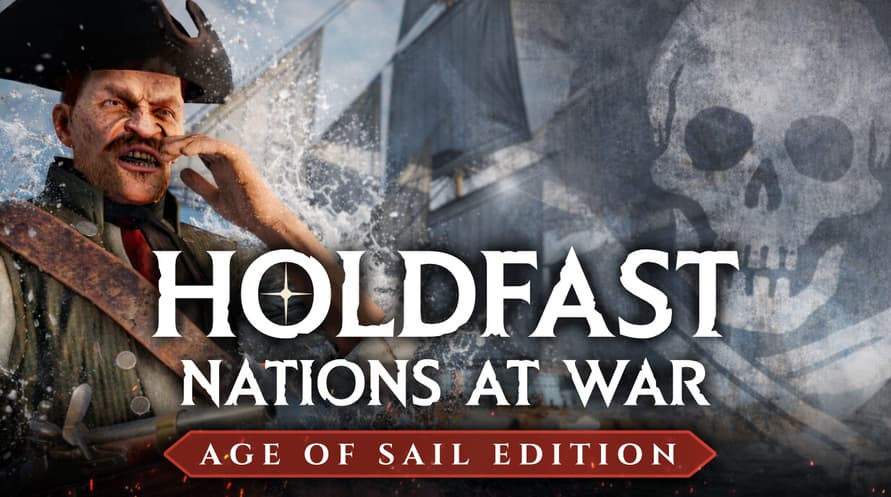
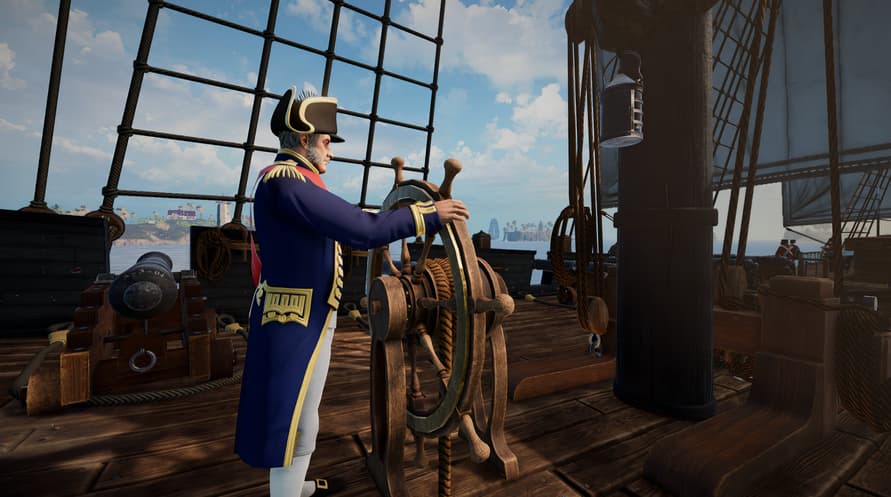
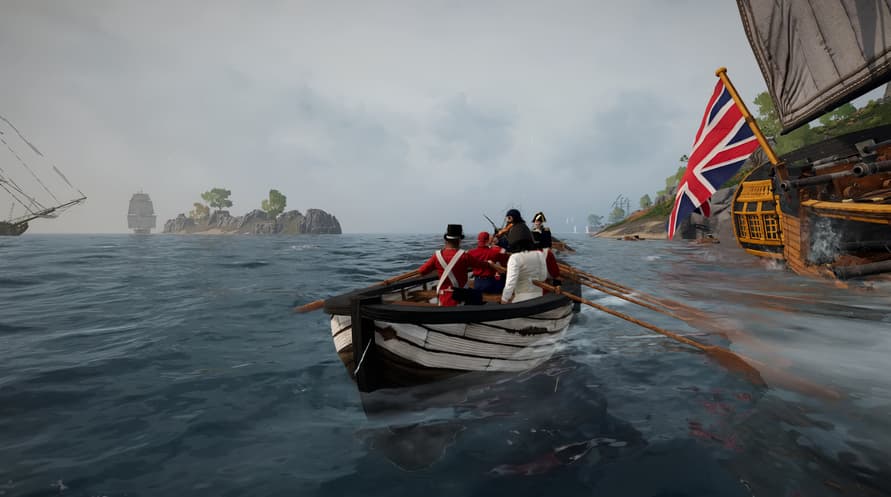
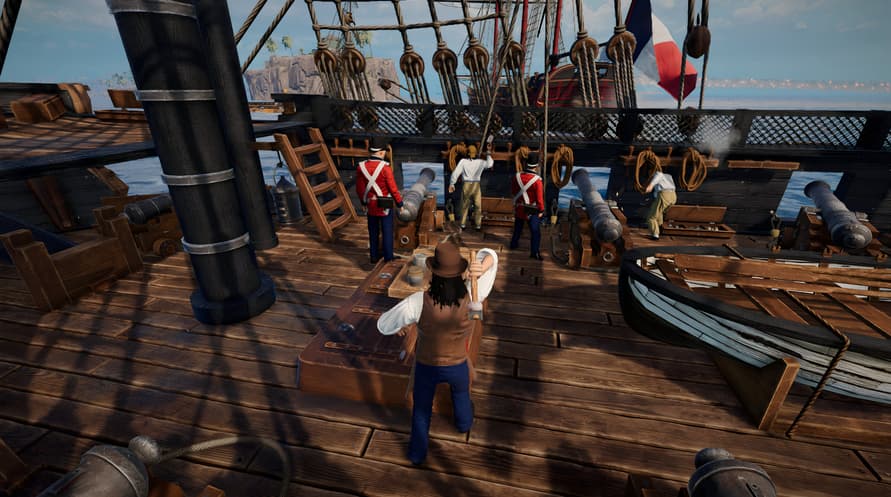
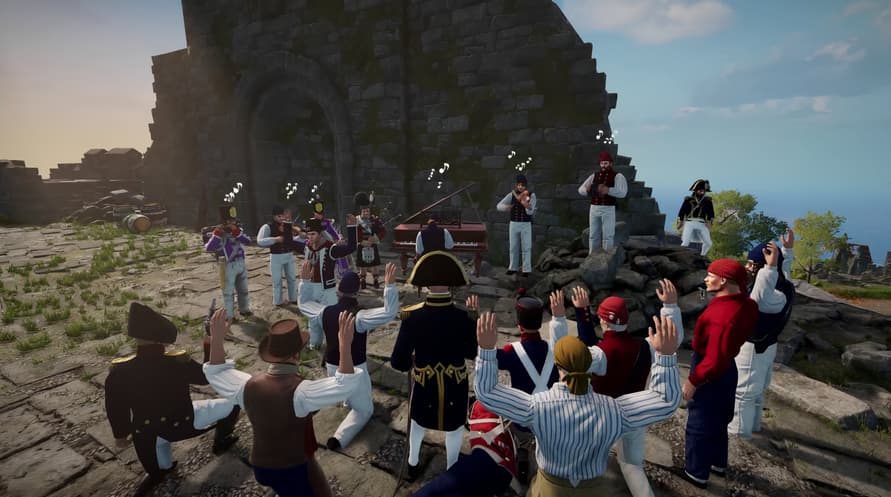
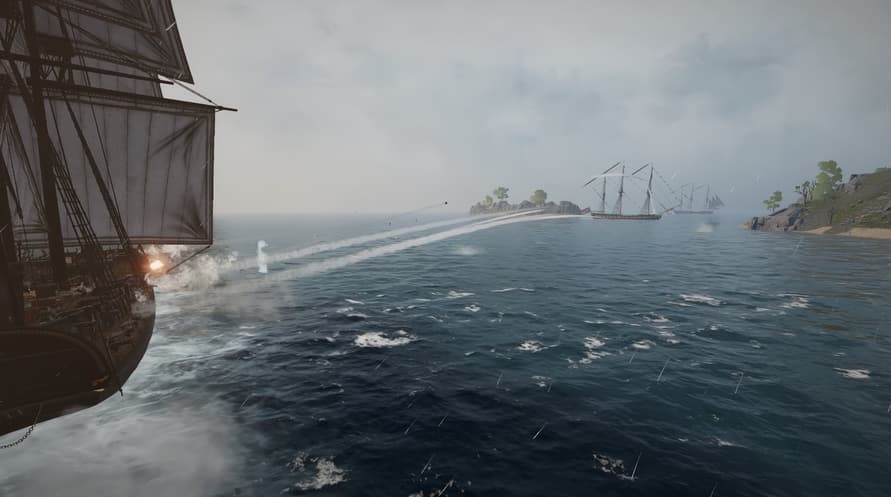
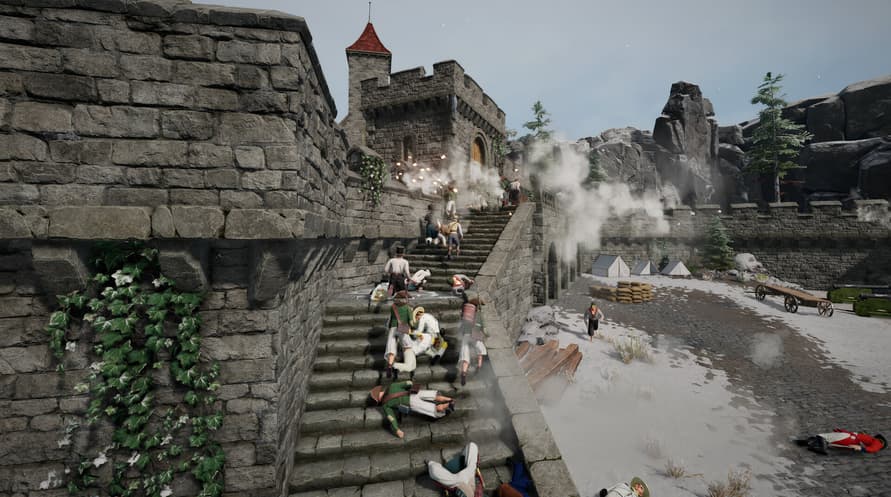
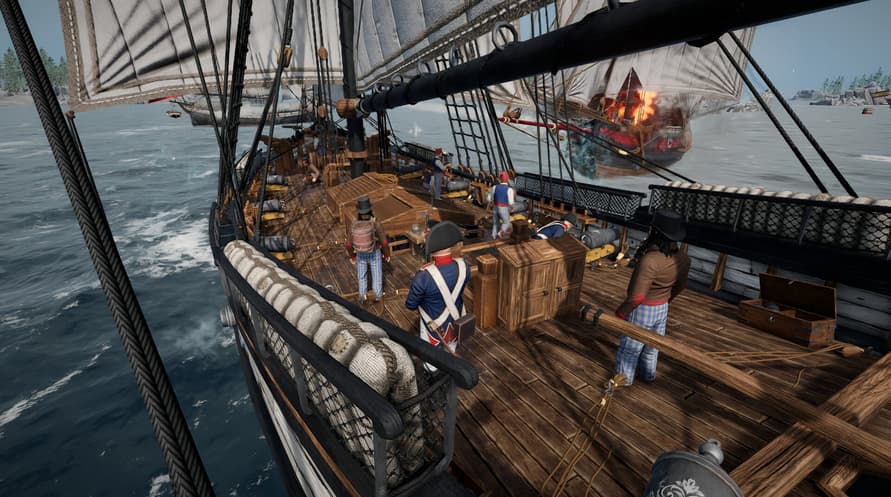
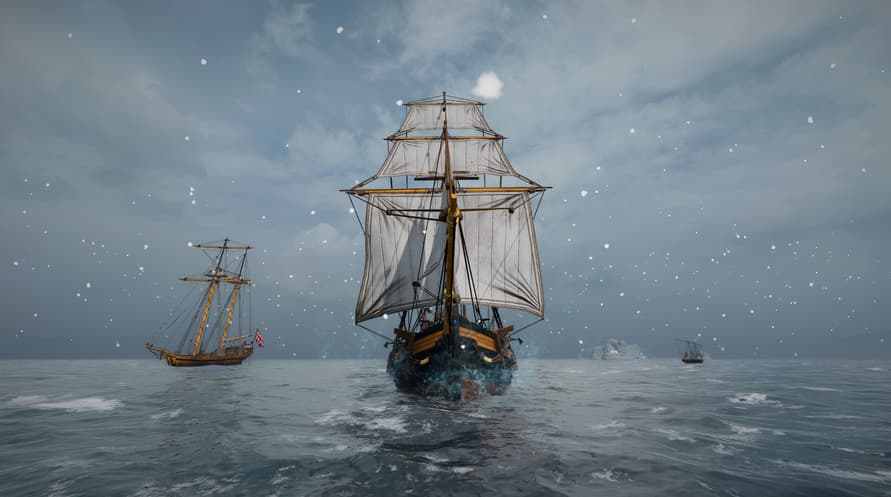
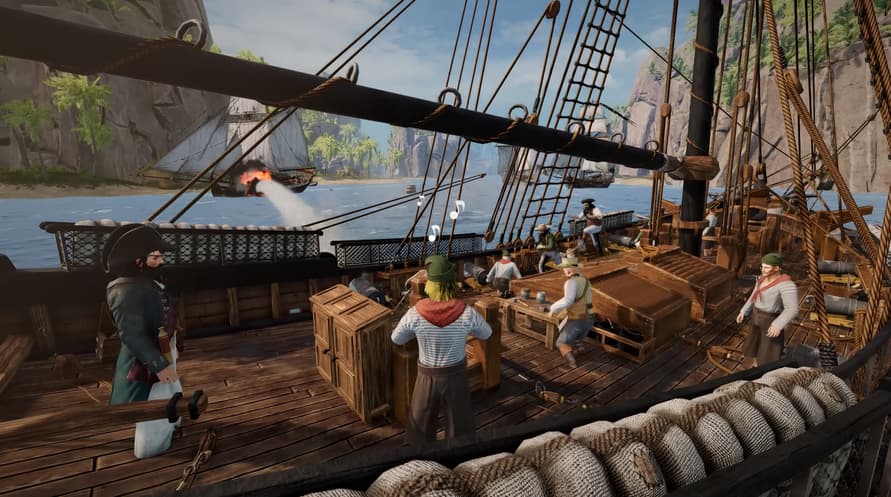
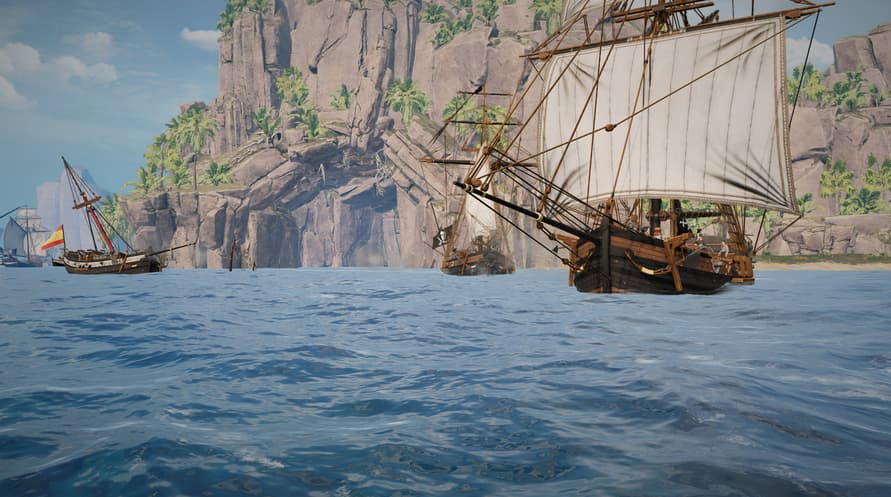












Take command of the Royal Navy and lead with honour as Admiral Horatio Nelson, outfitted in his legendary uniform and wielding his signature sword and pistol.
Take command of the Royal Navy and lead with honour as Admiral Horatio Nelson, outfitted in his legendary uniform and wielding his signature sword and pistol. Or embrace a darker legacy and fly the black flag as the Dreaded Pirate Lafitte with his crew of cutthroats.
Whether you fight for crown or coin, experience both sides of the waves with a trove of new cosmetic uniforms, weapons, gestures, feats, and playercard items all bundled together for the ultimate Age of Sail experience.
Content present in Holdfast DLCs is purely cosmetic. It doesn’t and never will impact gameplay. Your generous support helps ensure that this grand age of roleplay warfare continues to thrive upon the oceans of Holdfast.
Holdfast: Nations At War - Age of Sail Edition

Aktivierungsinformationen
United States
In Ihrer Region verfügbar
Aktiviert in United States
Ähnliche spielen


SPITLINGS


TERRACOTTA

Gunbrella

Pro Cycling Manager 2021

Wreckfest


